Top 5 Plugins and Extensions for Substance 3D Painter

Jan 22, 2026
If you use Substance 3D Painter regularly, you know the base tools only get you so far. The right plugins change how fast you work and what you can deliver.
For architects and visualization professionals, the bottleneck isn't usually "learning to paint" it's the friction of moving data between tools and the time lost on repetitive setup.
Here’s what actually makes a difference.
1/ Connectivity and Live Linking
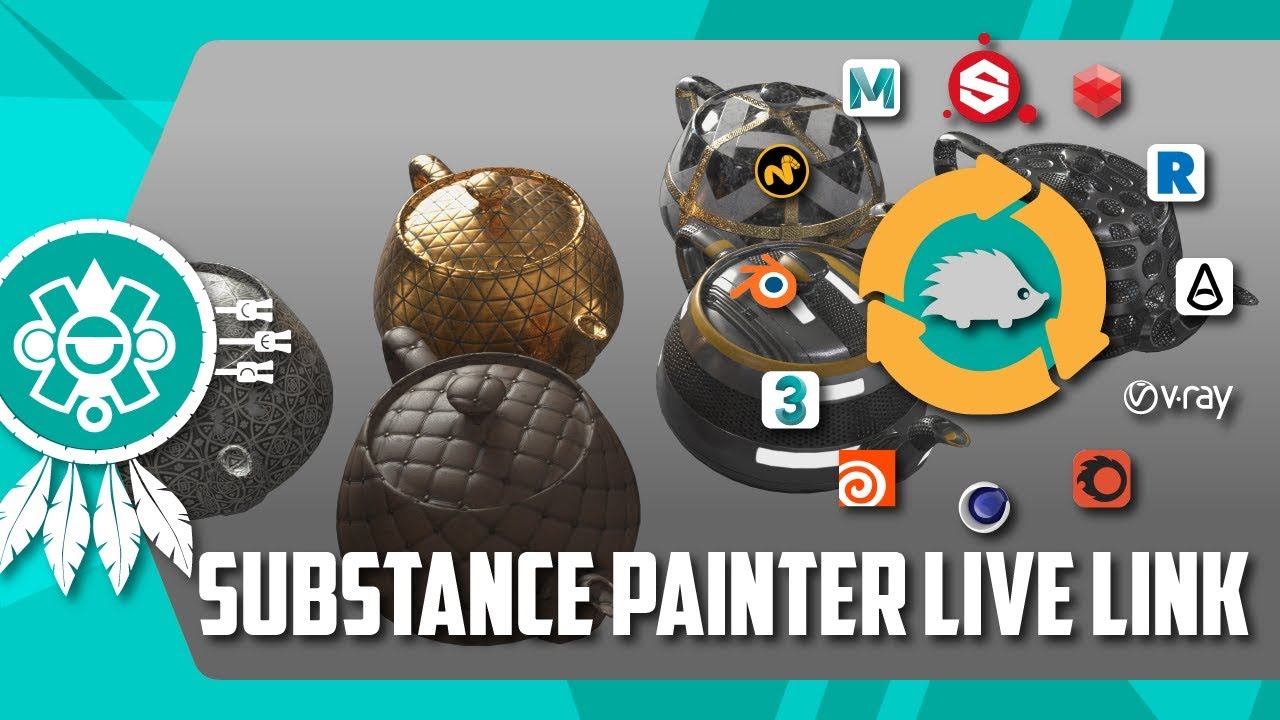
Substance Painter Live Link (Xolotl Studio)
This plugin creates a direct bridge between Substance Painter and your DCC (Blender, Maya, 3ds Max, Cinema 4D), updating textures in real-time without manual export-import cycles.
Why it matters: The standard workflow of Export Textures > Switch Software > Reload Material > Check Render is a massive time sink. Live Link eliminates this loop. You paint a stroke in Substance, and it appears instantly in your 3ds Max or Blender viewport.
Best for: Iterative design phases where geometry or UVs might still be shifting, and you need immediate visual feedback in your final scene context.
Substance Workflow Plugin (for Maya/V-Ray)
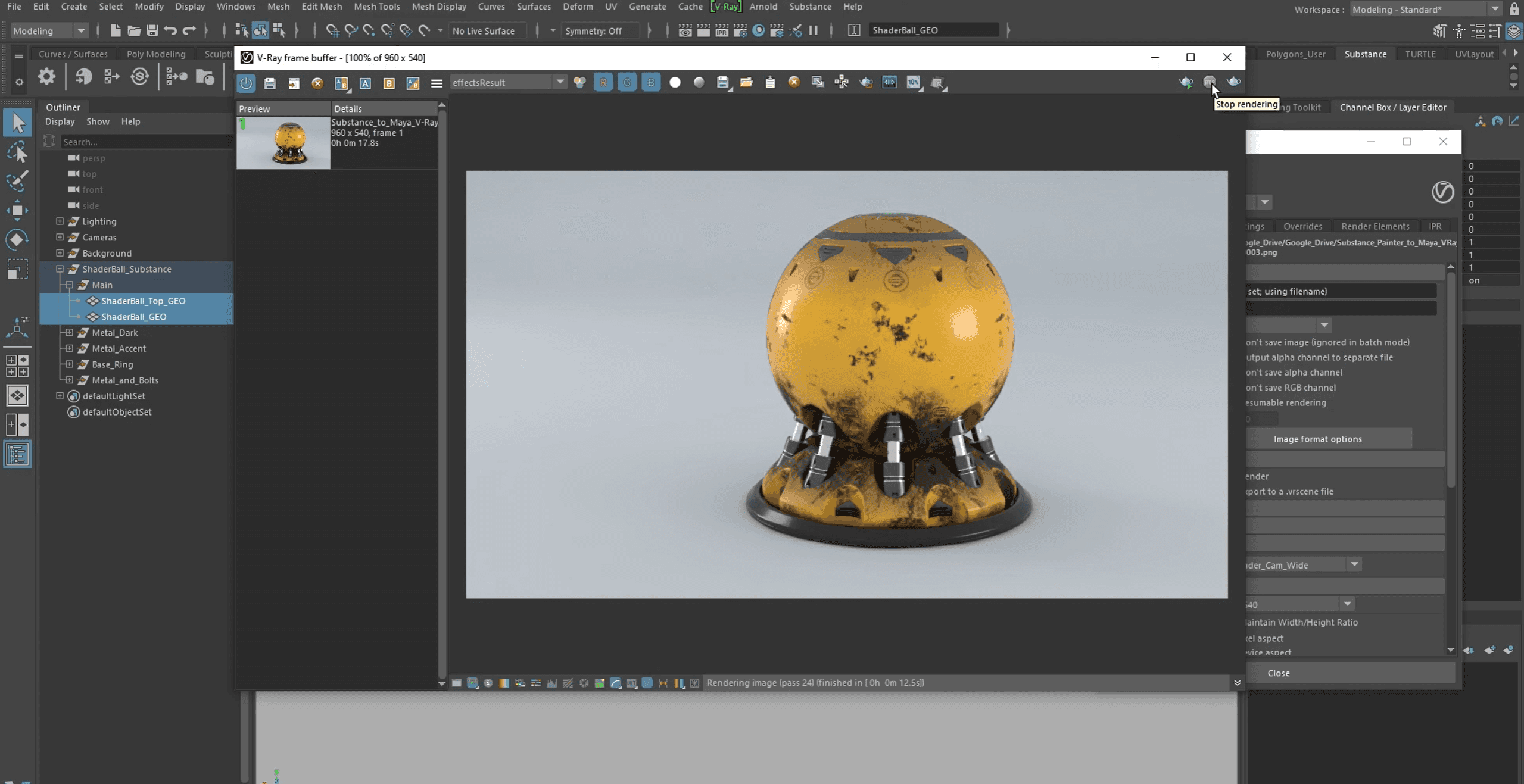
An official integration that automates the complex node wiring required to get Substance textures to look correct in V-Ray.
Why it matters: Manually plugging in 5+ maps (Diffuse, Normal, Roughness, Metallic, Height) for every single asset is prone to error. This tool handles the color space management and node connections automatically, ensuring your render looks exactly like your viewport.
Best for: High-fidelity architectural visualization pipelines using V-Ray or Arnold.
2/ Architectural Realism & Smart Materials
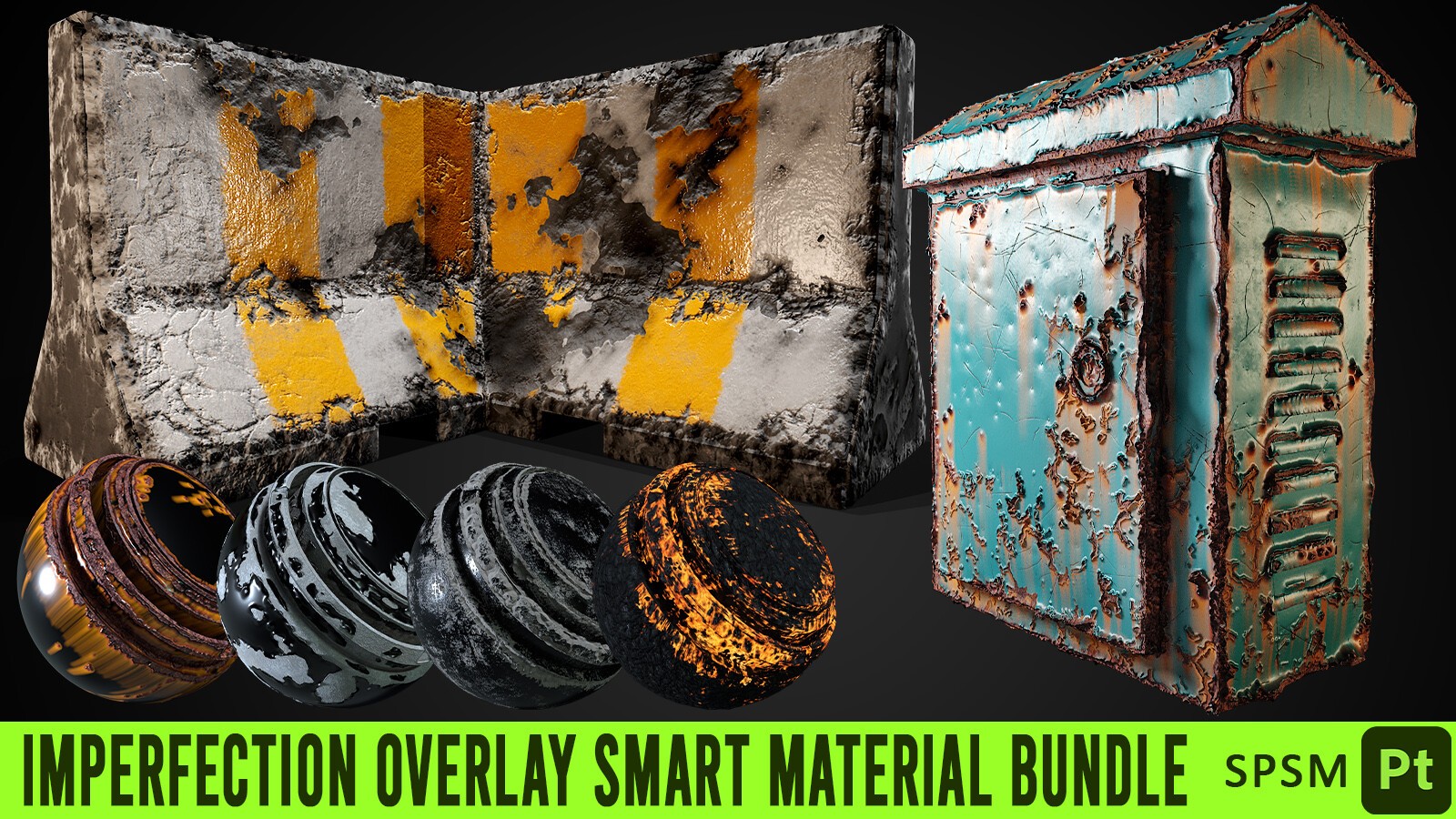
Imperfection Overlay Smart Material Bundle
A collection of "content extensions" that act as drag-and-drop layers for adding realistic wear, dust, smudges, and fingerprints.
Why it matters: Architectural renders often look too "clean" and fake. Realism lives in the imperfections. Instead of hand-painting dirt for hours, these smart materials use your model's curvature and ambient occlusion maps to place dust and wear exactly where they would naturally accumulate.
Best for: Finalizing assets for close-up shots where surface fidelity determines the image quality.
Substance Source Architecture Collection
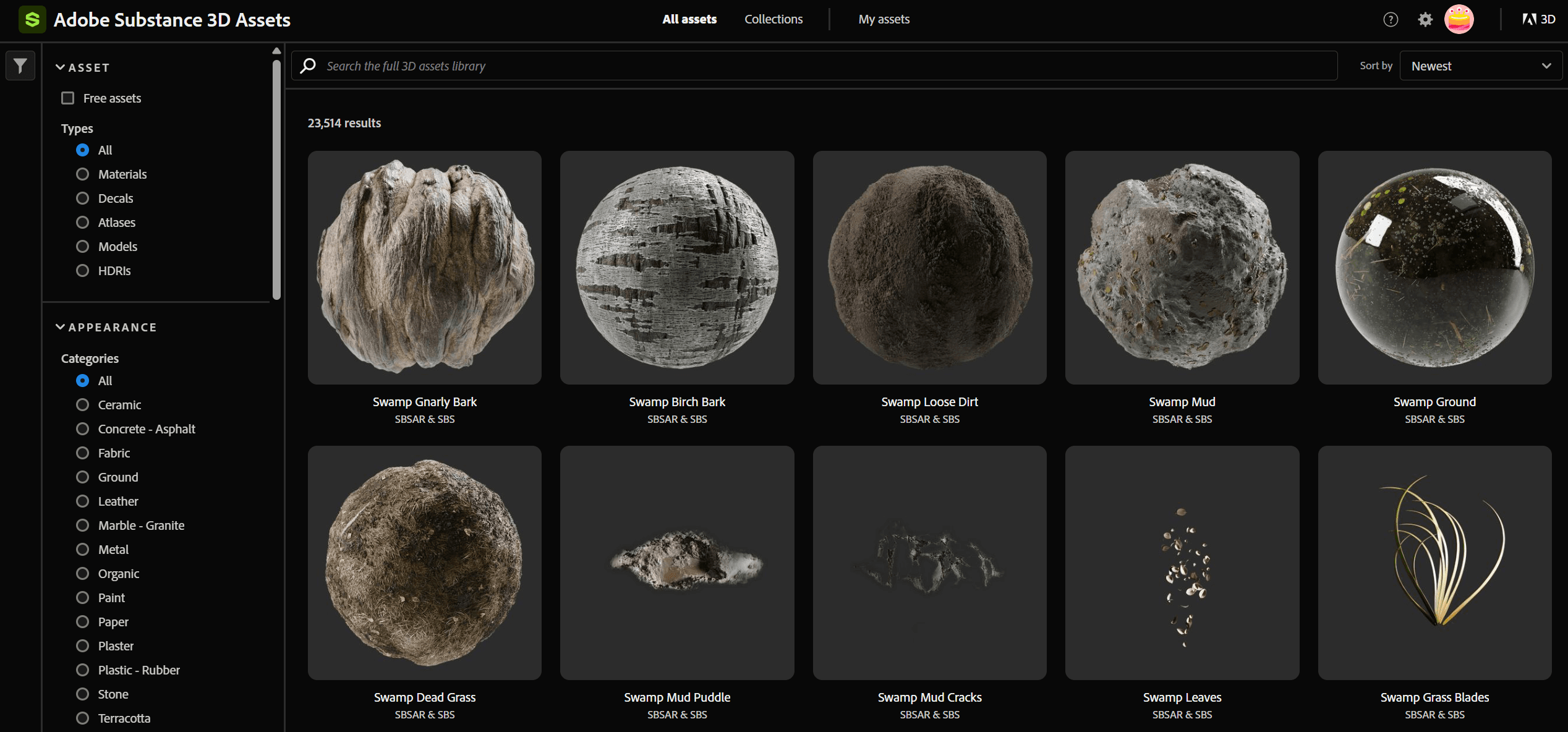
While not a "plugin" in the code sense, this official library extension is critical for architects. It provides parametric materials (terrazzo, concrete, parquet) that are physically accurate and infinitely adjustable.
Why it matters: You don't just get a static texture; you get a generator. Need the parquet tiles to be 10% larger? Need the concrete to be slightly wetter? You adjust a slider, and the texture regenerates without losing resolution.
Best for: Texturing large surface areas like floors and facades where tiling repetition must be hidden.
3/ Workflow Acceleration
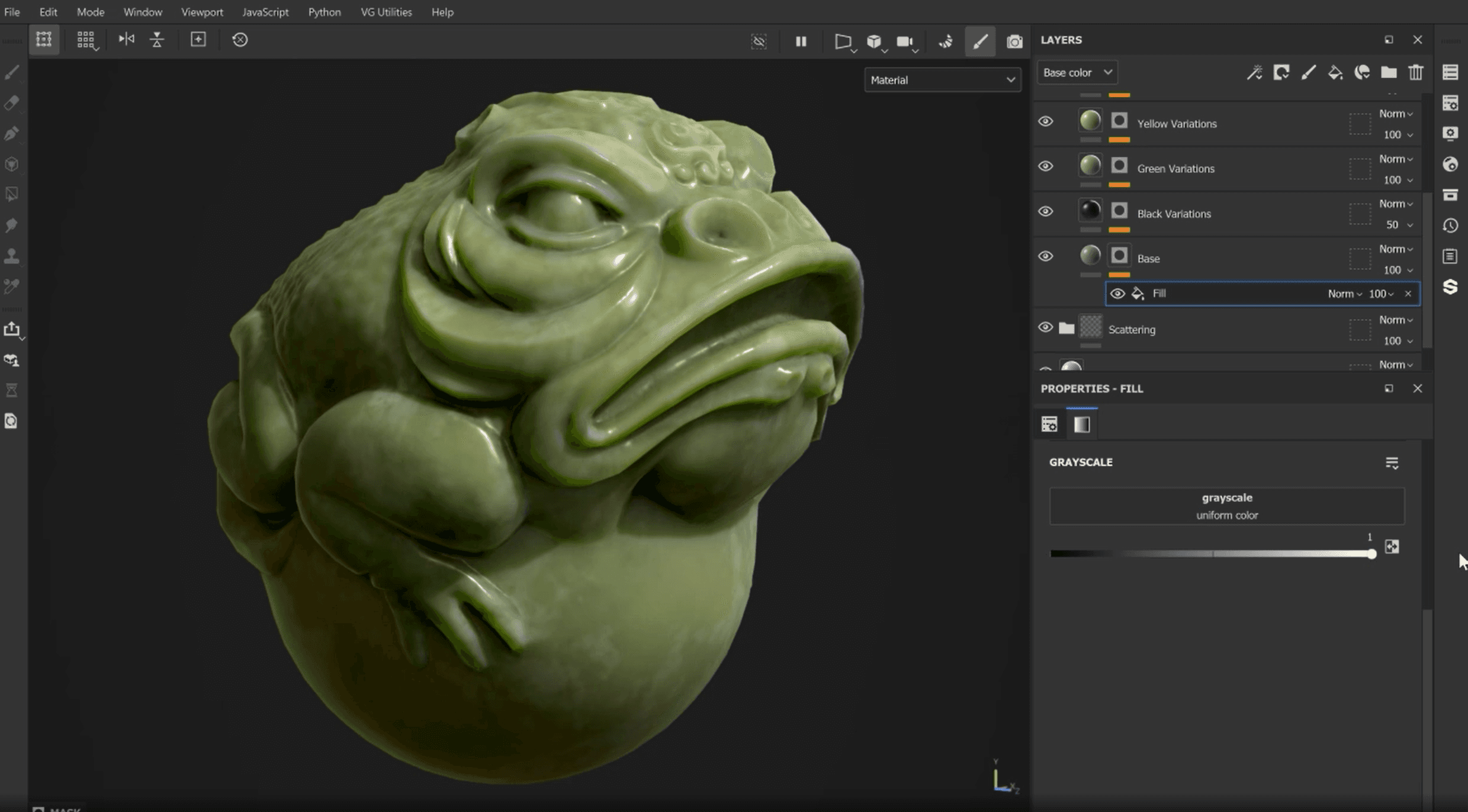
VG Painter Utilities
A free, lightweight plugin that adds essential shortcuts and layer management tools missing from the base software.
Why it matters: Substance Painter lacks native hotkeys for simple tasks like "Create Mask on Selected Layer" or "Add Fill Layer with Specific Channels." VG Utilities adds these, saving you thousands of clicks over the course of a project. It turns menu-diving into muscle memory.
Best for: Daily power users who want to speed up their painting "actions per minute."
spGhost (Automation Toolset)
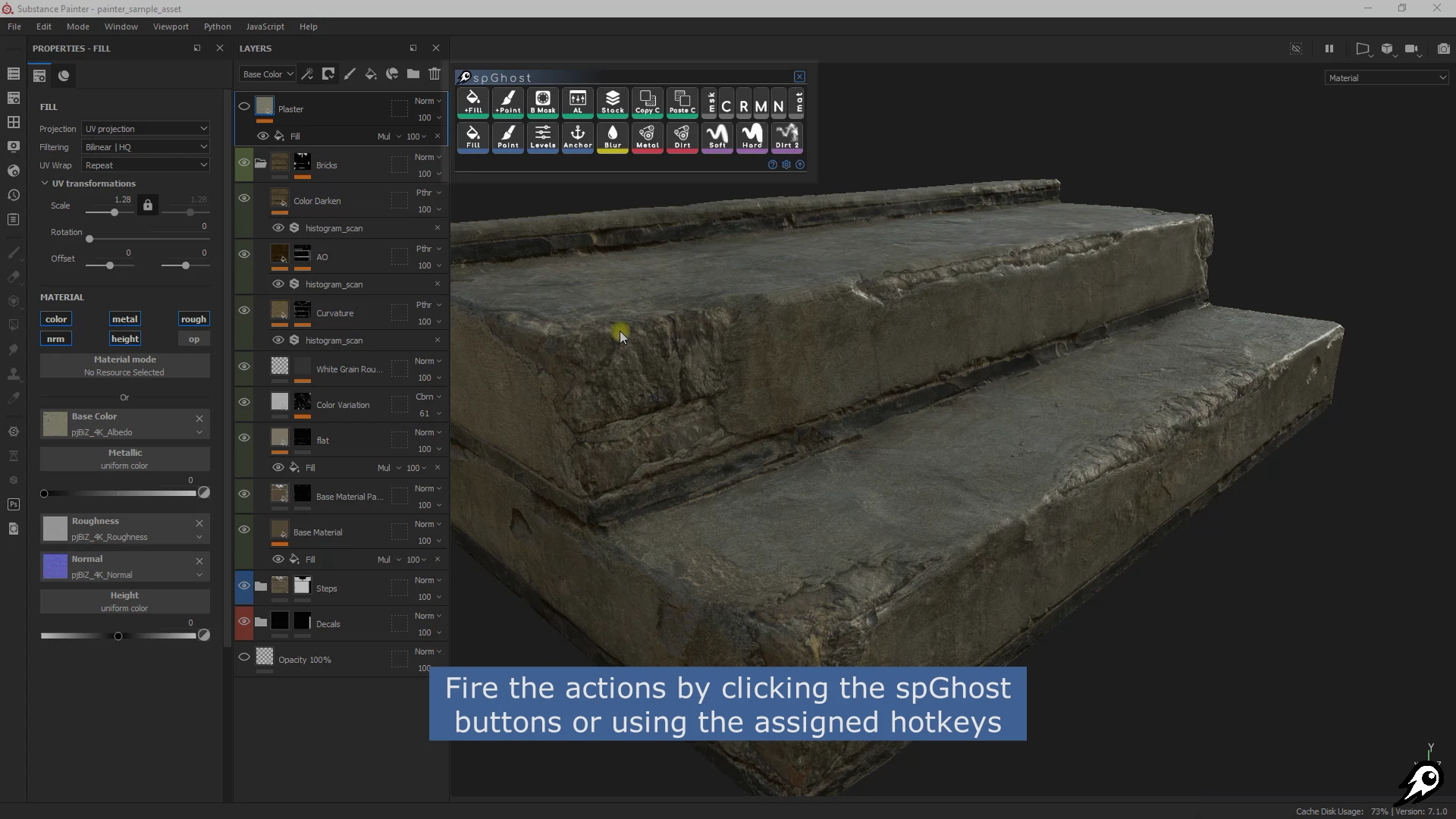
A comprehensive script that allows you to create custom macros and automate repetitive layer stack operations.
Why it matters: If you find yourself creating the same "Base Metal > Rust > Dust" layer stack for 50 different metal parts, spGhost lets you automate that setup. It creates consistency across team members by standardizing how layers are named and organized.
Best for: Large projects with multiple team members or assets that require strict naming conventions.
4/ Advanced Pattern Generation
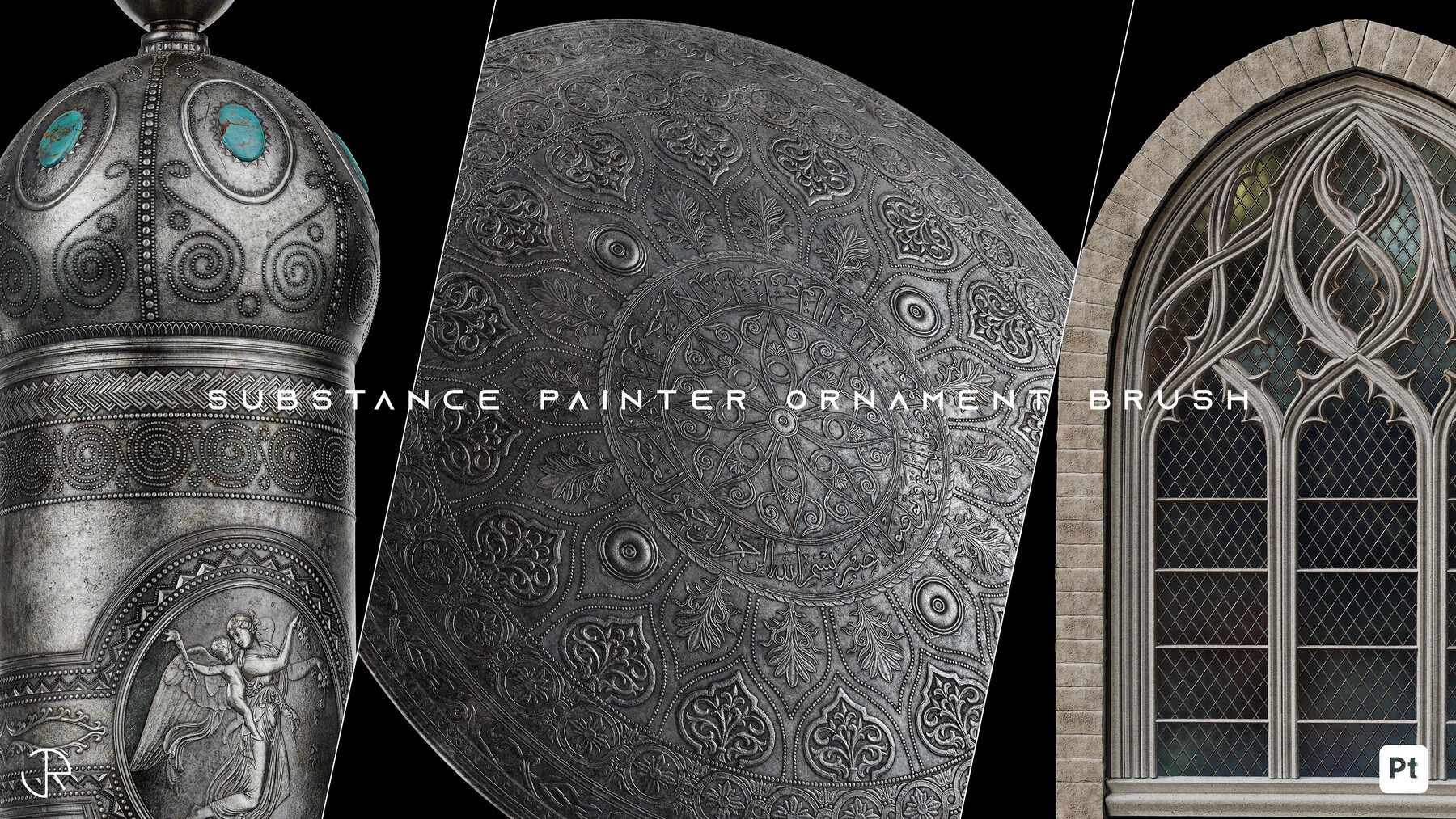
Ornament Path Tool
A path-based tool that lets you "draw" complex ornaments, stitching, or trim directly onto your 3D model surface.
Why it matters: Modeling intricate Victorian molding or furniture stitching is heavy on geometry. This tool lets you paint these details as height/normal maps along a curve, keeping your 3D mesh light while maintaining high visual detail.
Best for: Interior designers working with classical furniture, detailed joinery, or historic preservation projects.
5/ Custom Scripting & API Access
Python Plugin Suite
A set of scripts that exposes the deeper functionality of the Substance Python API, allowing for custom exporters and pipeline integration.
Why it matters: For studios, out-of-the-box export presets are rarely enough. You might need files named in a specific way for your asset manager or game engine. This suite proves that Substance can be bent to fit your pipeline, not the other way around.
Best for: Technical artists and pipeline directors managing complex asset libraries.
Choosing what fits your work
Not every plugin makes sense for every project. Match tools to your actual bottlenecks, not feature lists.
If you lose time exporting, get Live Link.
If your renders look fake, get Imperfection Overlays.
If you are slow, get VG Utilities.
Start with one that addresses your most frequent friction point.
Bonus: Speed up rendering without leaving your workflow
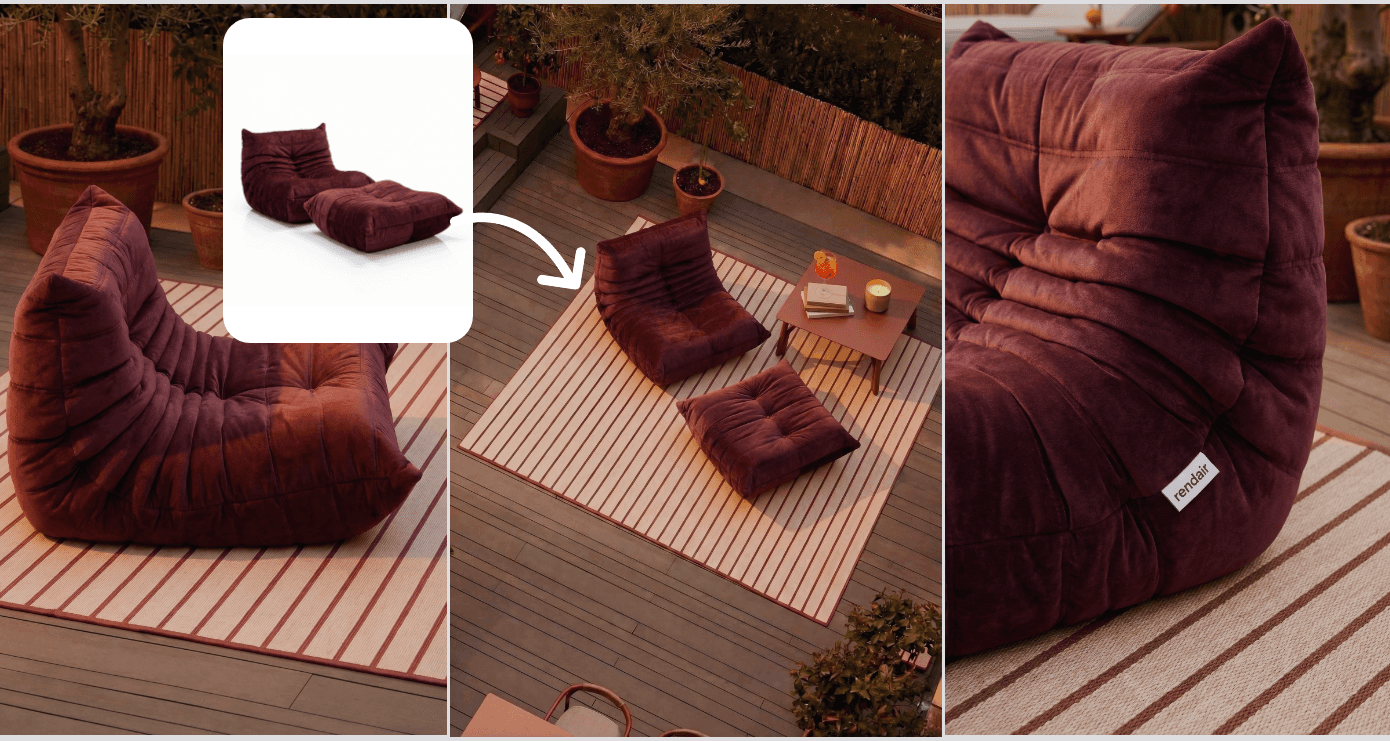
If rendering is your bottleneck, Rendair handles visualization faster than most plugins can process.
Upload your Substance 3D Painter exports or simple clay renders, and get presentation-ready visuals in minutes. No new software to learn, no complex node setups.
Start creating – try it free
Recent Posts




Join 500,000+ architects who saved time. No credit card needed for your first 20 credits.