Top 5 Runway Alternatives for Architects & Designers

Jan 27, 2026
Video is no longer an "extra" service in architectural visualization. It is the standard for explaining space, flow, and atmosphere. While Runway (specifically Gen-2 and Gen-3 Alpha) has defined the AI video category, many architects find it difficult to control for professional work. The "melting" geometry, inconsistent lighting, and lack of domain-specific tools often require hours of trial and error.
This guide covers the most reliable alternatives for 2025, focusing specifically on tools that respect architectural geometry and fit into professional design workflows.
Quick Comparison
Tool | Best For | Pricing Model | Key Strength for Architects |
|---|---|---|---|
Rendair AI | Workflow Integration | Monthly / Yearly | Preserves building geometry; specific architectural camera moves. |
Luma Dream Machine | Cinematic Realism | Free / Monthly | Excellent physics and lighting; high-quality "flythrough" feel. |
Kling AI | Long-form Video | Credits / Monthly | Capable of generating longer clips (up to 2-3 mins) with extensions. |
Haiper | High Resolution | Freemium | Sharp 4K upscaling and crisp texture details. |
Pika | Specific Edits | Monthly | Region-specific animation (animate just the water, not the building). |
What is Runway?
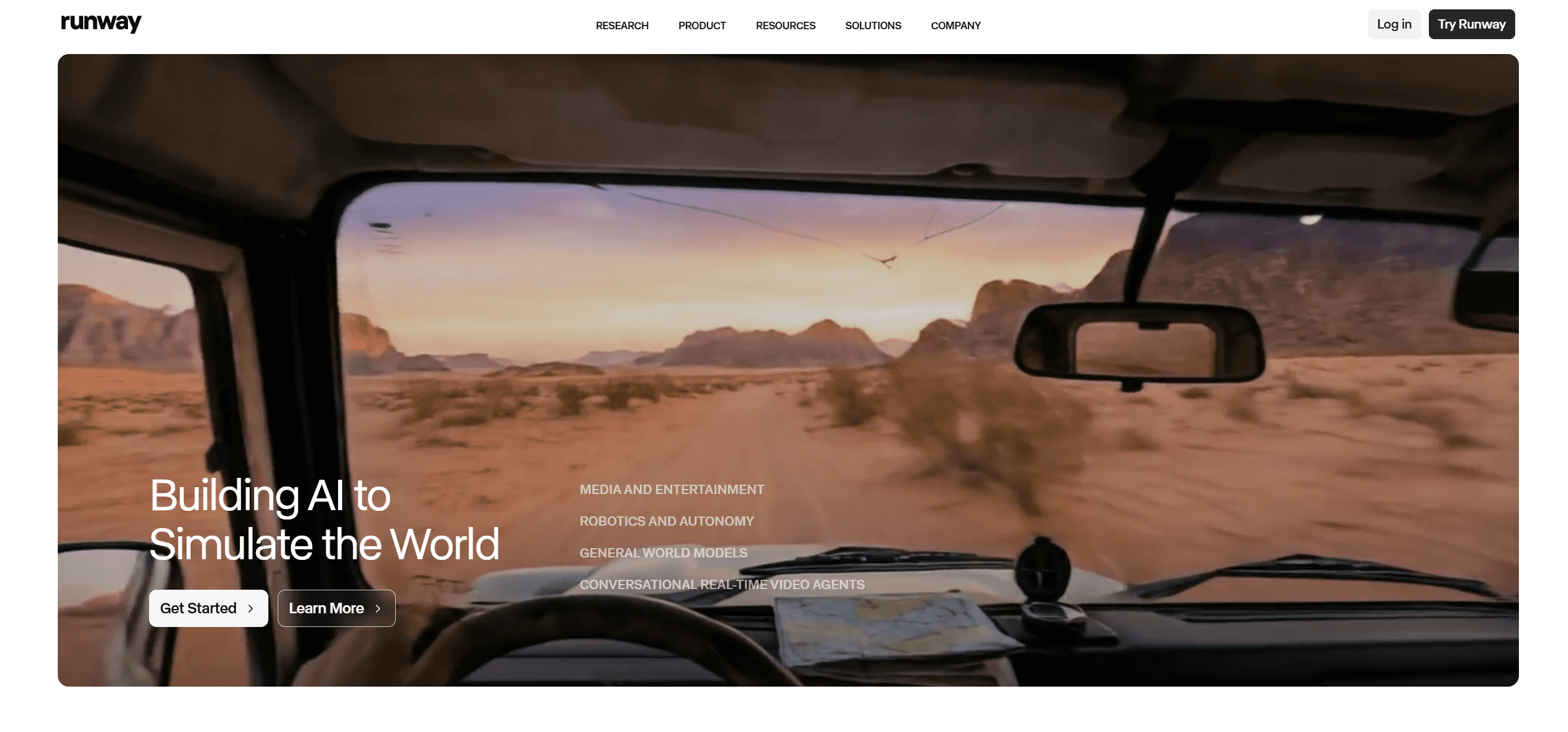
Runway is an applied AI research company best known for its generative video models, Gen-2 and Gen-3 Alpha. It allows users to generate videos from text, images, or existing video clips. In the design industry, it is often used to animate static renders—turning a still image of a living room into a panning video with moving sunlight. While powerful, it is a generalist tool built for filmmakers and artists, meaning it prioritizes "creative" motion over the structural rigidity required in architecture.
How to choose a Runway alternative
When evaluating video AI for architecture, the criteria differ from general content creation. You are not making a music video; you are selling a built environment.
Geometry Preservation: Does the building warp when the camera moves? This is the most critical factor.
Camera Control: Can you request a "slow orbit" or "drone pan," or do you have to guess the prompt?
Input Fidelity: How well does the AI respect your original render?
Resolution: Client presentations often require 4K, whereas many social-first tools cap at 1080p.
Top Runway Alternatives
1. Rendair AI
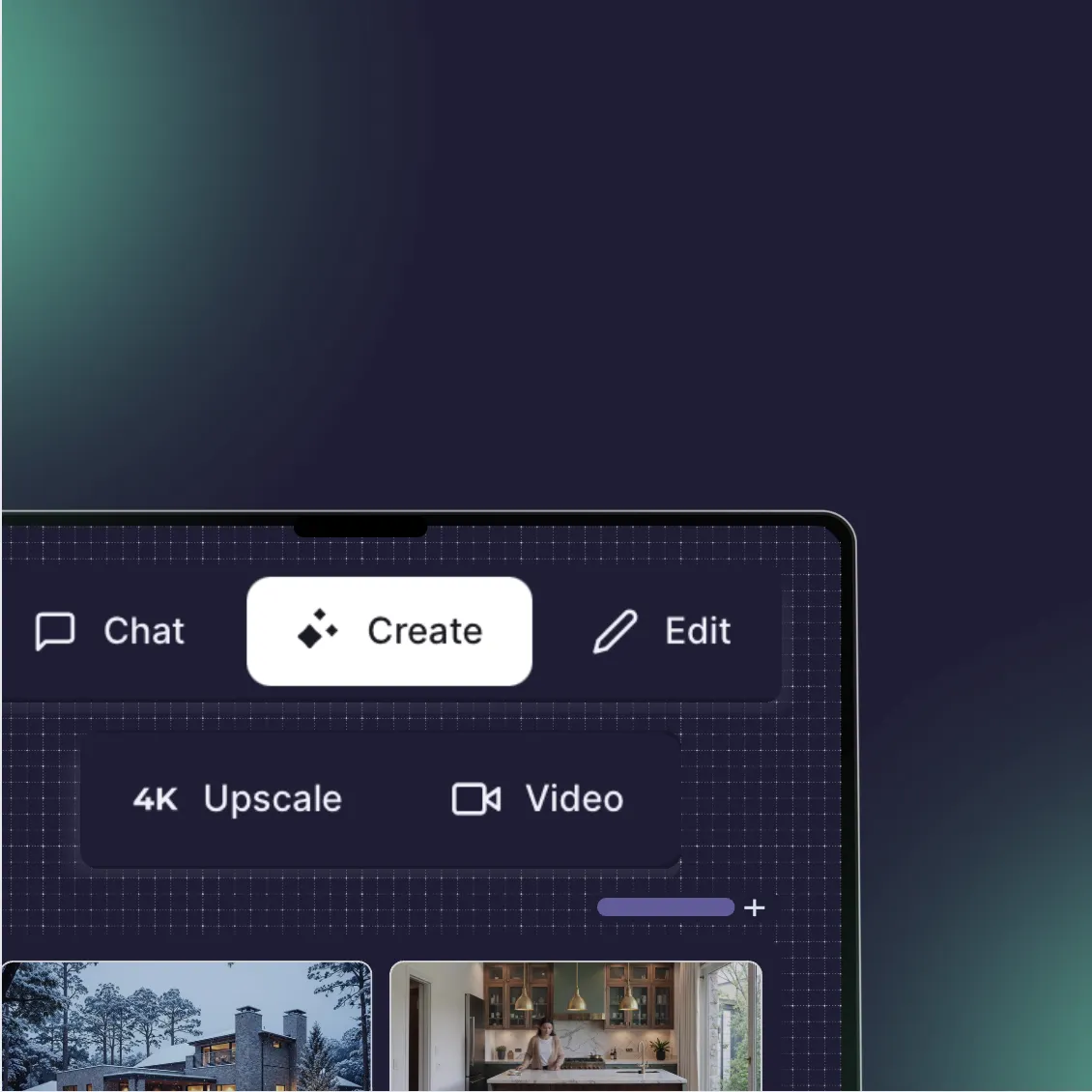
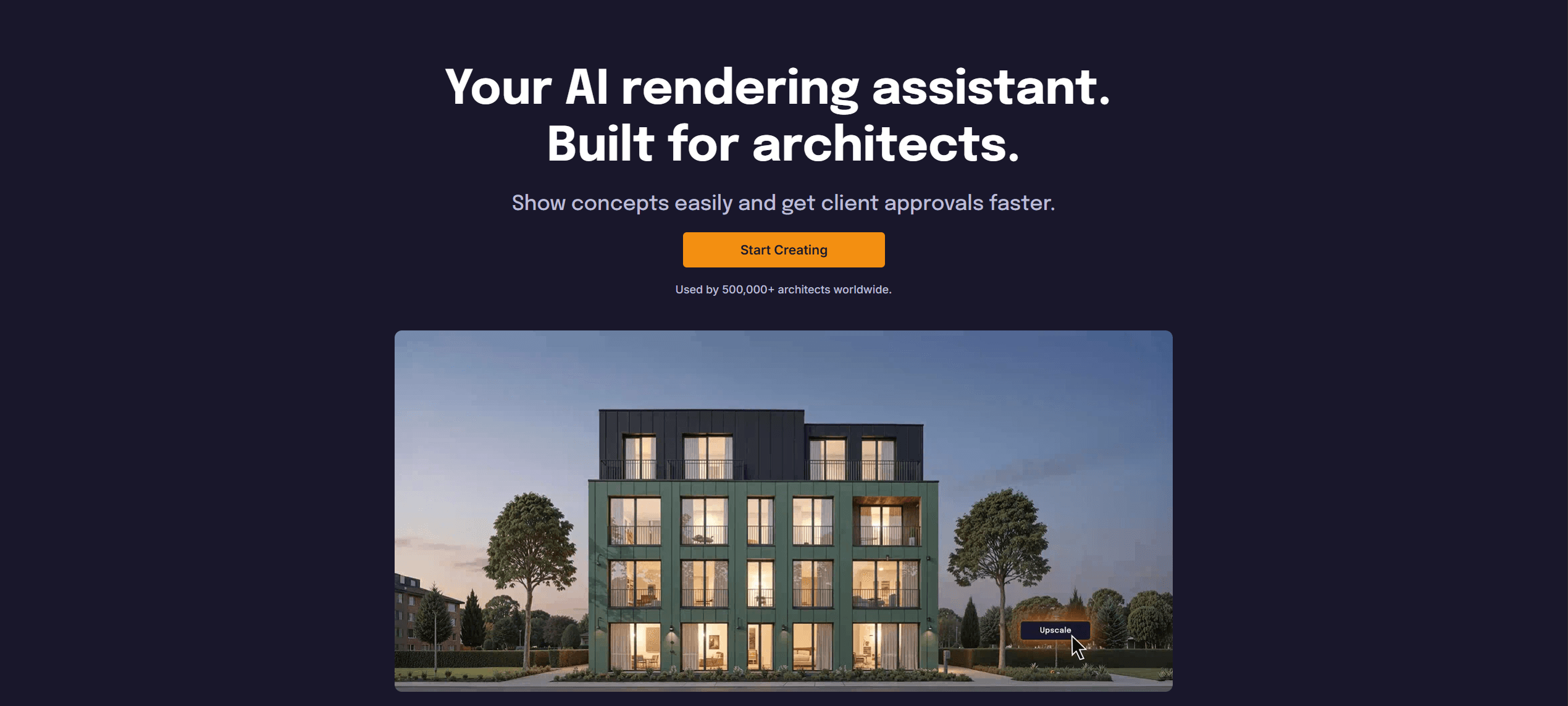
What it does: A comprehensive AI visualization workspace that includes specialized image-to-video generation for architects and interior designers.
Key features:
Architectural Presets: One-click camera movements like "Orbit," "Cinematic Drone," and "Slow Pan" designed for static buildings.
Geometry Locking: Algorithms tuned to keep structural lines straight during movement.
Workflow Integration: You can generate a render, upscale it, and animate it within the same interface.
Pros:
Significantly higher success rate for keeping buildings "solid" compared to generalist models.
No complex prompting required for standard architectural camera moves.
Integrated with other tools like upscaling and virtual staging.
Cons:
Focused strictly on visualization; not a general-purpose video editor for green screen or VFX work.
Fewer "wild" creative style filters than Runway.
What users say:
Designers often note that while other tools create "dreamy" videos, Rendair creates "usable" videos that can actually be sent to a client without explaining away hallucinations.
Pricing: Included in standard Rendair subscriptions (Monthly/Yearly).
Best for: Architects and designers who need reliable, client-ready animations of their projects without learning prompt engineering.
2. Luma Dream Machine
What it does: A high-fidelity video generation model known for its understanding of physics and realistic lighting interactions.
Key features:
Ray 3 Model: Capable of generating highly realistic textures and reflections.
Keyframe Control: Allows you to define the start and end frame of a video, giving you control over the trajectory.
Looping: Can generate seamless loops for digital signage or web backgrounds.
Pros:
Exceptional visual quality, often rivaling offline rendering engines.
Handles complex lighting (like caustics in pools or glass reflections) very well.
Fast generation times for the quality provided.
Cons:
Can be "trigger happy" with movement, sometimes moving objects that should be still (like furniture sliding across a floor).
Interface is minimal; lacks the folder/project organization of a professional workspace.
What users say:
Users praise the "cinematic" quality of the lighting but occasionally struggle with controlling the speed of the camera movement.
Pricing: Free tier available; Pro plans start around $30/month.
Best for: High-end marketing materials where visual "wow factor" is more important than strict architectural accuracy.

3. Kling AI
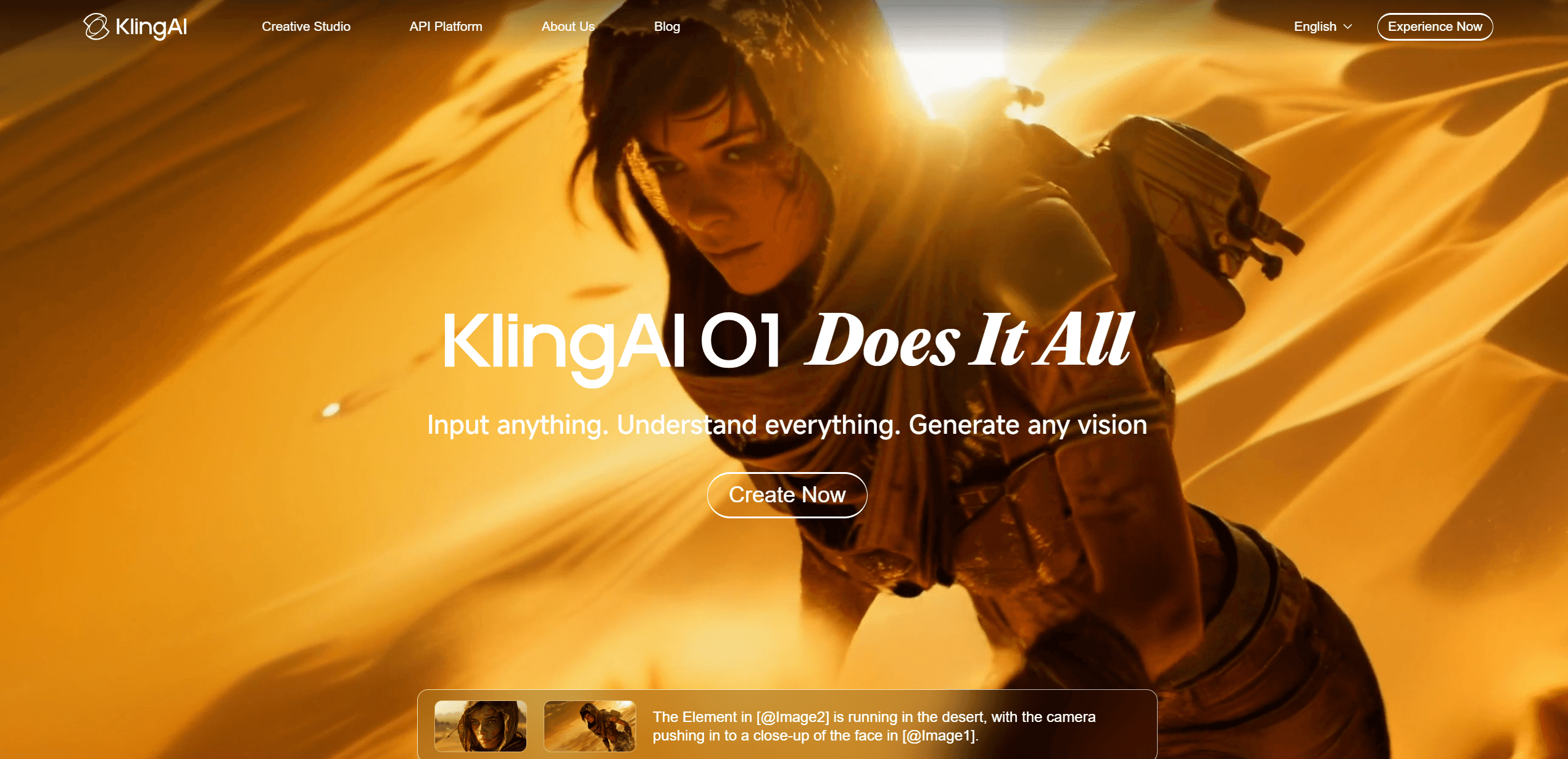
What it does: A powerful video generation model that excels at longer durations and complex character/crowd movement.
Key features:
Extended Duration: Can generate clips up to 5 or 10 seconds initially, with extensions allowing for minutes of continuous video.
High Frame Rate: Generates smooth motion (often 30fps or 60fps) that looks less "jittery" than early AI models.
Crowd Simulation: Surprisingly good at adding walking people to architectural scenes without them morphing into blobs.
Pros:
Best-in-class for video length.
Very strong temporal consistency (objects stay the same over time).
Good at interpreting complex prompts regarding weather and atmosphere.
Cons:
The interface can be text-heavy and less intuitive for visual thinkers.
Server queues can be long during peak times due to high demand.
What users say:
Architects appreciate the ability to make longer "walkthrough" style clips that don't cut off after 3 seconds, though prompt adherence can sometimes be tricky.
Pricing: Credit-based system; subscriptions available.
Best for: Exterior flythroughs and urban planning visualizations where longer shots are necessary to show the scale of a project.
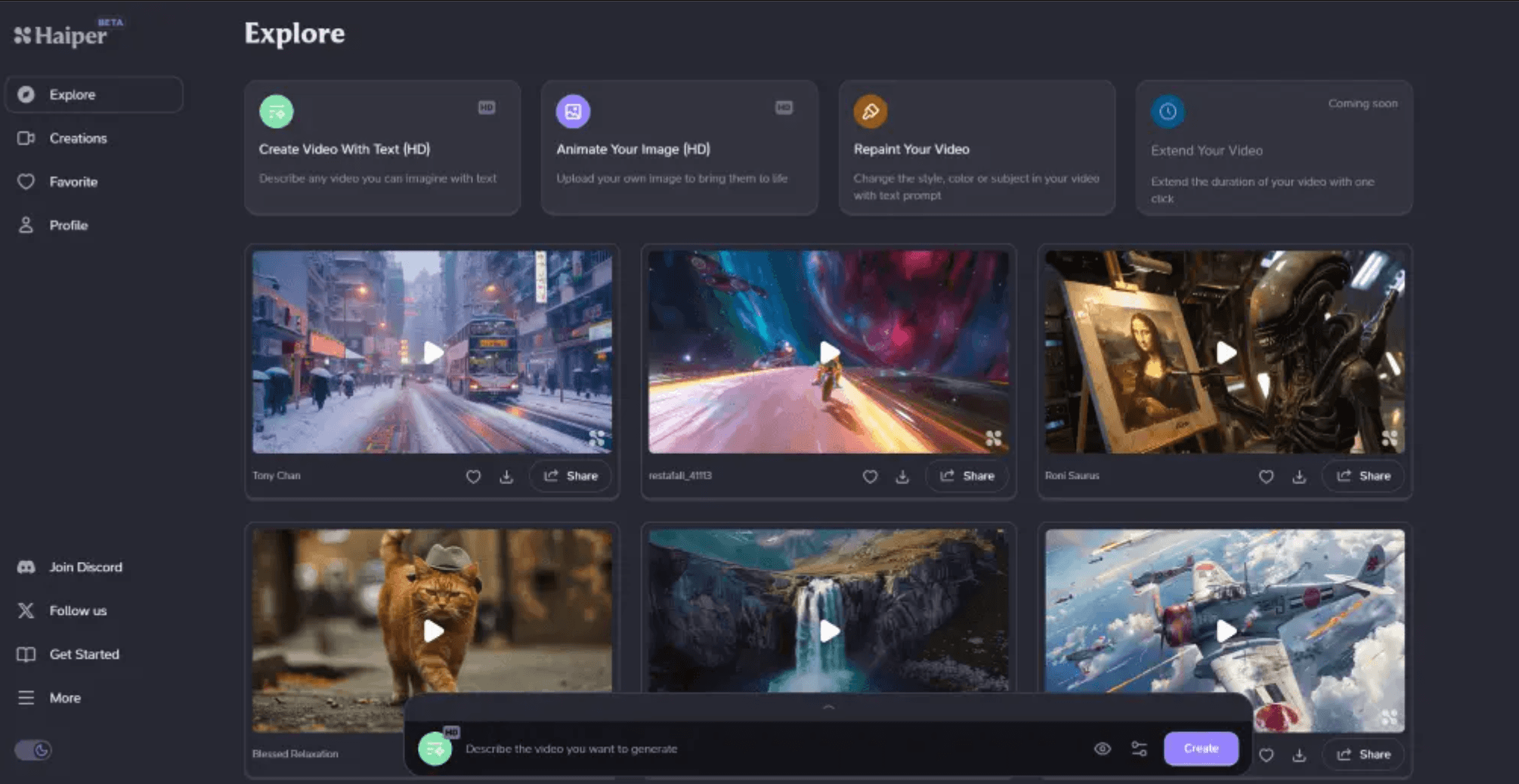
4. Haiper
What it does: A newer entrant focusing on high-resolution video generation with a "Perceptual Diffusion Transformer" architecture.
Key features:
4K Upscaling: Native ability to push video resolution higher than most competitors.
Texture Sharpness: Maintains the grain of wood, concrete, and fabric better than softer models.
Style Control: Good at adhering to specific artistic styles (e.g., watercolor, sketch) if you are doing concept work.
Pros:
Crisp, sharp visuals that look great on large monitors.
Fast iteration speed.
Strong community templates for quick starting points.
Cons:
Motion can sometimes feel slightly more robotic or linear than Luma.
Limited camera control compared to Rendair or Runway.
What users say:
Users often cite Haiper as the go-to for "detail shots" or close-ups where texture quality is paramount.
Pricing: Freemium model with paid tiers for higher resolution and speed.
Best for: Interior designers needing close-up shots of materials, furniture, or detailed joinery.
5. Pika
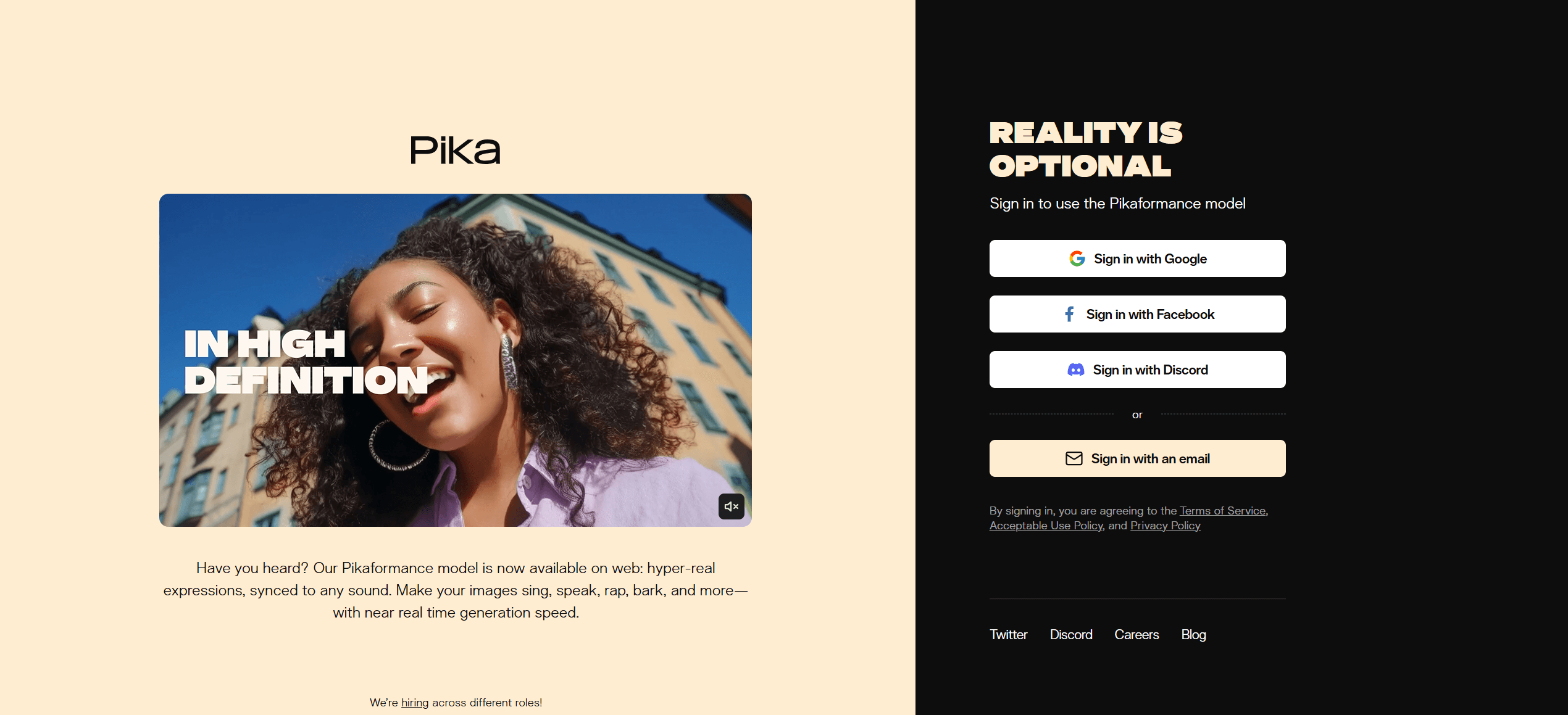
What it does: An AI video tool that specializes in specific, controlled edits rather than just generating whole scenes from scratch.
Key features:
Lip Sync: (Less relevant for architecture, but powerful).
Region Modification: You can select a specific area (like a fireplace or a pool) and animate only that area.
Canvas Expansion: Expand the aspect ratio of a video content aware fill.
Pros:
The "Region" tool is a game-changer for architecture; you can animate the sky and water while keeping the building perfectly static.
Very easy to use for quick social media assets.
Sound effects generation included.
Cons:
Overall realism is sometimes slightly lower (more "stylized") than Luma or Gen-3.
Resolution limits on lower tiers.
What users say:
Professionals love the control. Being able to say "animate this plant" and nothing else is a massive time-saver.
Pricing: Monthly subscription.
Best for: "Cinemagraphs" or subtle motion renders where you need absolute control over what moves and what stays still.
Choosing what fits your workflow
Not every tool makes sense for every project. Match software to your actual bottlenecks:
Speed vs. Quality: If you need a quick client preview on a phone, Pika or Rendair’s fast modes are ideal. If you are rendering a final 4K showroom video, look at Luma or Haiper.
Team Size: Solo architects often prefer all-in-one platforms (Rendair) to avoid paying for five different subscriptions. Large studios might have a dedicated specialist using ComfyUI or Kling.
Technical Comfort: Tools like Kling or generic Runway prompting require "prompt engineering" skills. Tools like Rendair abstract this away into buttons and sliders.
Budget Reality: Factor in the cost of failed generations. Credit-based systems can get expensive if you have to re-roll a video 20 times to get the building straight.
Start with one that addresses your most frequent friction point. You can always expand your toolkit as projects demand it.
Why Rendair makes sense for the full workflow
While tools like Luma and Kling are incredible for pure video generation, they often exist as islands in your workflow. You have to export your render, upload it, hope the AI understands the geometry, and then download it to edit elsewhere.
Rendair integrates video generation directly into the visualization process. You can create your base render, upscale it to 4K, and generate a cinematic drone shot of it in one session. Because the model is tuned for architecture, you spend less time fighting with "melting" columns and more time refining the atmosphere. It is not just about making a video; it is about keeping your design intent intact while you do it.
Recent Posts



Join 500,000+ architects who saved time. No credit card needed for your first 20 credits.