Top Tools and Resources to Enhance Autodesk Arnold

Jan 21, 2026
If you use Autodesk Arnold regularly, you know the base engine is powerful but demanding. It prioritizes physical accuracy over speed, which often creates bottlenecks in fast-paced architectural or design workflows. While Arnold does not have a "plugin store" in the same way SketchUp or Blender does, it relies on a robust ecosystem of third-party integrations, shader libraries, and lighting tools to function efficiently.
Here are the tools that actually improve the Arnold workflow.
1/ Material and Texture Ecosystems
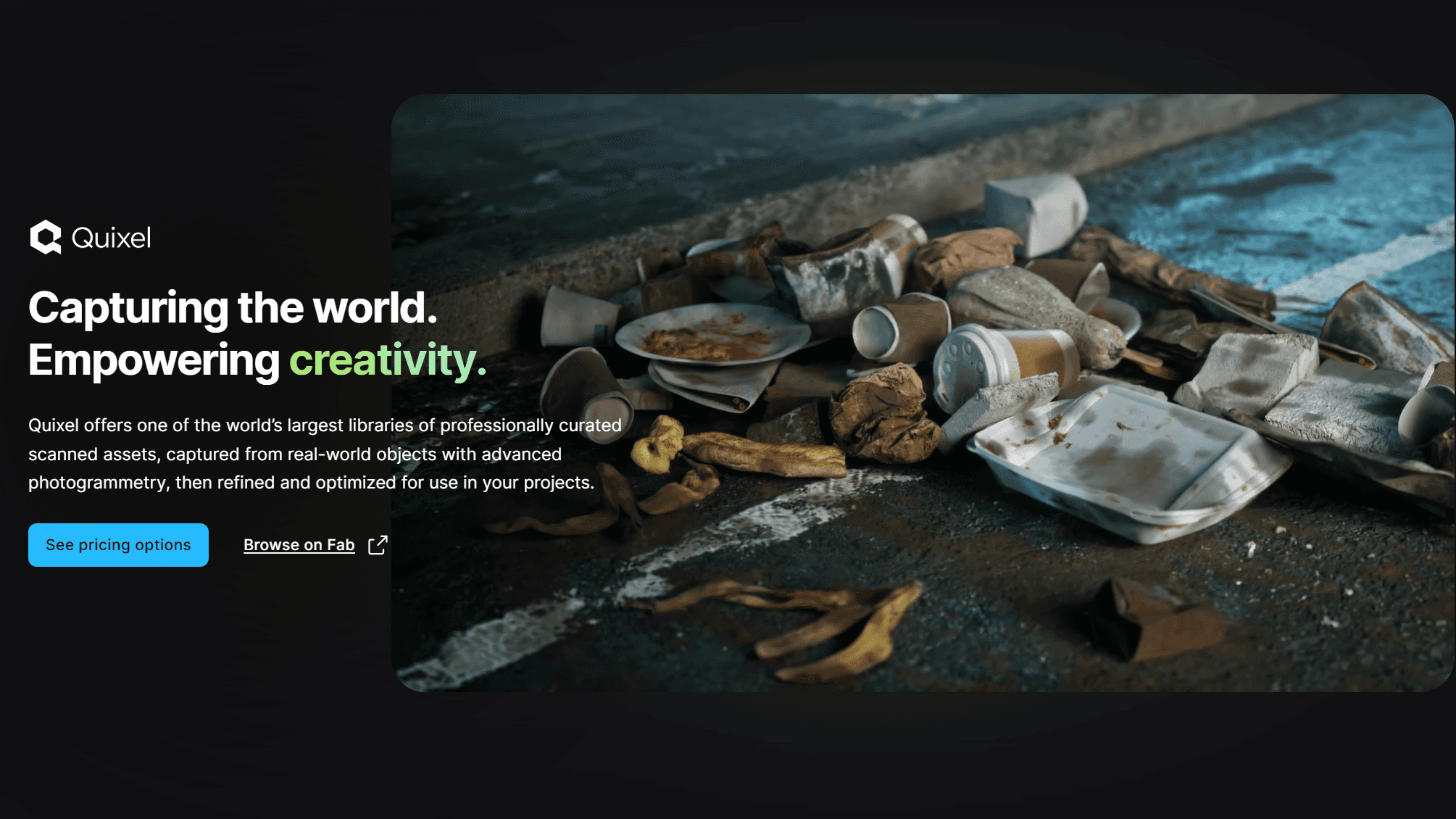
Quixel Megascans (via Quixel Bridge)
A massive library of photorealistic scans that integrates directly with Arnold through the Bridge tool.
Why it matters: Arnold requires high-fidelity maps (albedo, roughness, normal, displacement) to look real. Manually creating these is slow; Megascans automates the shader setup.
Best for: creating realistic environments and architectural context quickly.
Poliigon Material Converter
A resource and script set that automatically builds Arnold shading networks from Poliigon texture maps.
Why it matters: It removes the manual labor of plugging in individual texture nodes for every material.
Best for: Interior designers needing high-quality fabrics, woods, and surface imperfections.
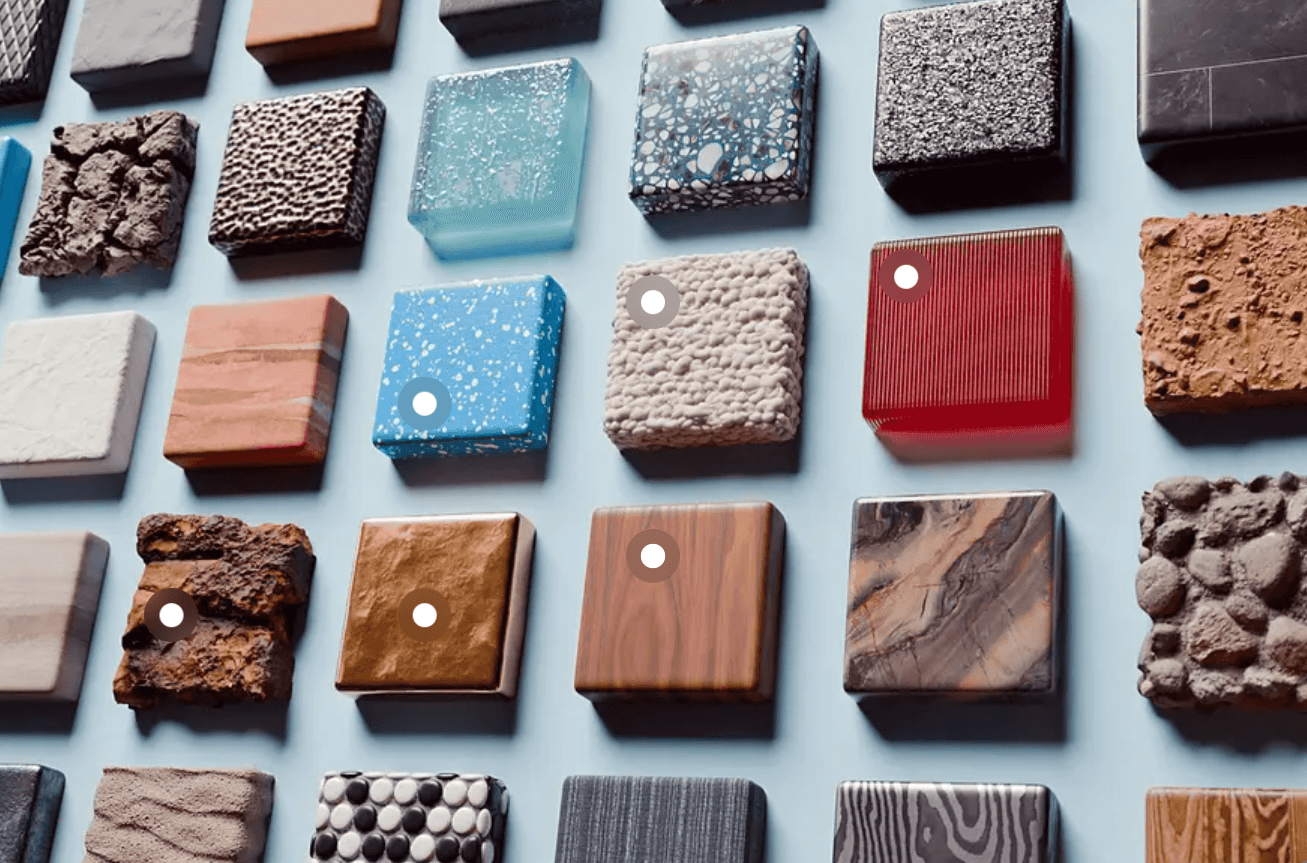
Greyscalegorilla (Plus)
A comprehensive subscription of materials, textures, and HDRI specifically optimized for Arnold (primarily for Cinema 4D users).
Why it matters: The assets are pre-calibrated for Arnold’s standard surface shader, ensuring predictable results without tweaking.
Best for: Motion graphics and high-end product visualization.

2/ Lighting and Environment Control
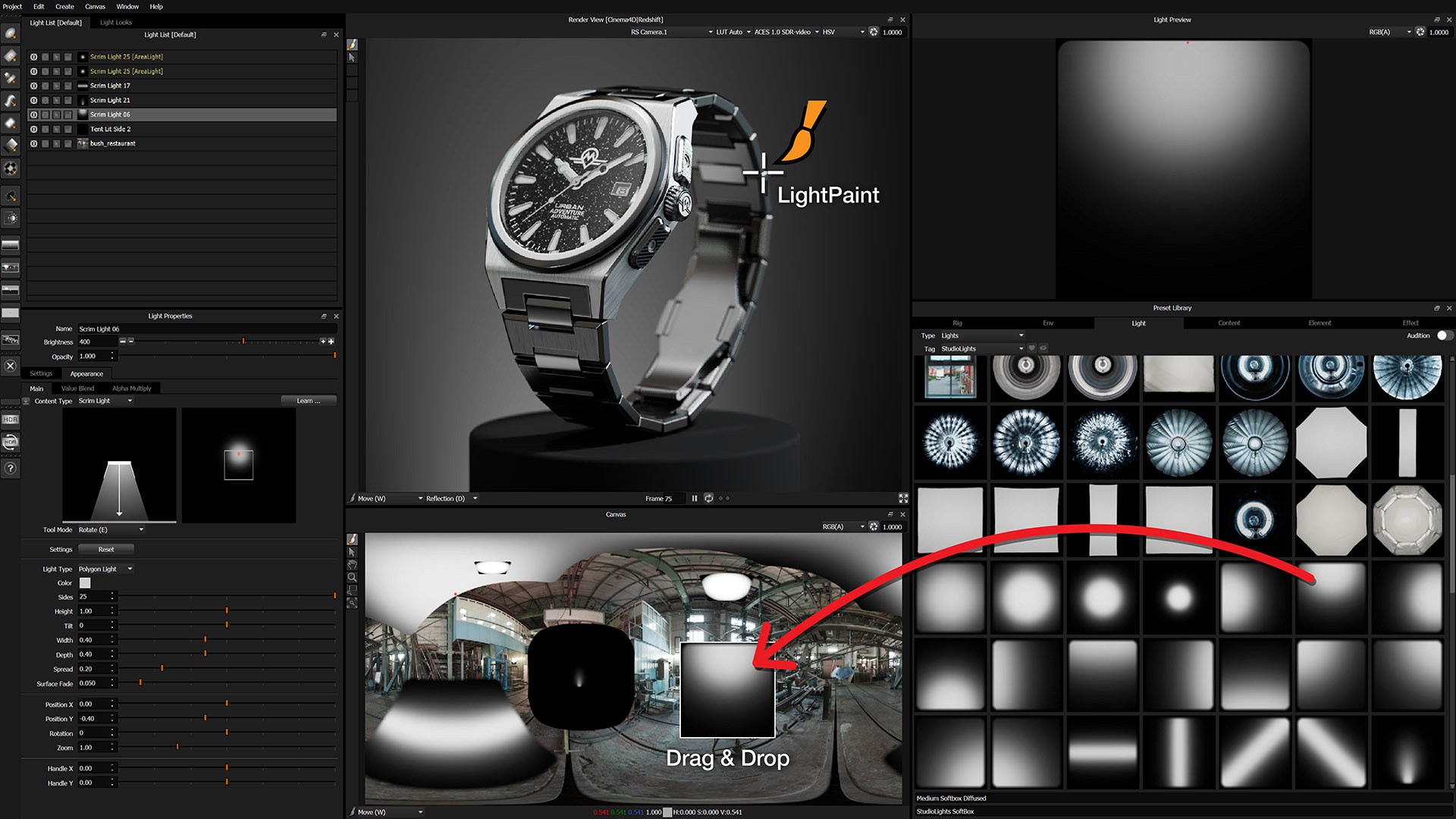
HDR Light Studio
A standalone lighting design tool that connects live to Arnold, allowing you to "paint" light onto your 3D model.
Why it matters: Positioning lights in 3D space is often trial-and-error. This tool lets you click on the model where you want a highlight, and it automatically positions the light source.
Best for: Studio shots, product rendering, and detailed automotive visualization.
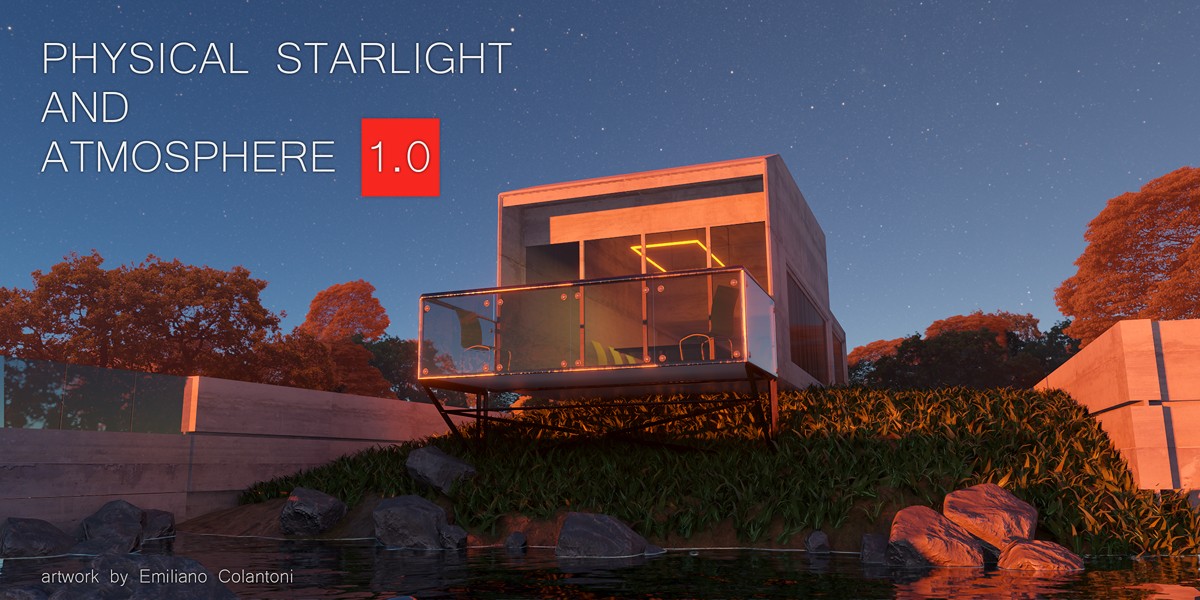
Physical Starlight and Atmosphere
While often a plugin for the host app (like Blender or Maya), this tool replaces Arnold’s native physical sky with a more tunable, visually accurate atmospheric system.
Why it matters: It provides better control over fog, haze, and planetary curvature than the native Arnold sky nodes.
Best for: Exterior architectural renders requiring specific moods or times of day.
3/ Shader and Utility Extensions
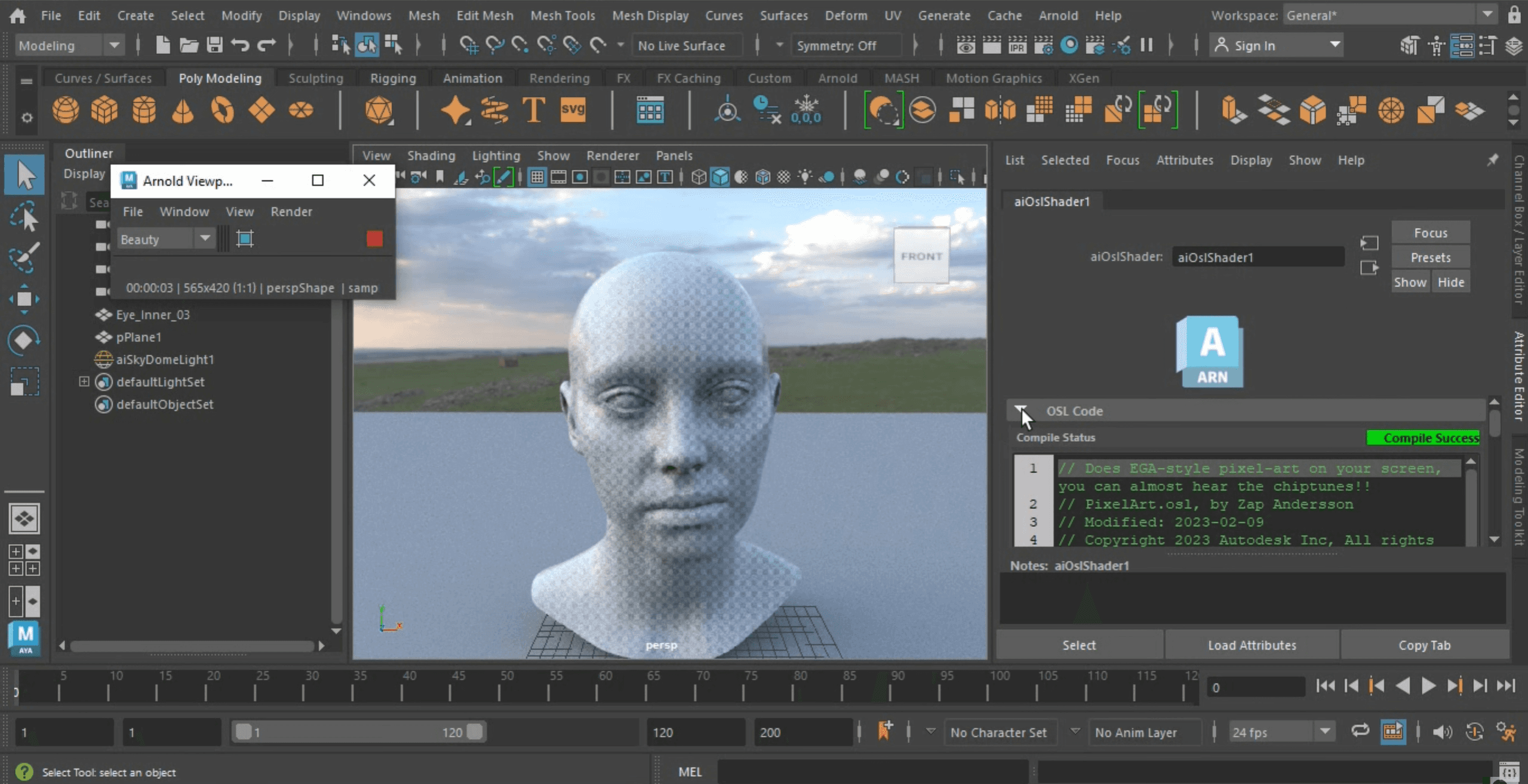
OSL (Open Shading Language) Shaders
Arnold supports OSL natively, allowing users to load custom scripts that define how surfaces behave.
Why it matters: It allows for procedural textures and logic that standard image maps cannot achieve, such as complex weathering or geometric patterns.
Best for: Technical artists and advanced users needing bespoke material properties.
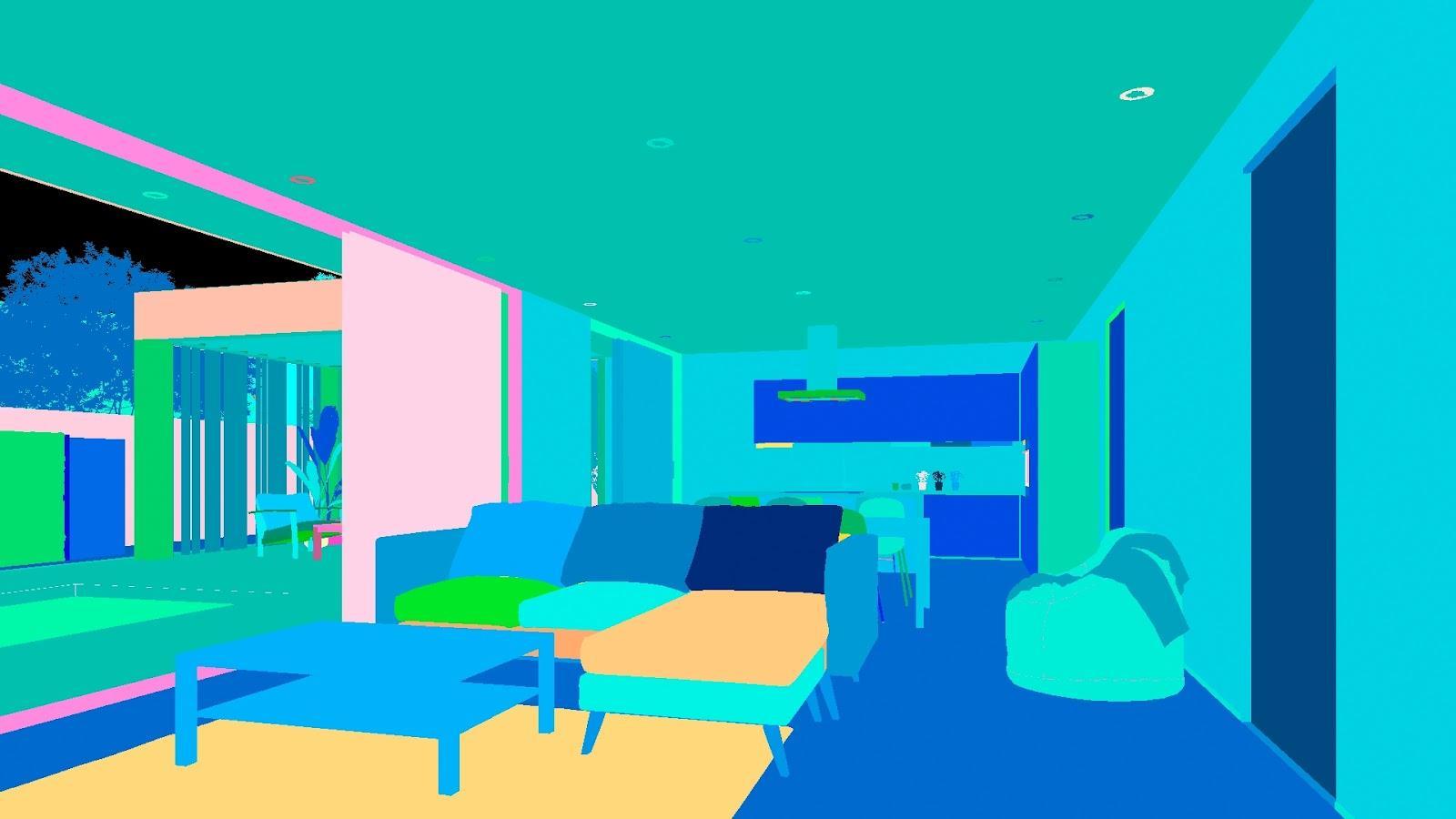
Cryptomatte
Now often included natively, this was originally a plugin and remains the standard for masking in Arnold.
Why it matters: It automatically generates ID mattes for every object, material, or asset name in your scene, saving hours of manual masking in Photoshop.
Best for: Post-production and compositing where individual elements need color correction.
4/ Asset Management for Arnold
Connecter
A visual asset manager that helps organize .ass (Arnold Scene Source) files, texture libraries, and material presets.
Why it matters: Arnold projects generate massive amounts of data. Connecter allows you to drag and drop assets directly into your host software (Max, Maya, C4D) with Arnold materials intact.
Best for: Teams sharing a central library of furniture or architectural assets.
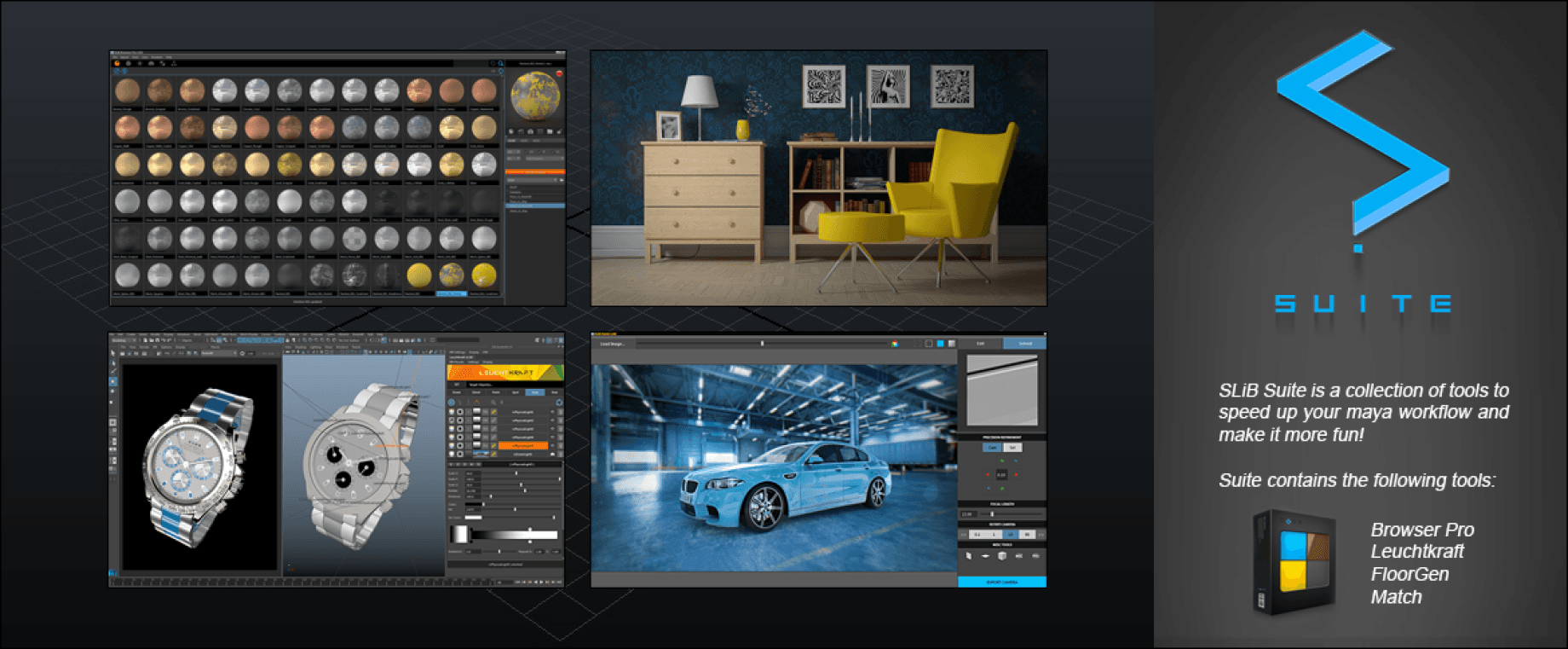
SLiB | Browser (Maya)
A specific asset management tool for Maya that handles Arnold shading networks and previews efficiently.
Why it matters: It speeds up the "kitbashing" process of scene assembly by providing instant visual previews of Arnold assets.
Best for: Maya-based architectural visualization workflows.
5/ Volumetrics and Simulation
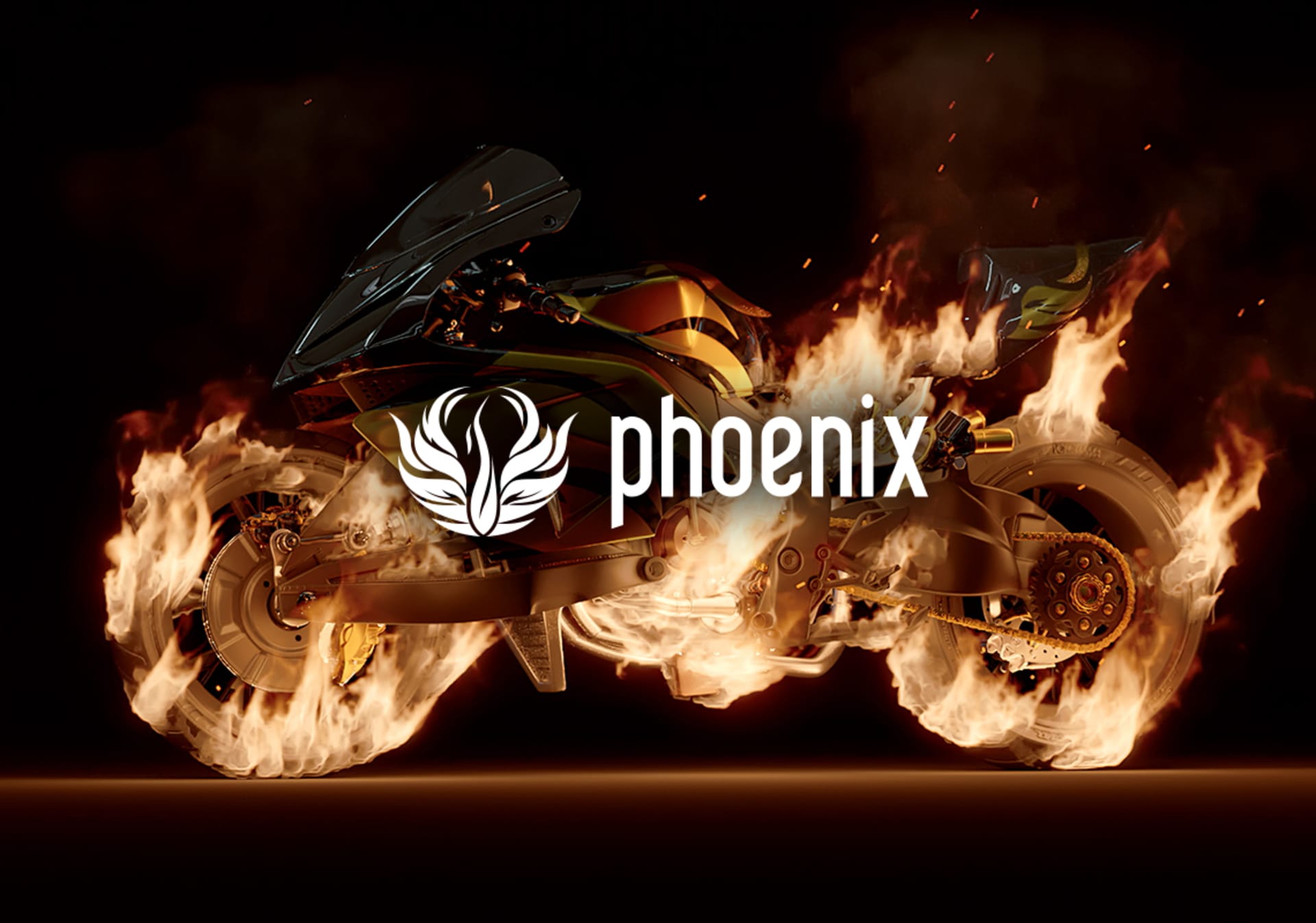
Phoenix FD (Chaos)
While made by the creators of V-Ray, Phoenix FD has excellent support for rendering fluids, smoke, and fire inside Arnold.
Why it matters: Arnold’s native volume rendering is good, but creating the simulation data is difficult. Phoenix handles the physics generation seamlessly.
Best for: Large-scale exterior shots requiring realistic water or smoke effects.
Yeti (Peregrine Labs)
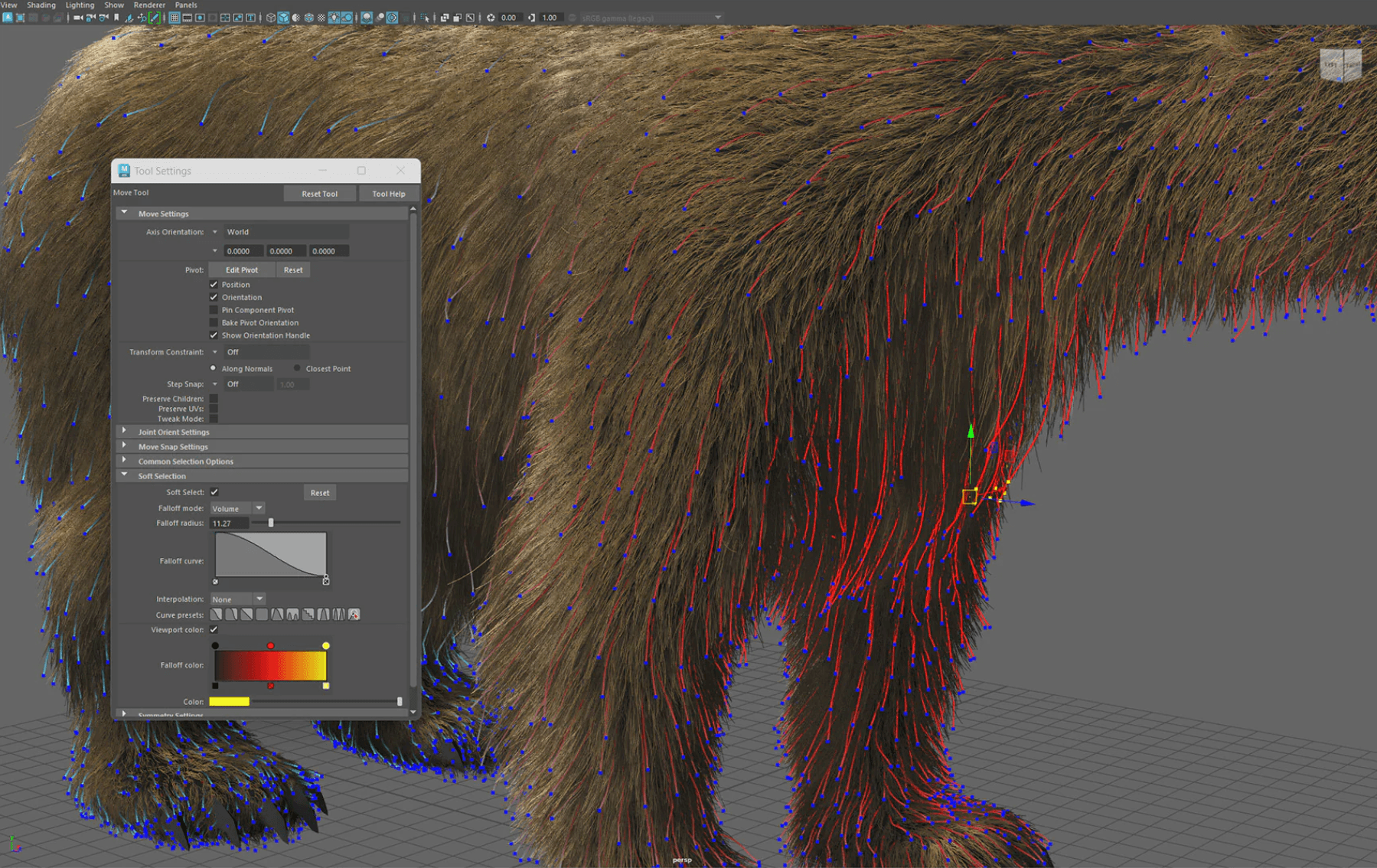
A node-based tool for generating fur, feathers, and vegetation that renders natively in Arnold.
Why it matters: It handles massive amounts of geometry (like grass or rugs) efficiently using Arnold’s procedural geometry loading.
Best for: Detailed interior rugs, vegetation, and landscape elements.
Choosing what fits your work
Not every tool makes sense for every project. Arnold is already complex; do not add tools just to have them.
Start with a solid material library like Quixel to solve the texture bottleneck. If lighting is your struggle, look at HDR Light Studio.
Bonus: Speed up rendering without leaving your workflow
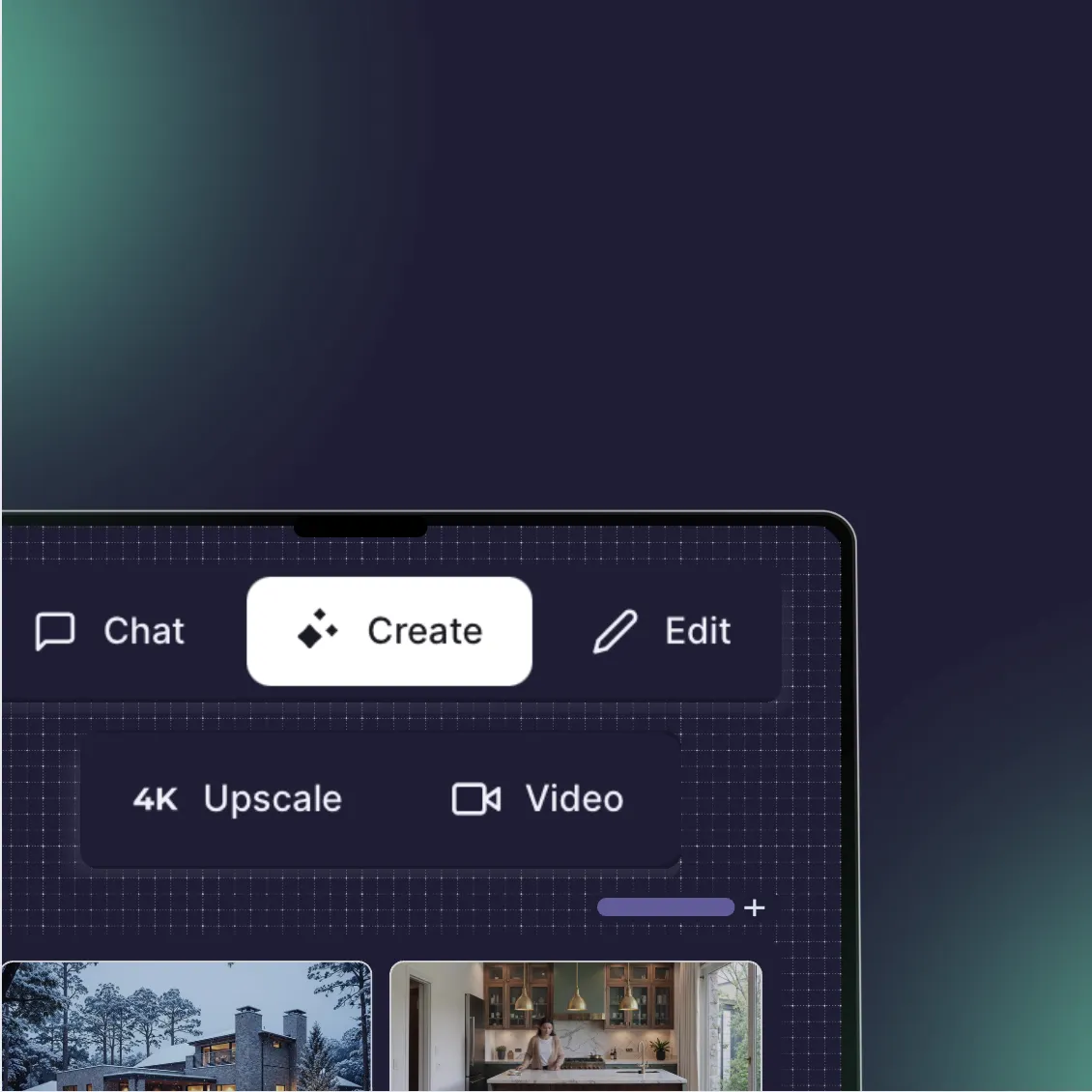
If rendering times are your bottleneck, Rendair handles visualization faster than a local Arnold render farm.
Upload your base exports or simple block-outs, and get presentation-ready renders in minutes. No complex shader networks to debug, no noise to clean up.
Start creating – try it free
Recent Posts

Join 500,000+ architects who saved time. No credit card needed for your first 20 credits.