Top 6 Leonardo AI Alternatives for Architects & Designers

Jan 28, 2026
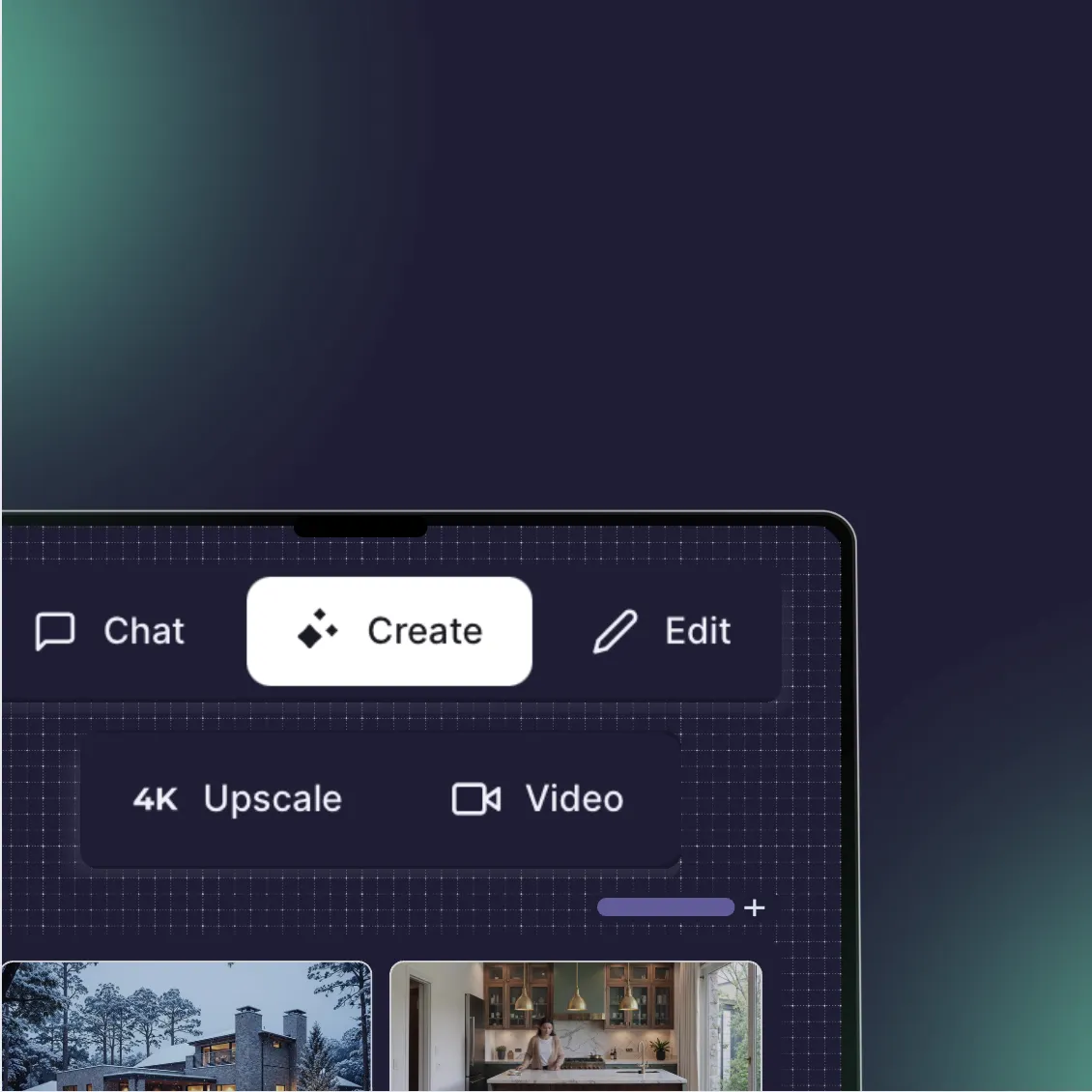
Leonardo AI has earned its place in the creative world. Its "Canvas" editor and fine-tuned models are excellent for character design, game assets, and general concept art. But for architects and interior designers, "artistic" often translates to "hallucinated."
When you need a specific chair to stay that specific chair, or a floor plan to retain its exact dimensions, generalist tools like Leonardo often struggle. They prioritize creativity over structural integrity.
This guide explores the best alternatives for professionals who need more than just a pretty picture, they need a reliable design tool. We’ve analyzed these platforms based on architectural precision, workflow integration, and commercial viability.
Quick Comparison
Platform | Pricing Model | Learning Curve | Architectural Control | Best For |
|---|---|---|---|---|
Rendair AI | Subscription / Credits | Low | High | Professional rendering & consistent workflows |
Midjourney | Subscription | Medium | Low | Early-stage mood boards & abstract concepts |
Veras | Subscription | Low | Very High | BIM integration (Revit/SketchUp) |
Adobe Firefly | Subscription (Creative Cloud) | Low | Medium | Post-production & generative editing |
Krea AI | Subscription | Medium | Medium | Real-time upscaling & rapid iteration |
Stable Diffusion | Free (Local) / Paid (Cloud) | Very High | Very High | Tech-savvy users needing total privacy |
What is Leonardo AI?
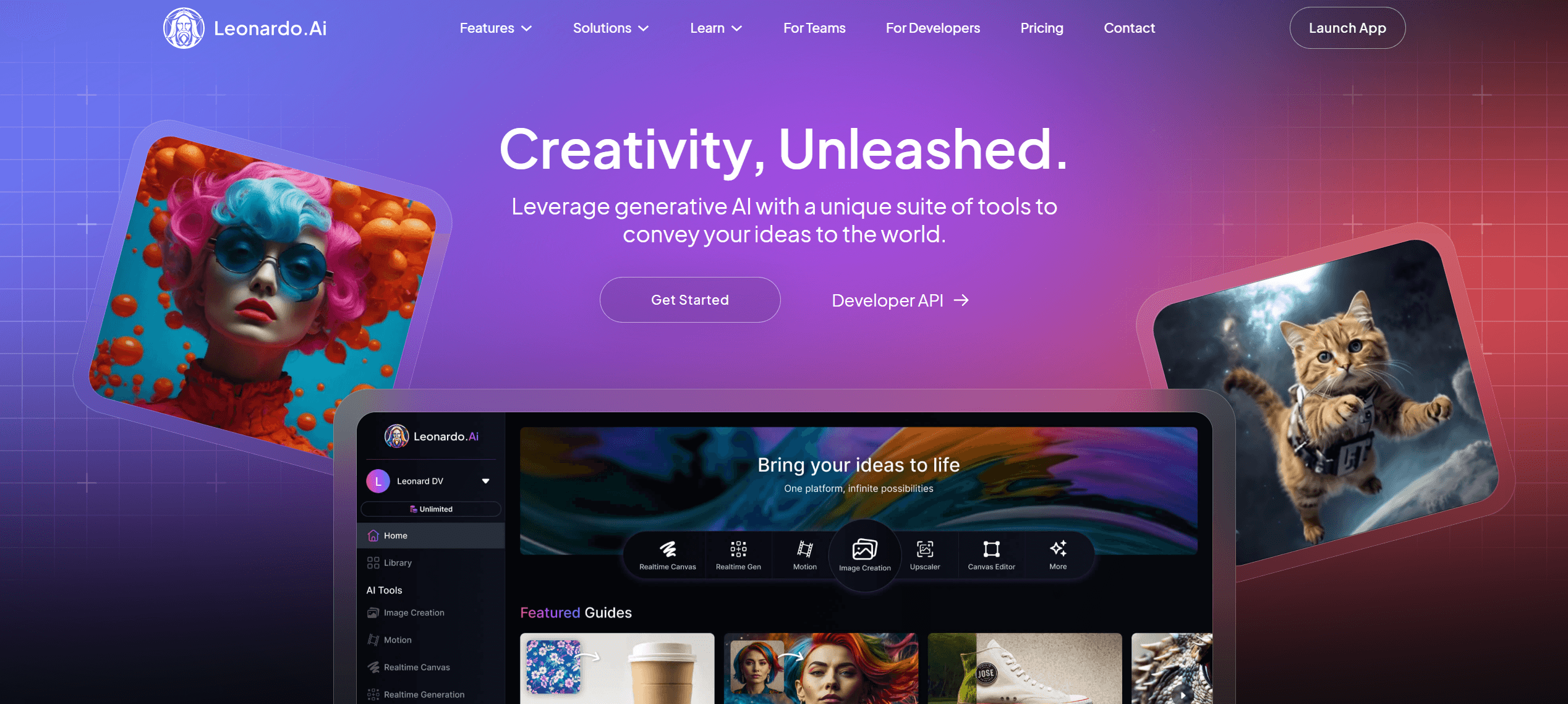
Leonardo AI is a generative platform built on top of Stable Diffusion, known for its sleek interface and the ability to train custom image models. It bridges the gap between the complexity of open-source tools and the simplicity of consumer apps.
Why architects leave it: While Leonardo’s "Image Guidance" features are good, they are often insufficient for strict CAD adherence. Users frequently report that the AI "drifts" too far from the source geometry, bending walls or inventing non-existent structural elements in an effort to make the image look "artistic."
How to choose a Leonardo alternative
Don't just look for "better images." Look for a better fit for your specific bottleneck:
The "Blank Page" Problem: If you need ideas fast, you need high creativity (Midjourney).
The "Client Feedback" Problem: If you need to change a rug color without changing the lighting, you need high control (Rendair, Firefly).
The "Production" Problem: If you need to render a Revit model without leaving the software, you need integration (Veras).
Top Leonardo AI Alternatives
1. Rendair AI
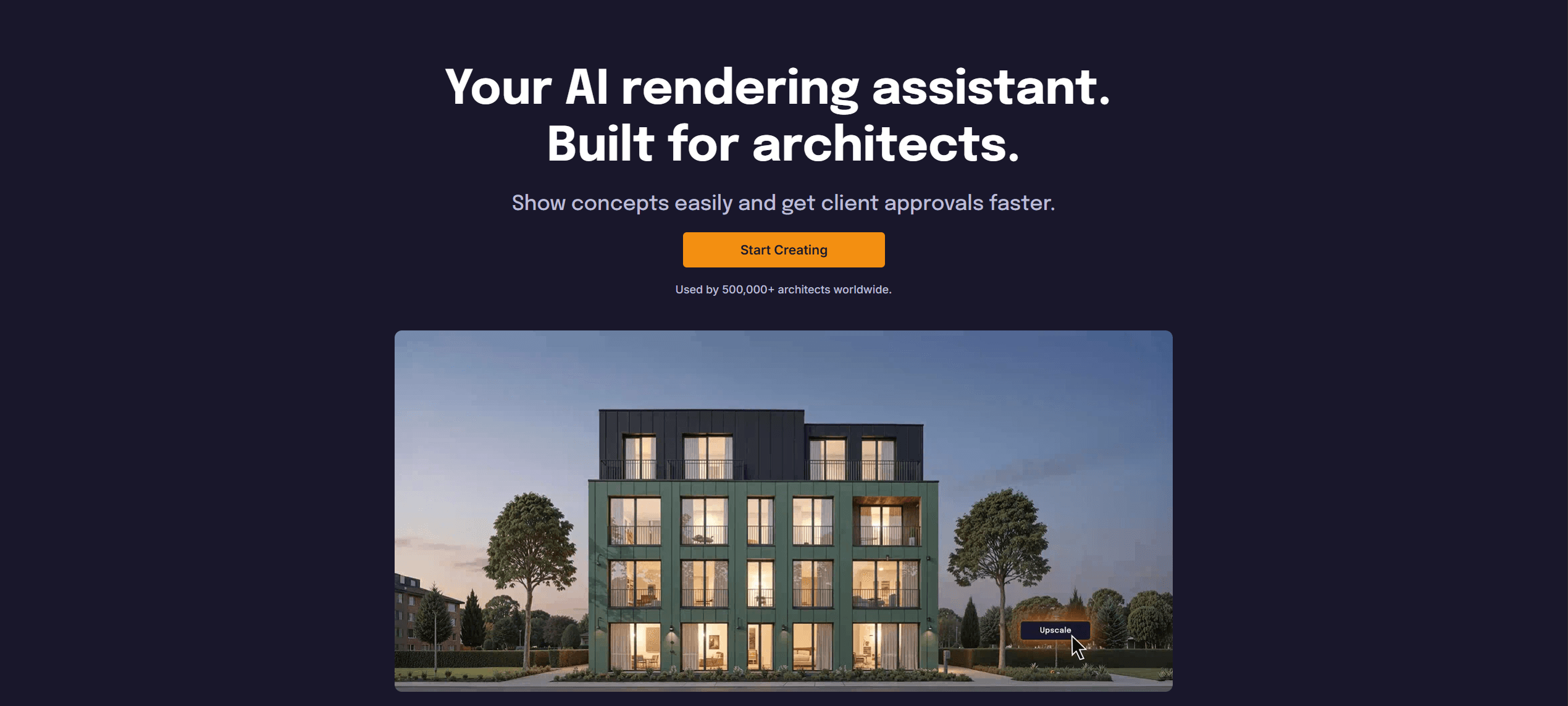
What it does: An all-in-one AI workspace specifically engineered for architectural visualization, prioritizing structural adherence over random artistic flair.
Key features:
specialized ControlNet integration: Unlike general tools, Rendair’s algorithms are tuned to respect straight lines and architectural scale.
One-click workflows: Dedicated modules for "Sketch to Render," "3D to Realism," and "Generative Editing" that don't require complex prompting.
Uniformity: Designed to keep materials and lighting consistent across different views of the same project.
Pros:
Zero setup time; runs in the browser with professional-grade results.
Respects the "bones" of your design (walls don't move).
High-resolution upscaling included by default.
Cons:
Focused entirely on architecture/design; less suitable for character or fantasy art.
Web-based only (no local desktop install).
What users say:
Architects often note that Rendair "feels like it understands the drawing," whereas other tools treat a floor plan like an abstract painting.
Pricing: Flexible credit packs and monthly subscriptions starting at accessible professional rates.
Best for: Architects and designers who need reliable, client-ready visuals without fighting the AI.
2. Midjourney (v6)
What it does: The industry leader for high-fidelity, artistic image generation that excels at lighting, texture, and atmosphere.
Key features:
Aesthetic superiority: consistently produces the most visually stunning "out of the box" images.
Style referencing: The
--srefparameter allows you to copy the exact mood of a reference image.In-painting: Basic ability to vary regions of an image.
Pros:
Unmatched lighting and composition quality.
Massive community for inspiration.
Great for "blue sky" thinking and mood boards.
Cons:
Zero geometry control: It is notoriously difficult to force Midjourney to respect a specific floor plan or 3D massing.
Discord interface: Interacting via a chat app is clumsy for professional workflows.
What users say:
"It makes the most beautiful images I’ve ever seen, but I can’t use it for specific client requests because I can’t control the furniture placement."
Pricing: Monthly subscription (no free tier).
Best for: Early concept phases, mood boards, and marketing materials where specific accuracy matters less than "vibe."
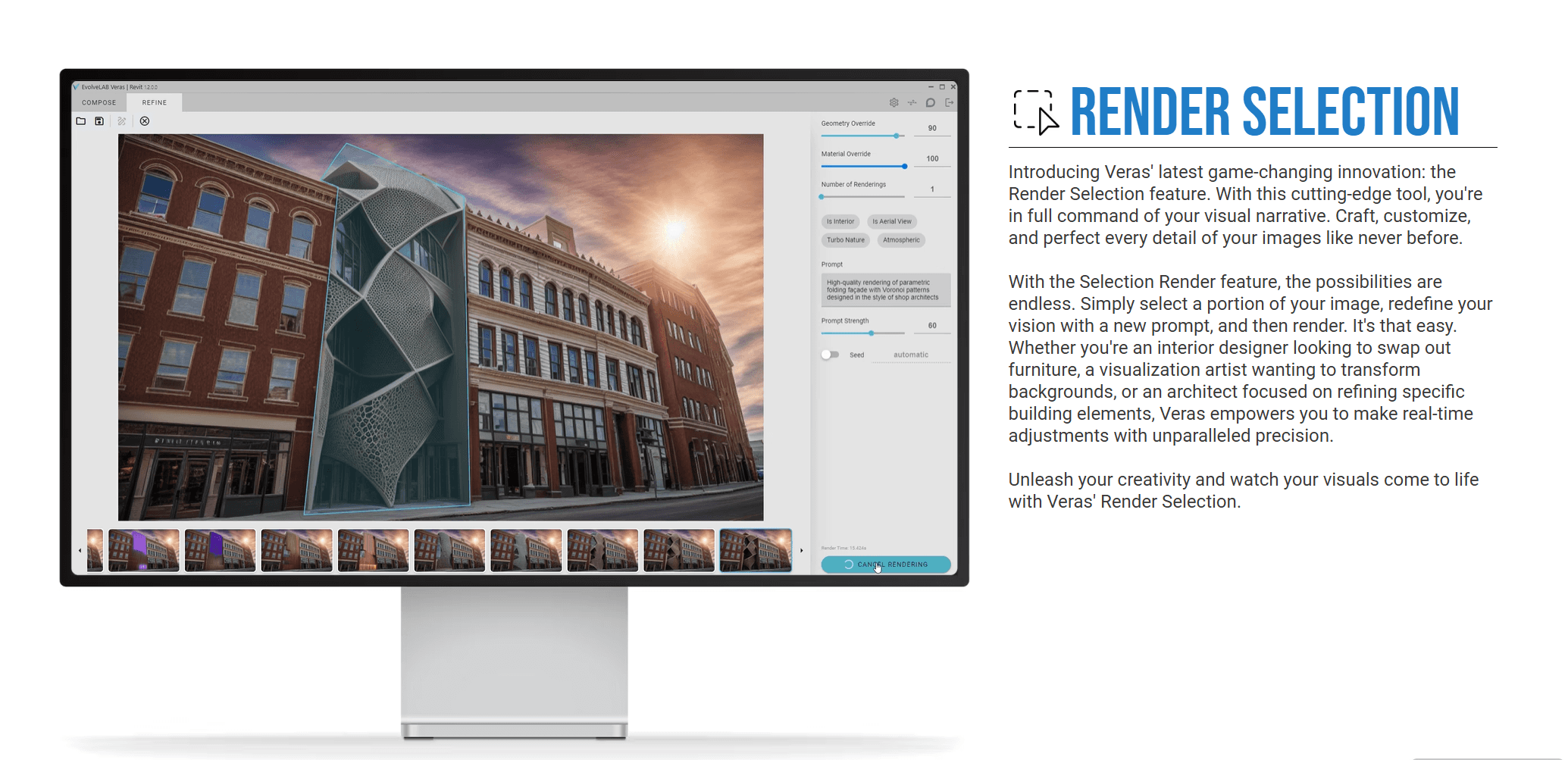
3. Veras (by EvolveLAB)
What it does: An AI rendering plugin that sits directly inside BIM and modeling software like Revit, SketchUp, and Rhino.
Key features:
Geometry Override Slider: A technical control that dictates exactly how much the AI is allowed to deviate from your 3D model.
BIM Data Retention: Works with the views and cameras you’ve already set up in your documentation software.
Seed Consistency: Helps generate similar results across different frames.
Pros:
Seamless integration into existing technical workflows.
Excellent for massing studies and facade iteration.
Reduces the need to export/import files between tools.
Cons:
Image quality is generally lower than Midjourney or Rendair.
Can feel restrictive if you want to dramatically change the scene.
What users say:
"The ability to render directly in Revit without exporting to Lumion or Twinmotion saves us hours in the schematic design phase."
Pricing: Monthly or annual license per user.
Best for: Architects deeply embedded in Revit/Rhino workflows who need quick visualizations of their active models.
4. Adobe Firefly
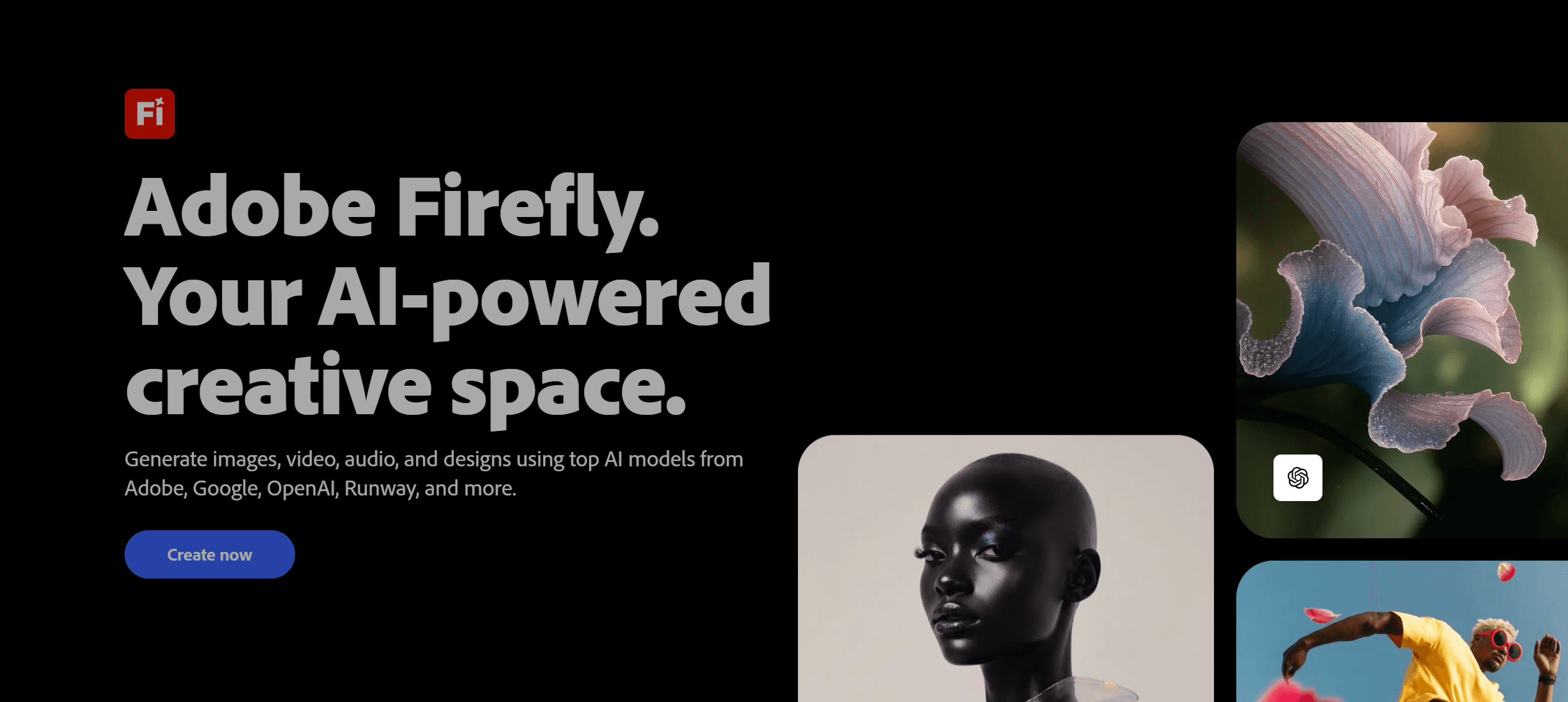
What it does: A commercially safe generative engine integrated into the Adobe Creative Cloud ecosystem (Photoshop).
Key features:
Generative Fill: The industry standard for adding/removing objects (e.g., "add a person here," "remove this car") seamlessly.
Generative Expand: Extends the canvas of a rendering to fit different aspect ratios.
Reference Image: Allows you to guide the style of generation using your own photos.
Pros:
Copyright safety: Trained on Adobe Stock, making it the safest option for corporate commercial work.
Workflow king: Most designers already use Photoshop; Firefly is just a tool inside it.
Natural blending: Unmatched at blending new AI elements into existing non-AI images.
Cons:
Full-scene generation is often less realistic than dedicated renderers.
Requires a Creative Cloud subscription.
What users say:
"I don't use it to render the building, but I use it for 100% of my post-production. It replaced my entourage libraries."
Pricing: Included with Adobe Creative Cloud subscriptions.
Best for: Post-processing, editing, and expanding renders created in other software.
5. Krea AI
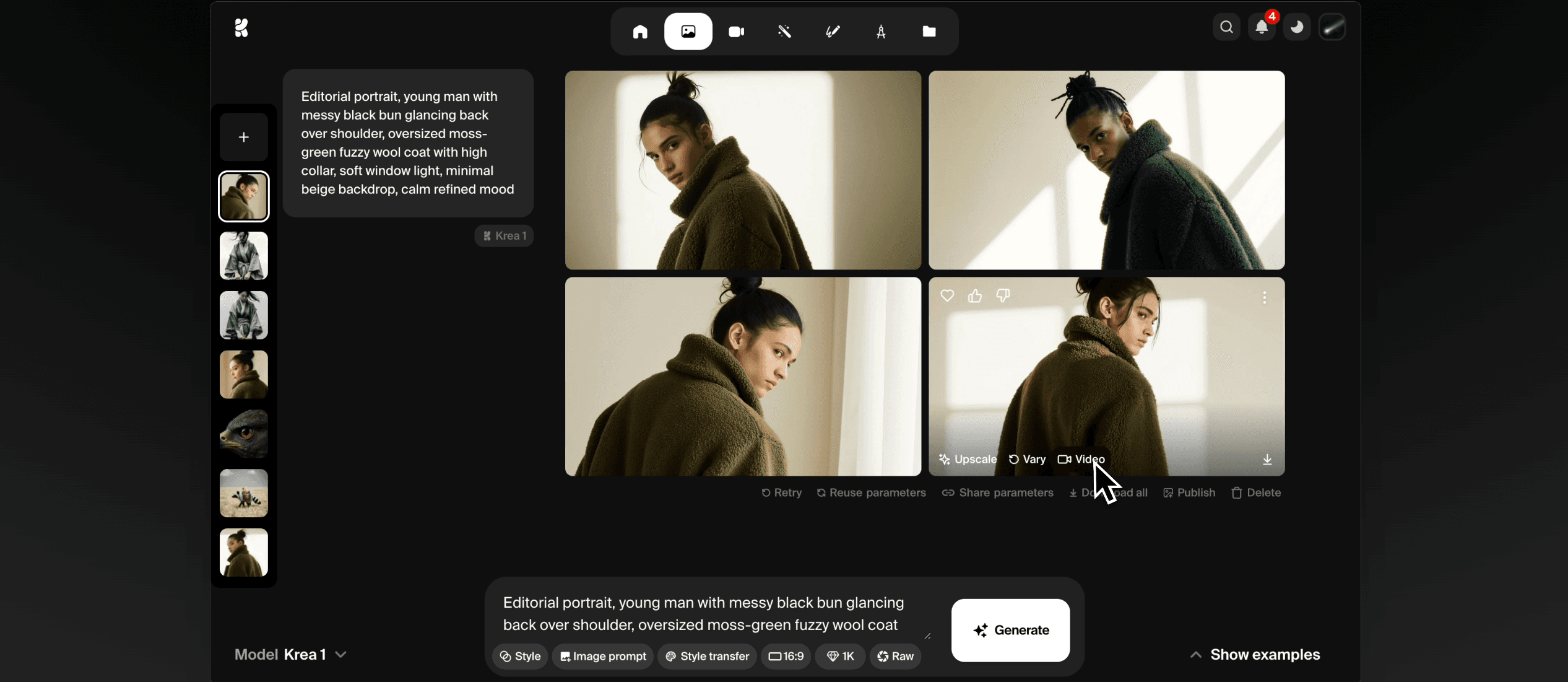
What it does: A real-time generation tool that updates the image instantly as you draw or move objects on a canvas.
Key features:
Real-time generation: See the render change the millisecond you move a shape in the input window.
Upscaling & Enhancing: Strong algorithms for adding detail to low-res textures.
Pattern Tool: Allows for infinite canvas generation.
Pros:
Incredible speed; perfect for "live" brainstorming.
Very intuitive interface.
Good for exploring composition rapidly.
Cons:
Can be unstable/hallucinogenic in real-time mode.
Lacks the project management features of professional tools.
What users say:
"It feels like magic. I draw a box, and it becomes a building instantly. It’s great for getting unstuck."
Pricing: Free tier available; Pro subscription for faster generation.
Best for: Rapid iteration and "sketching" with AI to find a direction quickly.
6. Stable Diffusion (Automatic1111 / ComfyUI)
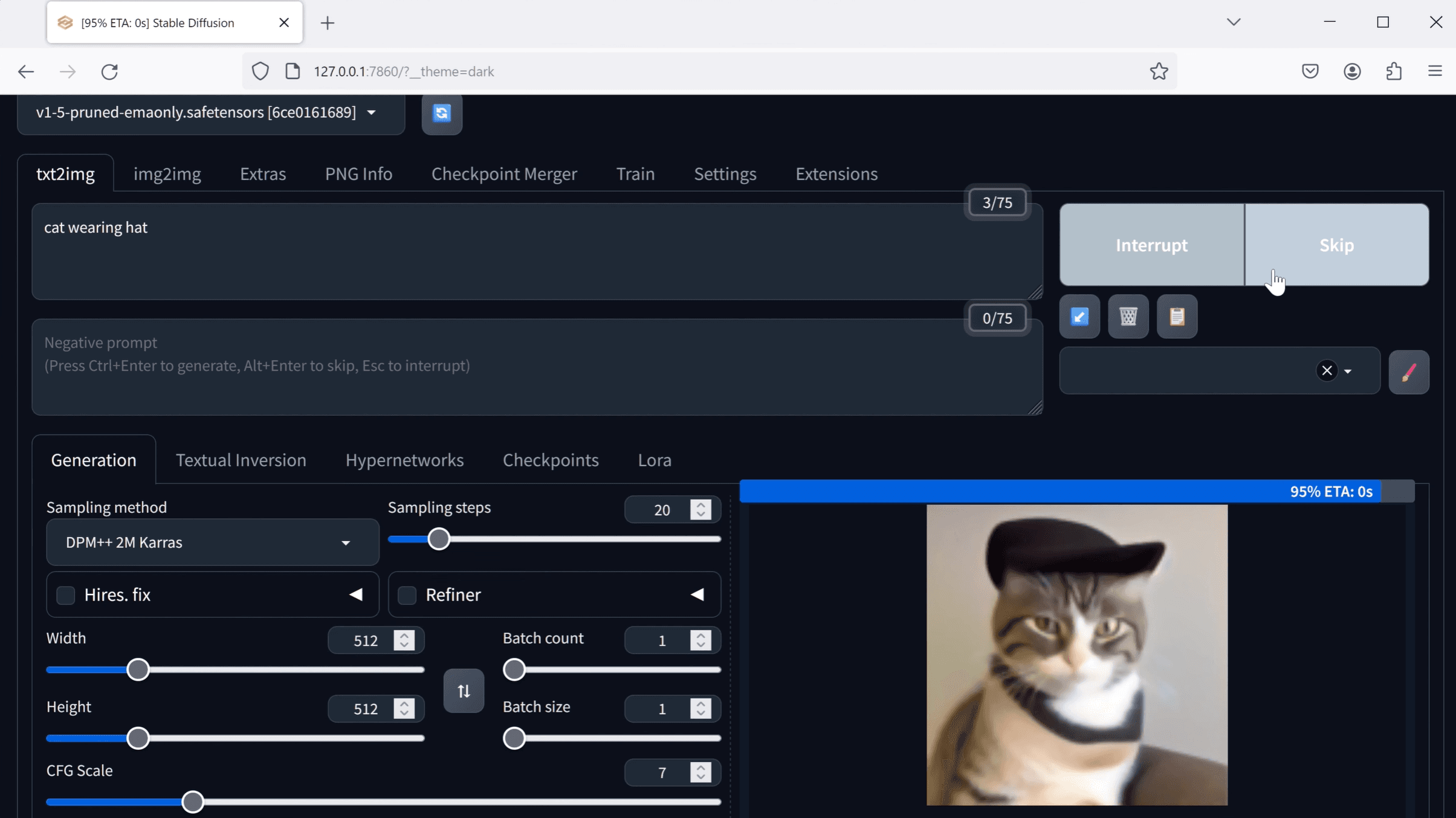
What it does: The open-source engine that powers many other tools. It offers total control for those willing to learn the technical side.
Key features:
ControlNet: The underlying technology that allows you to map depth, canny edges, and normal maps to force the AI to follow your geometry perfectly.
Local Hosting: Run it on your own GPU; no data leaves your office (crucial for NDAs).
Custom Models (LoRAs): Train the AI on your specific firm's architectural style.
Pros:
Zero subscription cost (if running locally).
Infinite customizability.
Total privacy.
Cons:
Steep learning curve: Requires installing Python, managing libraries, and understanding node graphs (ComfyUI).
Hardware heavy: Requires a powerful PC with a high-end NVIDIA GPU.
What users say:
"It took me a week to install and learn, but now I have a workflow that no subscription tool can match in terms of specificity."
Pricing: Free (Open Source).
Best for: Technical artists and large firms with dedicated visualization specialists/IT resources.
Bottom line:
Choose Rendair if you want professional control and realism without the learning curve.
Choose Midjourney if you want pure artistic inspiration.
Choose Veras if you live inside Revit.
Choose Stable Diffusion if you are a technical power-user.
Choosing what fits your workflow
Not every tool makes sense for every project. Match software to your actual bottlenecks:
Speed vs. quality: Real-time tools (Krea) are fast but messy. Dedicated renderers (Rendair) take seconds but deliver presentation quality.
Team size: Solo freelancers might love the low cost of Midjourney; studios need the consistency and privacy of Rendair or Firefly.
Technical comfort: Do you want to write code (Stable Diffusion) or click buttons (Rendair)?
Budget reality: Factor in billable hours. Saving $20 on a subscription is a loss if you spend 4 hours fixing bent walls in Photoshop.
Start with one that addresses your most frequent friction point. You can always expand your toolkit as projects demand it.
Why Rendair is the "finisher"
While tools like Midjourney are great for starting a conversation, Rendair is built to finish it. It bridges the gap between the "dream" phase and the "construction" phase by allowing you to take a rough concept, or even a screenshot from another AI tool, and refine it into a structurally accurate, high-resolution visual that you can actually show a client. It doesn't compete with your creativity; it clarifies it.
What experienced teams learn early
One tool is rarely enough. Most pros use one tool for ideas (Midjourney) and another for execution (Rendair).
Control beats resolution. A 4K image of the wrong building is useless; a 1080p image of the right design gets approved.
Prompting is not design. The best tools let you use your drawings, not just your words.
Recent Posts

Join 500,000+ architects who saved time. No credit card needed for your first 20 credits.