I migliori plugin ed estensioni per Autodesk FormIt

20 gen 2026
Se utilizzi Autodesk FormIt regolarmente, sai che gli strumenti base sono progettati per la velocità e la modellazione concettuale. Ma se ti fermi lì, stai perdendo metà della capacità del software.
A differenza del vasto magazzino di estensioni di SketchUp, la potenza di FormIt risiede in un ecosistema più curato e integrato, in particolare nel Plugin Manager e nei suoi collegamenti diretti agli strumenti BIM di grande potenza. Le giuste estensioni non si limitano ad aggiungere funzionalità; sistemano i problemi di geometria e dati che di solito rallentano la transizione da "concept" a "produzione".
Ecco cosa fa davvero la differenza in un flusso di lavoro professionale.
1/ Le nozioni fondamentali del "Plugin Manager"
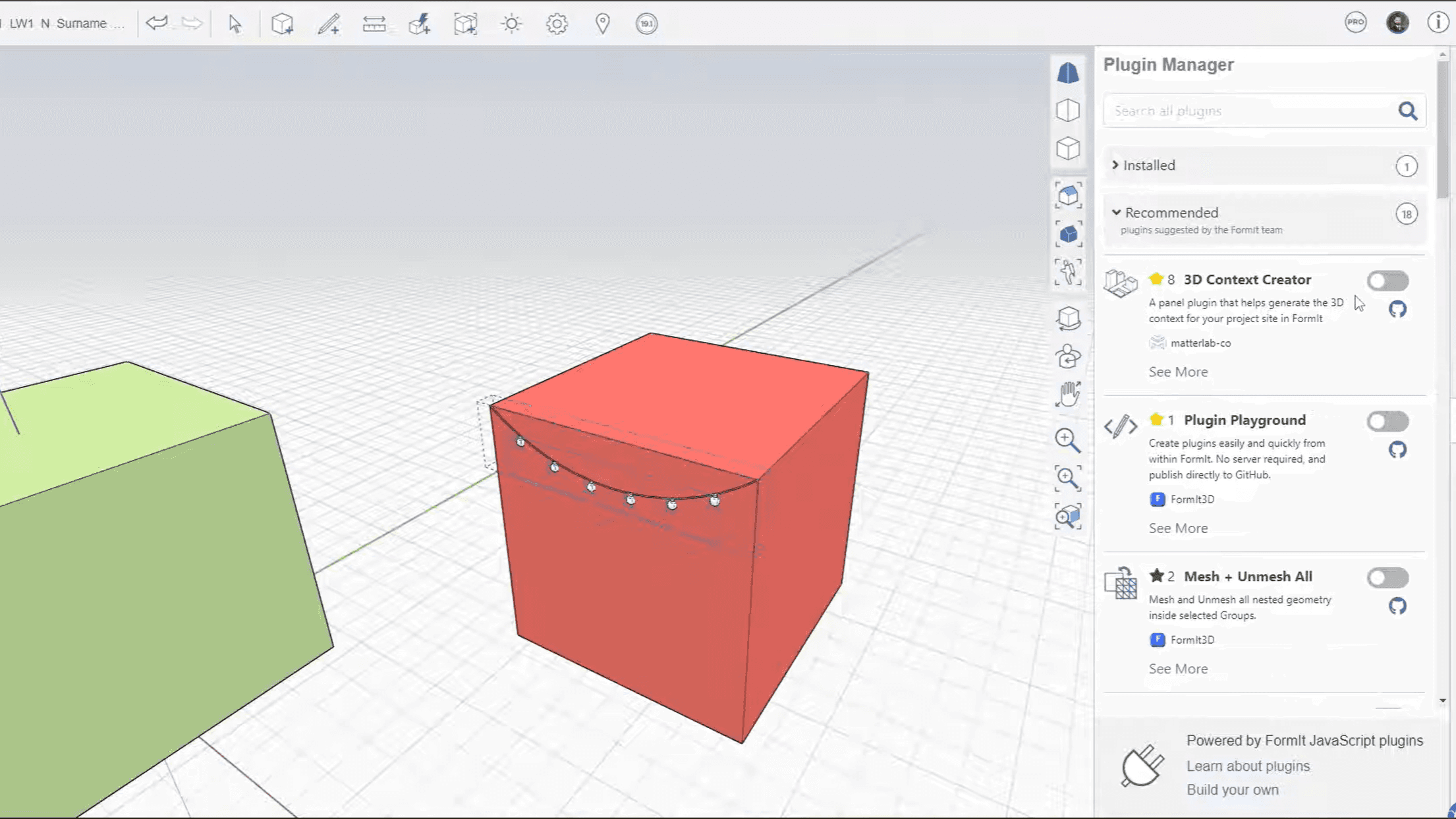
FormIt ha introdotto un Plugin Manager incorporato che si connette direttamente ai repository GitHub. Queste sono estensioni JavaScript leggere che risolvono specifiche frustrazioni di modellazione. Non è necessario cercarle online; le abiliti direttamente all'interno del software.
Convalida + Modello Pulito
Scansiona il tuo modello per la geometria non manifatturiera, problemi di tenuta stagna e bordi vaganti prima che tu cerchi di inviare qualcosa a Revit.
Perché è importante: I modelli FormIt spesso si rompono quando importati in Revit a causa di geometrie "disordinate". Questo strumento segnala e corregge quegli errori prima dell'esportazione, risparmiando ore di pulizia successiva.
I migliori per: Preparazione pre-esportazione e mantenimento dei modelli "solidi".
Raccordo degli angoli 2D
Arrotonda istantaneamente gli angoli acuti sul disegno lineare 2D con un raggio preciso.
Perché è importante: Gli strumenti nativi di FormIt rendono tedioso il raccordo. Questo plugin lo automatizza, il che è fondamentale per piani di sito, bordi dei marciapiedi e bordi realistici delle piante dei pavimenti.
I migliori per: Progettazione del sito, pavimentazione e dettagli delle piante.
Properties Plus
Espone campi di dati che la palette delle proprietà standard nasconde, come ID oggetti specifici e filtri di selezione avanzati.
Perché è importante: Man mano che i modelli diventano complessi, selezionare "tutte le finestre sulla facciata sud" diventa un incubo. Questo strumento ti dà un controllo granulare su insiemi di selezione basati su dati, non solo geometrie.
I migliori per: Gestione di scene complesse con centinaia di oggetti raggruppati.
2/ Connettori di Visualizzazione
FormIt è per la modellazione, non per il fotorealismo. Per mostrare a un cliente cosa si prova con il design, è necessario esportare immediatamente la geometria.
Lumion LiveSync
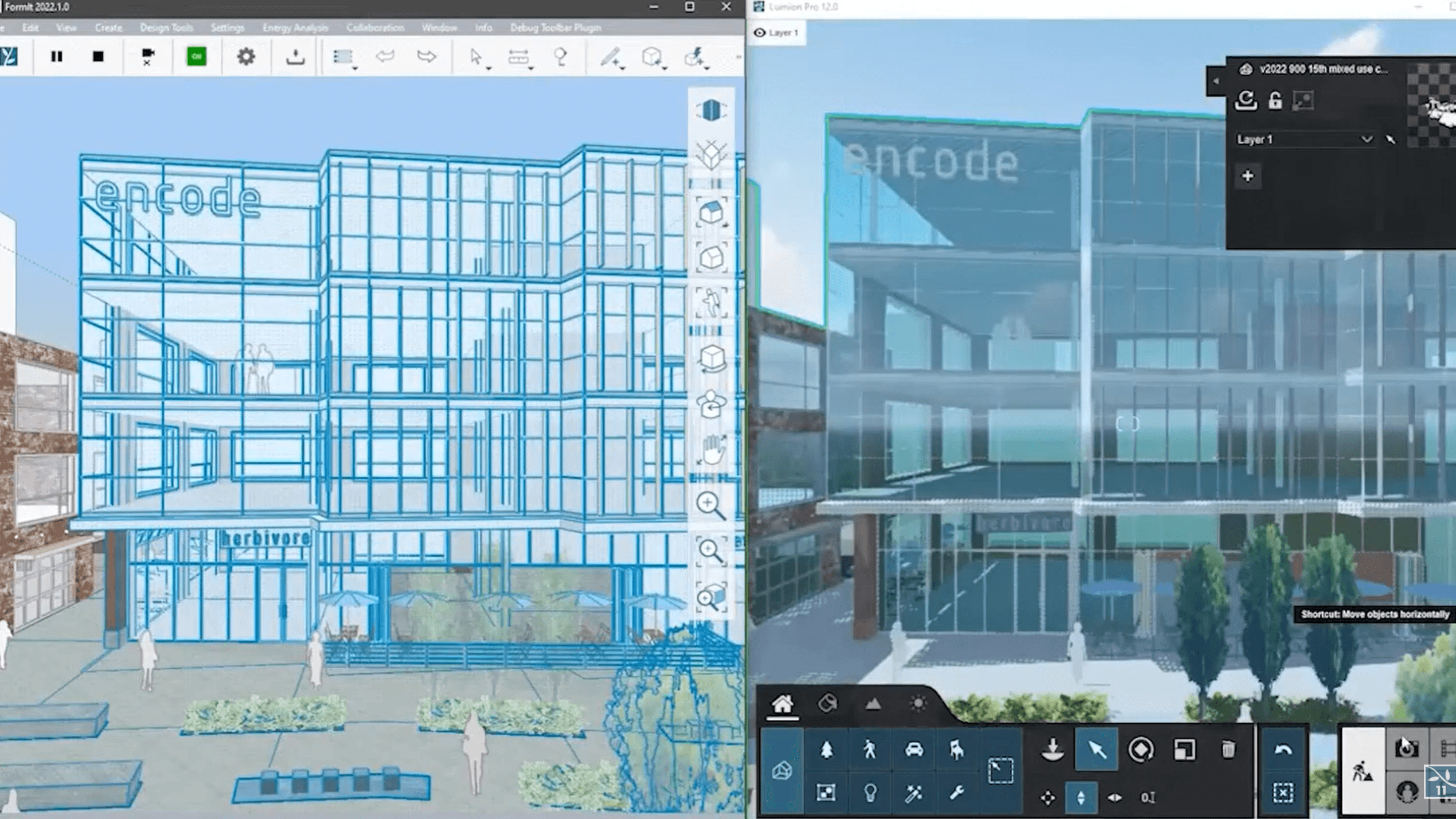
Crea un collegamento in tempo reale tra FormIt e Lumion. Sposta un muro in FormIt, e si sposterà in Lumion istantaneamente.
Perché è importante: Elimina il ciclo "esporta-importa-risistema". Puoi modellare con illuminazione e materiali visibili in tempo reale su un secondo monitor, consentendo un feedback visivo istantaneo durante le iterazioni di design.
I migliori per: Presentazioni interattive ai clienti e test delle condizioni di luce.
Twinmotion (via Datasmith)
Pur non essendo un "plugin" nel senso stretto, l'esportatore Datasmith è il ponte ufficiale per portare la geometria di FormIt in Twinmotion (e Unreal Engine) mantenendo intatti i metadati.
Perché è importante: Gestisce meglio il mapping delle texture e le definizioni dei materiali rispetto alle esportazioni standard FBX, assicurandoti di non dover ritexturizzare l'intero modello ogni volta che aggiorni la geometria.
I migliori per: Visualizzazione architettonica ad alta fedeltà e walkthrough VR.
3/ Design Computazionale (Il Plugin "Infinito")
Integrazione Dynamo
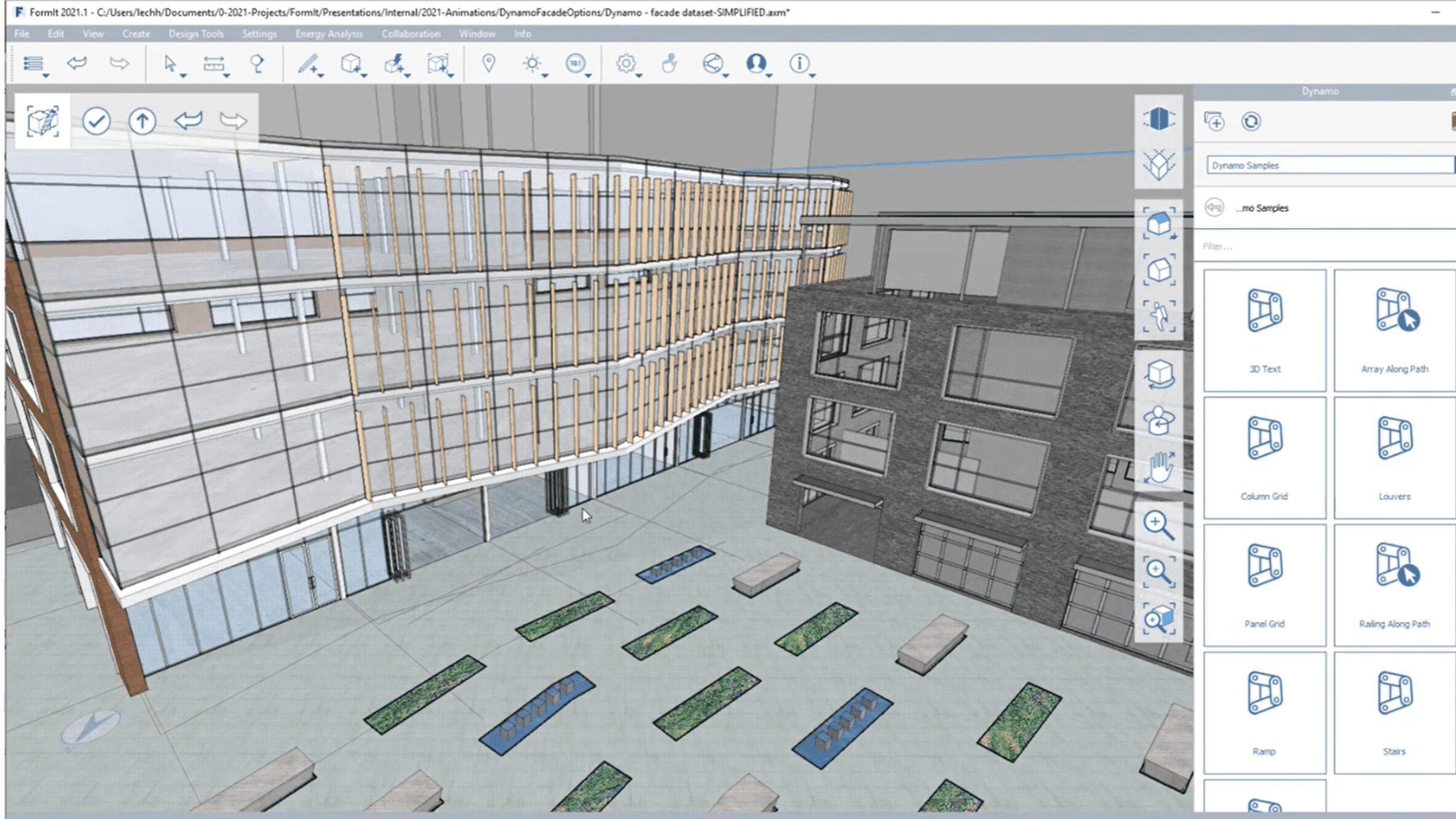
Dynamo non è solo un plugin; è integrato nativamente in FormIt. Tuttavia, funziona come un motore di estensione che ti consente di eseguire script complessi, come posizionare alberi lungo un percorso o generare frangisole, senza aprire una finestra separata.
Perché è importante: Trasforma compiti parametrici complessi in semplici slider. Puoi costruire uno script una volta (o scaricarne uno) e usarlo per generare geometrie complesse che richiederebbero ore per essere modellate manualmente.
I migliori per: Compiti ripetitivi, facciate complesse e randomizzazione (ad esempio, disperdere la vegetazione).
4/ Il Ponte Revit
Convertitore FormIt (Add-in per Revit)
Questo è tecnicamente un plugin per Revit, ma è lo strumento più importante per un utente FormIt. Traduce i file .axm in famiglie, muri e pavimenti nativi di Revit.
Perché è importante: Questo è il motivo per cui i professionisti scelgono FormIt rispetto a SketchUp. Preserva i dati "Intelligent Mesh", il che significa che i tuoi muri concettuali in FormIt diventano muri reali e modificabili in Revit, non solo blocchi stupidi.
I migliori per: Passando dal Design Schematico (SD) allo Sviluppo del Progetto (DD).
Scegliere ciò che si adatta al tuo lavoro
L'ecosistema di FormIt è più piccolo rispetto ai concorrenti, ma è più affilato. Non hai bisogno di cinquanta plugin per farlo funzionare; hai solo bisogno di quelli che assicurano che i tuoi dati sopravvivano al viaggio verso Revit o il tuo motore di rendering.
Inizia con Convalida + Modello Pulito per mantenere la tua geometria sana e utilizza LiveSync se hai bisogno di immagini istantanee.
Bonus: Velocizzare il rendering senza lasciare il flusso di lavoro
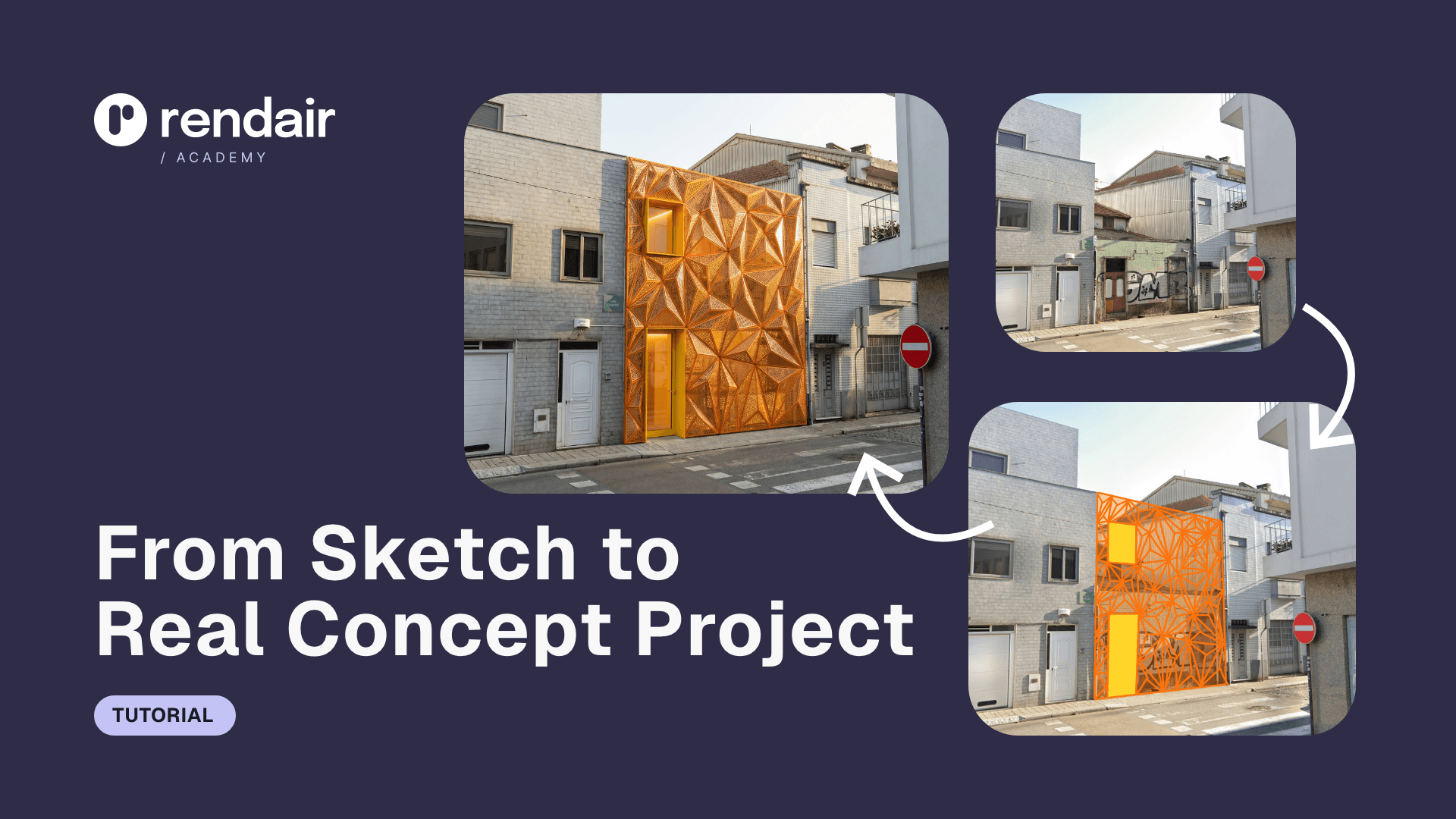
Se hai bisogno di immagini di alta qualità ma non vuoi impostare una connessione LiveSync pesante o imparare software di rendering complessi, Rendair è l'alternativa più veloce.
Semplicemente carica le tue viste di FormIt o screenshot e lascia che l'intelligenza artificiale generi rendering di livello professionale in pochi minuti. Rispetta la tua geometria mentre aggiunge il realismo, l'illuminazione e la profondità dei materiali che i clienti si aspettano.
Inizia a creare – provalo gratuitamente
Post recenti





Unisciti a oltre 500.000 architetti che hanno risparmiato tempo. Non è necessaria una carta di credito per i tuoi primi 20 crediti.