D5 Render vs V-Ray: Which Rendering Engine is Right for You in 2026?
Feb 17, 2026

In the fast-paced world of architectural visualization, the gap between "draft" and "photoreal" is closing faster than ever. For years, the industry standard for high-fidelity rendering has been V-Ray, known for its uncompromising quality and granular control. However, the rise of real-time rendering has brought D5 Render to the forefront, a tool that promises speed, ease of use, and stunning results without the long wait times.
Choosing between them isn't just about picking software; it's about defining your workflow. Do you prioritize instant feedback and rapid iteration, or do you need the absolute physical accuracy that only offline ray tracing can provide? This guide breaks down the nuances of D5 Render vs V-Ray to help you decide which engine belongs in your pipeline.
Quick Comparison Overview
D5 Render is built for speed and simplicity. It utilizes real-time ray tracing (RTX) to provide instant visual feedback, making it feel more like a game engine than a traditional renderer. It is ideal for architects who need to visualize designs while they work and produce high-quality animations quickly.
V-Ray is the heavyweight champion of photorealism. It uses physically based rendering (PBR) to calculate light with extreme precision. While it offers a real-time component (V-Ray Vision/Vantage), its core strength lies in producing production-grade still images where lighting, material depth, and atmospheric accuracy must be perfect.
Comparison Table
Feature | D5 Render | V-Ray |
|---|---|---|
Ease of Use | High / Intuitive, drag-and-drop interface. Minimal learning curve. | Medium / Steeper learning curve; requires understanding of photography and light physics. |
Quality & Output | Great / Impressive global illumination (GI) and reflections, but slightly less physically accurate than V-Ray. | Excellent / The industry benchmark for photorealism. Unmatched depth and light accuracy. |
Speed & Performance | Instant / Real-time rendering. What you see is what you get immediately. | Variable / Slower offline rendering for final output, though hybrid GPU modes are improving speed. |
Key Features | AI Atmosphere Match, extensive built-in asset library, easy animation tools. | Chaos Cosmos library, Light Mix, deep integration with host apps, hybrid rendering. |
Pricing | Free Community version; Pro at ~$360/year. | Subscription-based; Solo plans start around ~$460/year. |
Best For | Concept design, client presentations, animations, and rapid iterations. | High-end marketing stills, competition entries, and complex lighting scenarios. |
Integration | LiveSync plugins for SketchUp, Rhino, Revit, 3ds Max, Blender. | Deeply embedded directly inside the host software interface (no separate window). |
D5 Render: Overview
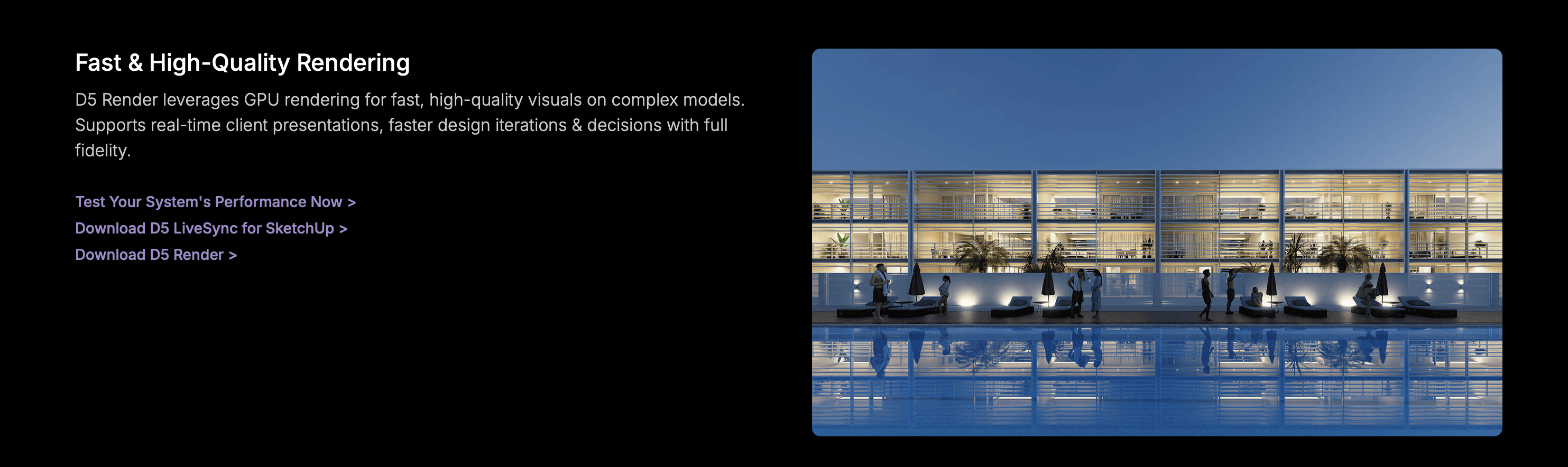
D5 Render is a standalone real-time rendering engine that feels modern and lightweight. It relies heavily on NVIDIA's RTX technology to simulate light accurately in real-time. Its primary purpose is to reduce the friction between design and visualization, allowing architects to "walk through" their designs as they refine them.
Key Strengths:
Real-Time Feedback: Changes to materials or lighting are visible instantly, eliminating the "test render" phase.
AI-Powered Tools: Features like AI Atmosphere Match and AI Texture Generation streamline complex setup tasks.
Asset Library: Comes with a massive, high-quality library of animated 3D assets (people, plants, vehicles) that are render-ready.
Best For:
Animations: producing 4K architectural walkthroughs in a fraction of the time of traditional engines.
Client Meetings: Live presentations where you can navigate the model and change time of day on the fly.
Iterative Design: Quickly testing material options and massing without waiting for renders.
V-Ray: Overview
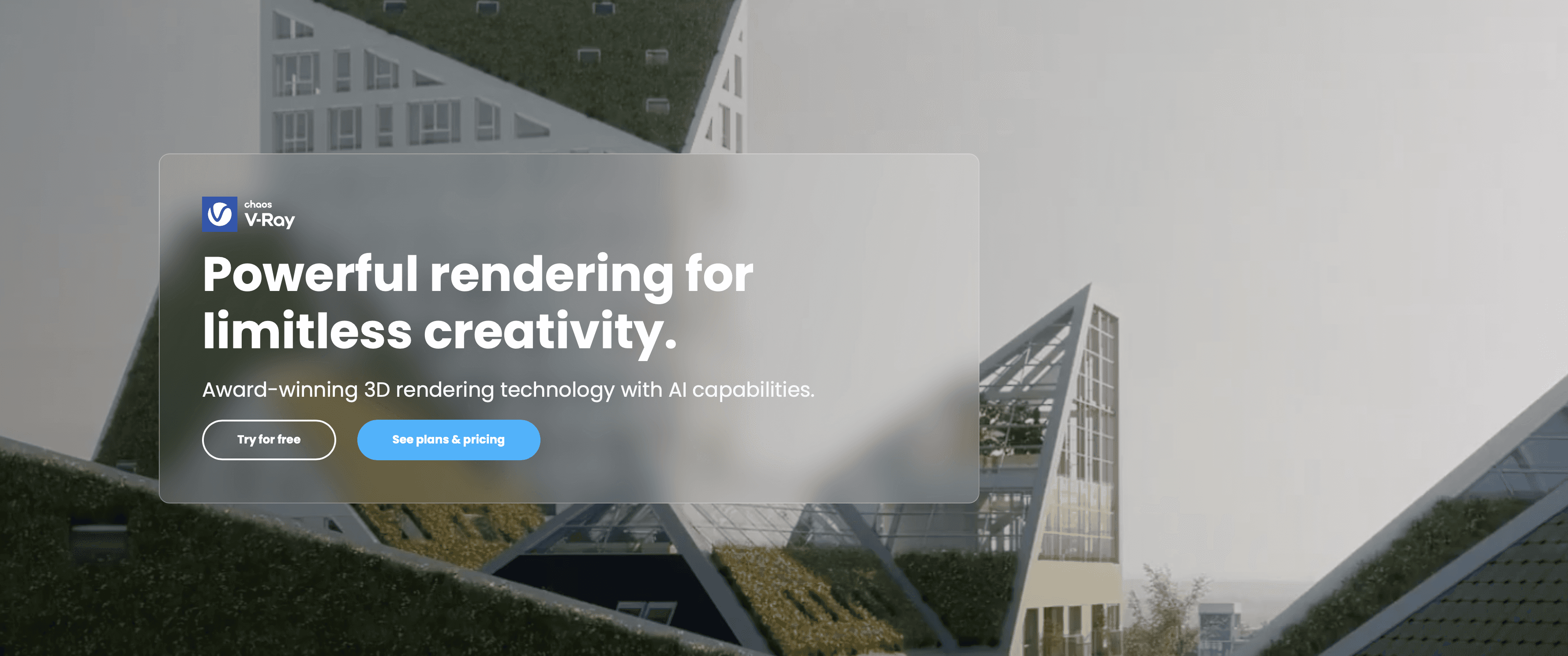
Developed by Chaos, V-Ray is one of the most widely used rendering engines in the world. It integrates directly into your modeling software (SketchUp, Rhino, Revit, 3ds Max), meaning you don't have to export your model to a separate program. It is the tool of choice when the final image needs to be indistinguishable from a photograph.
Key Strengths:
Physical Accuracy: Calculates global illumination, caustics, and light bounces with mathematical precision.
Deep Control: Offers granular settings for every aspect of the render, from camera exposure to material refraction.
Ecosystem: Access to Chaos Cosmos (assets) and Chaos Cloud (rendering farm) ensures scalability for big projects.
Best For:
Marketing Stills: High-resolution images for brochures, websites, and billboards.
Complex Lighting: Scenes requiring intricate indoor lighting, volumetrics, or specific mood control.
Cross-Platform Work: Works natively on both Windows and macOS (unlike D5, which is Windows-only).
Feature-by-Feature Comparison
Ease of Use
D5 Render wins here for beginners. Its interface is clean, dark, and gamified. You drag materials onto surfaces and drop lights into the scene. There are fewer sliders to break, making it hard to get a "bad" result. V-Ray is powerful but intimidating. It requires you to manage render settings, exposure values, and material layers. While "one-click" presets exist, mastering V-Ray takes time and study.
Quality & Output
V-Ray still holds the crown for absolute realism. Its handling of indirect light (GI) in deep interior spaces is superior, creating softer, more natural shadows. D5 Render is closing the gap rapidly. For 90% of architectural projects, D5's quality is more than sufficient, but trained eyes may notice slight shortcuts in reflection accuracy or ambient occlusion compared to V-Ray.
Speed & Performance
D5 Render is built for speed. Rendering a 4K image might take minutes or even seconds, and animations that used to take weeks can be done overnight. However, it requires a powerful GPU (NVIDIA RTX recommended). V-Ray uses CPU or GPU (or both). While its "Interactive" mode is fast, the final "Production" render can take hours depending on scene complexity and hardware.
Features & Capabilities
V-Ray offers "Light Mix," a game-changing feature that lets you adjust the color and intensity of lights after the render is finished. It also supports render elements for advanced post-production in Photoshop. D5 Render focuses on environment creation, offering an intuitive weather system (rain, snow, fog) and a scatter tool for vegetation that makes landscaping incredibly fast.
Pricing & Value
D5 Render offers a very capable Free Community version, making it accessible to students and freelancers. Its Pro version is competitively priced (~$360/yr). V-Ray is a premium product. You typically pay for a subscription (Solo, Premium, or Enterprise), which is higher but includes access to a broader ecosystem of tools like Chaos Vantage and Phoenix.
Integration & Workflow
V-Ray lives inside your modeling software. You never leave SketchUp or Rhino. This is great for keeping file management simple. D5 Render works via a LiveSync plugin. You click a button in your modeling app, and it pushes the geometry to the D5 standalone app. While the sync is fast, you are effectively managing two separate windows/files.
Use Case Scenarios
Scenario 1: The Last-Minute Client Presentation
Winner: D5 Render
Your client is coming in an hour, and you need to show them the new lobby design. With D5, you can sync the model, drop in some furniture assets, set the lighting, and have a walk-through ready to show live on screen. V-Ray would likely require too much render time to produce enough views for a dynamic discussion.
Scenario 2: High-End Real Estate Marketing Brochure
Winner: V-Ray
You are designing a luxury penthouse and need a hero shot that sells the lifestyle. The image needs to capture the softness of sheer curtains, the exact refraction of a crystal vase, and the warmth of a sunset. V-Ray’s physical accuracy will deliver that extra 5% of realism that makes the image feel "expensive" and photographic.

Scenario 3: Mac-Based Design Studio
Winner: V-Ray
If your office runs on Apple hardware, the choice is made for you. D5 Render relies on DirectX 12 and Ray Tracing hardware that is currently exclusive to Windows PCs. V-Ray works seamlessly on macOS, allowing your team to render without changing their hardware infrastructure.
Pros & Cons
D5 Render
Pros:
Incredible real-time rendering speed.
Intuitive, easy-to-learn interface.
Generous free version available.
Cons:
Windows only (requires robust NVIDIA GPU).
Less control over render channels/passes for post-production.
Slightly less accurate indirect lighting in complex interiors.
V-Ray
Pros:
Industry-standard photorealism.
Deep integration (no need to switch apps).
Massive community, tutorials, and asset support.
Cons:
Steeper learning curve for new users.
Slower render times for final high-quality output.
Higher price point with no permanent free version (only trials).
Which Should You Choose?
Choose D5 Render if:
You need to produce animations or video walkthroughs regularly.
You want to visualize designs in real-time while you work.
You have a powerful Windows PC with an RTX graphics card.
Choose V-Ray if:
You require the highest possible level of photorealism for still images.
You want to render directly inside your modeling software without exporting.
You work on a Mac or use a CPU-heavy render farm workflow.
Final Thoughts
The battle between D5 Render vs V-Ray isn't about one being "better" than the other; it's about the right tool for the job. V-Ray remains the master of precision and still imagery, while D5 Render is revolutionizing how we interact with 3D space through speed and motion. Many modern firms are actually adopting both, using D5 for the design phase and client video updates, and V-Ray for the final marketing portfolio.
If you are looking to streamline your workflow further, platforms like Rendair.ai can also help bridge the gap, offering AI-powered solutions to enhance your visualization process regardless of your primary engine. We recommend downloading the trial versions of both tools to see which one feels right for your creative process.
Recent Posts

Join 500,000+ architects who saved time. No credit card needed for your first 20 credits.