Top 7 Krea AI Alternatives for Architects & Designers

Jan 27, 2026
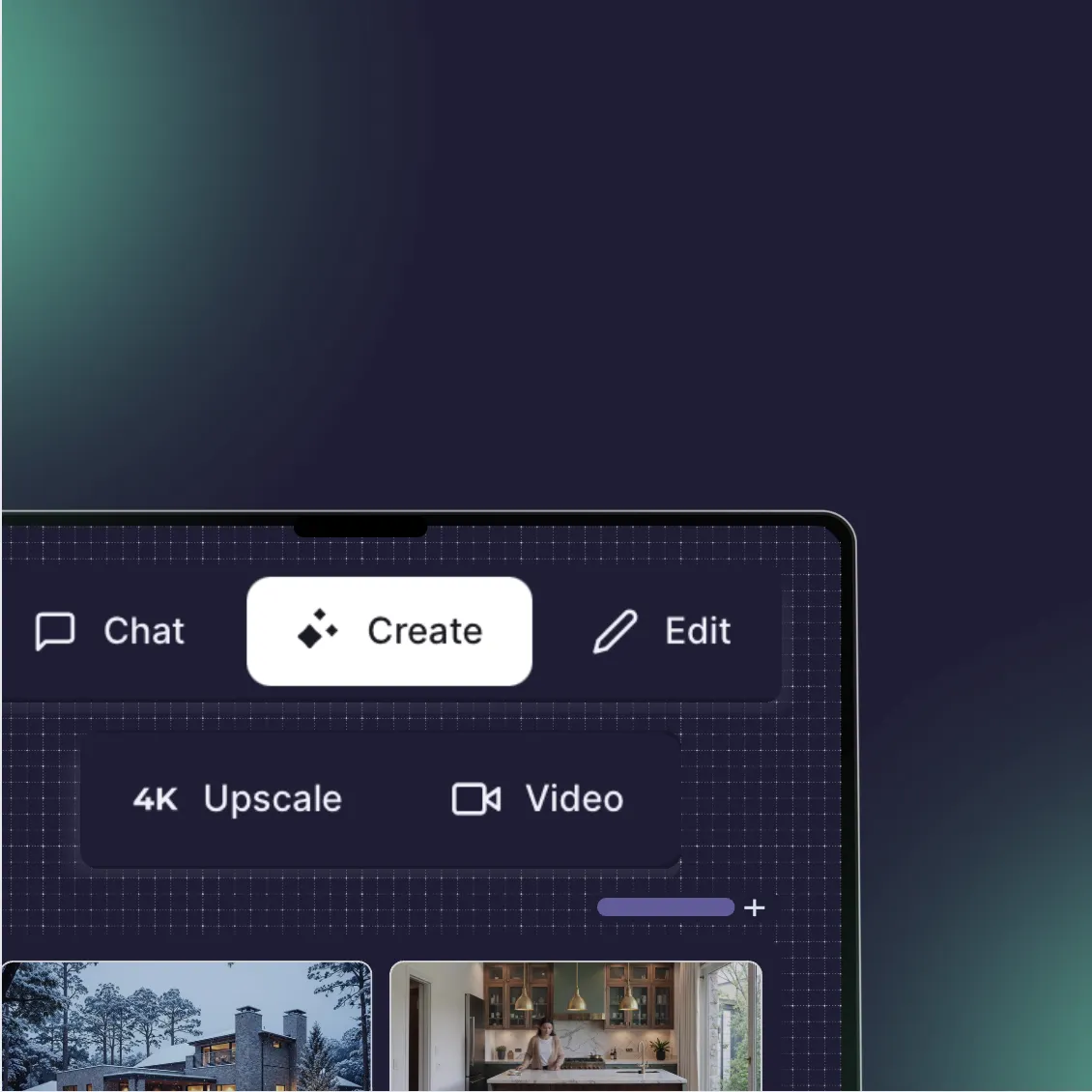
Speed is addictive. If you have used Krea AI, you know the specific rush of seeing a render appear in real-time as you move a shape on the screen. It changes the way you brainstorm.
But for professional architects and designers, speed is rarely the only metric that matters. You eventually hit a wall where "fast and cool" needs to become "precise and client-ready." You might find that Krea’s real-time generation lacks structural logic, or that its upscaler adds details that do not exist in your original design—a phenomenon known as hallucination.
This guide explores the best alternatives to Krea AI, ranging from tools that offer similar real-time capabilities to those that prioritize professional control and architectural accuracy.
Quick Comparison
Feature | Krea AI | Rendair AI | Leonardo.ai | Magnific AI | Midjourney |
|---|---|---|---|---|---|
Primary Focus | Real-time generation & upscaling | Architectural control & consistency | Creative art & game assets | High-end upscaling | High-fidelity generation |
Real-time Tool | Yes (Live Painting) | No (Focus on precision) | Yes (Live Canvas) | No | No |
Upscaling | Good (can hallucinate) | Controlled (preserves geometry) | Good | Good (expensive) | Moderate |
Learning Curve | Low | Low | Medium | Low | Medium |
Best For | Quick brainstorming | Professional workflows | Concept art | Final polish | High-end visuals |
What is Krea AI?
Krea AI is a generative tool best known for two features: a real-time generator that updates images instantly as you draw (using Latent Consistency Models, or LCMs), and a powerful AI upscaler and enhancer. It gained massive popularity because it bridged the gap between a rough sketch and a polished visual in milliseconds. Designers use it to "dream" quickly, creating mood boards or testing composition ideas without waiting for long render times.
How to choose a Krea alternative
When looking for an alternative, you are likely trying to solve one of three specific problems that Krea leaves open:
You need more control: Krea is fast but chaotic. If you need a building to look exactly like your Revit model, real-time generation often fails.
You need higher fidelity: Krea’s upscaler is good, but sometimes you need industry-leading detail for a billboard or 4K display.
You need workflow integration: You want a tool that fits into a professional pipeline rather than a standalone web experiment.
Top Krea AI Alternatives
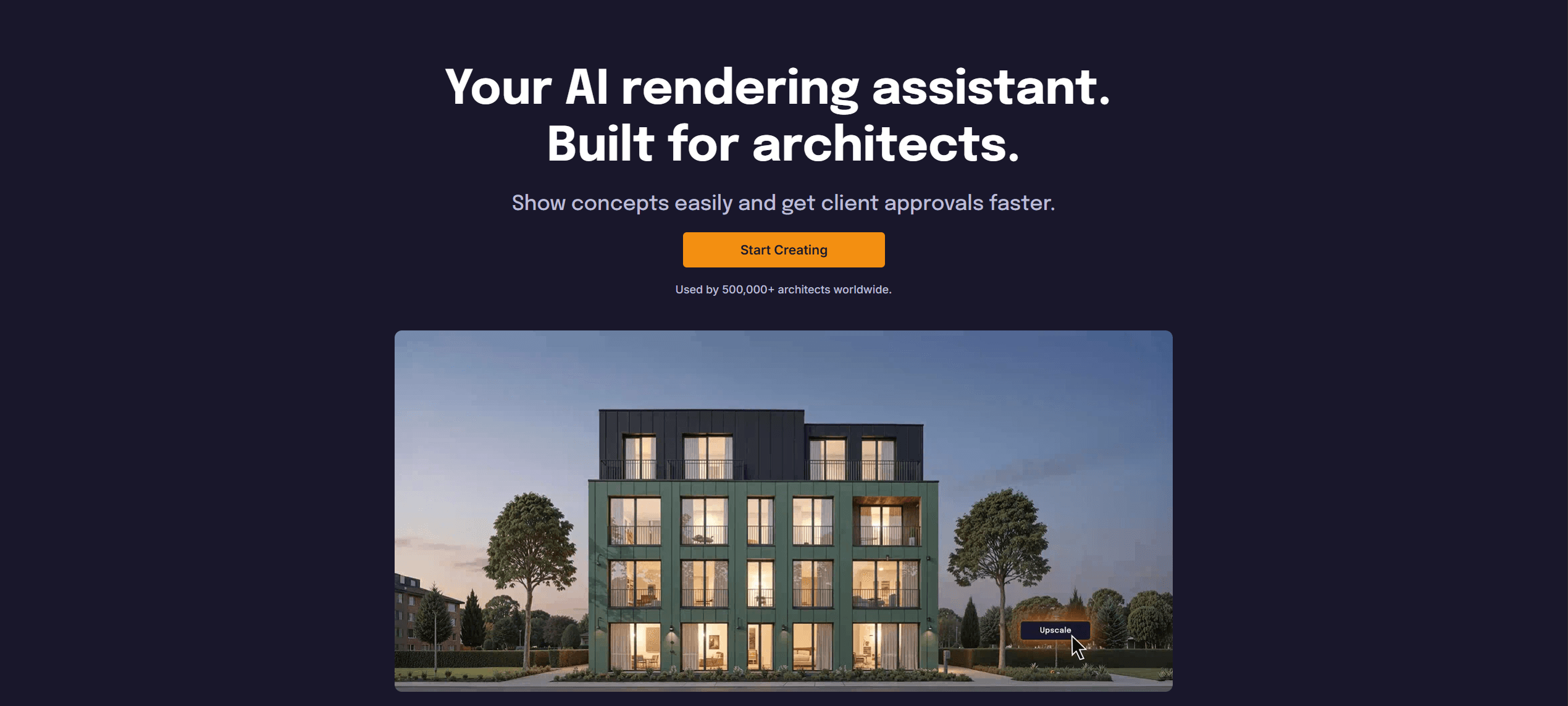
1. Rendair AI
What it does: A comprehensive AI visualization platform built specifically for architects and interior designers who need controllable results.
Key features:
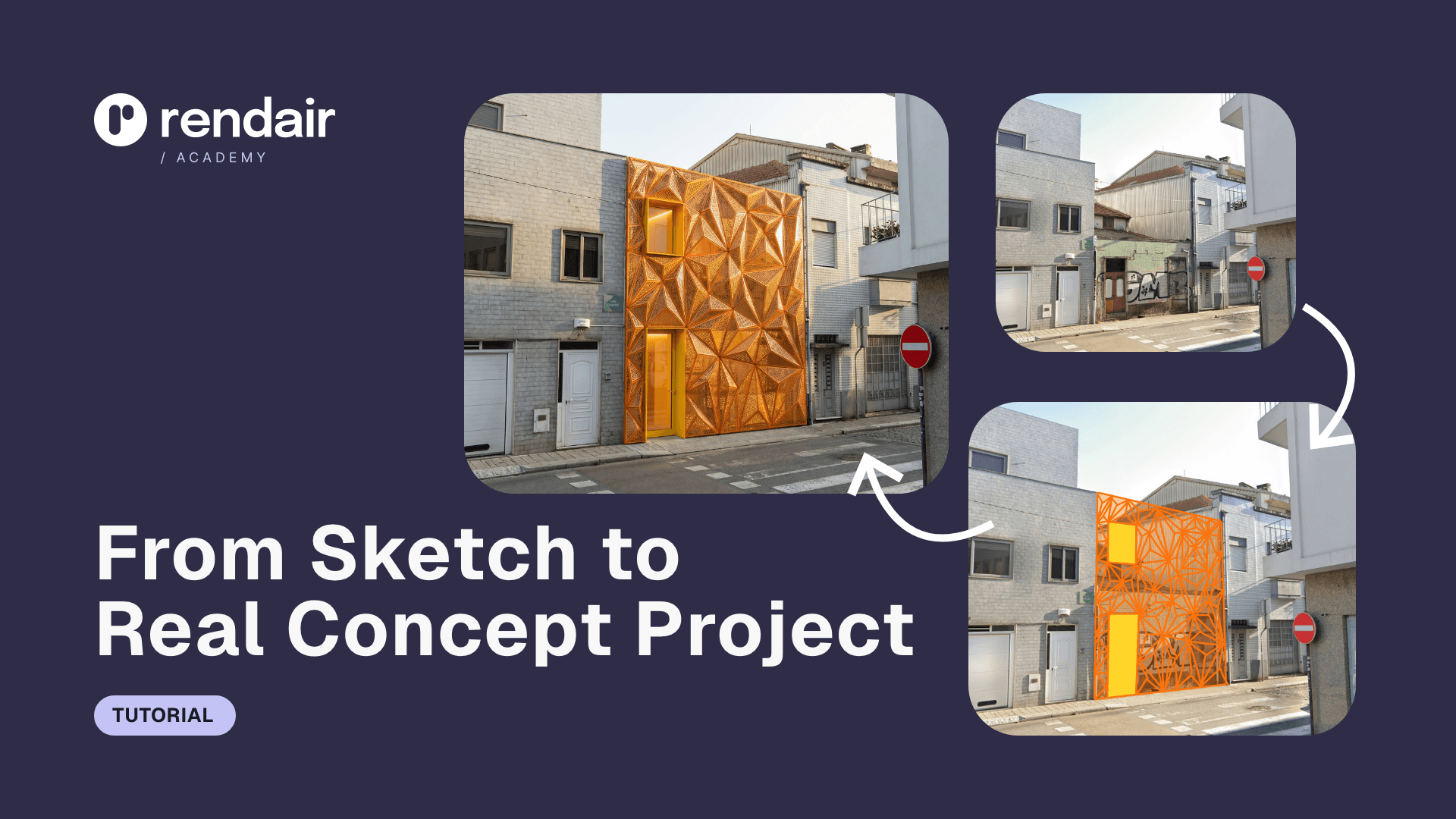
Precise Sketch-to-Render: Unlike Krea’s loose interpretation, Rendair adheres strictly to the lines and geometry of your uploaded sketch or 3D model.
Controlled Upscaling: Enhances resolution and lighting without "hallucinating" new windows or changing materials unexpectedly.
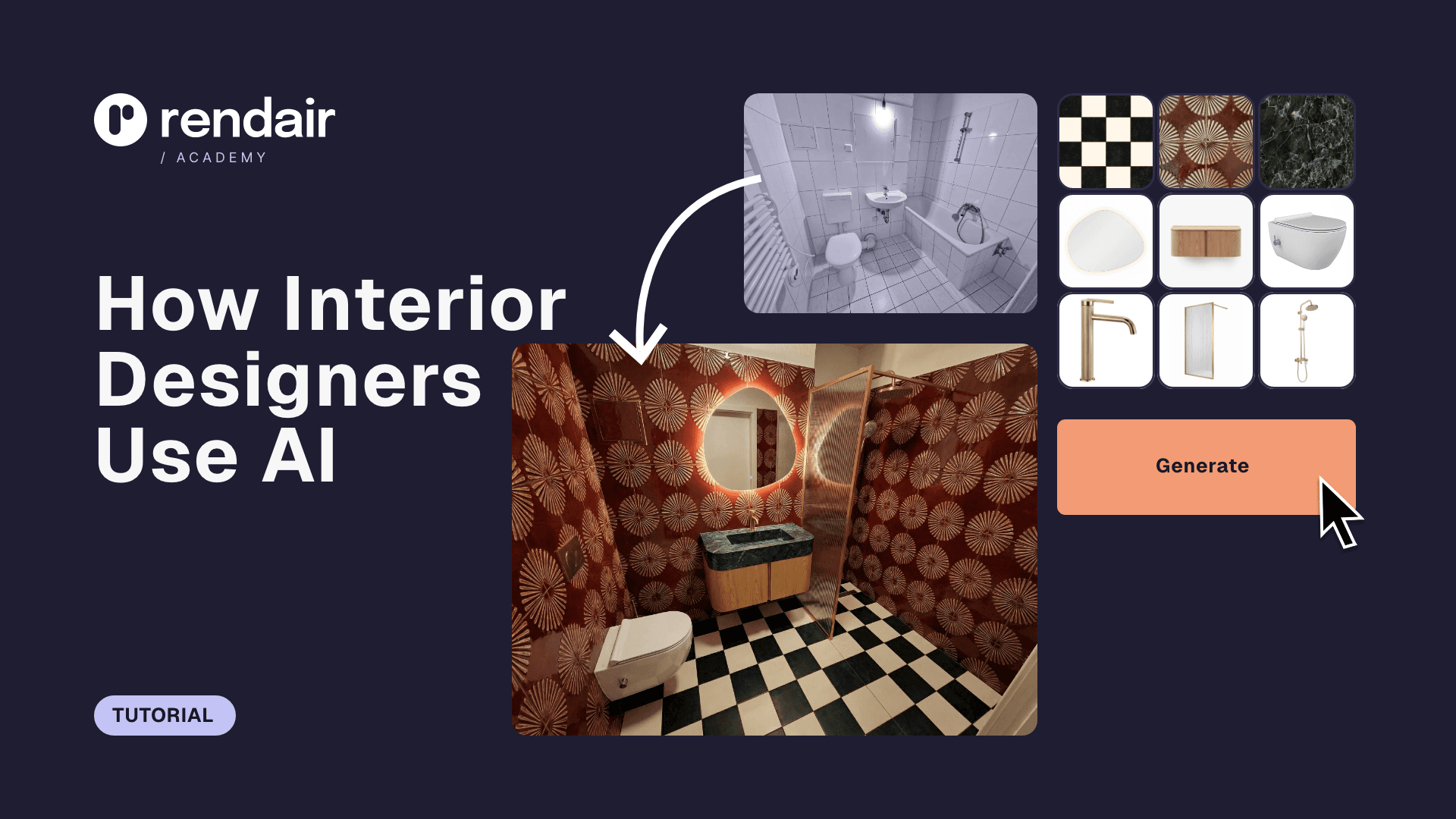
Inpainting & Editing: Allows you to change specific parts of an image (like flooring or furniture) without regenerating the entire scene.
Pros:
Designed for professionals, not just hobbyists.
Significantly higher consistency in architectural details.
One platform for the entire workflow (rendering, editing, upscaling, video).
Cons:
Does not offer "real-time" painting (prioritizes quality over millisecond speed).
Focuses on realism rather than stylized fantasy art.
What users say:
Professionals appreciate that they do not have to "fight" the AI to keep walls straight or materials consistent. It feels like a tool for work, not a toy.
Pricing: Flexible monthly subscriptions and pay-as-you-go options.
Best for: Architects and designers who need their renders to match their actual plans.
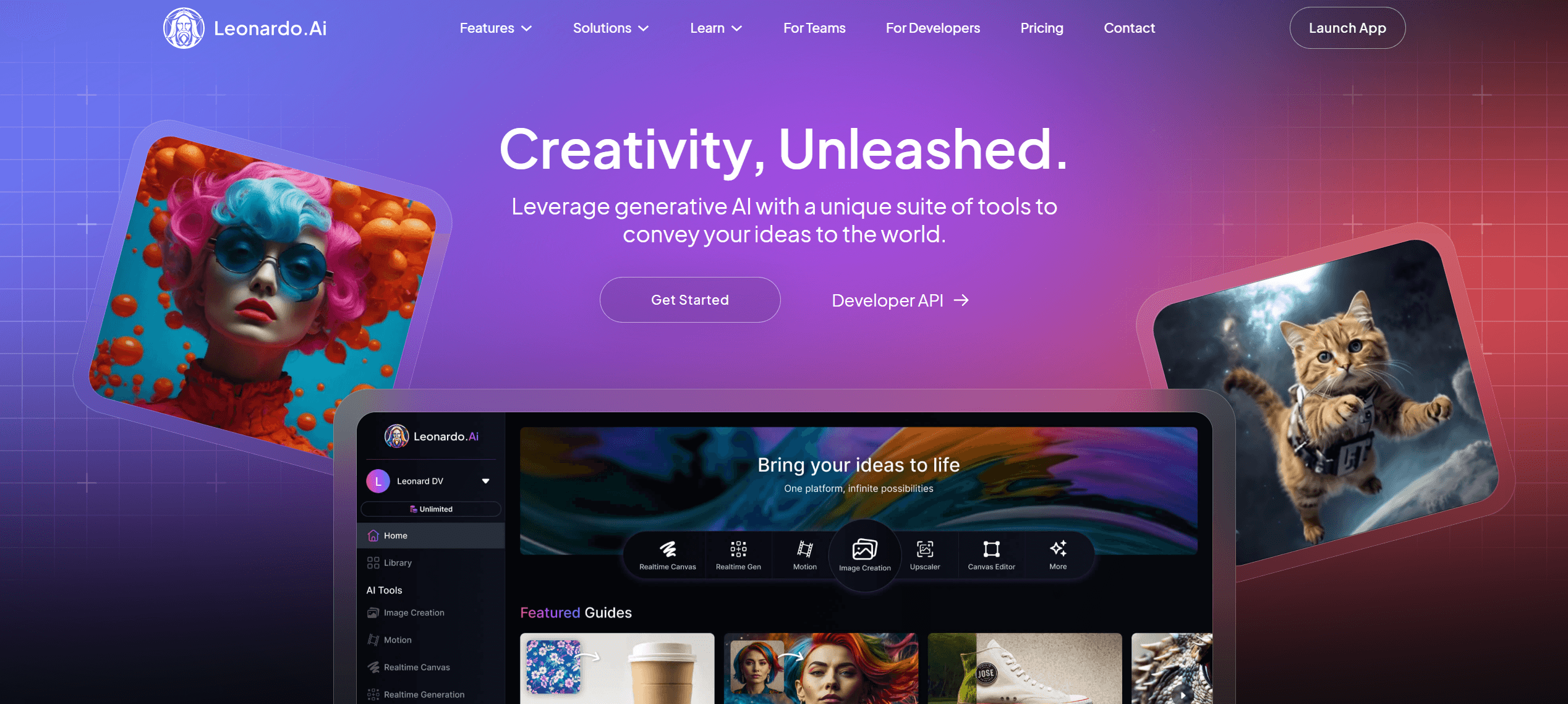
2. Leonardo.ai
What it does: A versatile creative suite that offers a direct competitor to Krea’s real-time painting feature.
Key features:
Live Canvas: This is the closest direct alternative to Krea’s real-time generation. You draw, and it renders instantly.
Fine-tuned Models: Access to models trained specifically for game assets, 3D textures, or photorealism.
Universal Upscaler: A robust upscaling tool that competes well with Krea’s enhancer.
Pros:
"Live Canvas" offers the same fun, fast interactive experience as Krea.
Extensive control over style and aesthetics.
Generous free daily allowance for testing.
Cons:
The interface can be cluttered with too many options for a beginner.
Still leans heavily toward character design and fantasy art rather than architecture.
What users say:
Users often cite Leonardo as the best "all-rounder" that balances advanced features with a good free tier, though the UI can be overwhelming.
Pricing: Free tier available; paid plans for private generation and advanced features.
Best for: Concept artists and designers who want Krea’s real-time features with more model options.
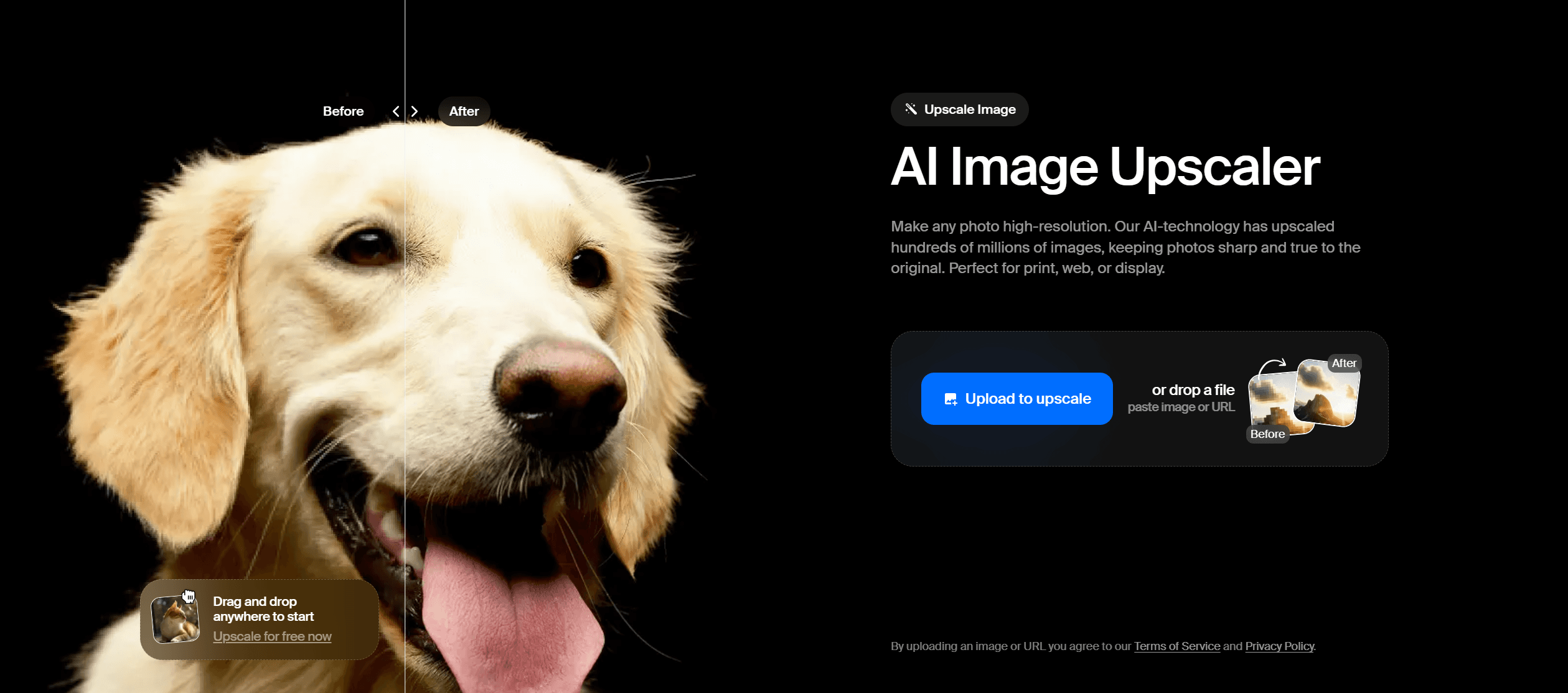
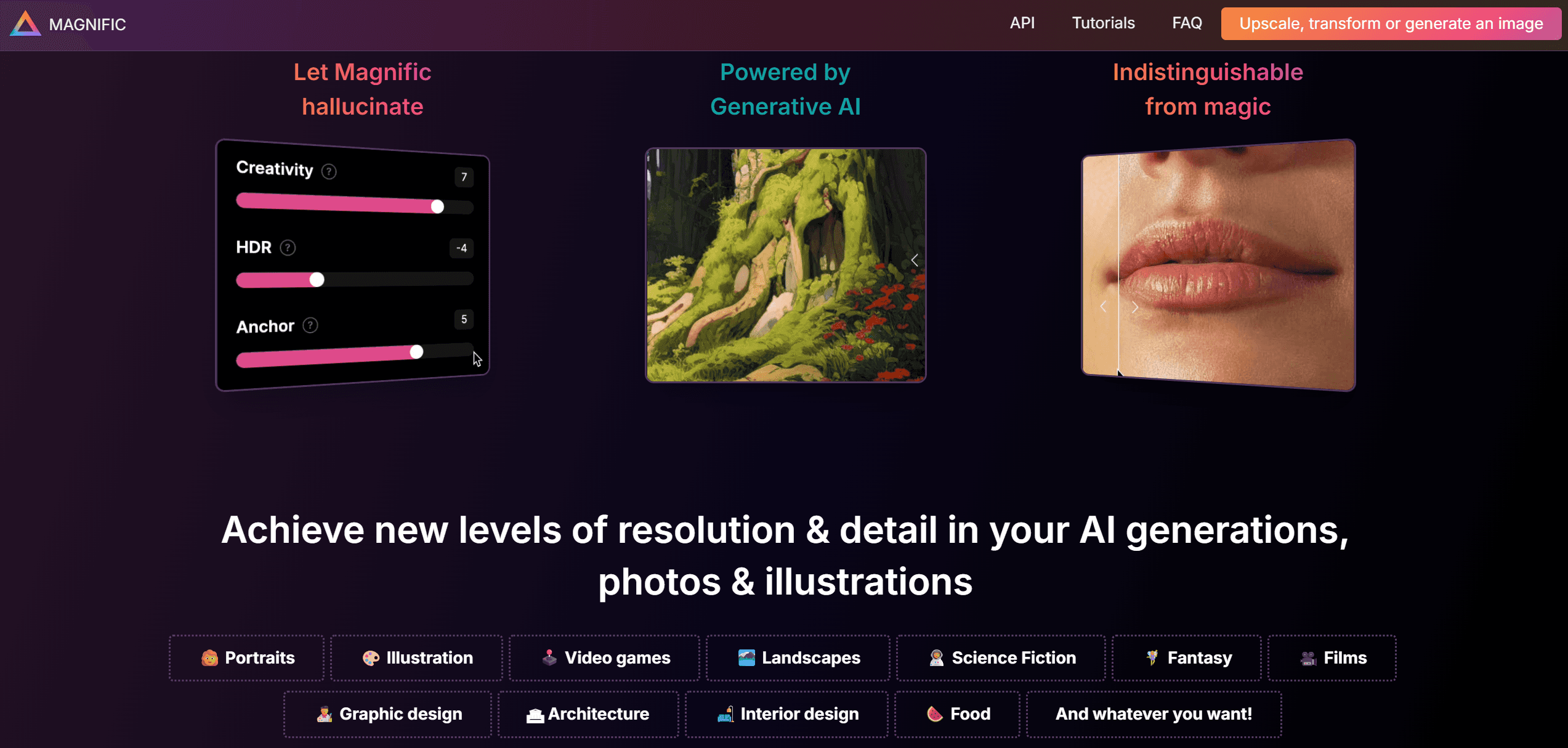
3. Magnific AI
What it does: A specialized, high-end upscaler that focuses entirely on adding extreme detail to low-resolution images.
Key features:
Hallucination Engine: Deliberately adds details (skin pores, brick textures, fabric weave) that did not exist in the original image.
Creativity Slider: Allows you to control how much the AI should "invent" versus strictly adhering to the source.
Fractal Detail: Can push images to incredibly high resolutions (4K, 8K, and beyond).
Pros:
Unmatched quality for upscaling; currently the industry benchmark for detail.
Simple, focused interface.
Can save a blurry render that would otherwise be unusable.
Cons:
Extremely expensive compared to other tools.
Can aggressively change faces or architectural details if "Creativity" is set too high.
What users say:
The consensus is that it is "magic" but priced for high-end professionals only. It is the tool you use for the final billboard print.
Pricing: High-tier monthly subscription.
Best for: Final polish on portfolio pieces or large-format prints where detail is paramount.
4. Midjourney
What it does: The leading generative AI for high-fidelity, artistic image creation.
Key features:
Aesthetic Quality: consistently produces the most visually stunning and artistically coherent images of any model.
Style Reference: Allows you to upload an image and ask the AI to copy its lighting and mood perfectly.
Inpainting (Vary Region): Lets you fix small areas of an image.
Pros:
Produces the "prettiest" results with the least amount of prompting.
Excellent for early-stage mood boarding and stylistic exploration.
Huge community for inspiration.
Cons:
No real-time capabilities; generation takes nearly a minute.
Operates primarily through Discord (though a web alpha exists), which is a friction point for many professionals.
What users say:
Designers love the output quality but often find the Discord interface clunky for professional workflows.
Pricing: Monthly subscription tiers.
Best for: Creating stunning mood boards and high-concept visuals where specific geometry matters less than atmosphere.
5. Freepik (Pikaso)
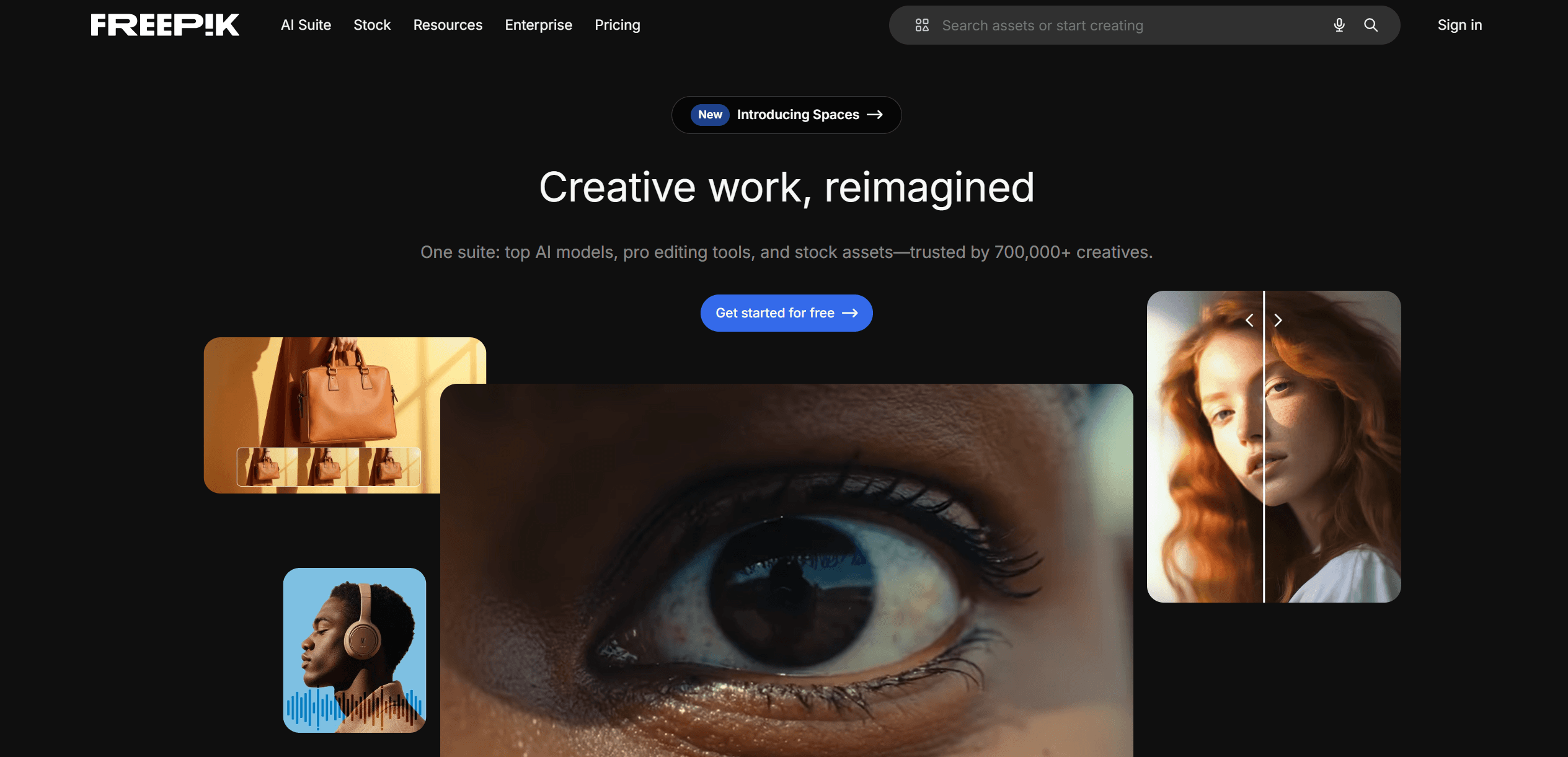
What it does: A real-time drawing and generation tool integrated into a massive stock asset library.
Key features:
Real-time Sketching: Very similar to Krea’s functionality; you draw shapes and icons, and it renders them instantly.
Icon Library: You can drag and drop stock icons (chairs, trees, people) and the AI renders them realistically.
Reimagine: Upload an image and generate infinite variations of it instantly.
Pros:
Extremely easy to use; great for non-artists.
Integration with Freepik’s vast library of icons makes composition fast.
Affordable compared to standalone AI tools.
Cons:
Lacks the high-end photorealism of Midjourney or Rendair.
Limited control over lighting and advanced rendering parameters.
What users say:
It is seen as a fantastic "quick sketch" tool for mockups and presentations, though rarely used for final architectural deliverables.
Pricing: Subscription (often bundled with Freepik Premium).
Best for: Rapid mockups and marketers who need quick visuals.
6. Stable Diffusion (Automatic1111 / ComfyUI)
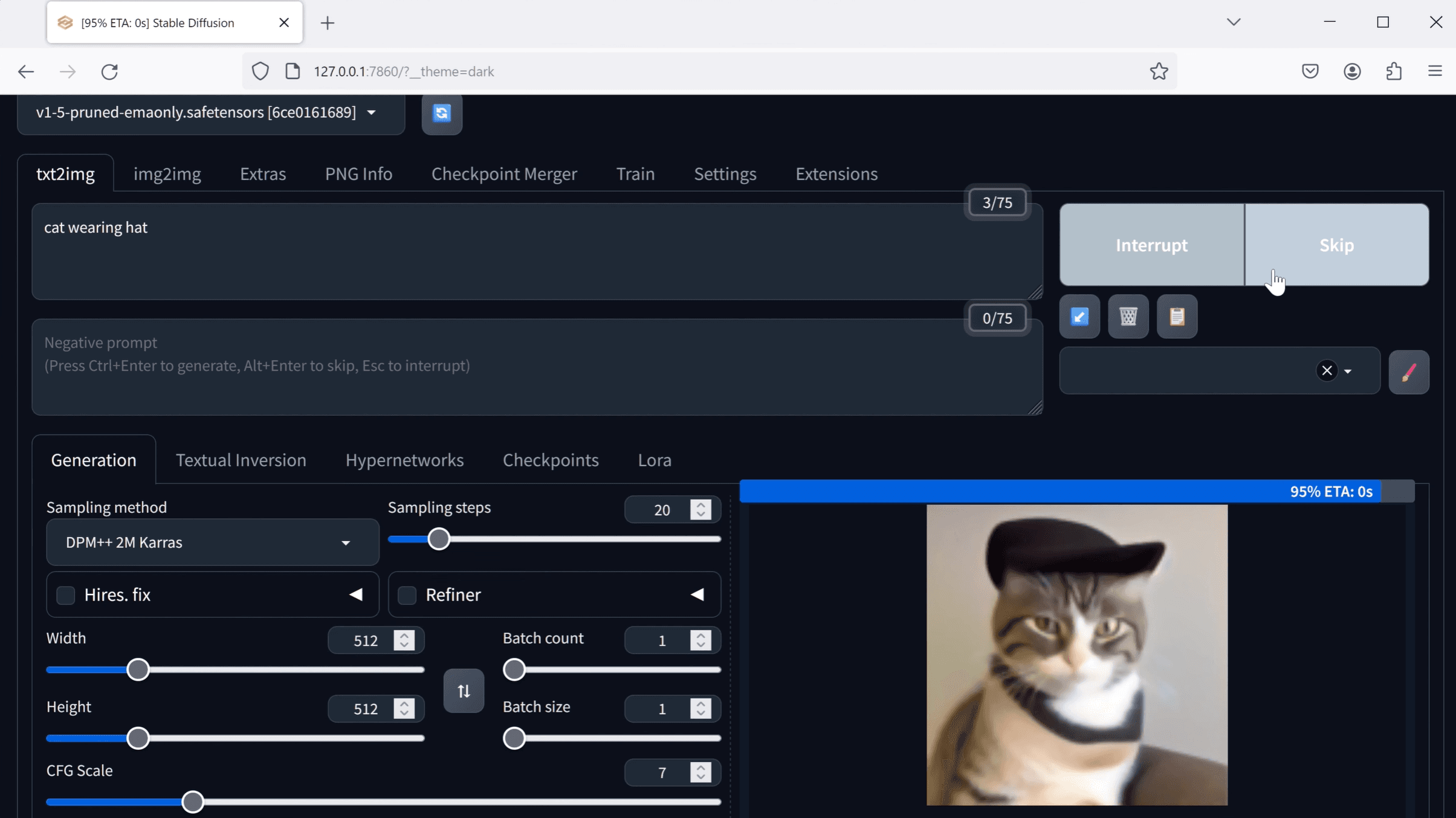
What it does: The open-source engine that powers many of these tools, allowing you to run AI locally on your own computer.
Key features:
LCM (Latent Consistency Models): You can install the exact same technology Krea uses to get real-time generation on your own PC.
ControlNet: The industry standard for forcing AI to follow specific lines, depth maps, or poses.
Total Privacy: Since it runs locally, no client data ever leaves your machine.
Pros:
Free (if you have the hardware).
Infinite customizability; you can mix and match thousands of models.
No subscription fees or credit limits.
Cons:
Extremely steep learning curve; requires technical knowledge to install and manage.
Requires a powerful computer with a high-end NVIDIA GPU.
What users say:
"The best tool if you are a nerd." It offers the most power but requires you to be your own IT support.
Pricing: Free (Open Source).
Best for: Tech-savvy designers who want zero monthly costs and total control.
7. Adobe Firefly
What it does: A commercially safe generative AI integrated directly into Photoshop and other Adobe products.
Key features:
Generative Fill: The most famous feature, allowing you to extend images or add objects seamlessly within Photoshop.
Reference Image: Use a reference to guide the style of the generation.
Commercial Safety: Trained on Adobe Stock, making it safer for corporate work regarding copyright.
Pros:
Already in the software you use daily (Photoshop).
Very easy to use for "fixing" renders (adding people, changing backgrounds).
Safe for commercial use.
Cons:
Generally lower visual quality/realism compared to Midjourney or Magnific.
No real-time generation features like Krea.
What users say:
It is the "utility player" of the group, used for edits and fixes rather than generating full concepts from scratch.
Pricing: Included with Adobe Creative Cloud subscriptions.
Best for: Post-processing and integrating AI into an existing Photoshop workflow.
Choosing what fits your workflow
Not every tool makes sense for every project. Match software to your actual bottlenecks:
Speed vs. Quality: If you need to impress a client during a meeting, use Krea or Leonardo. If you need to send a file after the meeting, use Rendair or Midjourney.
Team Size: Solo freelancers might love the low cost of Stable Diffusion, while studios need the reliability and support of Rendair or Adobe.
Technical Comfort: If you hate installing Python libraries, avoid Stable Diffusion. If you want "it just works," stick to web-based platforms.
Budget Reality: Magnific is amazing but costs as much as a utility bill. Ensure the project budget justifies the tool.
Start with one that addresses your most frequent friction point. You can always expand your toolkit as projects demand it.
Why professionals add Rendair to the mix
While Krea is fantastic for the "spark" of an idea, Rendair is built to carry that idea to the finish line. It offers the specific controls architects need, like keeping vertical lines straight, respecting material choices, and upscaling without altering the fundamental geometry of the design. It bridges the gap between the speed of AI and the precision required for professional practice.
Recent Posts
Join 500,000+ architects who saved time. No credit card needed for your first 20 credits.