Top 7 SketchUp Alternatives for Architects in 2026
Jan 14, 2026
For years, SketchUp has been the default starting point for architectural modeling. Its "push-pull" simplicity made it ubiquitous. However, changes in licensing models, performance limitations with heavy files, and the evolving needs of modern design workflows have professionals looking elsewhere.
This guide explores the most viable alternatives, ranging from free open-source powerhouses to specialized BIM tools and AI-driven visualization platforms.
Quick Comparison
Tool | Pricing Model | Best For | Platform |
|---|---|---|---|
Blender | Free (Open Source) | High-end organic modeling | Win, Mac, Linux |
Rhino 3D | One-time license | Parametric & Complex curves | Win, Mac |
FormIt | Subscription (Autodesk) | Revit integration | Web, Win, iPad |
Shapr3D | Subscription | Mobile/Tablet sketching | iPad, Win, Mac |
BricsCAD Shape | Free | DWG-native modeling | Win, Mac, Linux |
Revit | Subscription | Full BIM Documentation | Win |
Rendair AI | Trial / Subscription | Rapid visualization & Concept | Web |
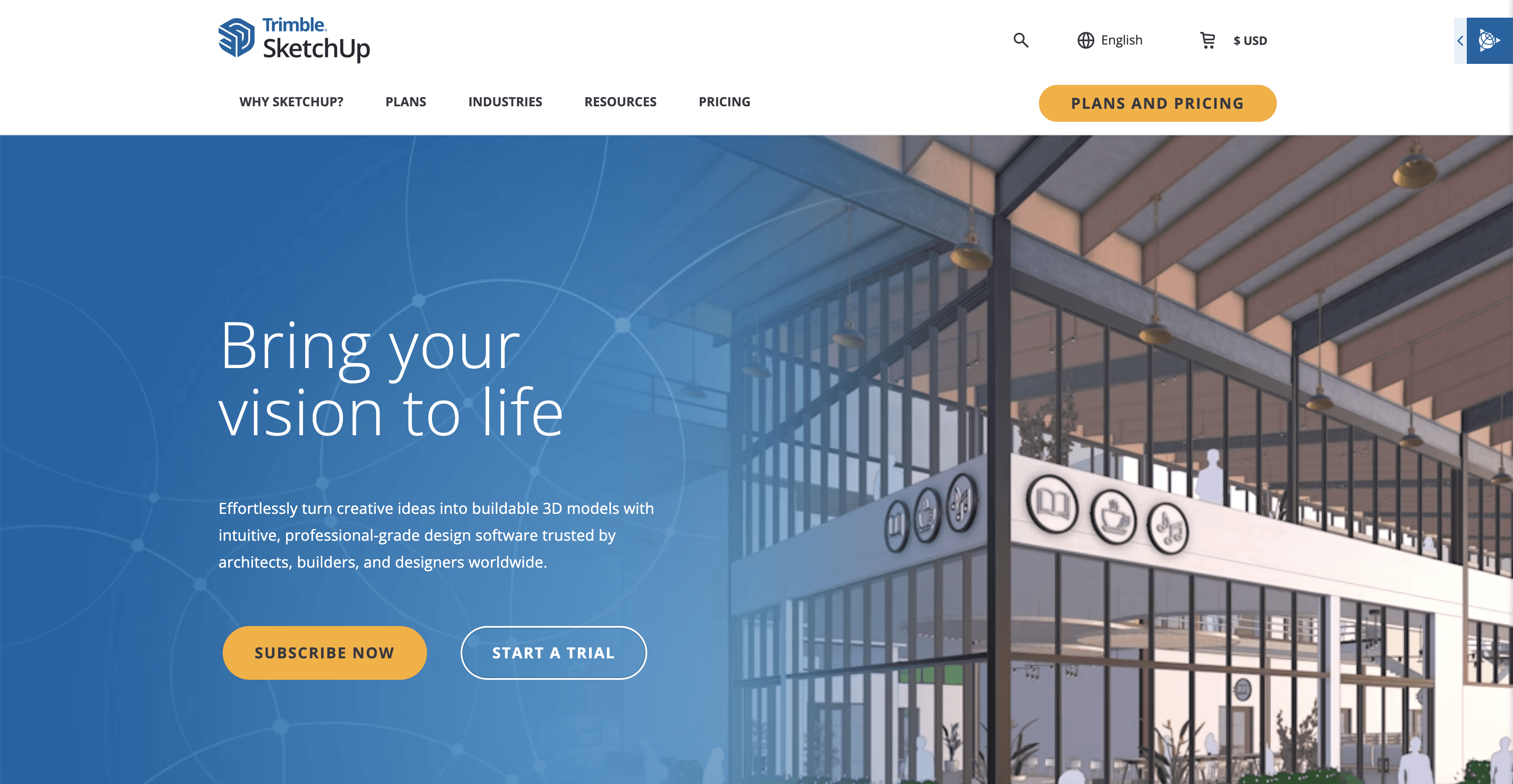
What is SketchUp?
SketchUp is a 3D modeling program known for its intuitive interface and low barrier to entry. It allows designers to create geometry by drawing shapes and pulling them into 3D forms. It became an industry staple for schematic design and spatial planning because it mimics the speed of hand sketching in a digital environment.
How to choose a SketchUp alternative
Replacing a core tool requires understanding where your current workflow friction lies.
1/ Define the bottleneck
Are you leaving SketchUp because of the subscription cost, or because it crashes when you load high-poly vegetation? If it is cost, look at Blender. If it is performance, look at Rhino.
2/ Consider the output
If you use SketchUp to create construction documents, you need a CAD/BIM replacement like BricsCAD or Revit. If you use SketchUp solely to create visuals for clients, you might not need a modeler at all—you might need a visualization tool like Rendair.
3/ The learning curve reality
Time is money. A free tool that takes six months to master costs more than a paid tool you learn in a week.
> “We know it is not final, but the client wants visuals.”
Top SketchUp Alternatives
1/ Blender
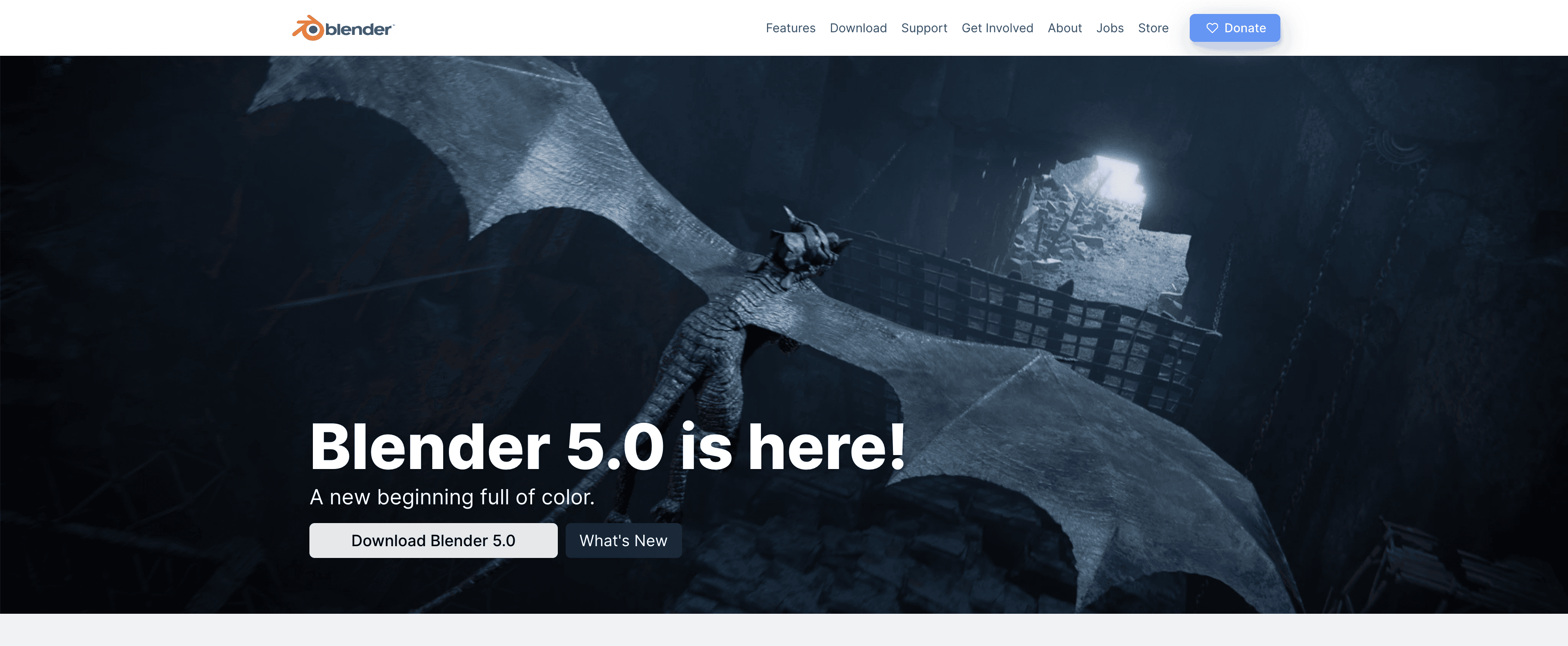
What it does: A comprehensive, open-source 3D creation suite supporting modeling, rigging, animation, and rendering.
Key features:
Cycles Render Engine: A high-end ray-trace based production render engine.
Geometry Nodes: Allows for complex, parametric modeling workflows.
BlenderBIM: An emerging add-on that brings BIM capabilities to the platform.
Pros:
Completely free and open source forever.
Handles massive scenes and high polygon counts far better than SketchUp.
Extremely active community with thousands of free plugins.
Cons:
The interface is dense and relies heavily on keyboard shortcuts.
The learning curve is steep for users coming from SketchUp's simplicity.
What users say:
Users frequently praise the financial freedom of the tool but warn new users to expect a frustrating first two weeks while learning the interface.
Pricing: Free.
Best for: Visualizers and designers willing to invest time in learning a powerful, cost-free ecosystem.
2/ Rhino 3D (Rhinoceros)
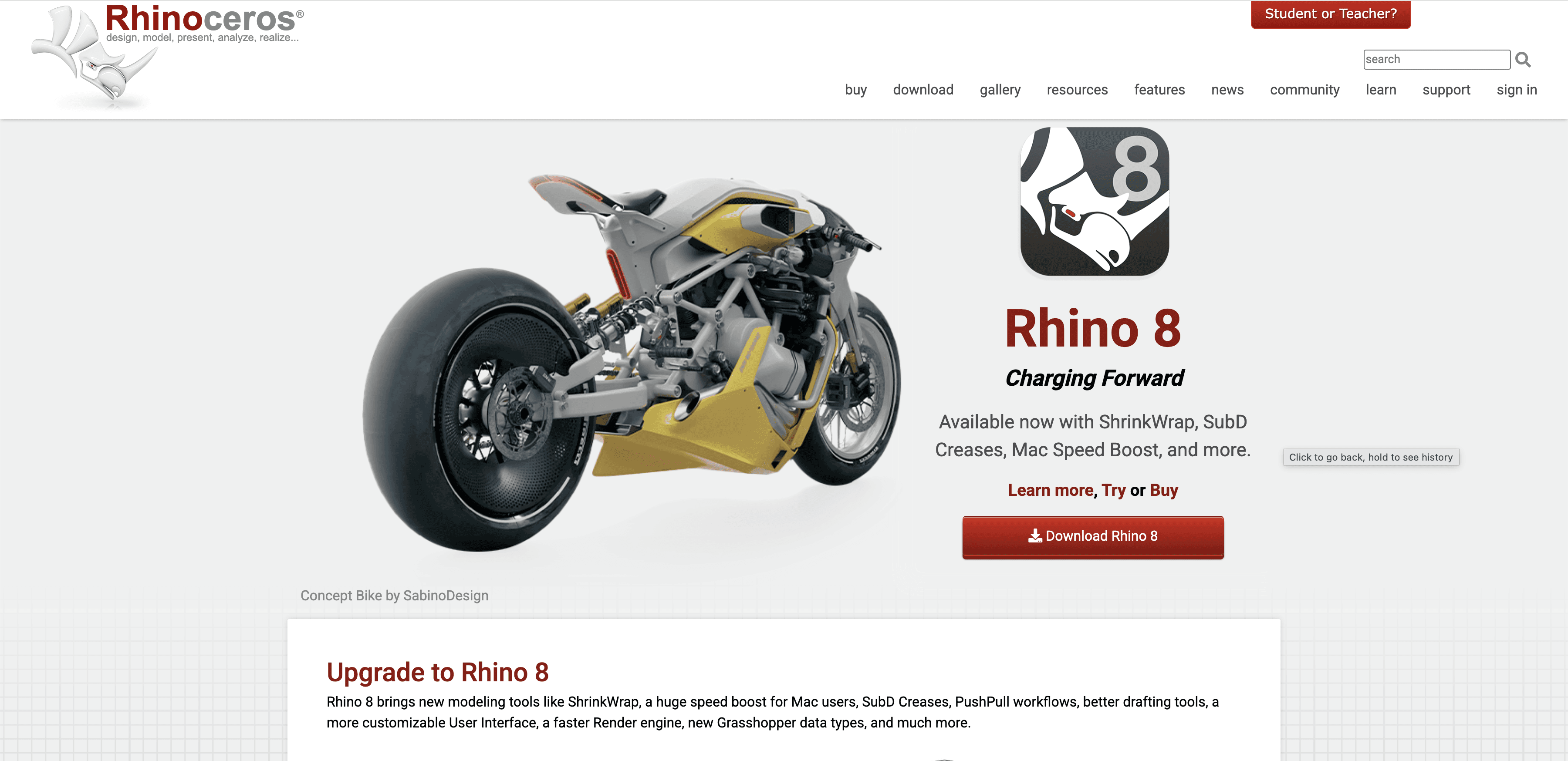
What it does: A mathematically precise modeler based on NURBS (Non-Uniform Rational B-Splines) geometry, excellent for curved architecture.
Key features:
Grasshopper: The industry standard for visual programming and parametric design.
SubD: A geometry type that bridges the gap between organic mesh modeling and precise CAD.
QuadRemesh: Quickly cleans up messy geometry from imported files.
Pros:
Unmatched precision for complex, curved, or organic shapes.
One-time purchase license (no mandatory subscription).
Massive ecosystem of third-party plugins for architecture.
Cons:
Slower for simple, boxy buildings compared to SketchUp's push-pull.
Drafting 2D documentation is possible but less intuitive than Revit or AutoCAD.
What users say:
Architects often describe Rhino as the "Swiss Army Knife" of design—it can open almost any file type and model almost any shape.
Pricing: One-time purchase (approx. $995).
Best for: Computational designers and firms working on complex, non-rectilinear geometry.
3/ Autodesk FormIt
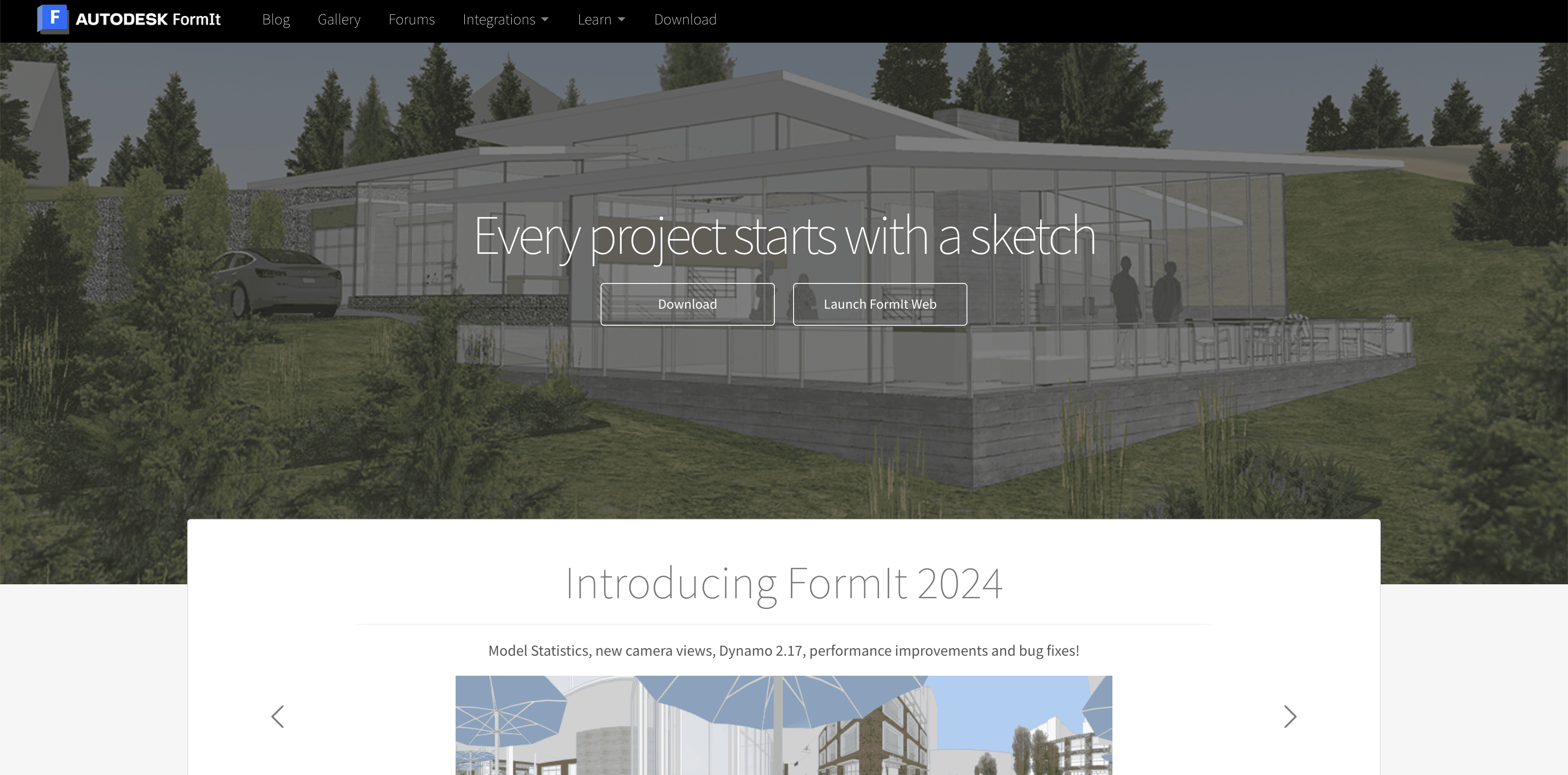
What it does: Autodesk’s direct answer to SketchUp, designed to bridge early-stage conceptual modeling with Revit.
Key features:
Revit Interoperability: Seamlessly moves models into Revit without data loss.
Energy Analysis: Built-in tools to test building performance early in the design.
Native Tablet App: Robust iPad app for sketching on site.
Pros:
Familiar "push-pull" workflow similar to SketchUp.
Keeps intelligent BIM data that is usually lost in SketchUp.
Included in the Autodesk AEC Collection.
Cons:
Smaller user community and fewer asset libraries than SketchUp.
Performance can lag with very large models.
What users say:
Revit users appreciate the seamless integration, noting that it saves them from "re-modeling" everything when moving from concept to documentation.
Pricing: Included in AEC Collection or standalone subscription.
Best for: Firms already deeply embedded in the Autodesk/Revit ecosystem.
4/ Shapr3D
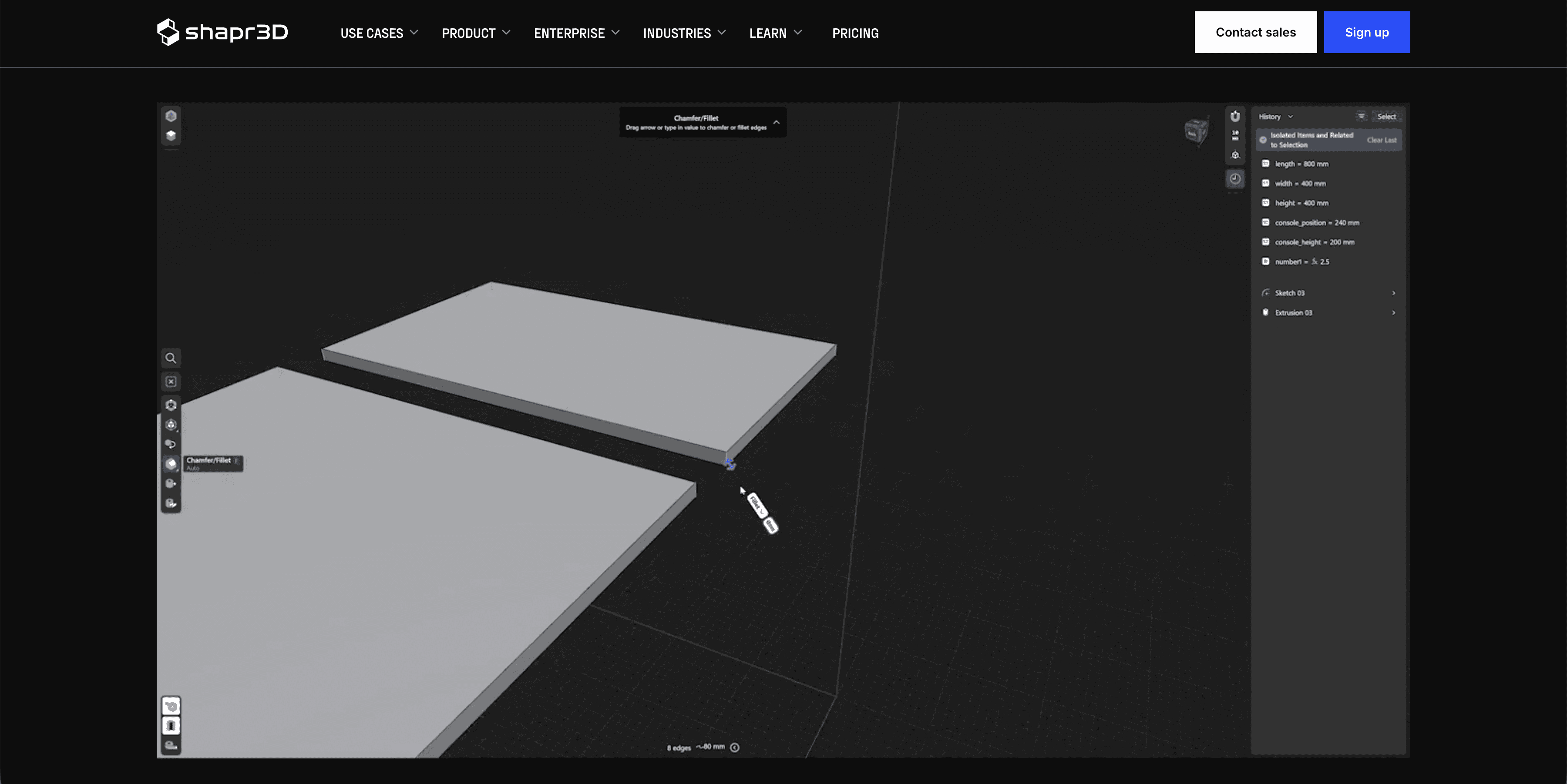
What it does: A mobile-first CAD tool built specifically for iPad and Apple Pencil (now available on Windows/macOS) using the Siemens Parasolid kernel.
Key features:
Direct Modeling: Extremely intuitive interaction using a stylus.
Visualization: Real-time rendering integration.
Export options: High-quality exports for manufacturing and CAD.
Pros:
The most intuitive interface on the market; very fast to learn.
Portable; ideal for sketching ideas during client meetings or site visits.
Precision of a CAD tool with the feel of a sketching app.
Cons:
Subscription can be pricey compared to features offered.
Limited architectural library (furniture, windows) compared to SketchUp Warehouse.
What users say:
Users love the tactile feel of modeling with a pencil, describing it as the closest digital equivalent to physical model making.
Pricing: Free basic tier; Pro subscription required for export/import.
Best for: Industrial designers and architects who prefer working on tablets.
5/ BricsCAD Shape
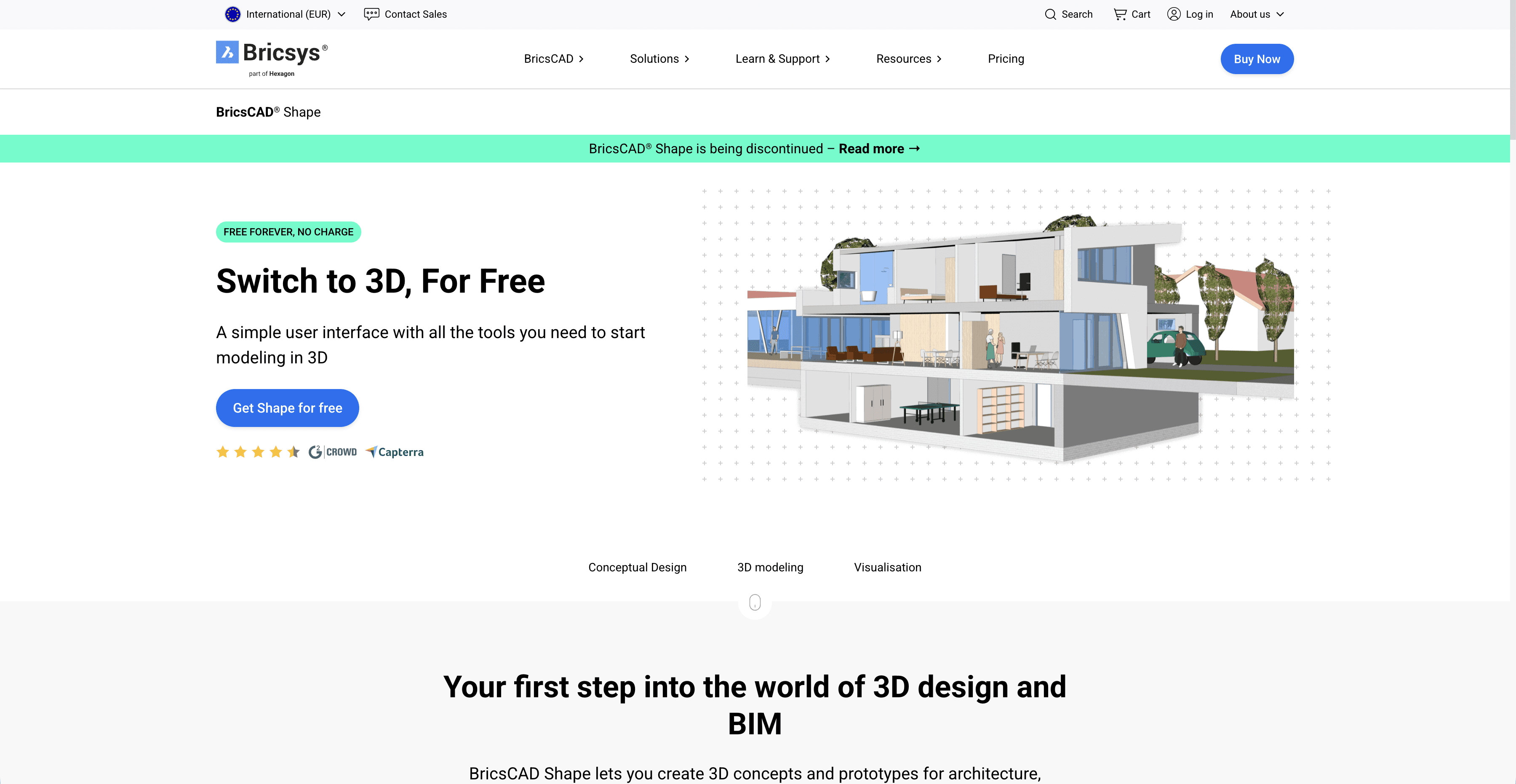
What it does: A free, lightweight solid modeler that works natively in .DWG format.
Key features:
DWG Native: Files open directly in AutoCAD or BricsCAD without conversion.
Quickdraw: Smart cursor tools for drawing walls and slabs rapidly.
Library: Standard library of parametric windows and doors.
Pros:
Completely free for commercial use.
Accurate CAD geometry, not just mesh surfaces.
Easiest transition for users familiar with AutoCAD commands.
Cons:
Rendering capabilities are basic.
Less "fun" and artistic than SketchUp; feels more like engineering software.
What users say:
Professionals value it as a "no-nonsense" tool that respects CAD standards while offering 3D conceptualization.
Pricing: Free.
Best for: CAD-heavy offices that need a free concept modeler compatible with their DWG archives.
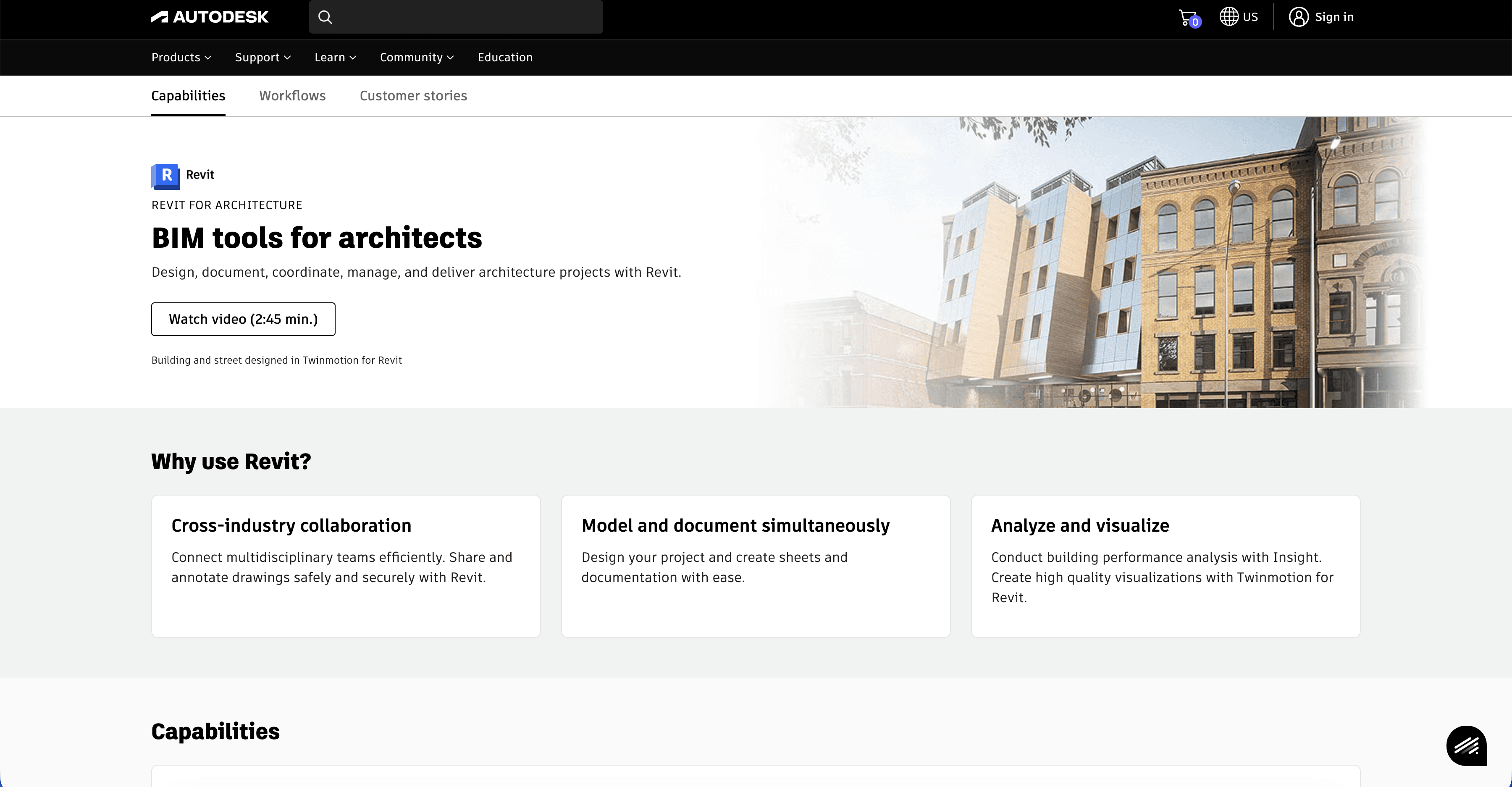
6/ Revit
What it does: The industry standard for Building Information Modeling (BIM), handling everything from concept to construction administration.
Key features:
Parametric Components: Walls, doors, and windows are intelligent objects, not just geometry.
Documentation: Automatically generates plans, sections, and elevations from the 3D model.
Collaboration: Worksharing allows multiple team members to work on one file.
Pros:
Eliminates the disconnect between the design model and the construction drawings.
High demand in the job market; standard for large projects.
immense data management capabilities.
Cons:
Very expensive subscription.
Extremely steep learning curve; not suitable for quick "napkin sketches."
Rigid workflow can stifle early-stage creativity.
What users say:
While many complain about the complexity, most agree it is indispensable for delivering complex buildings efficiently.
Pricing: High-tier subscription.
Best for: Professional delivery of architectural projects from design development through construction.
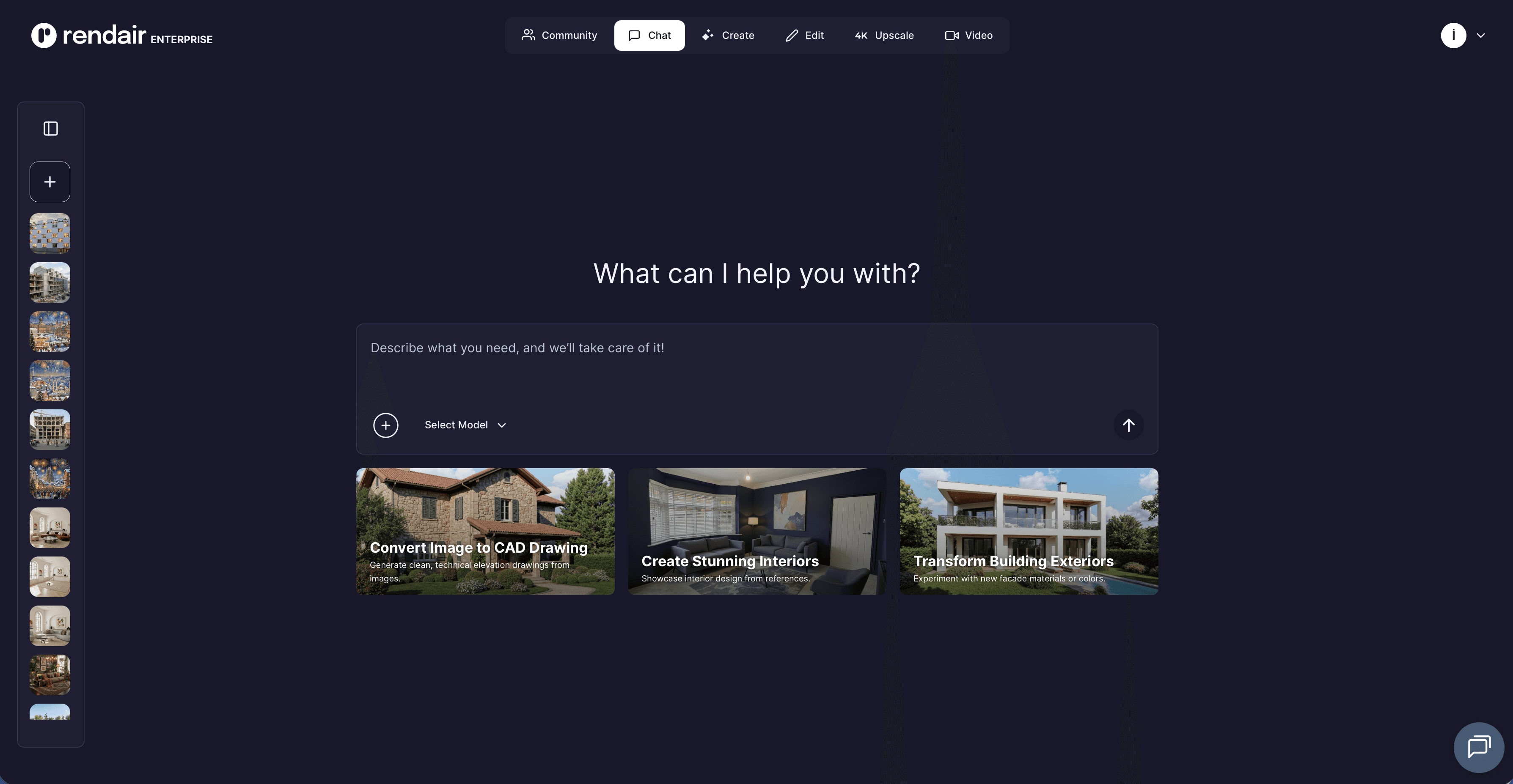
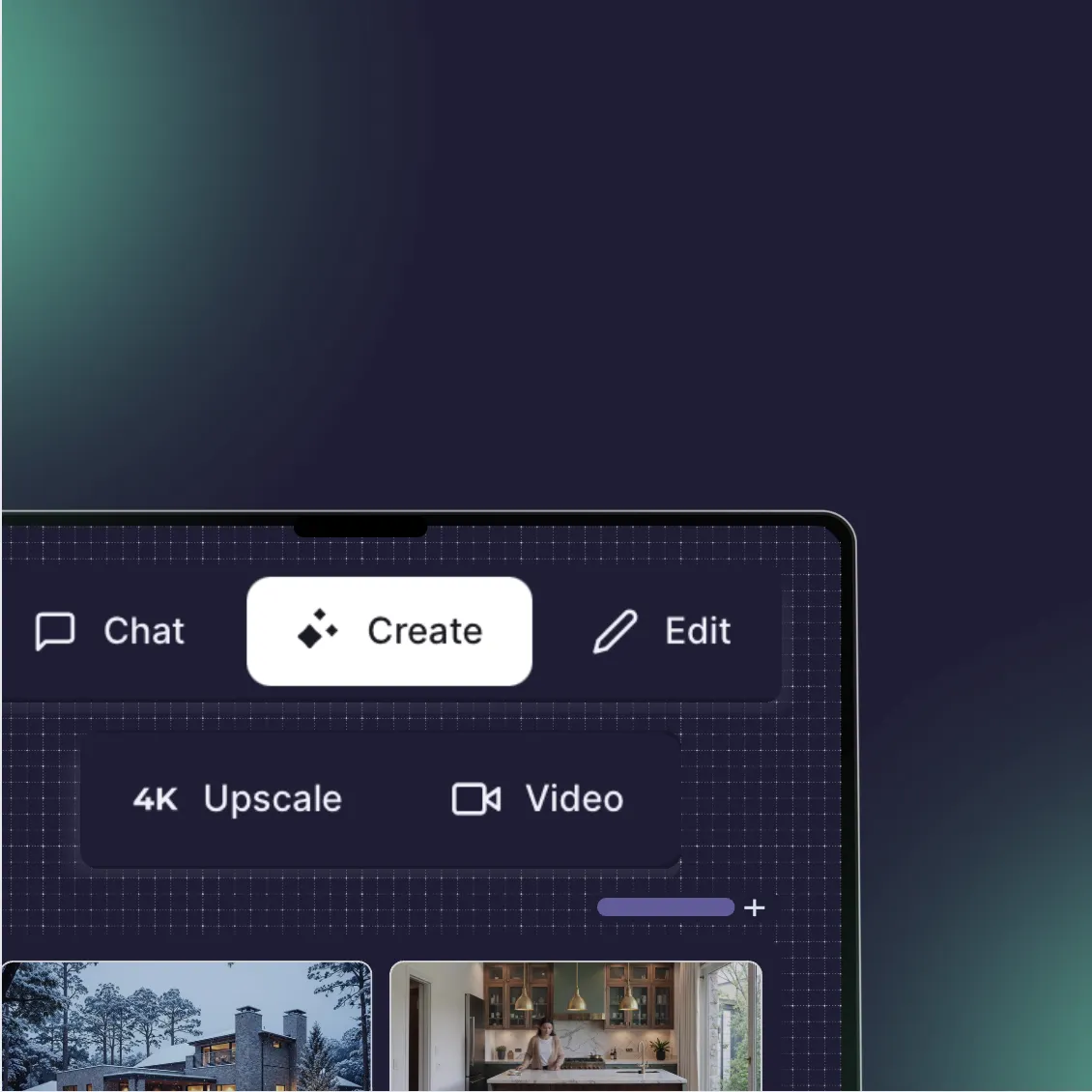
7/ Rendair AI
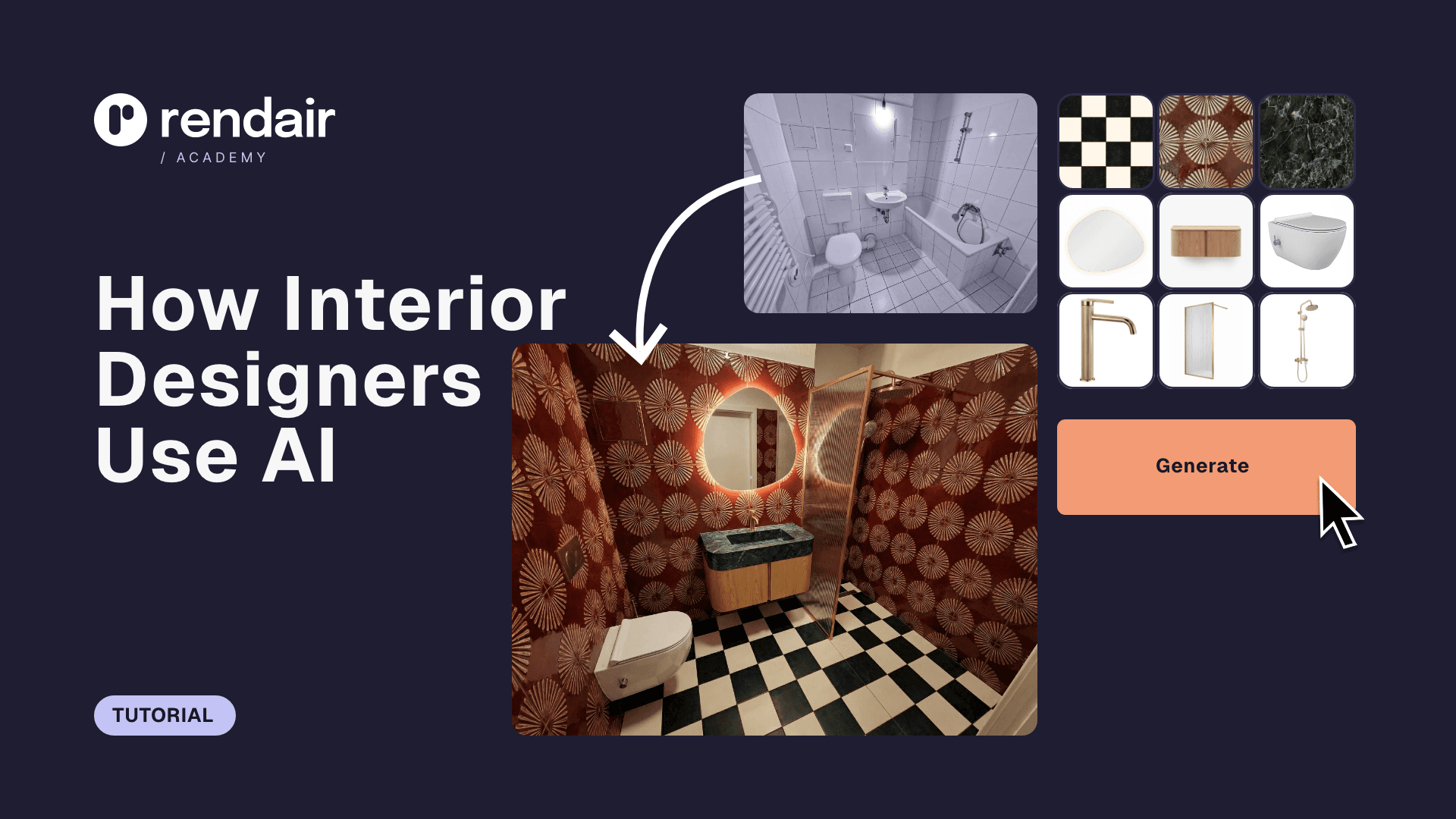
What it does: Generates photorealistic architectural visualizations from simple sketches, massing models, or text descriptions.
Key features:
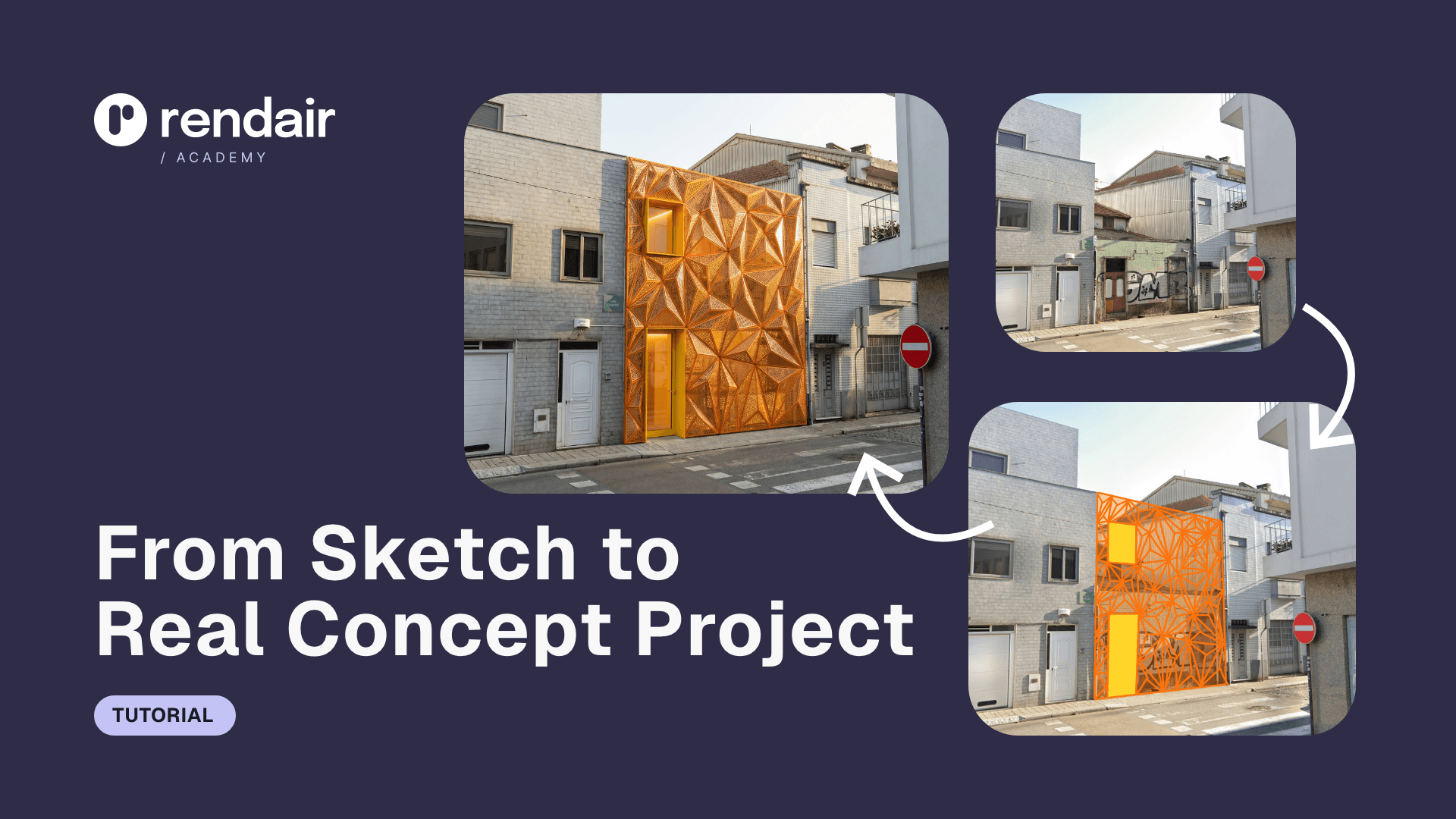
Sketch-to-render: Turns a napkin sketch or basic screenshot into a polished render.
Style consistency: Keeps materials and lighting consistent across different views.
In-painting: Allows you to edit specific parts of an image without re-rendering.
Pros:
Drastically faster than modeling detailed environments in 3D.
No need to manage textures, lighting engines, or render farms.
Works alongside any other tool (even a basic SketchUp massing).
Cons:
It is not a geometry modeler; you cannot export a DWG file from it.
Best used for visualization and concept phases, not construction documentation.
What users say:
Designers often note that it removes the "modeling tax" from the early design phase, allowing them to show clients high-quality options before committing to a floor plan.
Pricing: Flexible subscription and pay-as-you-go options.
Best for: Architects and designers who need rapid visualization without spending hours on 3D modeling.
Choosing what fits your workflow
Not every tool makes sense for every project. Match software to your actual bottlenecks:
Speed vs. quality: If you need client previews today, a heavy BIM tool will slow you down.
Team size: Solo workflows have different needs than studios requiring cloud collaboration.
Technical comfort: Blender requires a technical mindset; Shapr3D requires almost none.
Budget reality: Factor in learning time, not just subscription cost.
Start with one that addresses your most frequent friction point. You can always expand your toolkit as projects demand it.
What experienced teams learn early
No single tool does it all. The "perfect" software is usually a combination of two.
Data loss is the enemy. Choose tools that talk to each other (e.g., FormIt to Revit).
Visuals sell the work. The model doesn't matter if the client doesn't understand the image.
How Rendair fits the puzzle
If you decide to stick with a simpler modeler—or even just rough sketches—Rendair bridges the gap to professional presentation. You do not need to switch to complex software like Blender or Revit just to get better renders.
By handling the texturing, lighting, and atmosphere through AI, Rendair allows you to keep your modeling workflow simple (or non-existent) while still delivering the high-end visuals clients expect. It is the layer of polish that makes any alternative viable.
Recent Posts


Join 500,000+ architects who saved time. No credit card needed for your first 20 credits.