Top AutoCAD Plugins for Architects to Speed Up Workflows

Jan 26, 2026
If you use AutoCAD regularly, you know the base tools only get you so far. The right plugins change how fast you work and what you can deliver.
Here is what actually makes a difference.
1/ Speed Drafting and Automation
YQArch
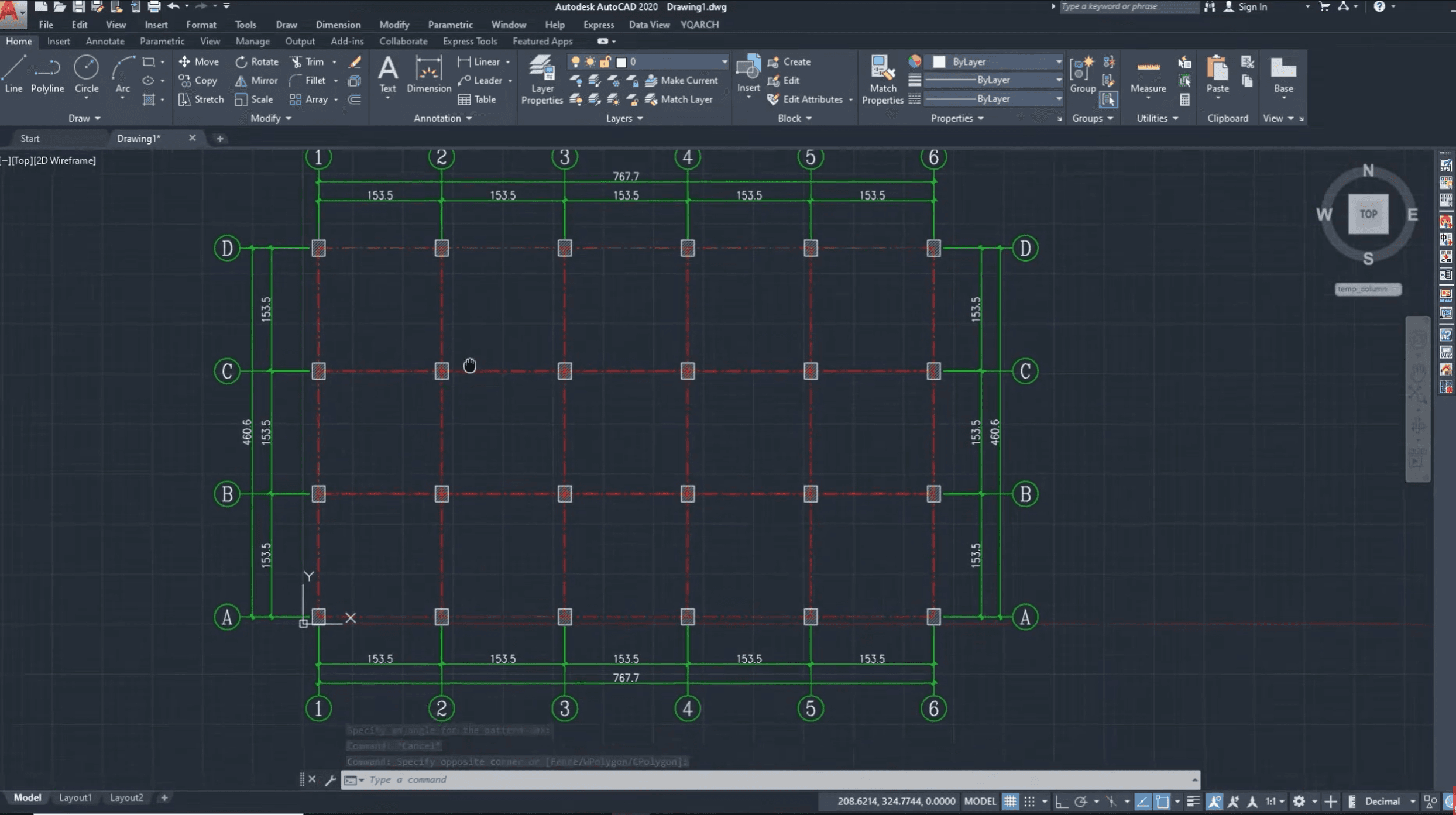
This is arguably the most comprehensive plugin for architectural drafting. It compiles hundreds of LISP routines into a single menu for automating walls, columns, and axis grids.
Why it matters: It turns multi-step manual drafting tasks into single-click operations. You can draw a floor plan in a fraction of the standard time.
Best for: Rapid concept drafting and creating construction document baselines.
Total Area (LISP)
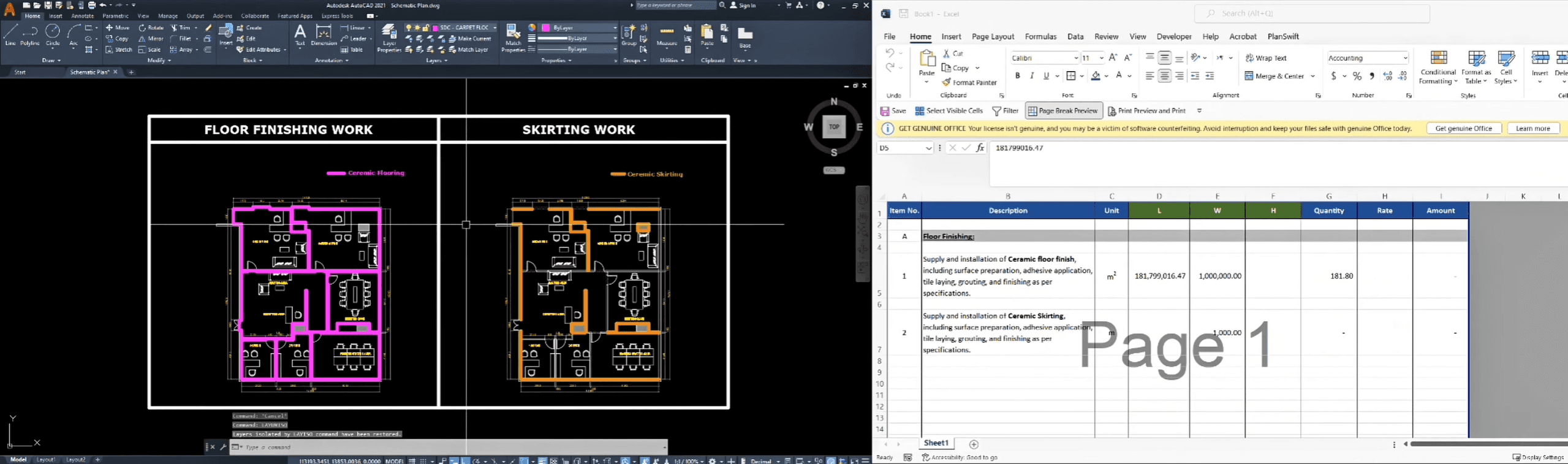
A simple utility that allows you to select multiple closed polylines and instantly calculates the sum of their areas.
Why it matters: Calculating floor areas, zoning coverage, or material quantities manually is prone to error. This automates the math directly on the canvas.
Best for: Zoning analysis, floor area ratio (FAR) calculations, and material estimation.
Increment
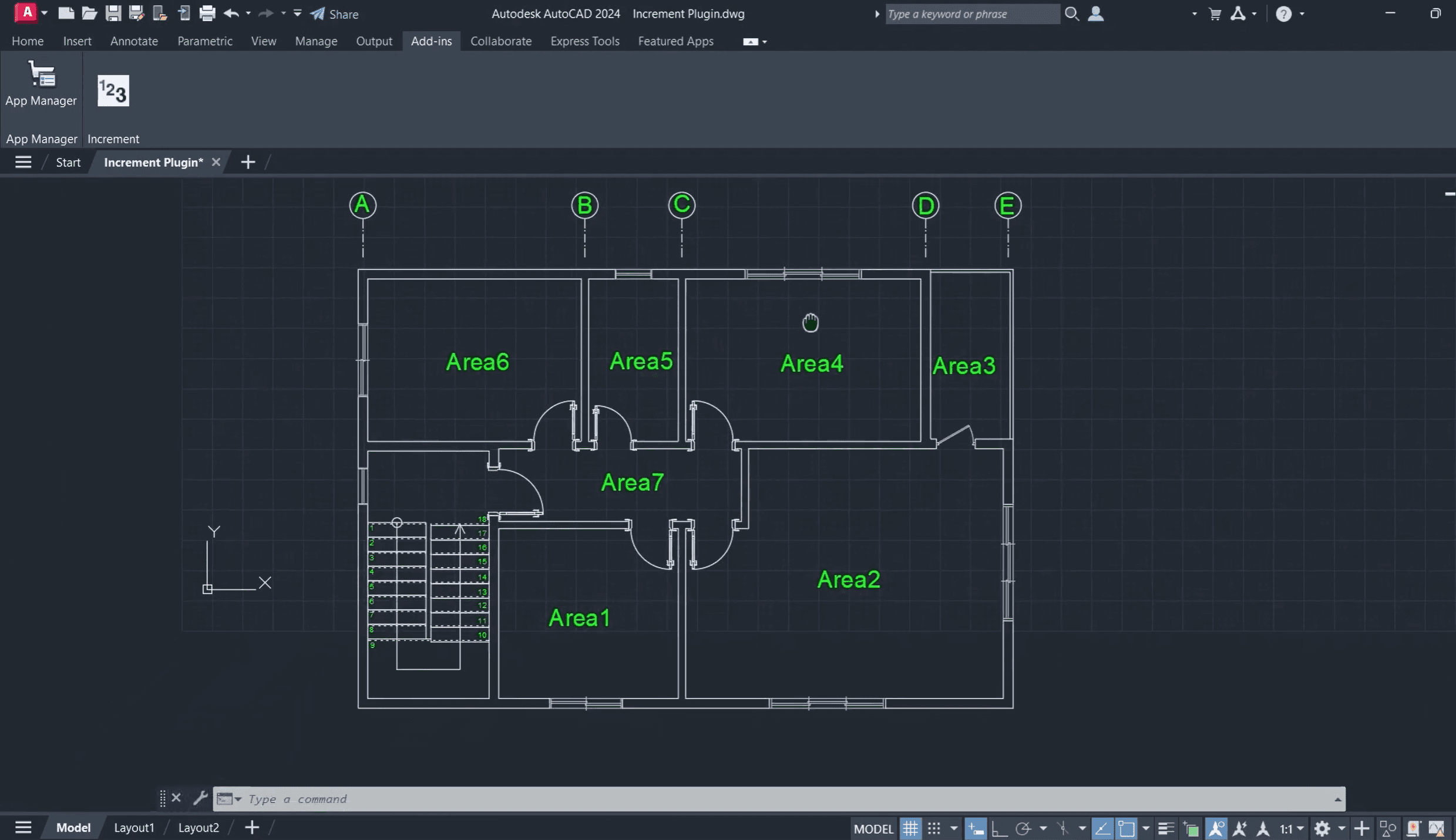
A tool that automatically numbers text or block attributes sequentially as you click.
Why it matters: Manually numbering hundreds of doors, windows, or parking stalls is tedious and risky if revisions occur. This ensures consistent sequencing.
Best for: Door schedules, parking layouts, and room numbering.
2/ Site Context and Geospatial Data
Plex-Earth
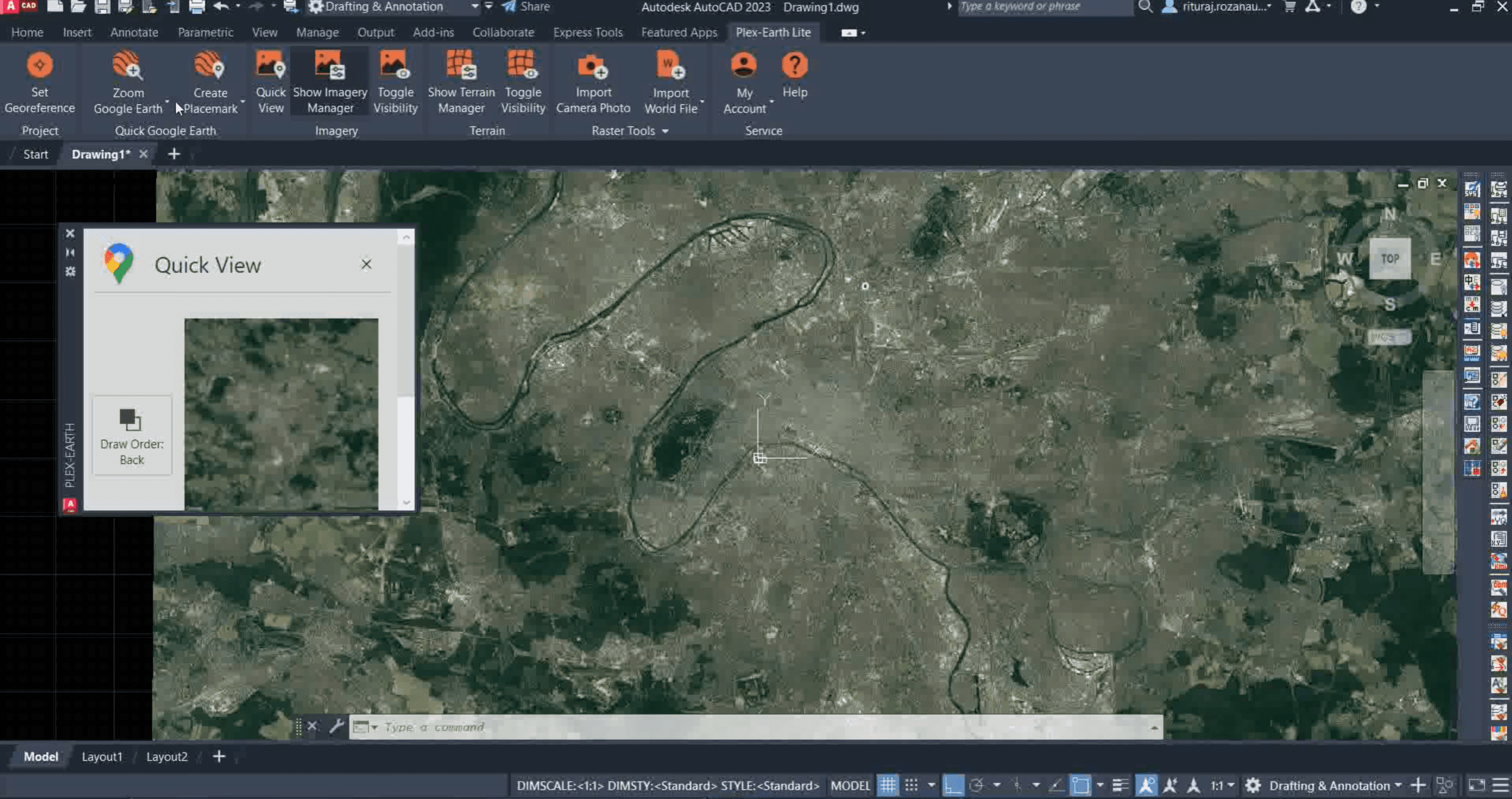
This plugin connects AutoCAD directly to Google Earth and other satellite data providers. It imports high-quality imagery and terrain data aligned to your coordinate system.
Why it matters: Architects need accurate site context before the survey arrives. This provides immediate visualization of terrain and surroundings without leaving the DWG environment.
Best for: Site analysis, early feasibility studies, and context modeling.
Spatial Manager
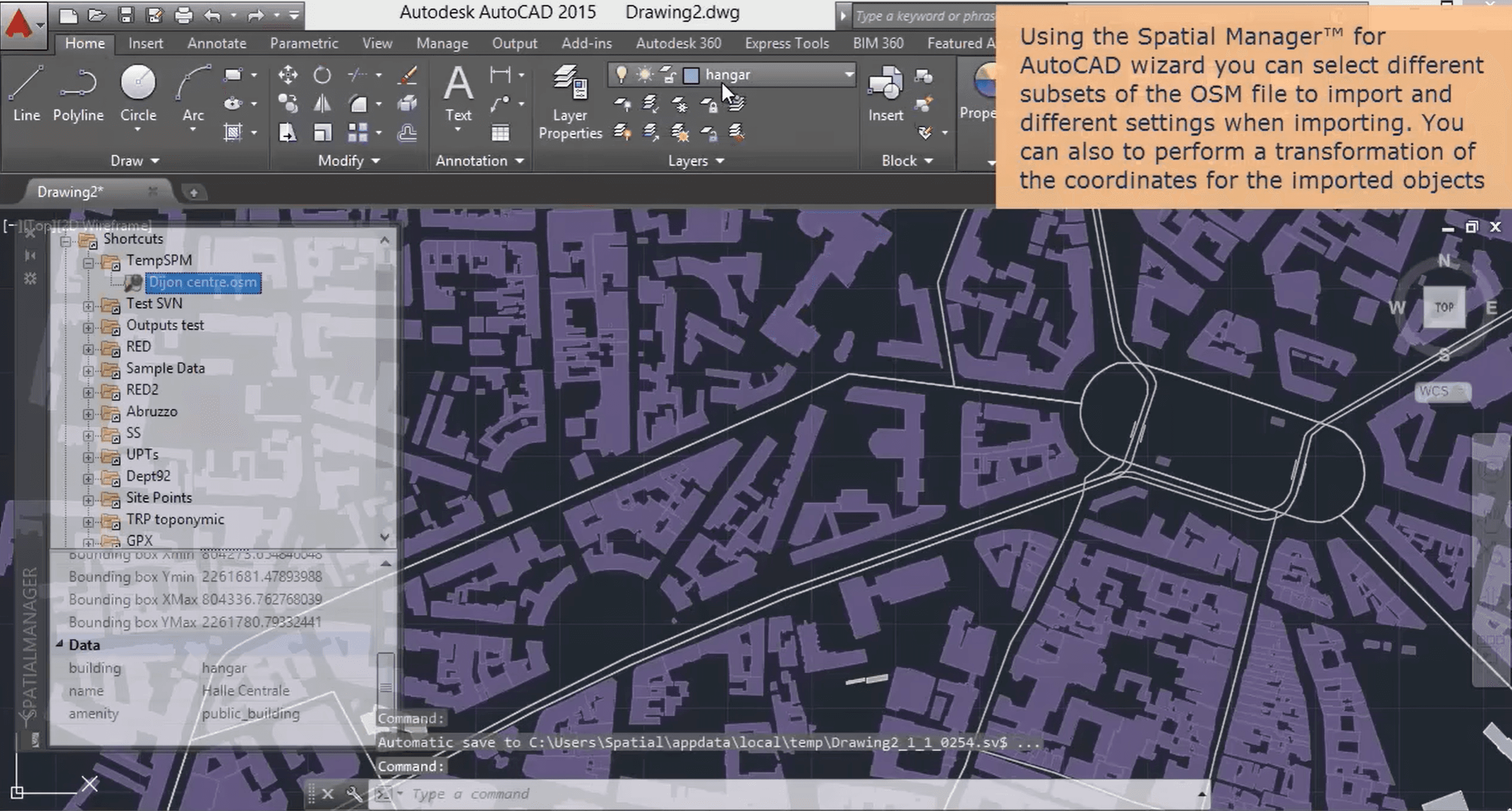
A lightweight tool for importing and exporting spatial data (SHP, KML, OSM) directly into AutoCAD.
Why it matters: It bridges the gap between GIS data and CAD drafting. You can bring in city data or surveyor files without losing attribute information.
Best for: Urban planning projects and large-scale site integration.
3/ File Health and Management
Drawing Purge
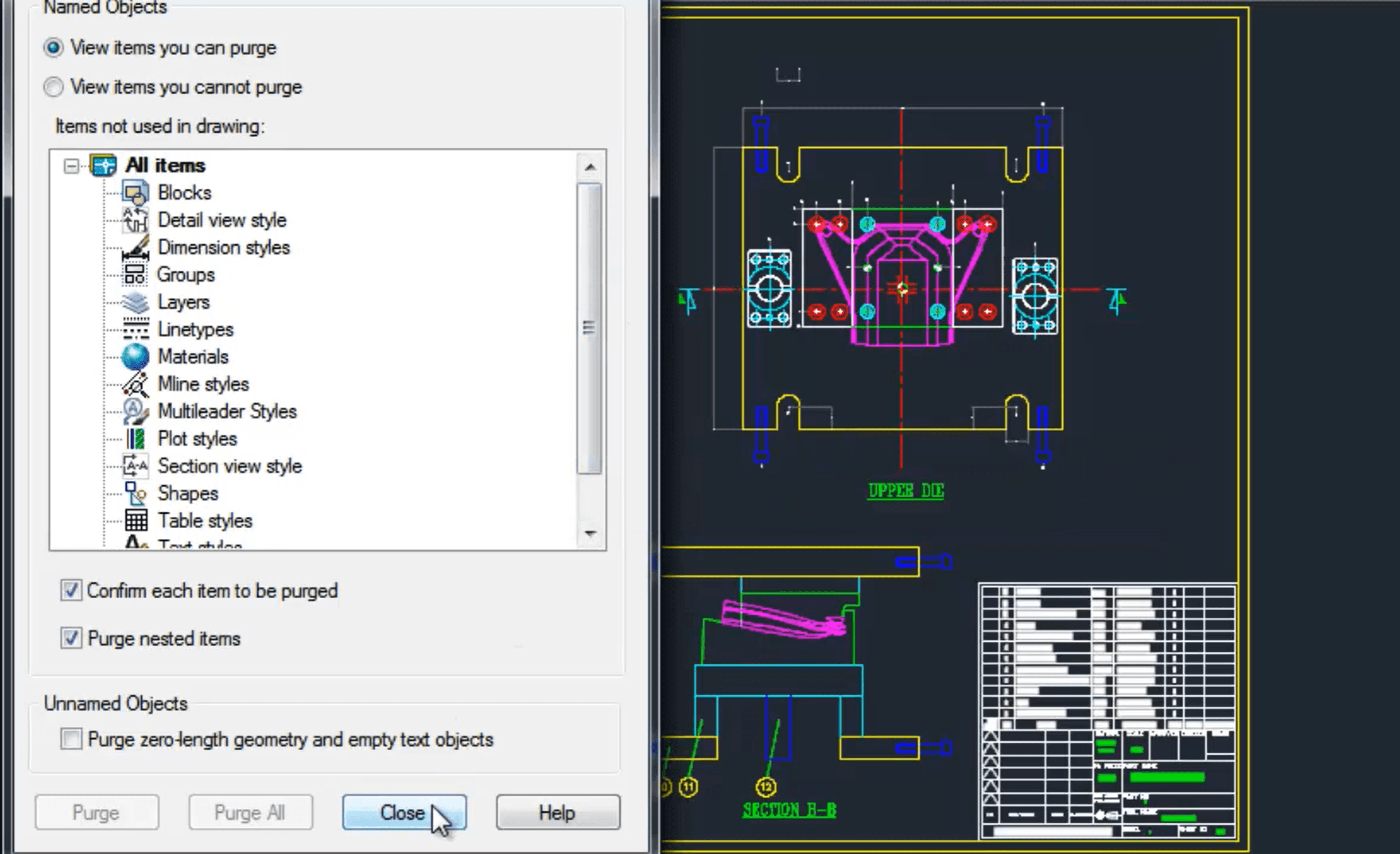
A powerful cleanup tool that goes deeper than the native PURGE command. It removes DGN linetypes, RegApps, and other invisible data bloat that slows down files.
Why it matters: AutoCAD files often become sluggish or prone to crashing due to accumulated junk data. This keeps files lightweight and responsive.
Best for: Finalizing files for consultants and reviving crashing project files.
Layer Manager (LayerState)
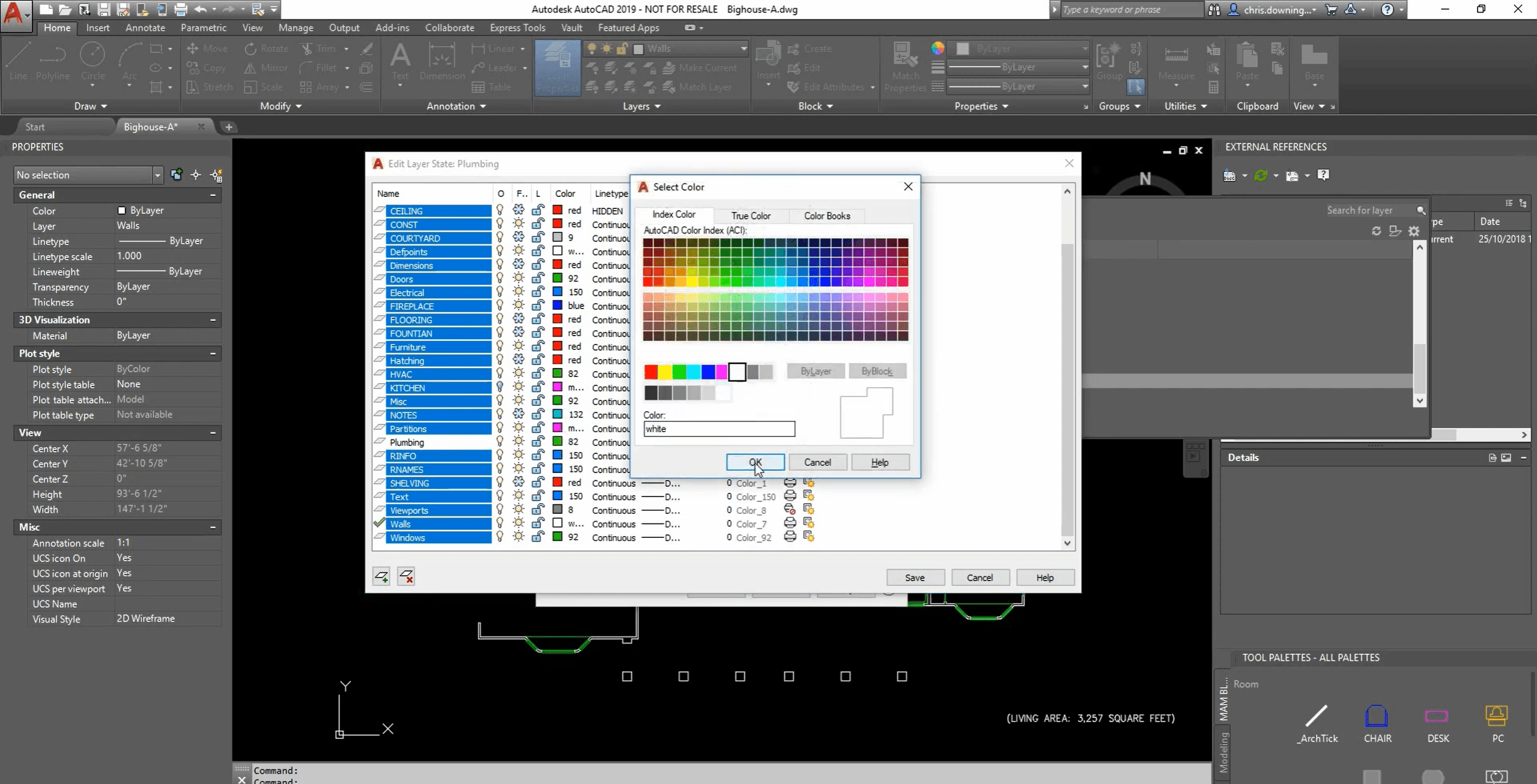
While AutoCAD has native layer states, advanced layer management plugins allow for exporting and importing layer standards across different projects instantly.
Why it matters: Maintaining office standards is difficult. This ensures that every new project starts with the correct layer hierarchy and properties.
Best for: BIM managers and project leads setting up new files.
4/ Visualization and Presentation
V-Ray for AutoCAD
A fully integrated rendering engine that runs inside AutoCAD. It allows you to apply materials and lights to 3D solids without exporting to other software.
Why it matters: It enables high-fidelity visualization without breaking the link to the original CAD geometry. Changes in the plan are immediately reflected in the render setup.
Best for: Teams who prefer to keep the entire workflow within the Autodesk ecosystem.

BetterWMF
A utility that improves the process of copying AutoCAD drawings into Microsoft Word or PowerPoint. It crops the image to the selected entities and fixes line weight issues.
Why it matters: Screenshots or standard copy-paste methods often result in blurry lines or large white borders. This ensures reports look professional.
Best for: Design reports, client proposals, and technical specifications.
5/ Output and Documentation
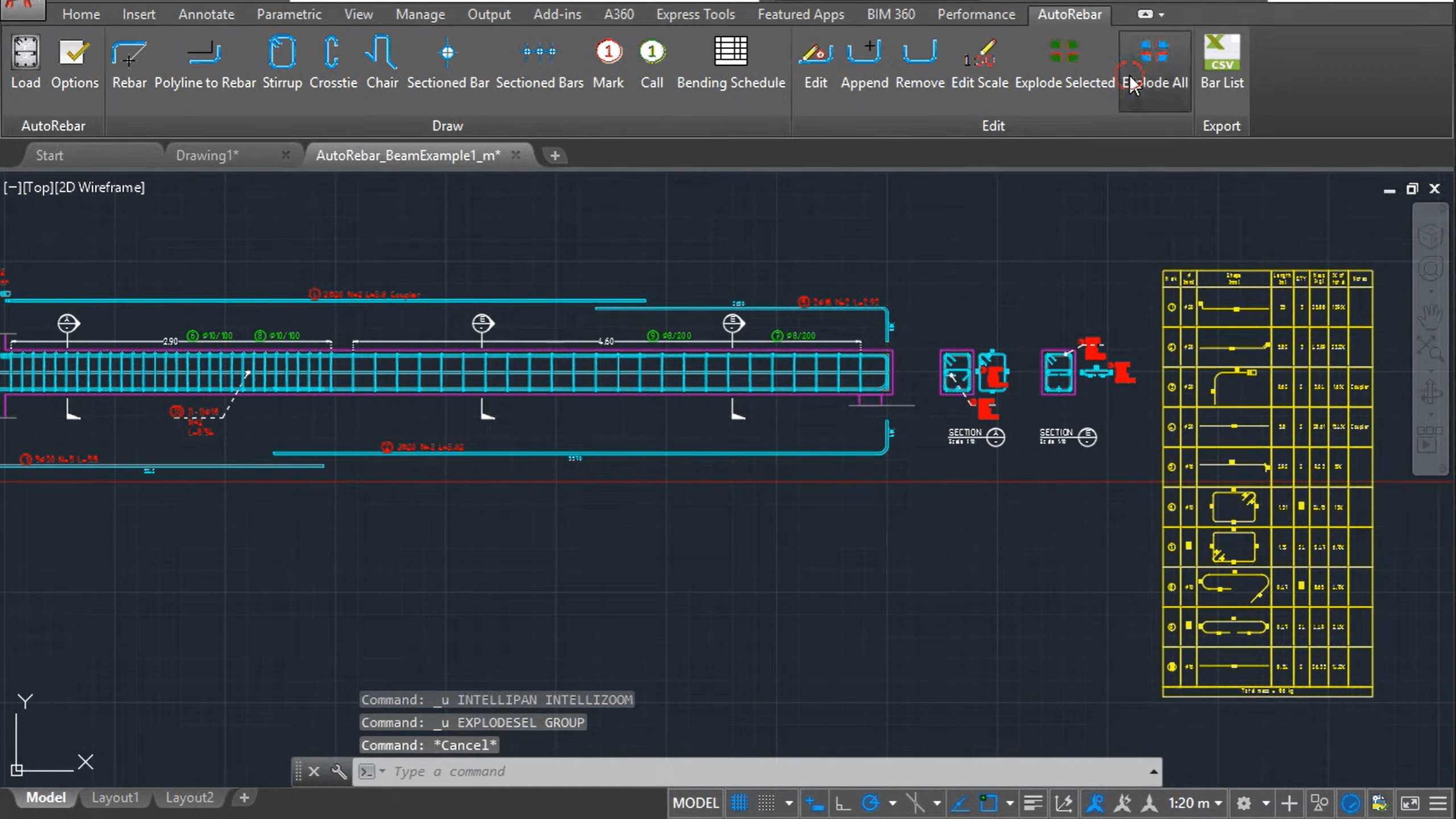
AutoRebar
For architects handling structural details, this plugin automates the drawing and scheduling of reinforced concrete detailing.
Why it matters: It generates dynamic schedules that update as you stretch or modify the geometry. This reduces the disconnect between the drawing and the material list.
Best for: Detailed structural sections and concrete shop drawings.
DocBar (or similar Tab managers)
While newer AutoCAD versions have improved tabs, plugins like this offer vertical tab management and easier navigation for users working with dozens of open files.
Why it matters: Screen real estate is valuable. Efficient file navigation saves seconds every time you switch drawings, which adds up over a day.
Best for: Power users working on multi-file projects.
Choosing what fits your work
Not every plugin makes sense for every project. Match tools to your actual bottlenecks, not feature lists.
Start with one or two that address your most frequent friction points. Add more as workflows evolve.
What experienced teams learn early
Speed is structural. If a task takes three clicks, find a plugin that does it in one.
Clean files matter. A slow file costs more money than a plugin license.
Context is key. Never design on a blank white screen; bring the site in immediately.
Bonus: Speed up rendering without leaving your workflow
If rendering is your bottleneck, Rendair handles visualization faster than most plugins can process.
Upload your AutoCAD exports (PDF or screenshots), and get presentation-ready renders in minutes. No new software to learn, no render farm setup.
Start creating – try it free
Recent Posts






Join 500,000+ architects who saved time. No credit card needed for your first 20 credits.