Top Plugins and Extensions for SolidWorks
Jan 23, 2026
If you use SolidWorks regularly, you know the base tools only get you so far. The right plugins change how fast you work and what you can deliver.
Here is what actually makes a difference.
1/ Rendering and Visualization
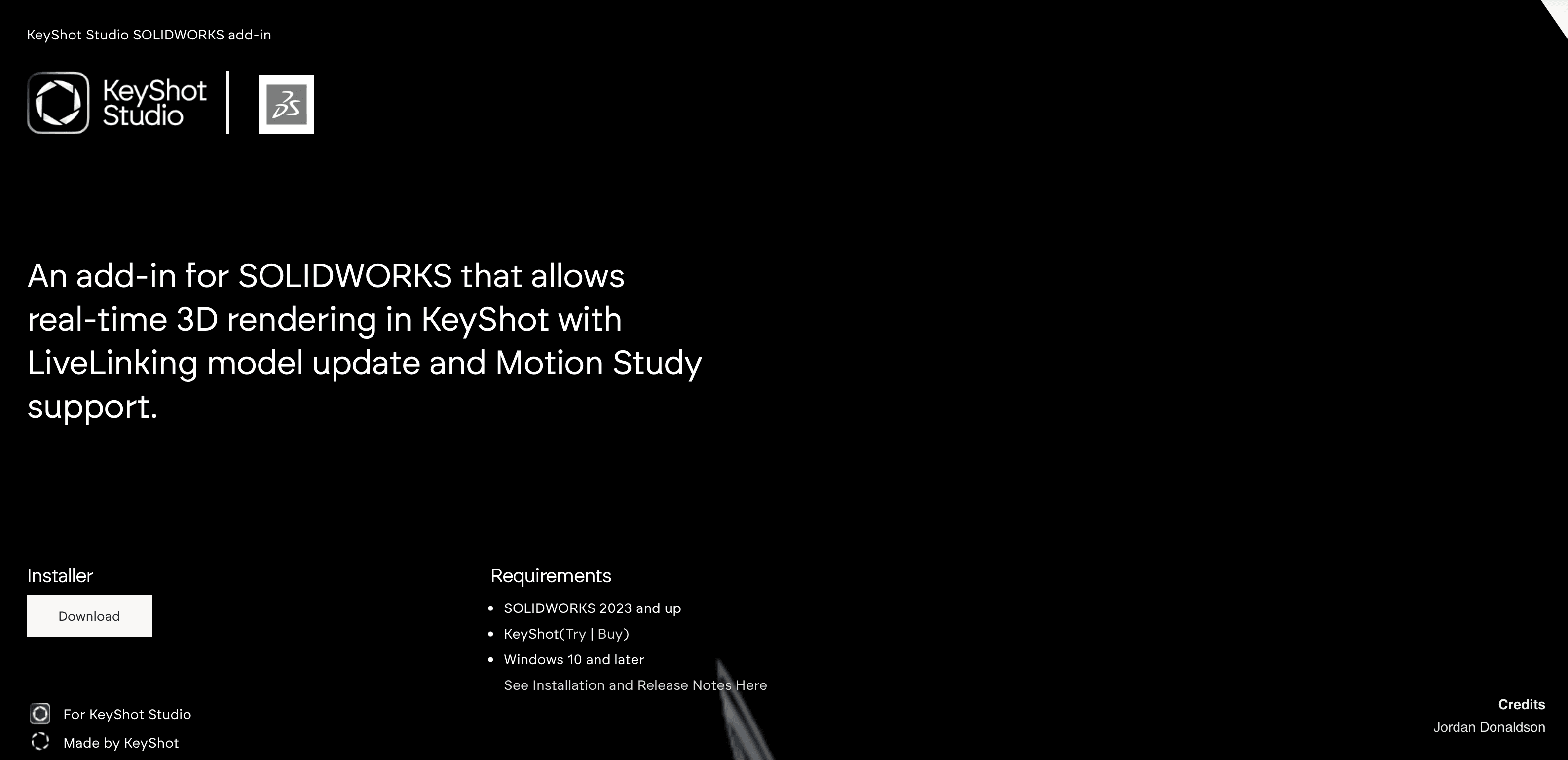
KeyShot
It acts as a standalone rendering studio that syncs directly with your SolidWorks model.
Why it matters: It removes the complexity of setting up scenes inside CAD software. You get drag-and-drop materials and lighting that just work.
Best for: Rapid product visualization and client presentations where speed beats absolute technical perfection.
SolidWorks Visualize
This is the native visualization tool often included with Professional and Premium licenses.
Why it matters: Because it is built into the ecosystem, data transfer is seamless. It uses a "camera" metaphor that is intuitive for photographers and designers.
Best for: High-quality stills and animations without leaving the SolidWorks environment.
V-Ray for SolidWorks
It brings industry-standard ray tracing and material libraries inside SolidWorks.
Why it matters: If you work with architects or interior designers who already use V-Ray in other tools, this ensures your fabrication models match their visual standards perfectly.
Best for: Photorealistic rendering where lighting accuracy and material consistency are non-negotiable.
2/ Design Automation
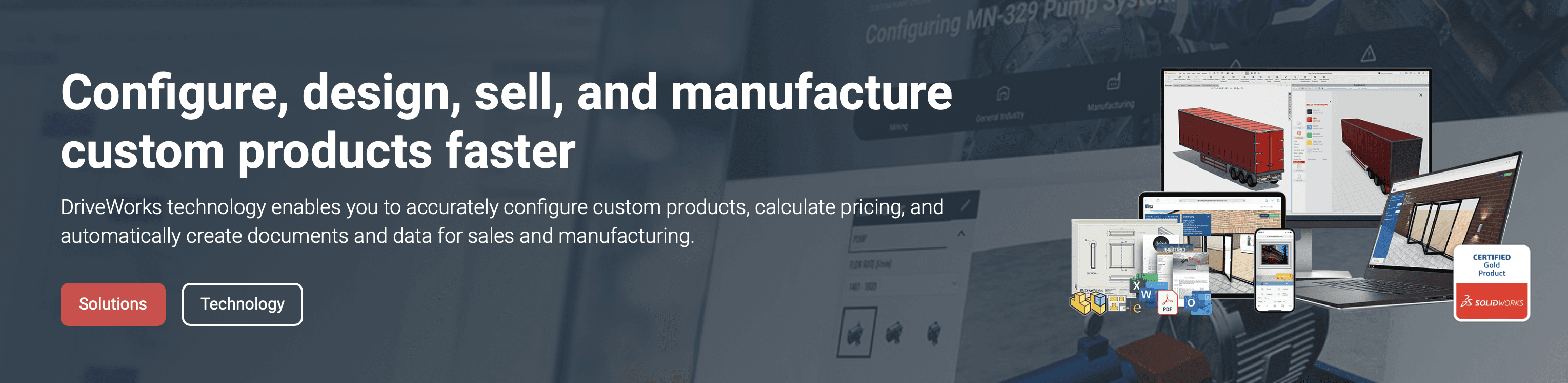
DriveWorks
It automates the creation of "same but different" designs by applying logic rules to your models.
Why it matters: If you design modular components like custom cabinetry, stairs, or windows, you can automate the generation of 3D models and 2D manufacturing drawings.
Best for: Modular product design and generating sales quotes with 3D visuals.
Tacton Design Automation
It uses a constraint-based solver to configure complex products without breaking design rules.
Why it matters: It handles conflicting requirements better than standard parametric modeling. You define the rules, and the software finds the valid configuration.
Best for: Highly complex mechanical assemblies where manual updates often lead to errors.
3/ Interoperability and BIM
BIMDeX (SolidWorks to Revit)
It converts SolidWorks parts and assemblies into native Revit families (.rfa) or projects (.rvt).
Why it matters: Architects do not want STEP files; they want BIM data. This plugin allows fabricators to send usable models to architectural teams without rebuilding geometry.
Best for: Fabricators delivering components for BIM-managed construction projects.
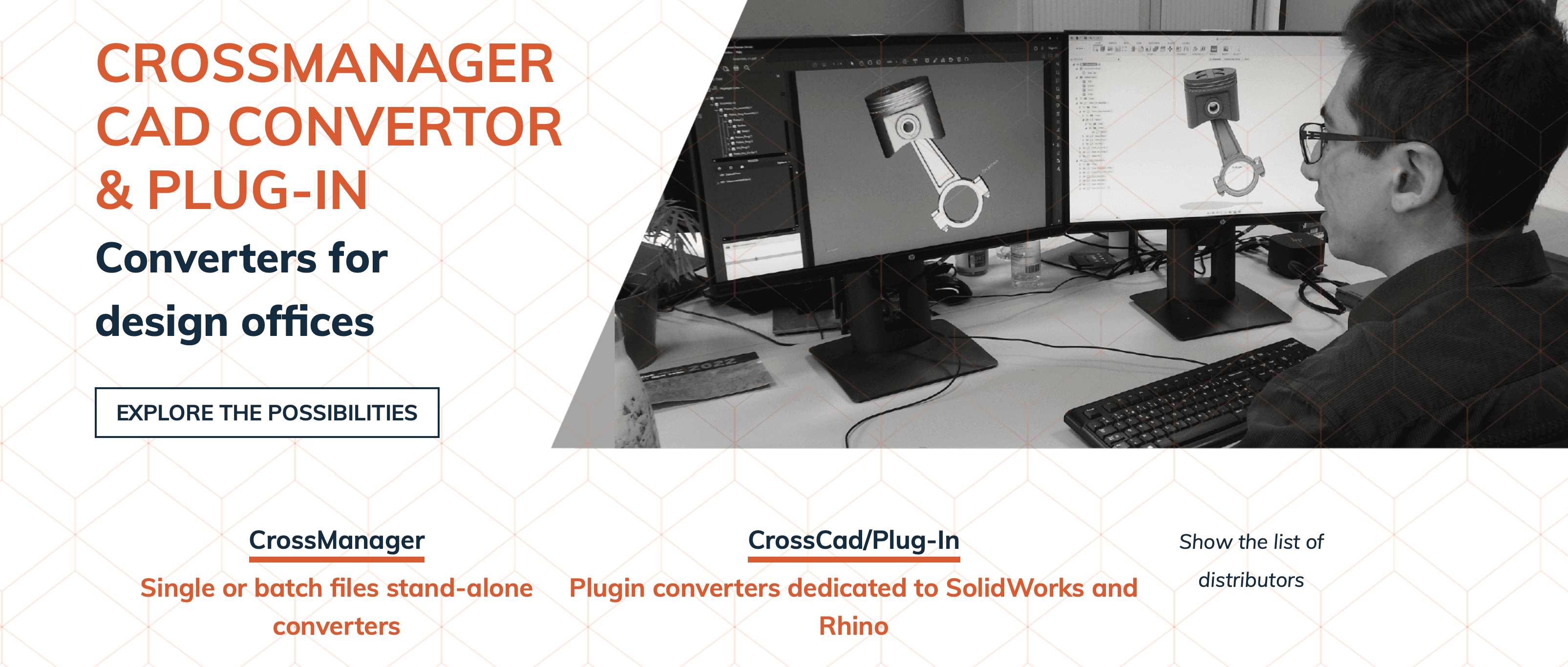
Datakit Cross Manager
It translates CAD data between dozens of native formats without requiring licenses for the other software.
Why it matters: You often receive files in formats you cannot open natively. This tool ensures you can work with data from Rhino, Catia, or Inventor without friction.
Best for: Teams working in multi-CAD environments.
4/ Productivity and Utilities
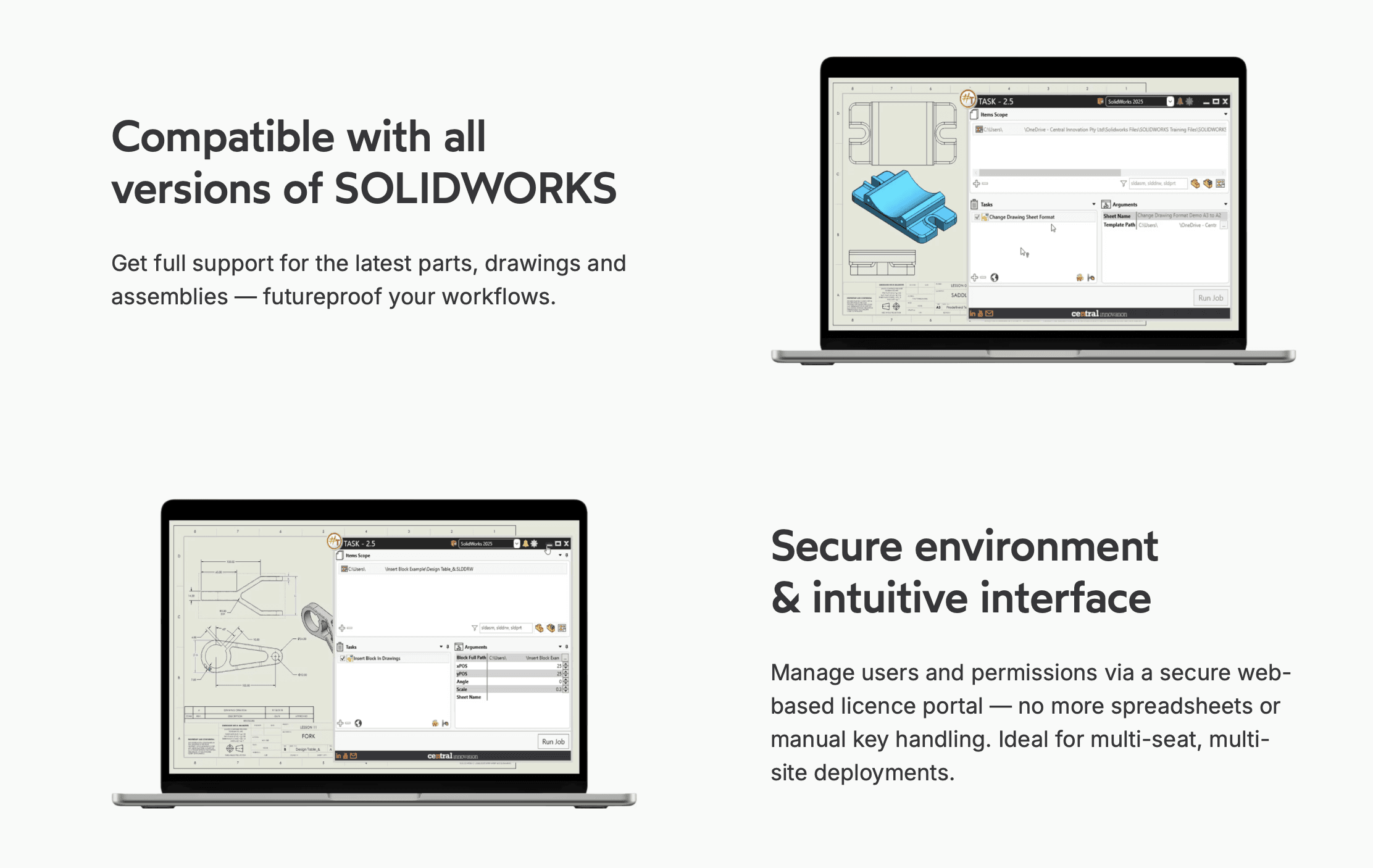
#Task (SharpTask)
It is a macro automation tool that handles batch processes outside of your active work hours.
Why it matters: You can schedule tasks like printing, file conversion, or updating custom properties to run overnight. It saves hours of manual clicking.
Best for: Batch printing drawings or converting large libraries of files.
CustomTools
It streamlines file naming, property management, and batch printing.
Why it matters: It enforces consistency in file names and metadata, which is critical when working in a team environment or preparing files for ERP systems.
Best for: Teams that need strict data organization and automated file export routines.
Choosing what fits your work
Not every plugin makes sense for every project. Match tools to your actual bottlenecks, not feature lists.
Start with one or two that address your most frequent friction points. Add more as workflows evolve.
Bonus: Speed up rendering without leaving your workflow
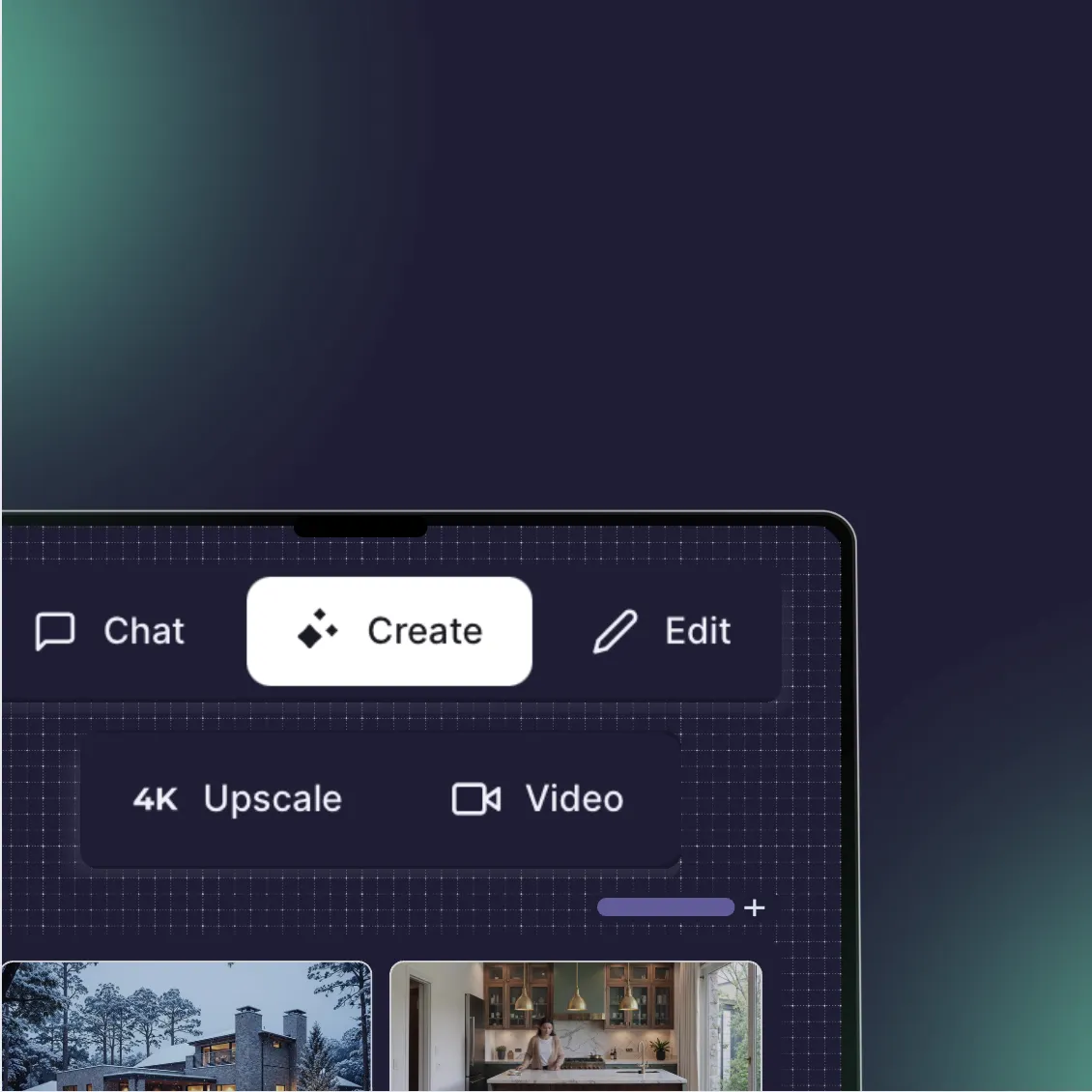
If rendering is your bottleneck, Rendair handles visualization faster than most plugins can process.
Upload your SolidWorks exports, get presentation-ready renders in minutes. No new software to learn, no render farm setup.
Start creating – try it free
Recent Posts
Join 500,000+ architects who saved time. No credit card needed for your first 20 credits.