Top 6 ComfyUI Alternatives for Architects & Designers
Jan 28, 2026
You did not go to architecture school to become a node-based programmer.
ComfyUI is undeniably powerful. It is the engine room of Stable Diffusion, offering granular control over every aspect of the generation pipeline, from latent noise injection to specific ControlNet layering. For technical artists and developers, it is a playground.
For architects and interior designers, however, it is often a bottleneck. The "spaghetti" of wires, the constant dependency updates, and the requirement for expensive local GPU hardware create friction between your design intent and the visual result.
This guide covers the top alternatives that deliver professional-grade rendering control without the technical overhead of wiring nodes.
Quick Comparison
Feature | ComfyUI | Rendair AI | Fooocus | Veras | Midjourney | Automatic1111 |
|---|---|---|---|---|---|---|
Primary Workflow | Node Graph | Professional UI | Simple UI | BIM Plugin | Discord/Web | Tabbed UI |
Learning Curve | Very High | Low | Low | Medium | Low | High |
Hardware Req. | High (Local GPU) | None (Cloud) | High (Local GPU) | None (Cloud) | None (Cloud) | High (Local GPU) |
ControlNet | Manual Setup | Built-in | Automated | Built-in | No | Manual Setup |
Best For | Tech Enthusiasts | Professional Workflows | Quick Local Tests | Revit Users | Early Concepts | Power Users |
What is ComfyUI?
ComfyUI is a node-based graphical user interface (GUI) for Stable Diffusion. Unlike standard software where you click a button to "Render," ComfyUI requires you to visually construct the pipeline that processes the image. You literally wire the "Load Checkpoint" node to the "CLIP Text Encode" node, pass that through a "KSampler," and finally to a "VAE Decode" node to see an image.
Why it is popular: It is modular and optimized. It runs faster than other local interfaces and allows for incredibly complex workflows (like chaining multiple ControlNets or specific upscaling methods) that other tools hide.
Why architects leave it: It is fragile. A single Python update can break your workflow. Furthermore, setting up the specific "ControlNet" logic required to keep walls straight and dimensions accurate takes hours of trial and error.
How to choose a ComfyUI alternative
When moving away from ComfyUI, you are usually trading infinite configurability for usability. To choose the right tool, assess three factors:
Control vs. Speed: Do you need to tweak the "denoising strength" by 0.01 increments, or do you need a client-ready image in 3 minutes?
Hardware Reality: Do you have an NVIDIA RTX 4090 with 24GB of VRAM? If not, local tools like Fooocus or Automatic1111 will be slow or crash.
Workflow Integration: Do you want to render directly inside Revit, or are you comfortable exporting images to a web platform?
Top ComfyUI Alternatives
1. Rendair AI
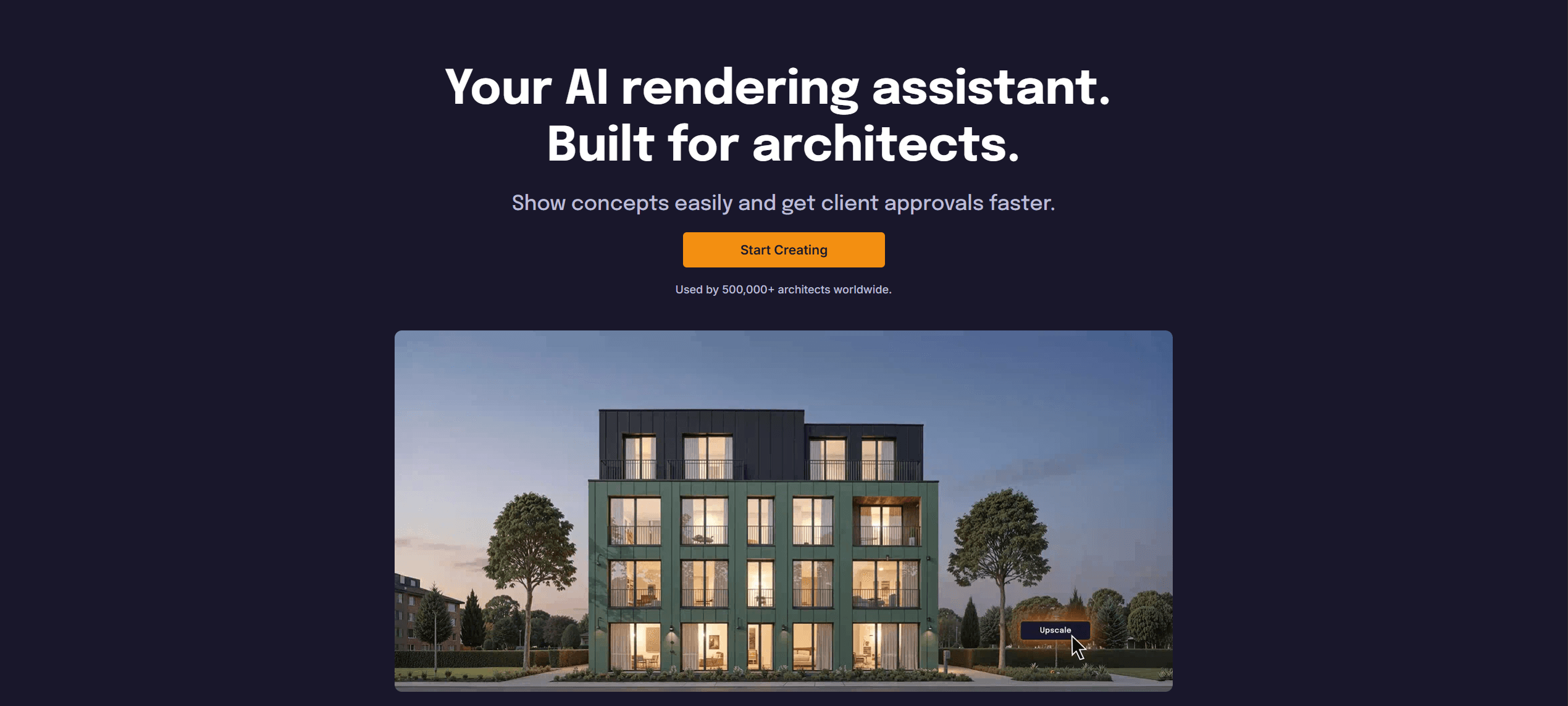
What it does: A professional cloud-based platform that abstracts complex AI workflows (like ControlNet and Inpainting) into a simple, designer-friendly interface.
Key features:
One-click ControlNet: Automatically detects lines, depth, and geometry without manual node wiring.
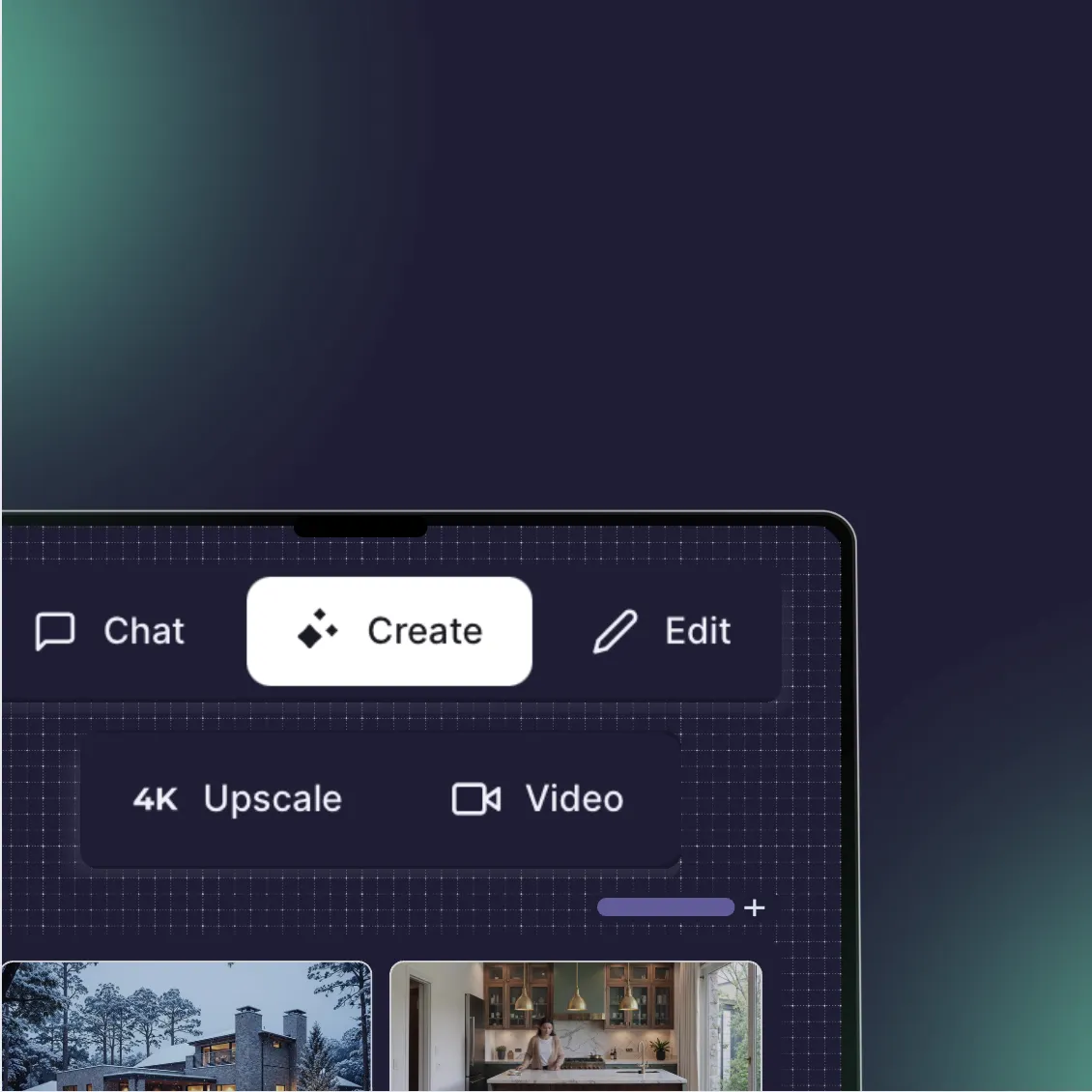
Unified Workspace: Combines generation, upscaling, and video creation in one platform.
Project-Based Workflow: Keeps assets organized by client or project, unlike the temporary nature of most AI tools.
Pros:
Zero hardware requirements; runs entirely in the cloud.
"Image-to-Render" mode specifically designed to respect architectural geometry.
High-fidelity upscaling is built-in, replacing complex "Ultimate SD Upscale" node chains.
Cons:
Subscription-based (unlike free local installs).
Less granular control over experimental parameters (like specific sampler schedulers) than ComfyUI.
What users say:
Architects frequently note that it "feels like it understands the drawing" better than generic tools, delivering usable results without the "hallucinations" common in standard models.
Pricing: Free trial available; Pro plans for high-volume rendering.
Best for: Architects and designers who need the precision of ComfyUI’s ControlNet but want the speed and reliability of a finished product.
2. Fooocus
What it does: An open-source, local software that combines the simplicity of Midjourney with the control of Stable Diffusion.
Key features:
Automated Optimization: It automatically selects the best engineering settings for SDXL models, so you don't have to.
Input Image Engine: A simplified version of ControlNet that allows for style transfer and structure guidance.
Inpainting: A robust interface for fixing small details in an image.
Pros:
Completely free and open-source.
Minimal interface; no nodes, just prompts and settings.
Good balance of quality and speed for local hardware.
Cons:
Requires a powerful PC (NVIDIA GPU recommended).
Limited mainly to SDXL models; less flexibility with older SD 1.5 checkpoints.
What users say:
Users describe it as "Stable Diffusion for people who want to create, not debug." It is widely praised for its high-quality out-of-the-box results.
Pricing: Free (Open Source).
Best for: Designers with powerful computers who want a free, local alternative that just works.

3. Veras (EvolveLab)
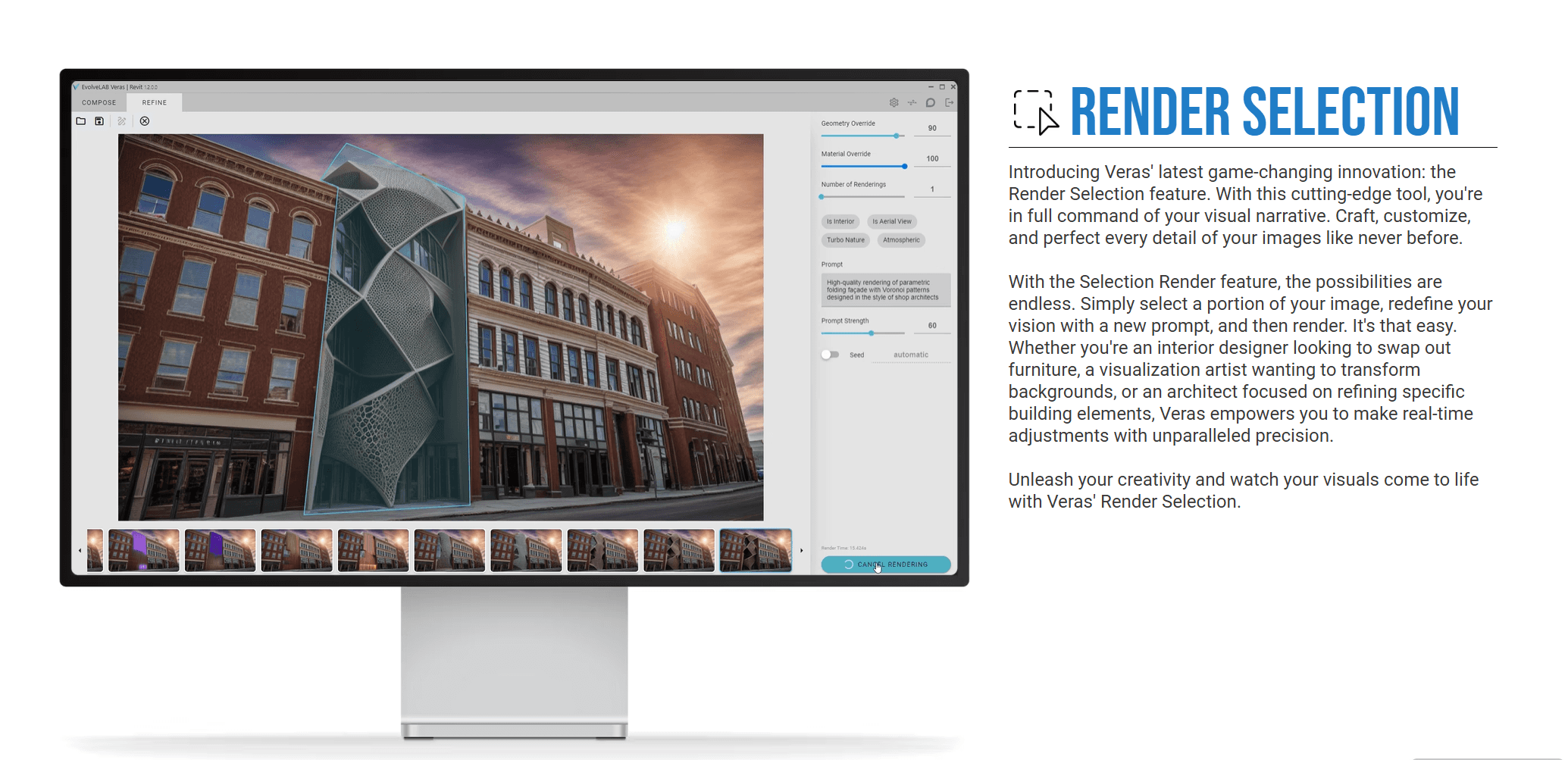
What it does: An AI visualization plugin that runs directly inside BIM software like Revit, SketchUp, and Rhino.
Key features:
Geometry Lock: Uses the actual rendering window of your BIM software as the constraint.
Material Overrides: Allows you to change materials using prompts while keeping the building form identical.
Seed Retention: Helps iterate on a specific look without changing the composition.
Pros:
No need to export files; fits seamlessly into the drafting workflow.
extremely high adherence to the base model geometry.
Fast iteration for "optioneering" early in the design phase.
Cons:
The image quality (lighting/texture) is often lower than dedicated render engines.
Interface is constrained to the plugin window.
What users say:
BIM managers appreciate that it brings AI directly to the production team without requiring them to learn a new software ecosystem.
Pricing: Monthly subscription per user.
Best for: Production architects who live inside Revit and need quick visualizations without leaving the model.
4. Midjourney
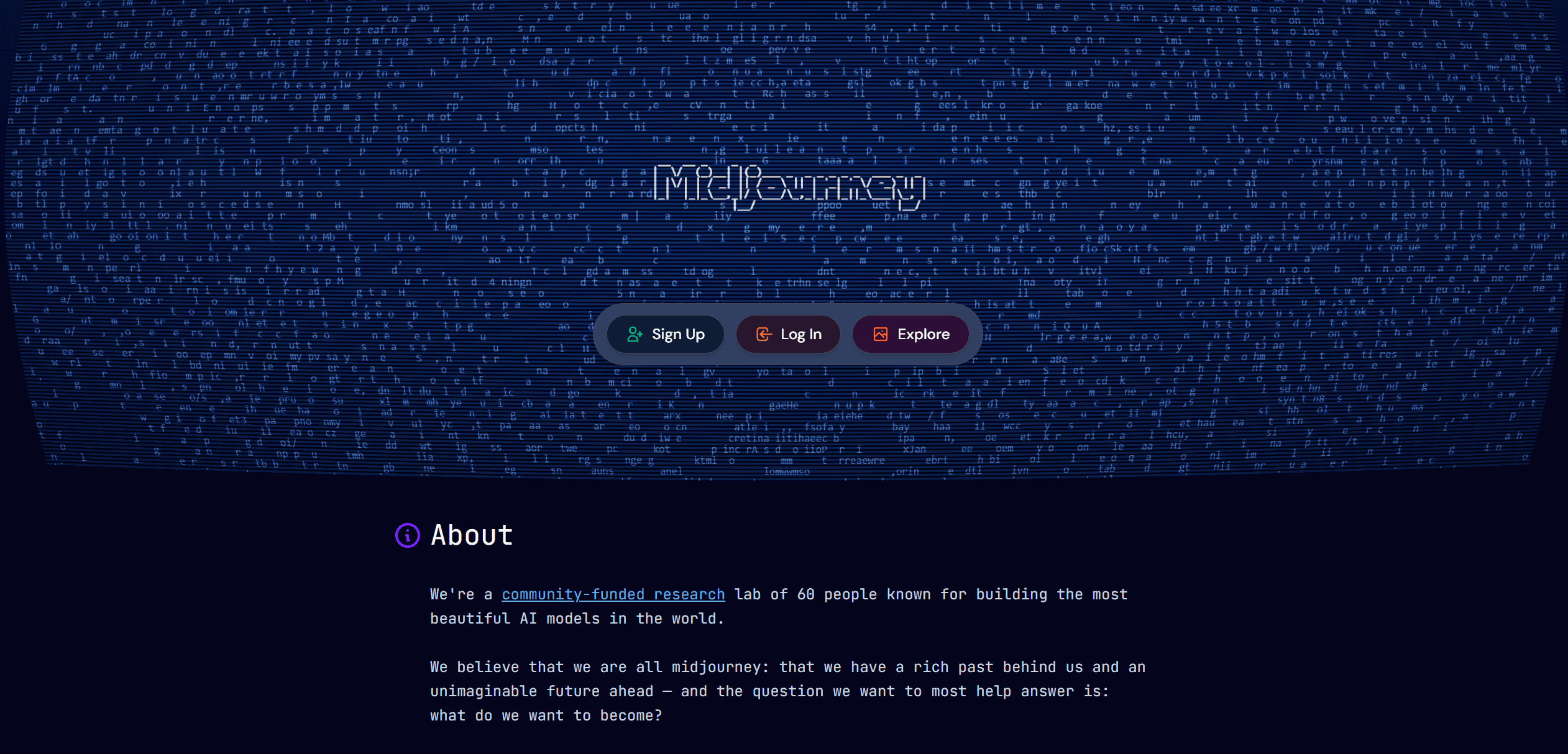
What it does: A discord/web-based generative AI known for industry-leading artistic composition and lighting quality.
Key features:
Aesthetic Engine: Generates arguably the most "beautiful" images with the least amount of prompting.
Style Reference: Allows you to upload a mood board image and generate new concepts in that exact style.
Web Interface: They have recently moved from Discord to a dedicated alpha website for easier image management.
Pros:
Unmatched artistic quality and lighting effects.
Zero technical knowledge required.
Excellent for mood boards and early-stage conceptualizing.
Cons:
Low Control: It is very difficult to force Midjourney to respect specific window placements or floor plans.
No "Inpainting" or precise editing tools comparable to Stable Diffusion.
What users say:
Designers love it for "dreaming" and winning competitions but find it frustrating for "documenting" or visualizing specific client requests.
Pricing: Monthly subscription tiers.
Best for: Early concept design, mood boards, and marketing visuals where vibe matters more than accuracy.
5. Automatic1111 (WebUI)
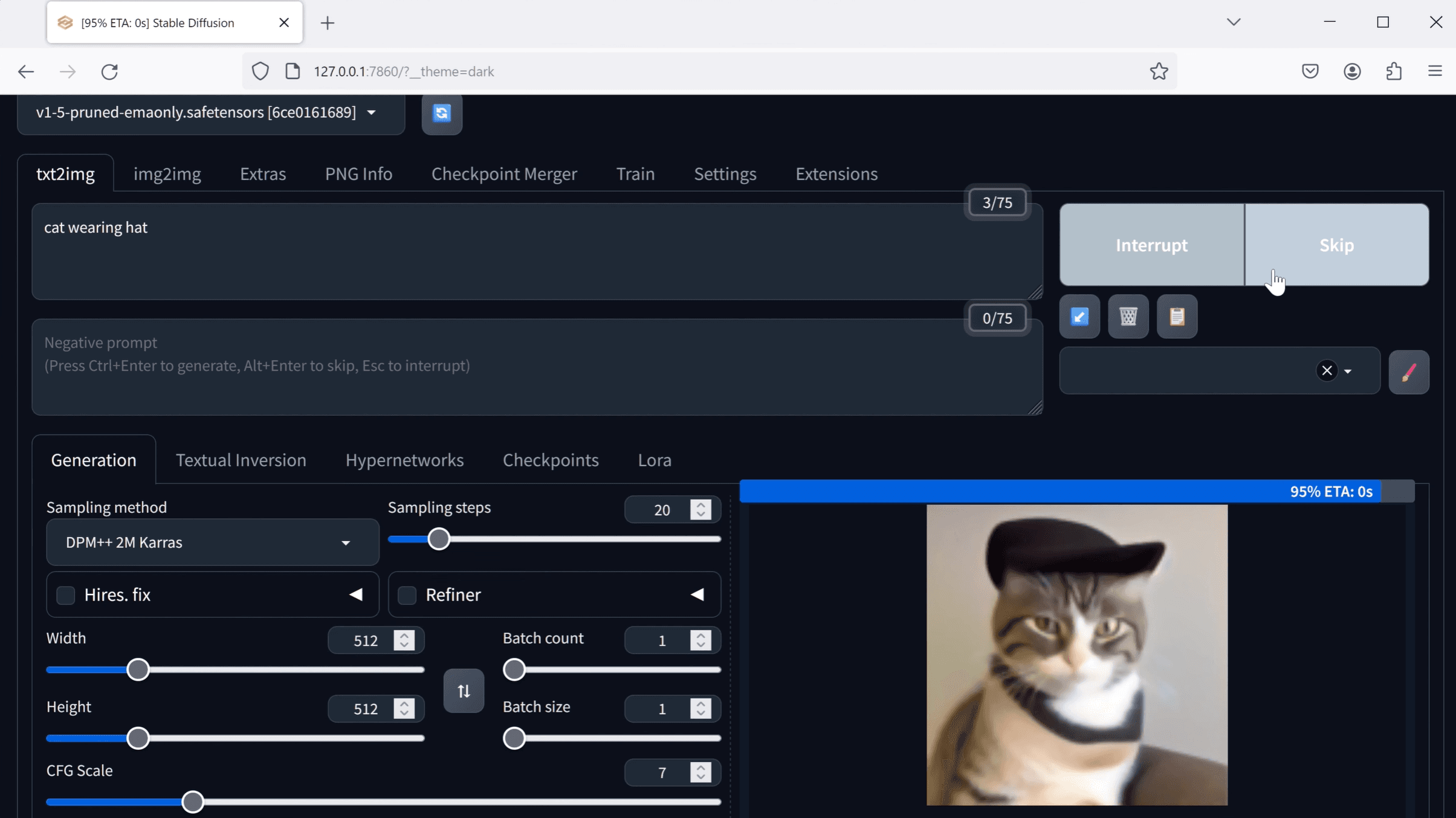
What it does: The original "standard" interface for Stable Diffusion. It offers a tab-based UI rather than nodes.
Key features:
Massive Extension Library: Thousands of community plugins for everything from video to 3D depth maps.
X/Y Plot: Allows you to test different parameters (like lighting strength vs. material) in a grid.
ControlNet Integration: Full support for all ControlNet models, just like ComfyUI, but with dropdown menus.
Pros:
Extremely versatile; if a new AI method comes out, A1111 supports it quickly.
Linear workflow (top to bottom) is easier to understand than nodes.
Free and open-source.
Cons:
Resource Heavy: It is known to be slower and more memory-hungry than ComfyUI.
The interface is cluttered and "engineer-focused," with hundreds of sliders visible at once.
What users say:
It is the "Swiss Army Knife" of local AI generation—clunky and heavy, but it has a tool for everything if you know where to look.
Pricing: Free (Open Source).
Best for: Power users who dislike nodes but still want deep technical control over every parameter.
6. Leonardo.ai
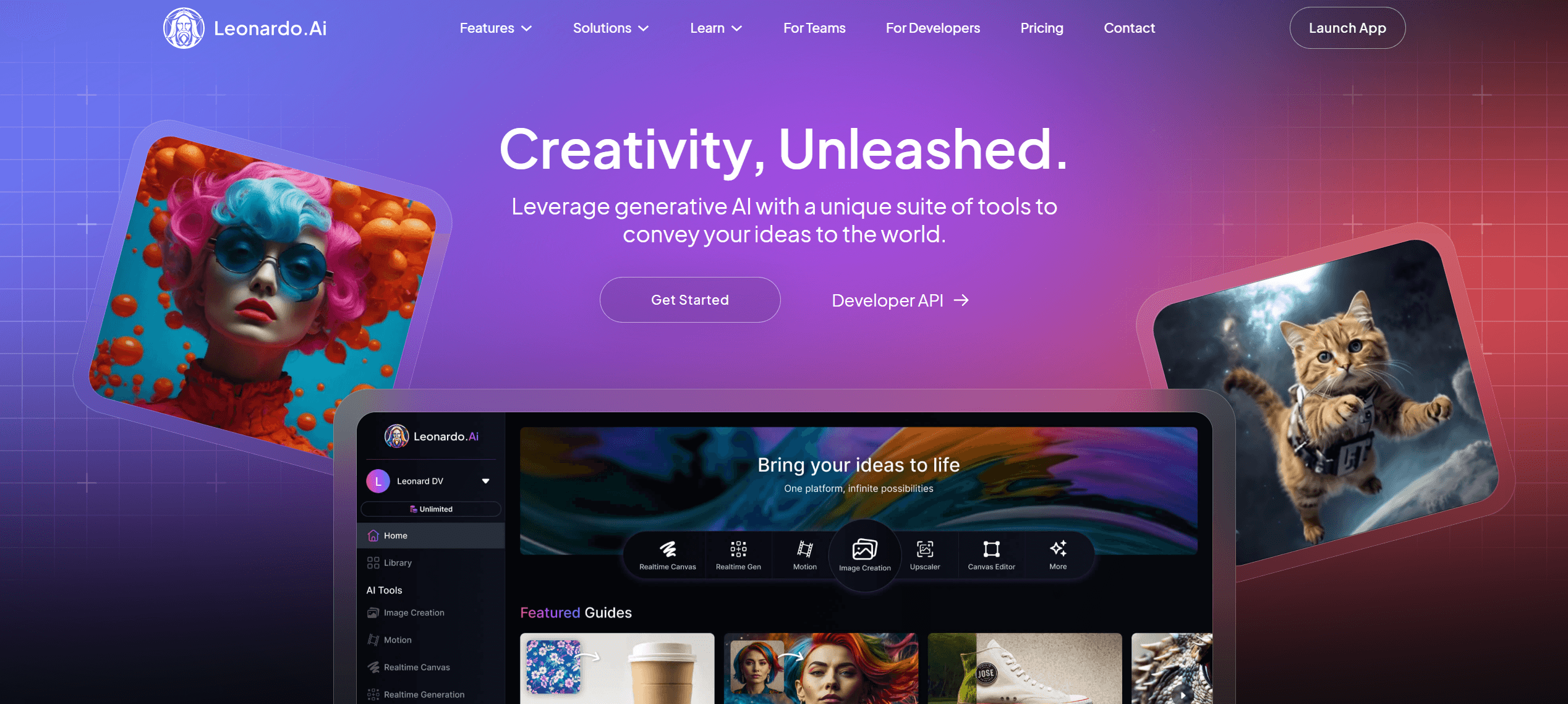
What it does: A polished web platform that sits between the ease of Midjourney and the control of Stable Diffusion.
Key features:
Real-time Canvas: A sketching interface where you can draw simple shapes and see them turn into renders in real-time.
Texture Generation: Tools specifically for creating 3D assets and textures.
Custom Models: Easy training of your own models (e.g., on your firm's previous portfolio).
Pros:
Very slick, modern user interface.
Good set of tools for editing images after generation.
Fast cloud generation.
Cons:
The "token" system can be confusing and expensive for heavy users.
While better than Midjourney, it still lacks the rigid geometry adherence of Rendair or Veras.
What users say:
Users appreciate the "Canvas" feature for expanding images and fixing errors, calling it a more user-friendly Photoshop.
Pricing: Freemium model with paid subscriptions.
Best for: Designers who want a creative suite for asset generation and illustration.
Bottom line:
Choose Rendair AI if you want professional architectural results without the setup time.
Choose Fooocus if you have a fast PC and want a free, simple local tool.
Choose Veras if you never want to leave Revit.
Choosing what fits your workflow
Not every tool makes sense for every project. Match software to your actual bottlenecks:
Speed vs. quality: Do you need client previews (Veras/Midjourney) or portfolio finals (Rendair/ComfyUI)?
Team size: Solo workflows allow for tinkering with local installs; studios need consistent, cloud-based platforms like Rendair or Leonardo to ensure everyone sees the same results.
Technical comfort: If you don't know what a "VAE" or "safetensors" file is, avoid local installations. The time you save on subscription fees will be lost on troubleshooting.
Start with one that addresses your most frequent friction point. You can always expand your toolkit as projects demand it.
The professional bridge
Rendair AI was built specifically to solve the "ComfyUI Problem" for architects. We utilize the same advanced technologies; ControlNet, IP-Adapters, and high-fidelity upscalers, but we hide the machinery behind a clear, designer-focused interface.
You get the precision of a node-based workflow (keeping your walls straight and materials accurate) with the simplicity of a drag-and-drop tool. It allows you to stop "configuring" and start designing.
Recent Posts
Join 500,000+ architects who saved time. No credit card needed for your first 20 credits.