Top 4 Midjourney Alternatives for Architects & Designers (2025 Guide)

6 gen 2026

Midjourney is often the first stop for AI visualization, and for good reason, its lighting and artistic composition are arguably the best in the industry. But for architects and interior designers, "artistic" isn't always enough.
The friction points are well-known: the Discord interface is clumsy for professional workflows, privacy is difficult to manage, and most importantly, control is limited. You might get a stunning image, but it rarely matches your specific floor plan or massing model.
If you are looking for tools that offer more precision, better workflow integration, or simply a way to render without typing commands into a chat room, this guide covers the most capable alternatives available today.
Quick Comparison
Feature | Midjourney | Rendair AI | Stable Diffusion | Adobe Firefly | Vizcom |
|---|---|---|---|---|---|
Primary Strength | Artistic Composition | Architectural Control | Raw Power & Customization | Workflow Integration | Sketch Speed |
Interface | Discord / Web | Web Dashboard | Complex UI (Auto1111 - ComfyUI) | Photoshop / Web | Web / iPad |
Control Level | Low (Usually Prompt-based) | High (Model & Text based) | Very High (ControlNet) | Medium | High (Sketch-based) |
Learning Curve | Medium | Low | Steep | Low | Low |
Best For | Mood boards | Real projects & renovations | Tech-savvy studios | Ecosystem | Industrial design |
The "Control Problem" in Architecture
The main reason professionals leave Midjourney isn't quality, it's consistency.
When you are designing a building, you cannot afford for the AI to hallucinate a third floor or move a structural column because it "looked better." Midjourney operates on dream logic; architects operate on physics and client requirements.
The alternatives below are selected not just because they generate images, but because they offer specific solutions to the control and workflow problems inherent in generalist tools.
Top Midjourney Alternatives
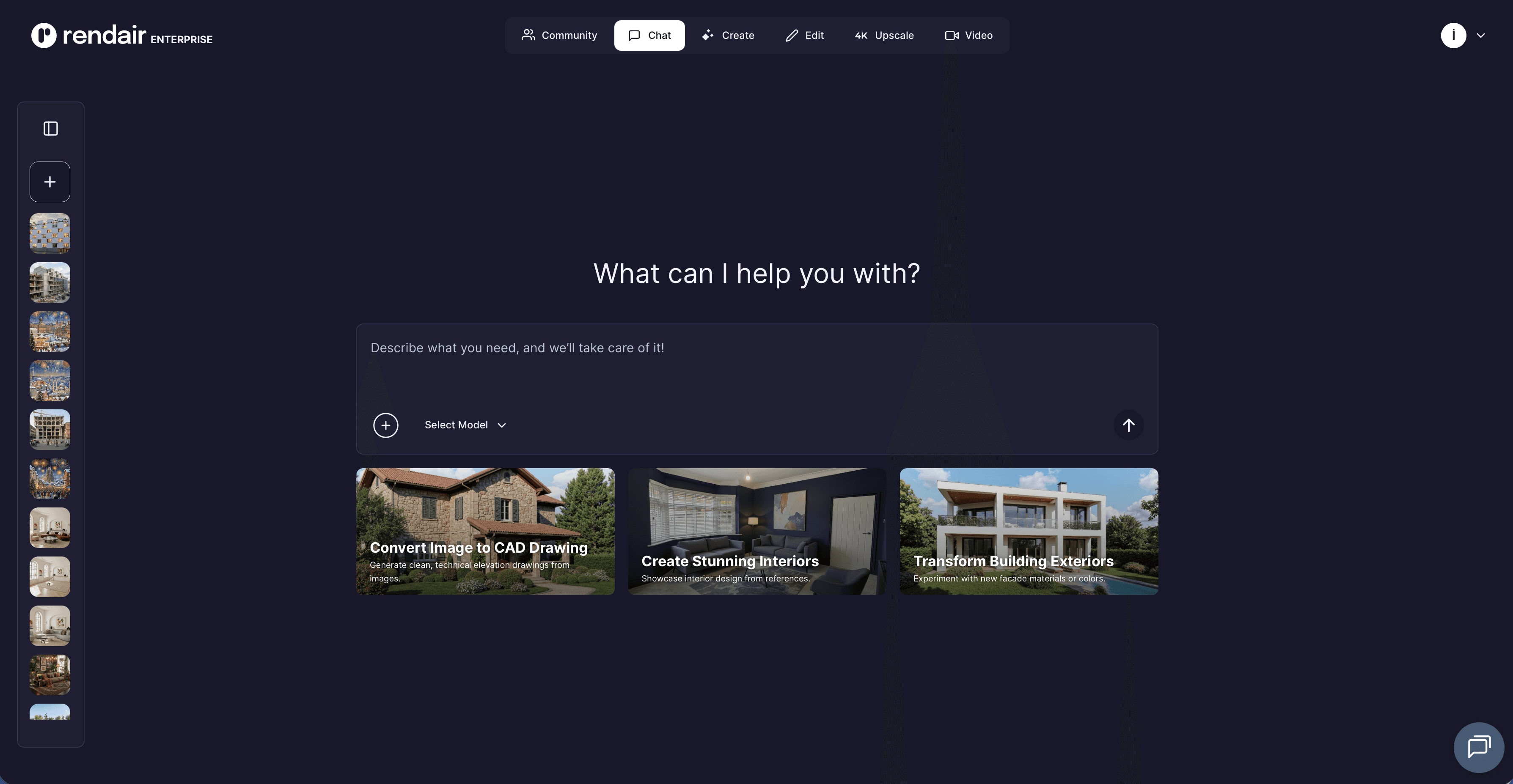
1/ Rendair AI
The specialized choice for real projects
What it does: A comprehensive visualization platform built specifically for architects, interior designers, and real estate agents.
Key features:
ControlNet integration: Keeps your straight lines straight. You can upload a SketchUp screenshot or a hand drawing, and the AI renders on top of it without changing the geometry.
Uniformity: Ensures consistent lighting and materials across different views of the same project.
Specific modes: Includes dedicated tools for "Sketch to Image," "Real Estate Virtual Staging," and "Material Replacement."
Pros:
Solves the "hallucination" problem by adhering strictly to your input geometry.
No complex prompting required; the interface uses architectural terms (Modern, Industrial, Scandinavian).
High-resolution upscaling is built-in and optimized for print.
Cons:
Less "fantasy" capability than Midjourney (it is designed for realism, not sci-fi concept art).
Strictly focused on building/interior workflows, less useful for character design.
What users say:
Architects frequently note that while Midjourney creates better art, Rendair creates better deliverables that can actually be shown to clients without explaining away errors.
Pricing: Flexible credit system with monthly subscriptions starting around $19/mo.
Best for: Professionals who need to turn specific designs into photorealistic visuals without fighting the AI.
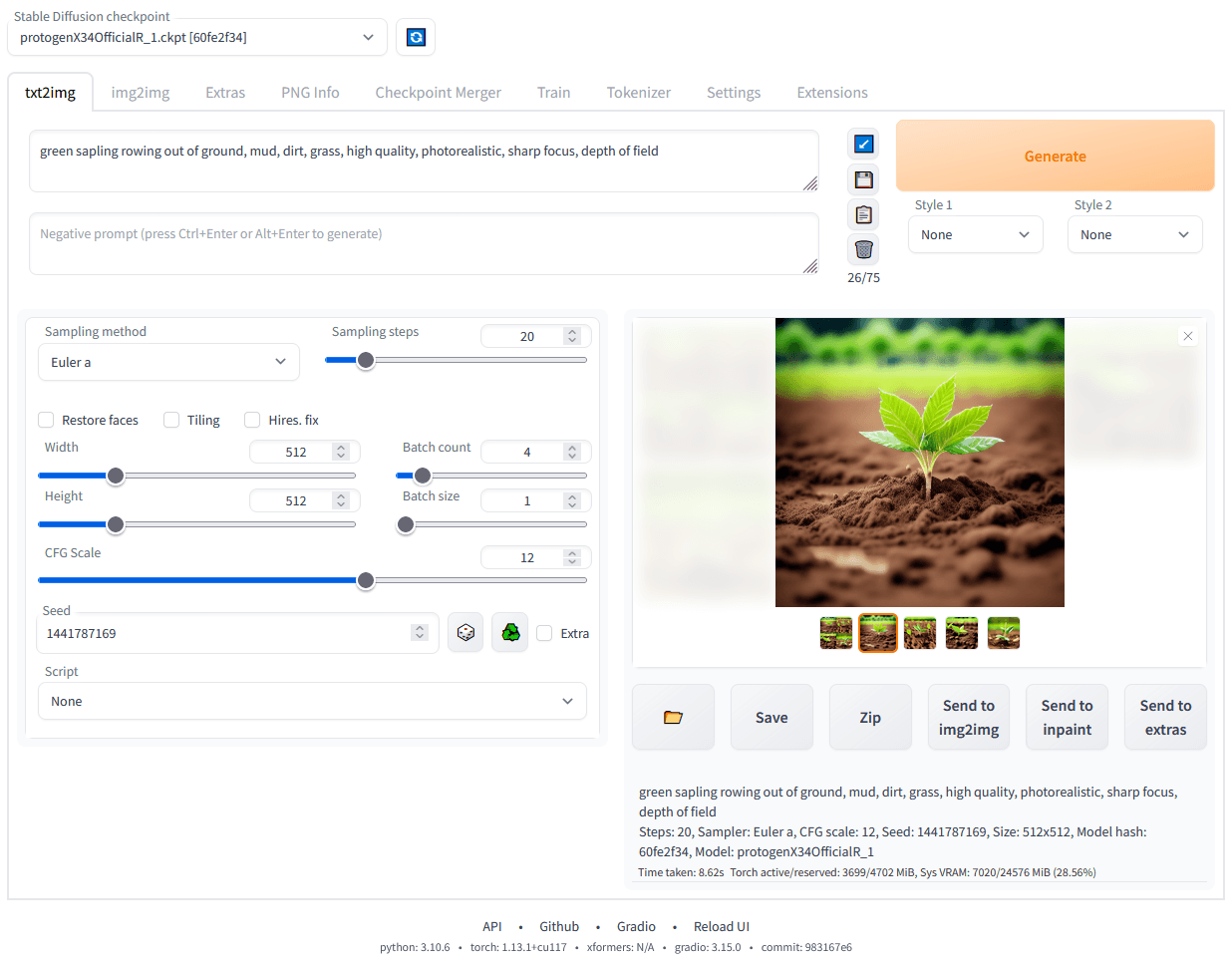
2/ Stable Diffusion (via Automatic1111 or ComfyUI)
The open-source engine for power users
What it does: A powerful, open-source image generation model that runs locally on your own hardware or via cloud interfaces.
Key features:
ControlNet: The industry standard for constraining AI generation to specific edges, depth maps, or poses.
Local Privacy: You can run it offline, meaning sensitive client IP never touches a public server.
Custom Models (LoRAs): You can train the model on your specific firm’s style or specific furniture pieces.
Pros:
Infinite control over every pixel and parameter.
No monthly subscription fees if you run it locally (hardware costs apply).
Huge community library of free assets and models.
Cons:
Extremely steep learning curve; requires technical knowledge to install and manage.
Requires a powerful GPU (NVIDIA RTX 3060 or better recommended).
What users say:
"It took me a week to install and learn, but now I can create images locally."
Pricing: Free (Open Source), but requires hardware investment.
Best for: Large studios with a dedicated visualization specialist or tech-savvy architects.
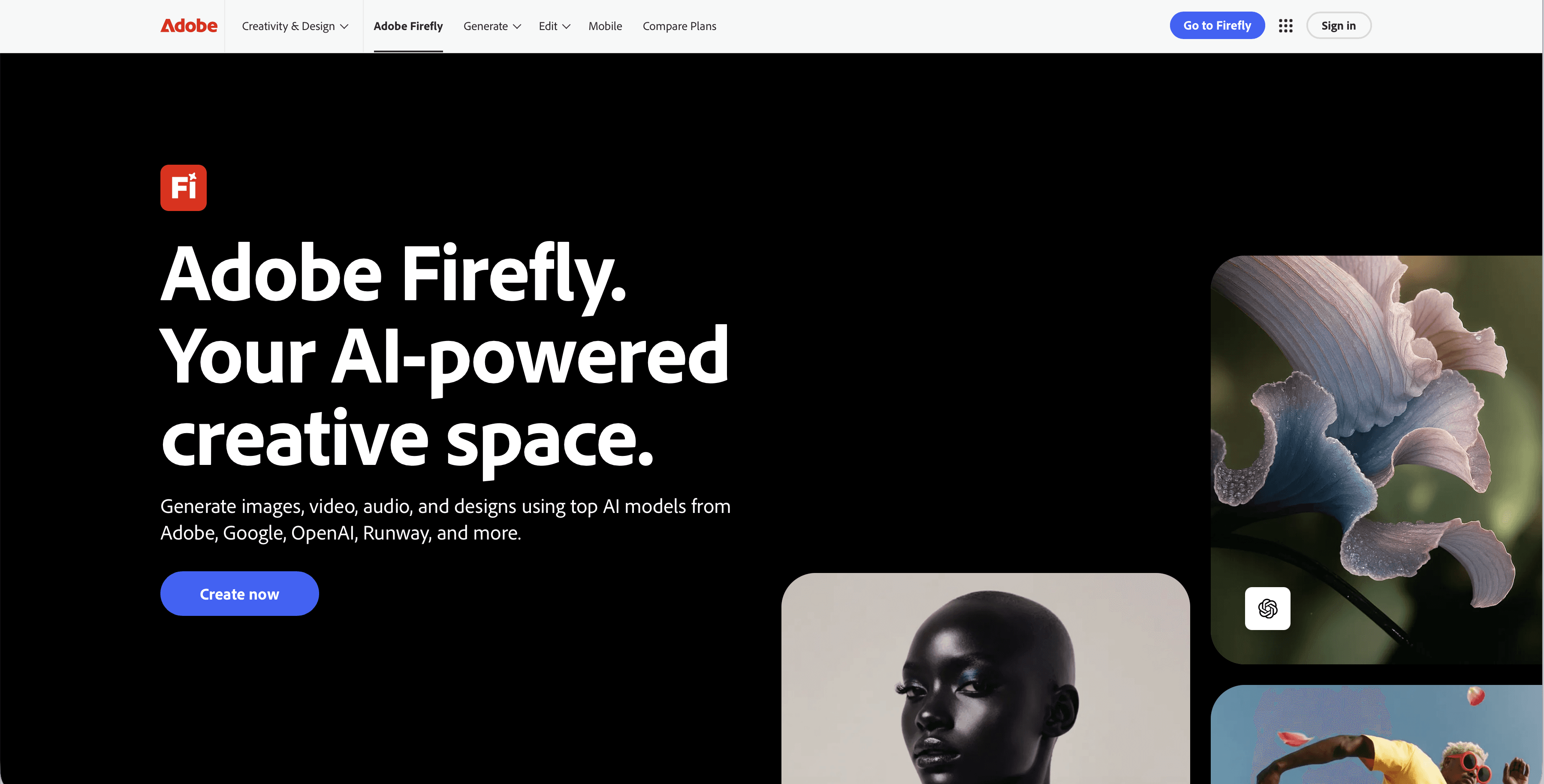
3/ Adobe Firefly
The safe, integrated workflow choice
What it does: Adobe’s generative AI engine, now embedded directly into Photoshop and other Creative Cloud apps.
Key features:
Generative Fill: The ability to select a specific area of a render (like a blank wall) and type "add a window" to change just that part.
Commercial Safety: Trained exclusively on Adobe Stock images, making it legally safer for commercial work than models scraped from the open web.
Reference Image: Allows you to upload a mood board to guide the style of the generation.
Pros:
Zero friction if you already use Photoshop.
Excellent for "fixing" renders (adding people, changing skies, removing clutter).
Legally indemnified for enterprise users.
Cons:
Can sometimes have a "stock photo" aesthetic compared to Midjourney’s artistic flair.
Less capable of generating full architectural scenes from scratch.
What users say:
Most designers don't use Firefly to create the image, but they use it daily to finish images created in other software.
Pricing: Included in Adobe Creative Cloud subscriptions.
Best for: Post-processing and quick edits within an existing Photoshop workflow.
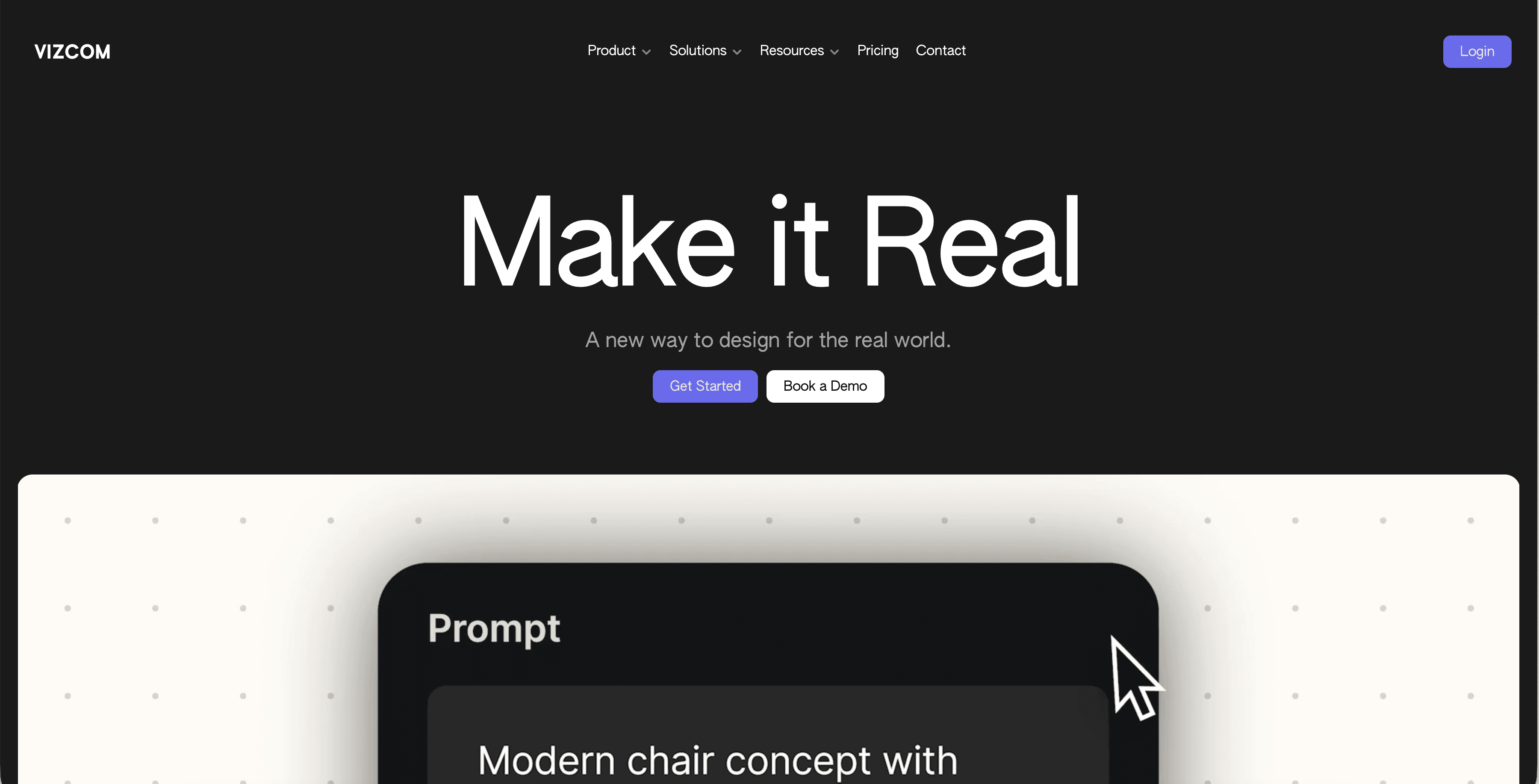
4/ Vizcom
The sketch-first accelerator
What it does: An AI tool designed primarily for industrial designers and architects who think with a stylus.
Key features:
Live Rendering: As you draw on the tablet, the AI renders a photorealistic version in real-time next to your hand.
3D Model Import: You can import a basic block-out and sketch over it.
Drawing Influence: A simple slider that dictates how much the AI should respect your lines vs. its own imagination.
Pros:
Incredible speed for early-concept phases.
Preserves the "human touch" of the original sketch.
Very intuitive interface.
Cons:
Struggles with complex, high-fidelity architectural scenes compared to Rendair or Midjourney.
More focused on product design than interior/exterior environments.
What users say:
"It feels like magic for the napkin-sketch phase, but I switch to other tools for the final presentation."
Pricing: Free tier available; Pro plans start around $20/mo.
Best for: Early-stage concepting and designers who use iPads/tablets.
Choosing what fits your workflow
Not every tool makes sense for every project. Match software to your actual bottlenecks:
Speed vs. Accuracy: If you need to show a client a "vibe," Midjourney or DALL-E 3 is fine. If you need to show their house, use Rendair or Stable Diffusion.
Team Technicality: If your team struggles with new software, avoid Stable Diffusion. Stick to web-based platforms like Rendair or Firefly.
Hardware: Do not attempt to run local AI models on standard office laptops. Cloud-based tools (Rendair, Midjourney) handle the heavy lifting on their servers.
What experienced teams learn early
One tool is rarely enough. Most pros use Rendair for the base render and Photoshop (Firefly) for the final touches.
Control beats quality. A slightly lower-resolution image that follows the floor plan is infinitely more valuable than a high-res image that ignores it.
Prompting is not the future. The industry is moving away from "prompt engineering" toward "image guidance" (using sketches and models as inputs).
How Rendair connects the dots
While tools like Midjourney require you to become a "prompt artist," Rendair allows you to remain an architect. By accepting your sketches, CAD screenshots, and massing models as the primary input, it removes the guesswork. You get the speed of AI without sacrificing the precision your profession demands.
Recent Posts

Tools, Extensions, Plugins
Top 10 Plugins and Extensions for AutoCAD
6 gen 2026
Tools, Extensions, Plugins
Top 5 Plugins and Extensions for Photoshop
6 gen 2026
Tools, Extensions, Plugins
Top 4 Midjourney Alternatives for Architects & Designers (2025 Guide)
6 gen 2026
Tools, Extensions, Plugins
Top 7 Canva Alternatives for Architects & Designers (2025 Guide)
5 gen 2026

Tools, Extensions, Plugins
Top 5 Automatic1111 Alternatives for Architects & Designers
5 gen 2026

Tools, Extensions, Plugins
Top 5 AI Tools for Builders to Streamline Projects in 2026
5 gen 2026