GPT Image 1 for Architects: Rapid Visualization and Concept Generation
22/12/2025
AI Models, Image Models, Use Cases

Architects and designers are using GPT-Image-1 to turn written briefs into visual concepts instantly, bridging the gap between a vague idea and a concrete starting point.
What is GPT-Image-1?
GPT-Image-1 is a fundamental text-to-image model designed to interpret natural language prompts and generate corresponding visuals. It focuses on understanding the intent behind a description, such as "modern concrete villa in a forest", and creating a complete image from scratch. Unlike complex rendering engines that require detailed parameter tuning, this model prioritizes speed and prompt adherence, making it a capable tool for visualizing ideas where no 3D geometry exists yet.
Why Architects Choose GPT-Image-1
GPT-Image-1 addresses specific challenges that architects face in the early stages of a workflow:
Speed of Iteration — It generates visuals rapidly, allowing designers to cycle through ten different concepts in the time it takes to model one massing study.
Natural Language Understanding — It requires no technical prompting skills. You can describe a scene as you would to a colleague, and the model interprets the context effectively.
Unconstrained Ideation — It is not bound by existing geometry, which helps when you need to brainstorm "outside the box" or visualize a project before opening Revit or Rhino.
Visualizing the Abstract — It excels at creating mood and atmosphere from minimal information, useful for establishing a project's vibe early on.
For architects, this model serves as a digital sketchpad. It is less about final production and more about the initial spark of creation.
Feature | GPT-Image-1 | Traditional Rendering |
|---|---|---|
Image quality | Good (1k resolution) | High / Photoreal |
Control | Text-based guidance | Geometry & Physics-based |
Editing capabilities | Partial (often changes global context) | Precise per-object control |
Ease of use | High (conversational) | Low (requires technical expertise) |
Setup time | Seconds | Hours or Days |

Key Capabilities of GPT-Image-1
Text-to-Image Generation
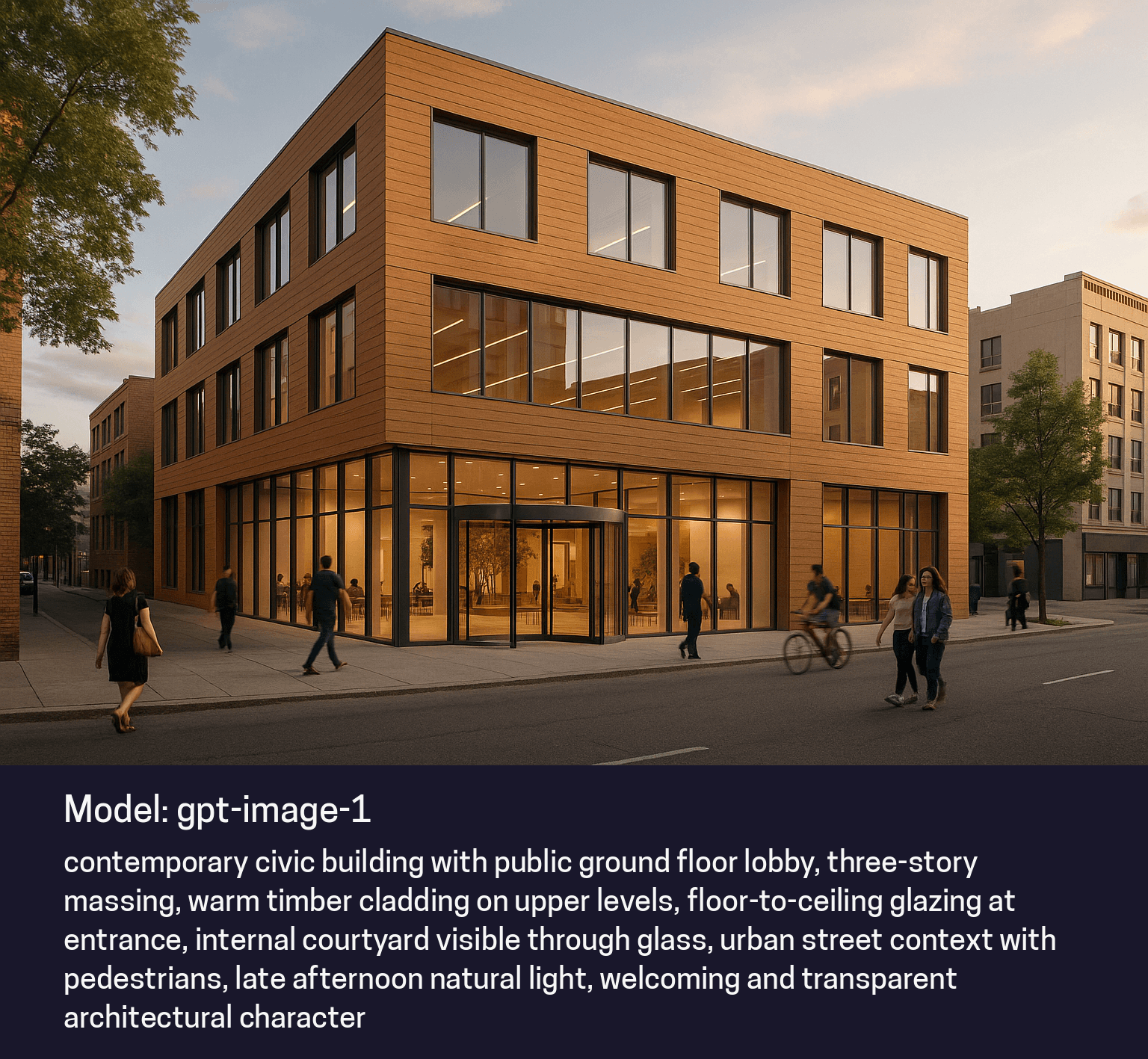
This is the model's primary strength. Architects can input a descriptive paragraph about a building's form, material, and context, and receive a visual representation. This is particularly useful during client meetings to quickly visualize verbal ideas.
Basic Image Variations
If a specific output is close but not quite right, the model can generate variations. This allows designers to explore different lighting conditions or slight compositional changes without starting over, though the changes tend to be broad rather than specific.
Graphical and Stylized Visuals
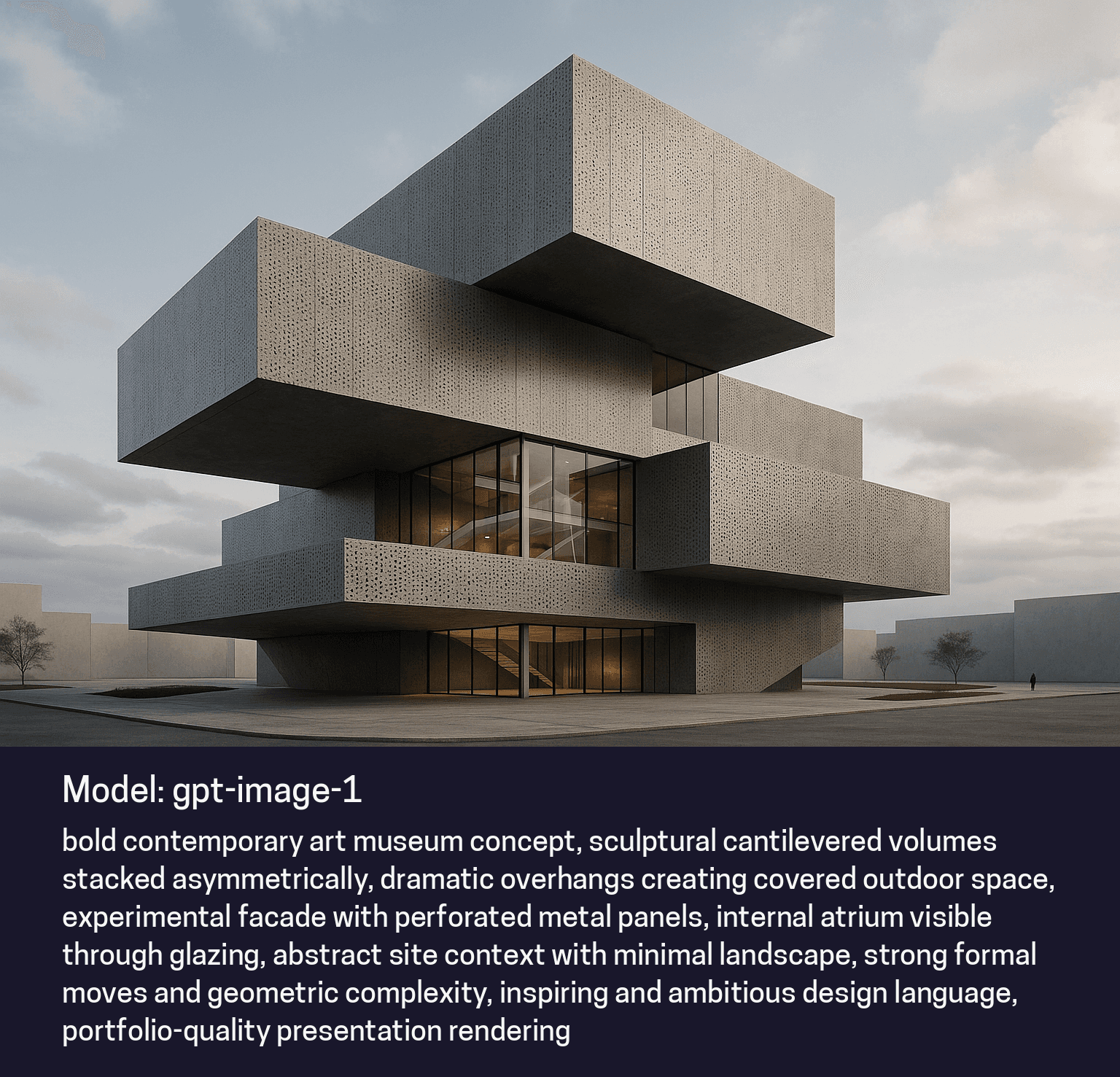
GPT-Image-1 is effective at creating stylized, non-photorealistic outputs. It can generate images that look like architectural sketches, watercolor paintings, or abstract diagrams, which are often preferred in early design phases to avoid implying a design is "final."
Contextual Imagination
The model is capable of "imagining" details that were not explicitly described. If you ask for a "busy street," it will populate it with cars, people, and signage automatically. This helps flesh out a scene without needing to specify every single element.
Real-World Use Cases for Architects
Early Concept Brainstorming
Scenario: An architect has a brief for a "sustainable library with timber louvers" but no 3D model yet.
Workflow: The architect types the description into Rendair using GPT-Image-1.
Outcome: Within seconds, the team has four distinct visual interpretations of that prompt. These images serve as discussion starters to narrow down the design direction before 3D modeling begins.
Creating Mood Boards
Scenario: A design team needs to convey a specific "autumn evening" atmosphere for a residential project.
Workflow: They request images focusing on lighting, color palette, and texture rather than specific building geometry.
Outcome: The model generates atmospheric shots that capture the desired mood. These are used in client presentations to align on the emotional feel of the project.
Quick Massing Visualization
Scenario: A client wants to see what a tower might look like on a specific corner, generally speaking.
Workflow: The architect describes the height, material, and surrounding context.
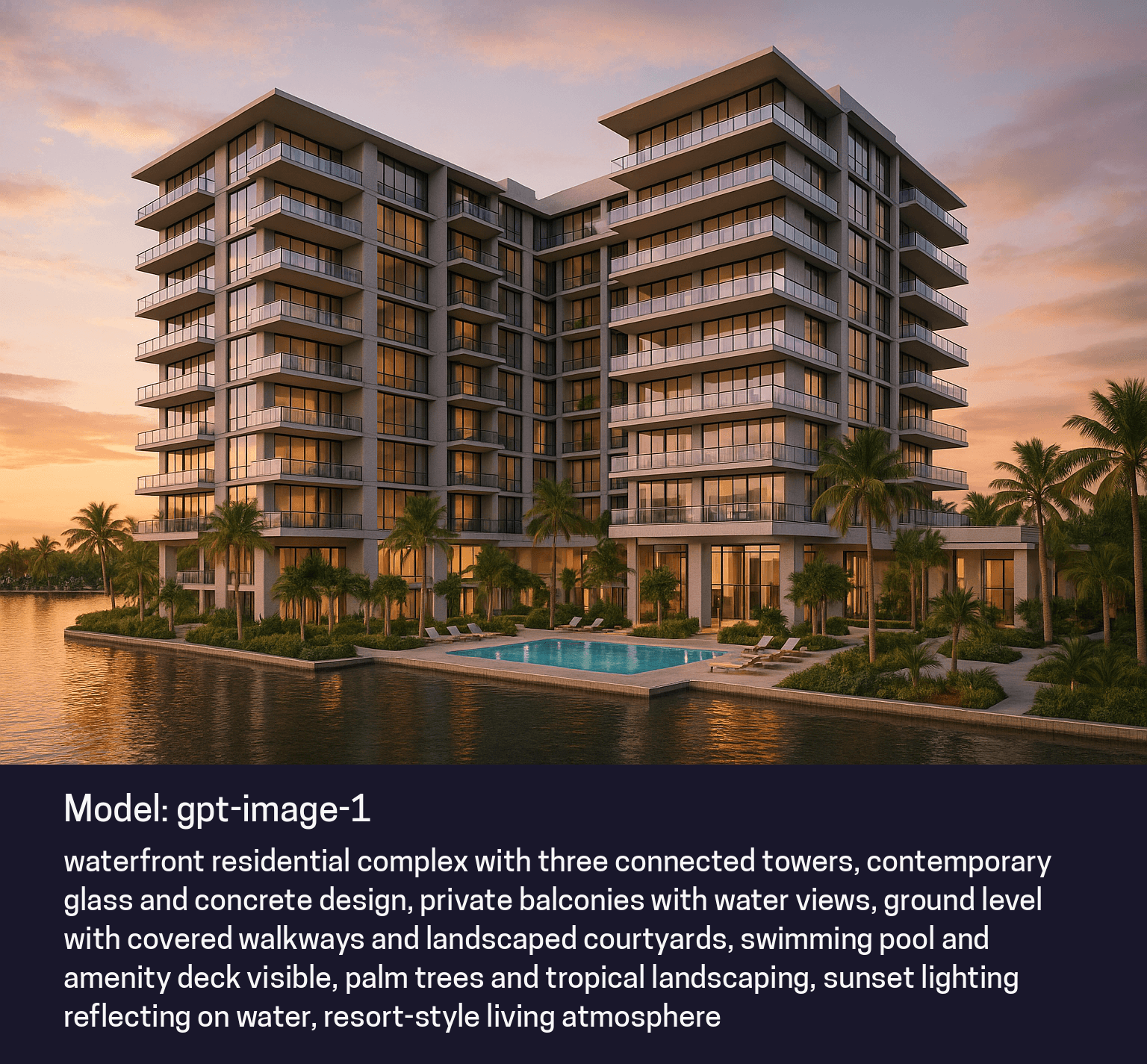
Outcome: GPT-Image-1 produces a graphical representation of the tower in context. While not geometrically precise to the site survey, it provides a sufficient visual for high-level discussions regarding scale and presence.
Storyboarding User Scenarios
Scenario: Explaining how a public plaza might be used on a weekend.
Workflow: The designer prompts for "people sitting on concrete benches in a park, drinking coffee, sunny day."
Outcome: The model creates a vignette showing life and activity. This helps clients understand the program and usage of a space rather than just the architecture.
GPT-Image-1 Strengths and Limitations
What GPT-Image-1 Does Best
Understanding Intent: It is highly capable of interpreting complex sentences and abstract requests.
Speed: It delivers results faster than many high-fidelity models, making it ideal for rapid-fire experimentation.
Creative "Hallucination": It fills in the blanks creatively, which is an asset when you don't have all the details decided yet.
What to Consider
Resolution Limit (1k): The output is capped at 1024x1024 pixels. This is sufficient for digital presentations and concept boards but not for large-format printing.
Fixed Aspect Ratios: You are limited to three standard formats (Square, Landscape, Portrait).
Geometry Stability: The model struggles to strictly adhere to specific geometries. If you upload a massing model, it may alter the shape while applying materials. It is better for creating new shapes than texturing existing ones.
Global Editing: When asked to edit a specific part of an image (e.g., "remove the tree"), the model often regenerates the entire scene, potentially changing details you wanted to keep.
Technical Specifications
Output Quality
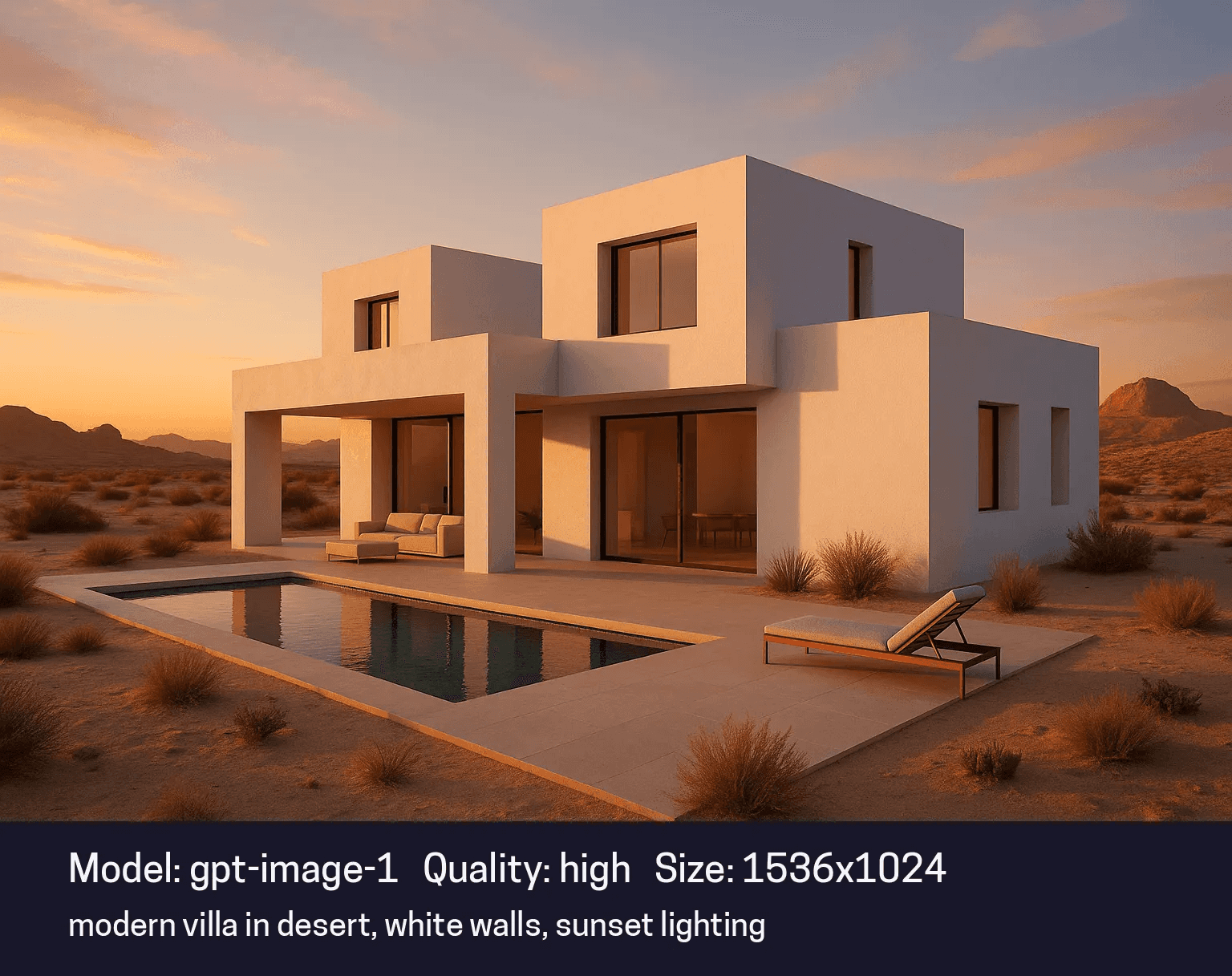
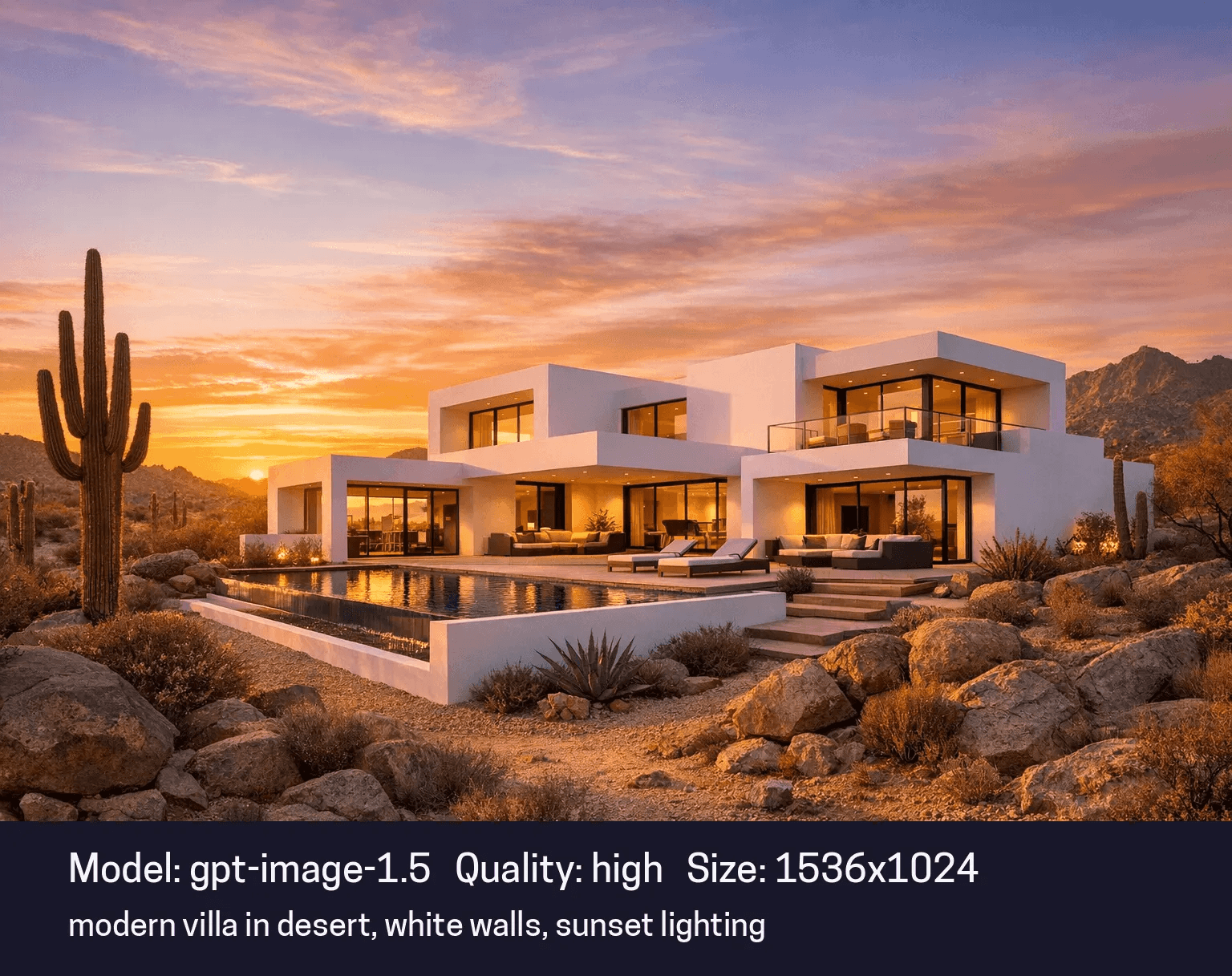
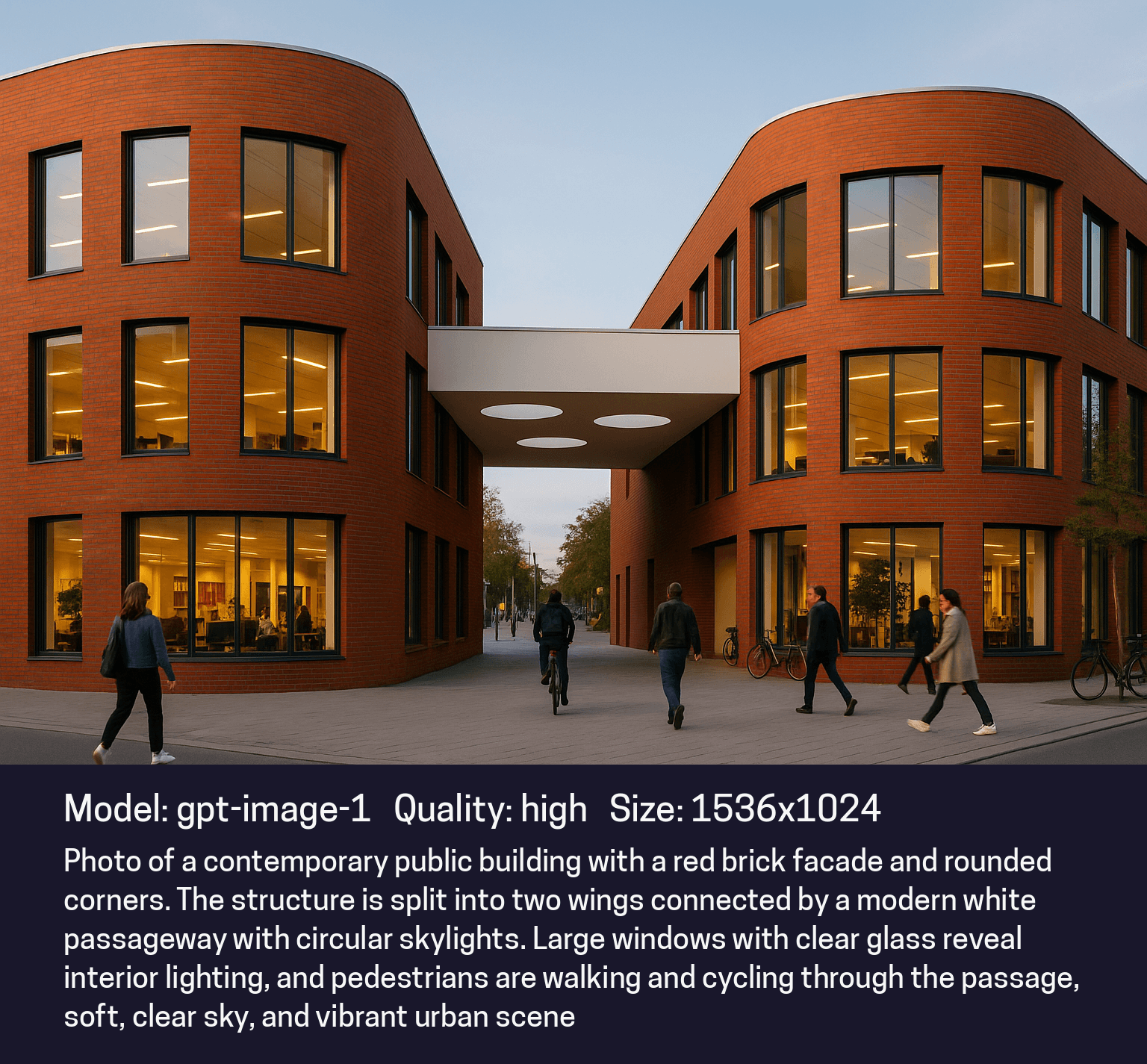
Images are generated at standard definition (approx. 1k resolution). The visual fidelity is good for screens and conceptual work but lacks the micro-texture detail of newer models like GPT-Image-1.5.
Speed
Generation is fast, typically completing in seconds depending on server load.
Control Parameters
Users control the output primarily through text prompts. Aspect ratio selection is limited to Square (1:1), Landscape (4:3), and Portrait (3:4).
Integration
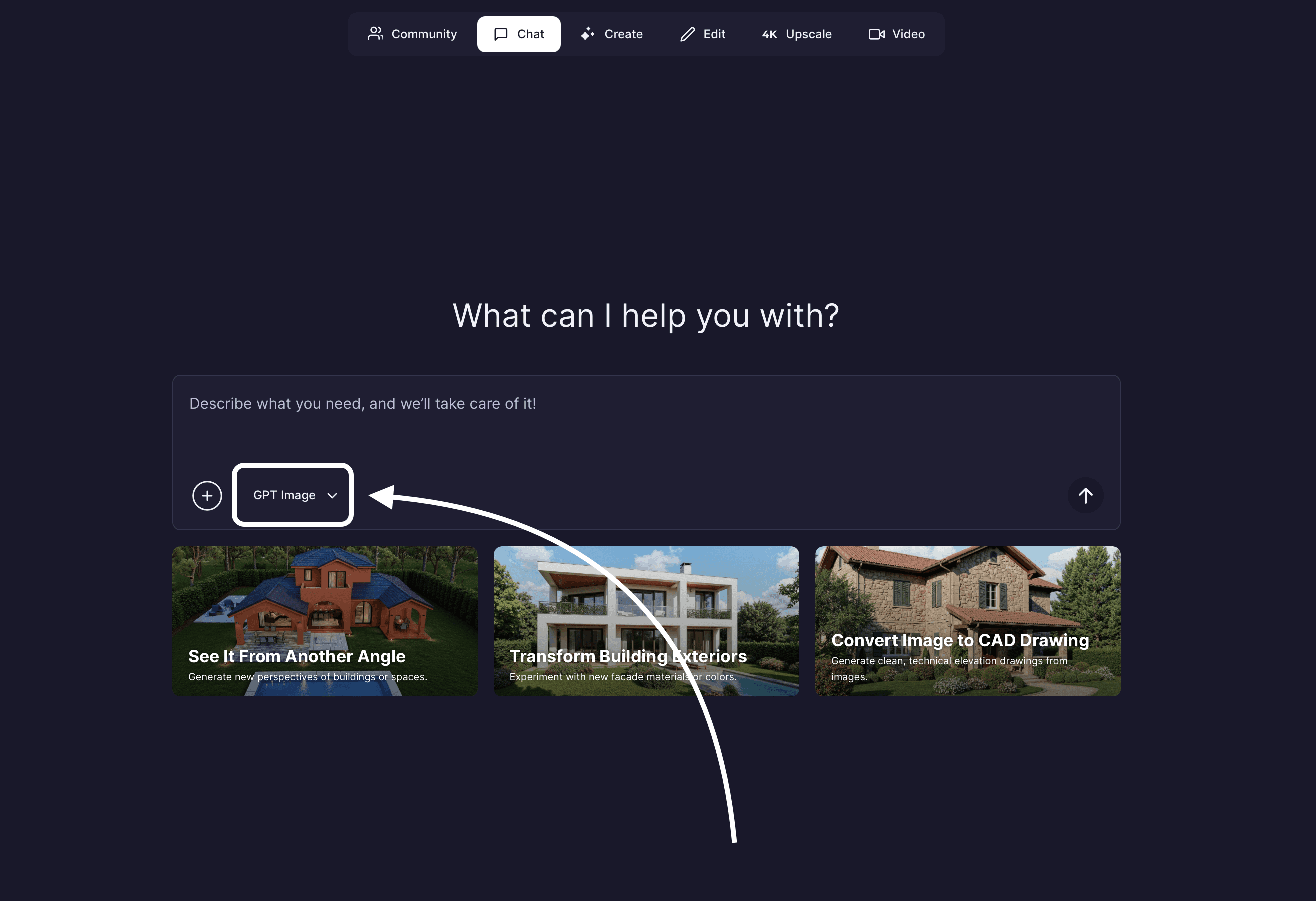
It functions seamlessly within the Rendair chat interface, allowing for a conversational workflow where you can refine prompts iteratively.
Getting Started with GPT-Image-1 on Rendair AI
GPT-Image-1 is available directly through the Rendair AI platform, serving as an accessible entry point for AI visualization.
Basic Workflow:
Select the Model: Choose GPT-Image-1 from the model list in Rendair.
Describe Your Vision: Enter a text prompt detailing the subject, style, and atmosphere.
Add Additional Input If Needed: Include base images, reference visuals, style inspirations to explain overall vision better.
Generate and Iterate: Review the result. If it is not quite right, refine your text prompt and generate again.
Rendair AI optimizes the backend parameters, so you do not need to worry about sampling steps or guidance scales. You simply focus on the description.
Common Questions About GPT-Image-1
Can I use GPT-Image-1 for final renders?
It is best suited for early concepts and internal reviews. For client-facing final renders, high-resolution models like GPT-Image-1.5 or specialized render engines are recommended.
Does it respect my uploaded 3D model perfectly?
Not strictly. GPT-Image-1 tends to "dream" over geometry, often changing the shape to fit its training data. For strict geometry adherence, other models in the Rendair ecosystem are more effective.
Can I edit just one part of the image?
Partial editing is possible, but the model often changes the surrounding context while making the edit. It lacks the "local editing" precision of newer models.
Is the imagery unique?
Yes, every generation is synthesized from scratch based on your prompt.
What is the best aspect ratio for architectural views?
Landscape is generally best for exterior perspectives, while Portrait often works well for tall towers or interior detail shots.
Conclusion
GPT-Image-1 remains a valuable tool for architects who need speed, creativity, and rapid conceptualization. It removes the friction between having an idea and seeing it, acting as an always-available sketch artist for your practice.
GPT-Image-1 is available on Rendair AI with a streamlined interface designed for professional use. It allows you to start visualizing immediately without complex setup.
Ready to use GPT-Image-1? Start creating concepts instantly in Rendair AI.
Recent Posts
AI Models, Image Models, Use Cases
Top 5 PromeAI Alternatives for Architects & Designers
25/12/2025
AI Models, Image Models, Use Cases
Top 5 Rhino Plugins That Actually Change Your Workflow
24/12/2025

AI Models, Image Models, Use Cases
GPT Image 1 for Real Estate Brokers: Visualizing Potential in Seconds
23/12/2025
AI Models, Image Models, Use Cases
GPT Image 1 for Architects: Rapid Visualization and Concept Generation
23/12/2025
AI Models, Image Models, Use Cases
GPT Image 1 for Interior Designers: Practical Overview
23/12/2025

AI Models, Image Models, Use Cases
Top 8 Plugins and Extensions for ArchiCAD
23/12/2025