Top AI Tools for 3D Artists in 2026: A Professional Guide
31/12/2025

The role of the 3D artist is evolving. In 2026, the conversation has shifted from "will AI replace us?" to "how can AI remove the friction from our workflows?" For professionals in architecture, game design, and VFX, the goal isn't to generate a final product with a single button press, it is to automate the tedious intermediate steps, such as UV mapping, texture generation, and initial lighting setups.
This guide evaluates the top AI tools currently available for 3D professionals. These are not toys; they are established, legitimate platforms designed to integrate into high-end pipelines like Blender, Unreal Engine, Maya, and Rhino.
Evaluation Criteria for Professional Tools
Before adopting any AI tool into a production pipeline, we evaluate it against three specific metrics:
Control: Does the tool allow for precise iteration, or is it a "slot machine" that produces random results?
Integration: Does it export standard formats (OBJ, FBX, USD, PBR maps) that work with existing software?
Utility: Does it solve a genuine bottleneck, such as rendering time, retopology, or material creation?
Quick Comparison: Top 5 AI Tools
Tool | Primary Function | Best For | Pricing Model |
|---|---|---|---|
Adobe Substance 3D Sampler | Material Creation | Generating PBR materials from photos | Subscription (Creative Cloud) |
Rendair AI | Visualization & Rendering | Rapid rendering, sketch-to-image, and client presentations | Free Trial / Tiered Subscription |
Wonder Dynamics (Wonder Studio) | VFX & Animation | Automating character lighting, compositing, and MoCap | Tiered Subscription |
Kaedim | Asset Generation | Turning 2D concepts into 3D meshes | Credit-based Subscription |
Luma AI | Reality Capture & NeRF | Creating environments and assets from video/text | Freemium |
Detailed Reviews
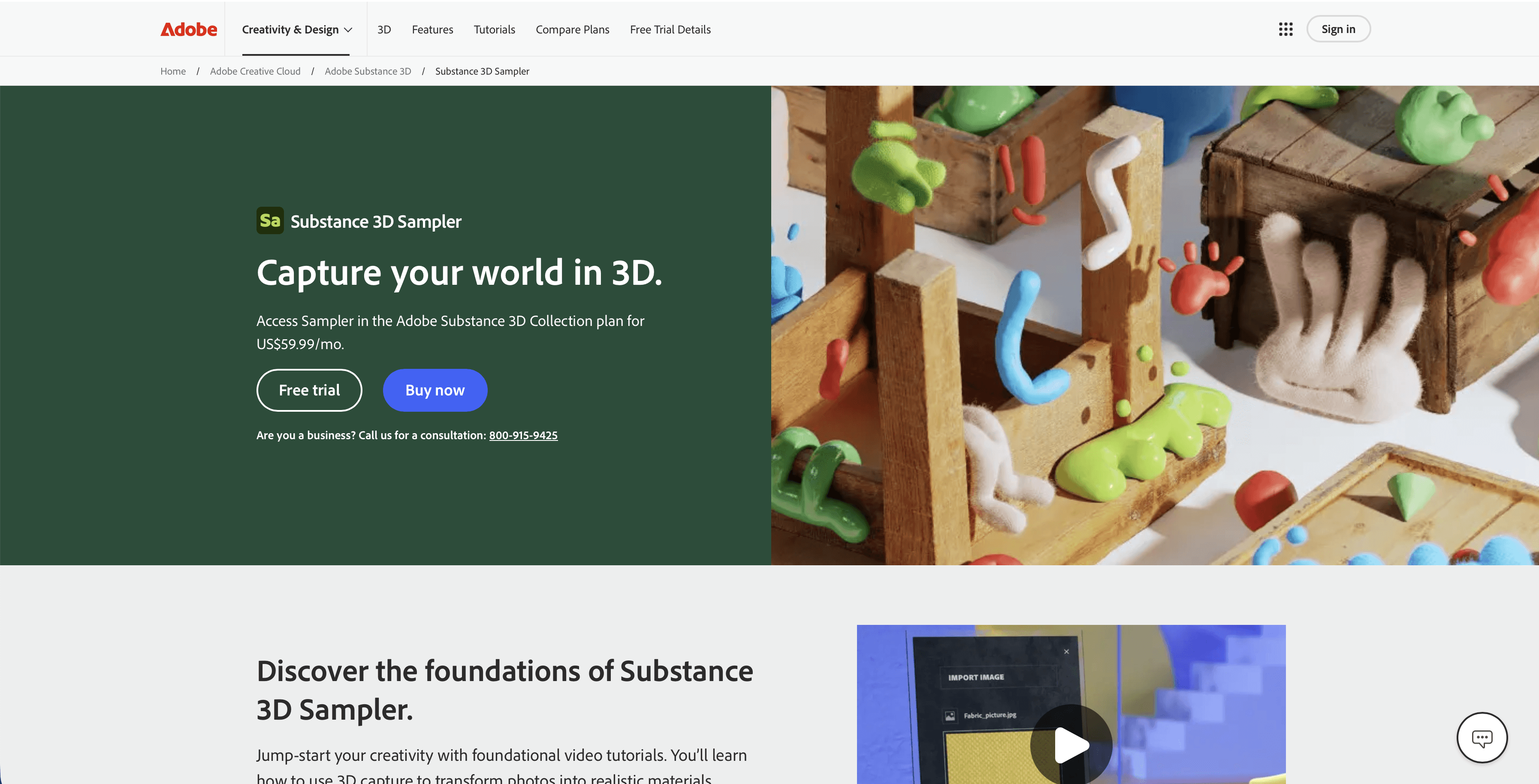
1. Adobe Substance 3D Sampler
Adobe has aggressively integrated AI into its Substance suite, making Sampler the industry standard for digitizing real-world materials. The "Image to Material" feature uses AI to analyze a single photograph and generate a full set of PBR (Physically Based Rendering) maps, including albedo, normal, roughness, and displacement.
Key Features:
AI Image to Material: Instantly creates seamless textures from a single photo.
Delighting: AI automatically removes shadows from source photos to ensure neutral lighting in textures.
Content-Aware Tiling: Removes seams and repetitive patterns to create infinite materials.
Best For: Environment artists and texture artists who need to create realistic libraries from reference photos.
Consideration: While powerful, it requires a subscription to the Adobe Substance 3D collection.
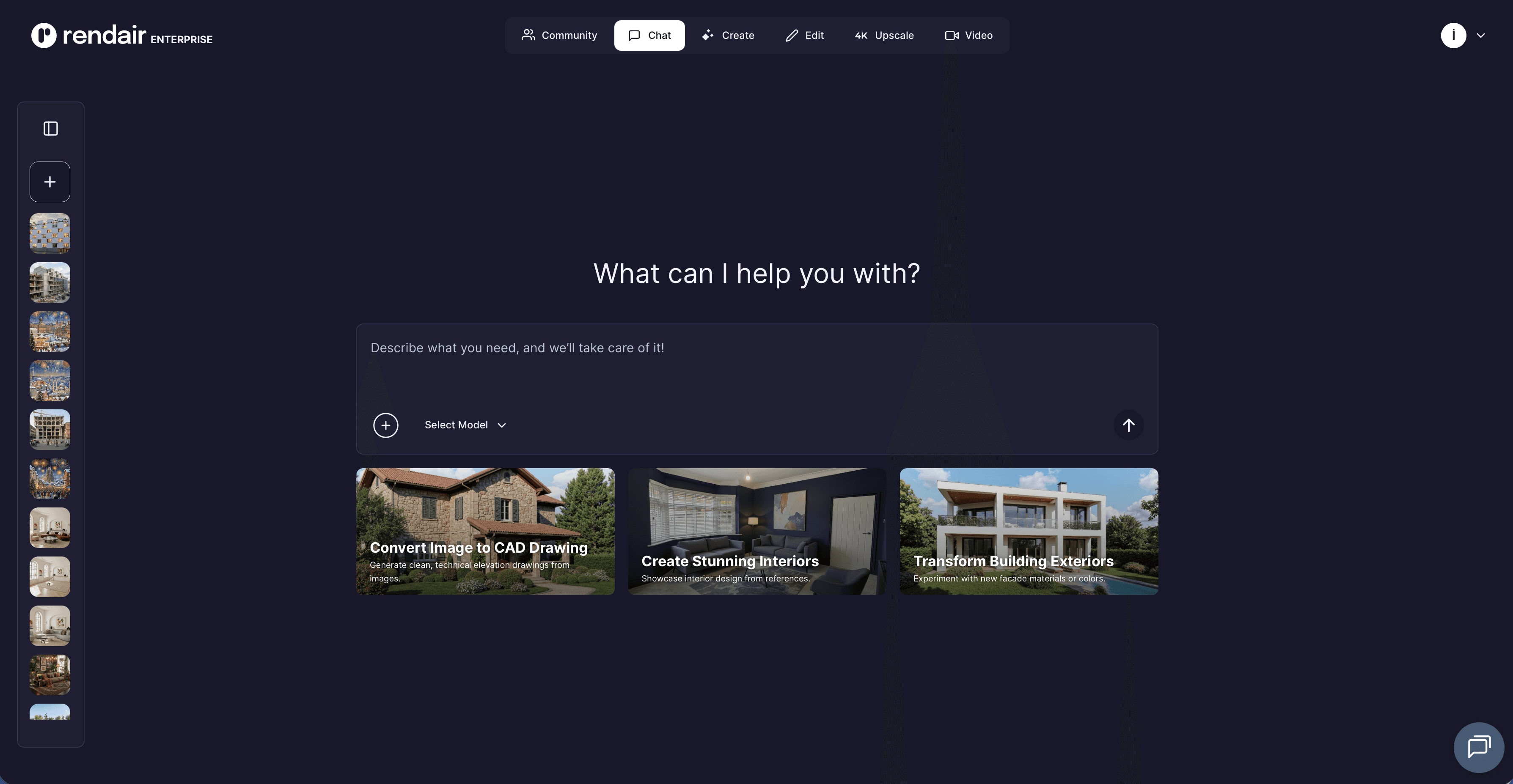
2. Rendair AI
Rendair AI has established itself as a critical visualization partner for architects and 3D designers. Unlike generative art tools that hallucinate structures, Rendair is built to respect the geometric constraints of a professional's input. It bridges the gap between a rough massing model and a photorealistic presentation.
Key Features:
Sketch-to-Render: Converts loose hand sketches or basic "clay" screenshots from software like SketchUp or Rhino into high-fidelity renders.
ControlNet Integration: Allows users to lock specific structural lines, ensuring the AI decorates the model without altering the architecture.
In-Painting & Editing: Users can modify specific parts of a render (e.g., "change the floor to herringbone oak") without re-rendering the entire scene.
Video Generation: transform static renders into cinematic camera movements.
Best For: Architects and interior designers who need to visualize concepts rapidly without spending hours setting up lighting engines.
Highlight: The "Creativity Slider" offers a unique balance, keep it low to strictly follow your model, or push it high to generate fresh design alternatives.
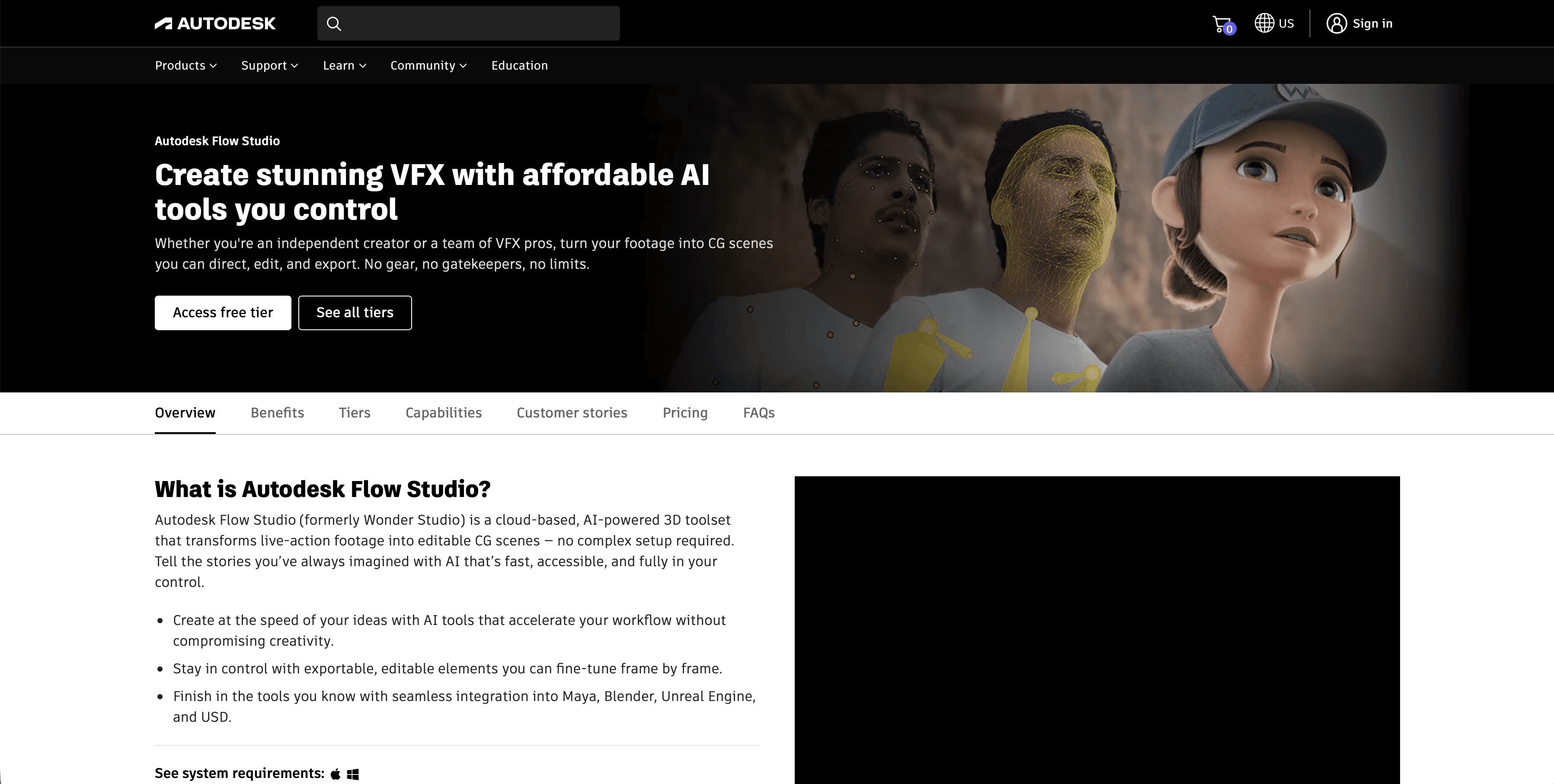
3. Wonder Dynamics (Wonder Studio)
For 3D artists working in VFX or animation, Wonder Studio automates one of the most complex workflows: integrating a CG character into live-action footage. It handles motion capture, lighting matching, and compositing automatically.
Key Features:
Video-to-MoCap: Extracts full-body motion animation from a single camera video (no MoCap suit required).
Auto-Lighting: Analyzes the live-action plate to match the lighting on the CG character.
Clean Plate Generation: Automatically removes the human actor from the scene to place the CG character.
Best For: Indie filmmakers and animators who want Hollywood-level character integration without a large compositing team.
Consideration: It is a cloud-based platform, meaning heavy scenes require uploading and downloading assets.
4. Kaedim
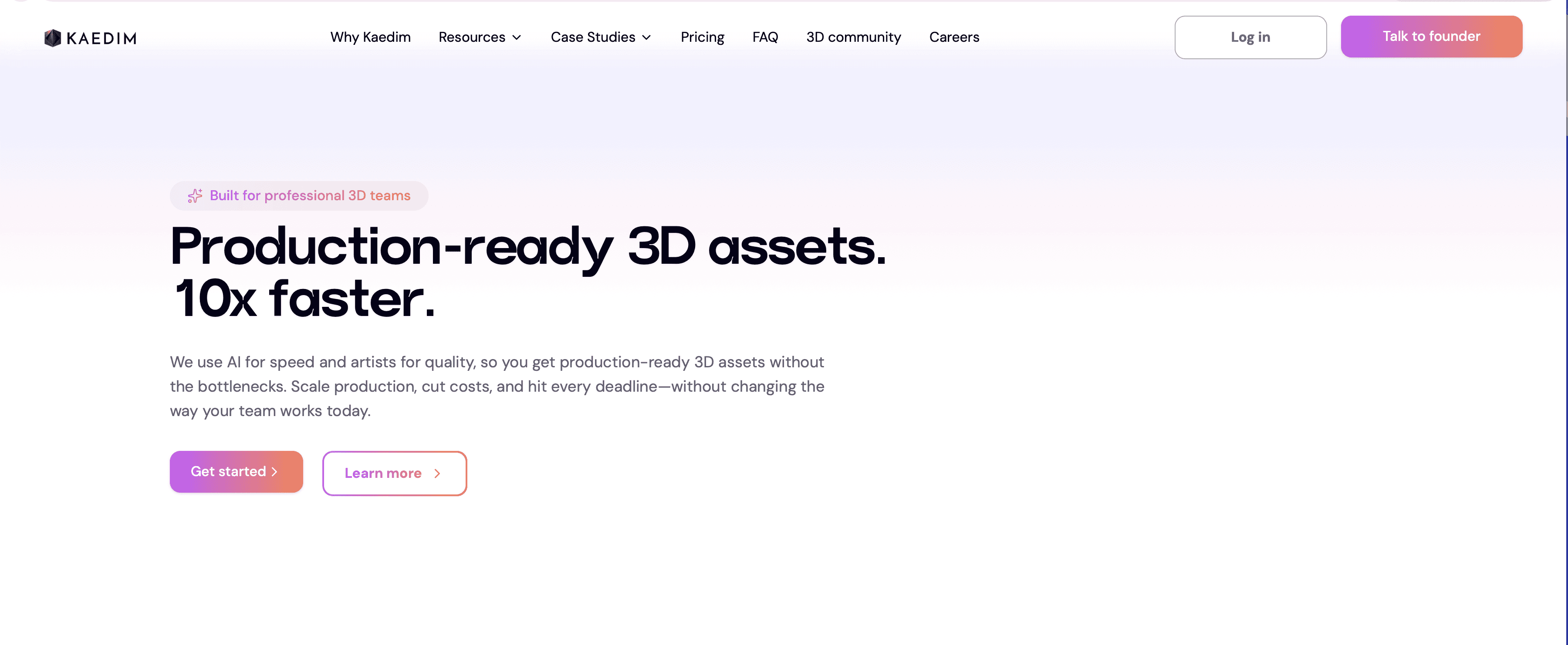
Modeling background assets (props like chairs, lamps, or debris) is often the most time-consuming part of scene population. Kaedim uses machine learning to turn 2D images into 3D meshes. Uniquely, they employ a "human-in-the-loop" quality assurance step to ensuring the topology is cleaner than pure AI generators.
Key Features:
2D to 3D Generation: Upload a sketch or photo, receive a 3D model.
Automatic UV Unwrapping: Models come textured and ready for engine import.
Poly-count Control: Users can specify low-poly or high-poly outputs.
Best For: Game developers and environment artists needing to populate scenes quickly with props.
Consideration: It is not intended for "hero" assets (main characters) but excels at filling out environments.
5. Luma AI
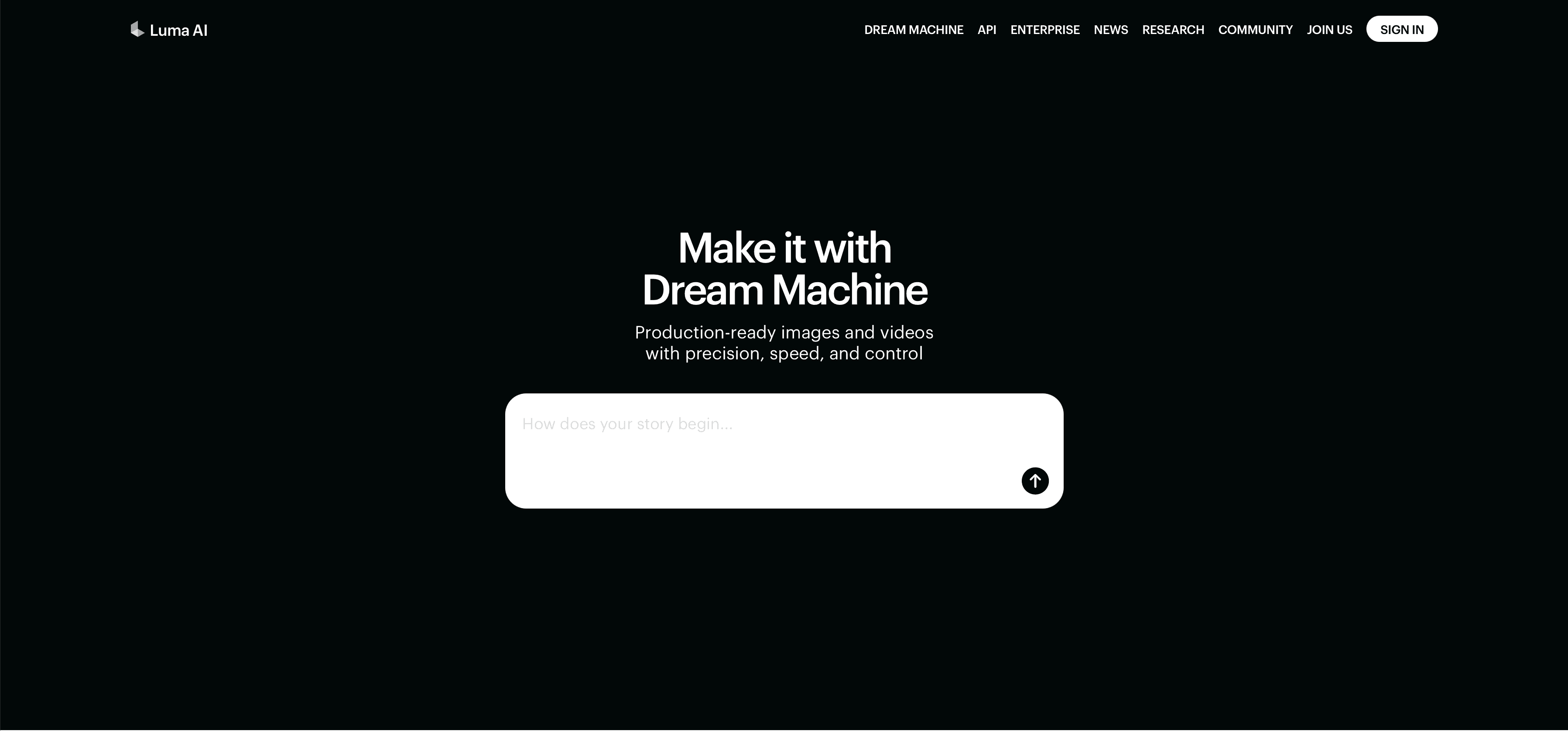
Luma AI dominates the niche of Neural Radiance Fields (NeRF) and Gaussian Splatting. It allows artists to capture real-world objects or environments using a smartphone and convert them into high-quality 3D assets. Recently, their "Genie" tool has also introduced text-to-3D capabilities.
Key Features:
Interactive Scenes: Captures complex reflections and lighting from the real world that traditional photogrammetry often misses.
Genie (Text-to-3D): Generates 3D meshes from simple text prompts.
Dream Machine: High-quality video generation that can be used for backplates or reference.
Best For: Creating realistic environmental assets from real-world scans or generating quick prototypes from text.
Consideration: The meshes from NeRF scans can sometimes be dense and may require optimization (retopology) for real-time game engines.
Professional Workflows: Connecting the Tools
The real power of these tools emerges when they are used together in a pipeline.
Workflow 1: The Rapid Visualization Loop
Goal: Move from a client idea to a photorealistic proposal in under an hour.
Blockout: Create a simple massing model in SketchUp or Rhino.
Render: Upload the screenshot to Rendair AI to generate lighting, materials, and atmosphere.
Refine: Use Rendair's in-painting to swap furniture or adjust finishes based on client feedback.
Tools: SketchUp + Rendair AI
Workflow 2: The Asset Factory
Goal: Populate a game level or architectural interior with custom furniture.
Concept: Sketch the furniture piece or find a reference photo.
Generate: Upload the image to Kaedim to get the 3D mesh.
Texture: Import the mesh into Adobe Substance 3D Sampler to apply custom PBR materials.
Finalize: Import into Unreal Engine or Blender.
Tools: Kaedim + Adobe Substance 3D Sampler
Workflow 3: The Indie VFX Pipeline
Goal: Add a sci-fi robot into a handheld video clip.
Film: Record the scene with a human actor standing in for the robot.
Process: Upload the footage and the robot model to Wonder Studio.
Export: Download the Blender project file with the animation and lighting data for final polish.
Tools: Wonder Studio + Blender
Choosing the Right Tool
If you are an Architect: Focus on Rendair AI. It solves the specific problem of "I need this model to look real right now" without requiring V-Ray expertise.
If you are a Texture Artist: Adobe Substance 3D Sampler is non-negotiable. It is the bridge between photography and digital materials.
If you are a Game Dev: Look at Kaedim and Luma AI to speed up your asset production pipeline, saving manual modeling for hero assets.
If you are an Animator: Wonder Studio will save you weeks of rotoscoping and match-moving time.
FAQ
Will these tools replace 3D modeling software like Blender or Maya?
No. These tools rely on the existence of core 3D software. They act as plugins or assistants that handle specific tasks (rendering, texturing, mocap) but they do not replace the need for precise geometry manipulation found in Blender or Maya.
Are the outputs copyright-safe for commercial use?
For the tools listed above, generally yes. Paid subscriptions to Rendair, Adobe, and Kaedim typically grant commercial rights to the assets you generate. Always check the specific Terms of Service for "Free" tiers, as they often have different licensing rules.
Do I need a powerful PC to use these?
Most of these tools (Rendair, Wonder Studio, Kaedim) are cloud-based. This means the heavy processing happens on their servers, allowing you to generate high-end results even on a standard laptop. Adobe Substance 3D Sampler, however, runs locally and benefits from a strong GPU.
Is the topology from AI generators good enough for animation?
Tools like Kaedim are getting much better at quad-topology, but for main characters that need complex facial deformation, manual retopology is still the gold standard. AI meshes are currently best suited for static objects or background assets.
Closing Thoughts
The 3D industry in 2026 is not about choosing between "AI" and "Human." It is about choosing between "Slow" and "Fast." The tools listed above have matured beyond experimental novelties into reliable production partners. They allow professionals to skip the technical hurdles of lighting setups and UV unwrapping, clearing the way for more time spent on design and storytelling.
If you are looking to streamline your visualization process immediately, Rendair AI offers a friction-free way to turn your existing models into professional presentations.
Recent Posts
Tools
Top AI Tools for Product Designers in 2026: A Professional's Guide
31/12/2025
Tools
Top AI Tools for 3D Artists in 2026: A Professional Guide
31/12/2025

Tools
Top AI Tools for Landscape Designers in 2026
31/12/2025

Tools
Top AI Tools for Real Estate Brokers in 2026: A Practical Guide
30/12/2025

Tools
Top AI Tools for Interior Designers in 2026: A Professional's Guide
30/12/2025

Tools
Rendair AI | Christmas Design Competition Announcement!
26/12/2025