Redshift vs V-Ray: Best Rendering Engine for 2026?
Feb 16, 2026

Choosing a rendering engine used to be a simple trade-off between speed and quality. Today, that line is blurred. For architects, interior designers, and 3D artists, the choice between Redshift and V-Ray often dictates the entire workflow of a studio. Both have evolved significantly by 2026, with Redshift pushing the boundaries of GPU speed and V-Ray maintaining its crown for absolute photorealism.
This guide breaks down exactly how these two industry giants compare, specifically looking at how they fit into modern architectural and design pipelines.
Quick Comparison Overview
Redshift is a biased, GPU-accelerated renderer built for speed. It prioritizes "cheating" physics to get results fast, making it the industry standard for motion graphics and animation where deadlines are tight.
V-Ray is a hybrid (CPU + GPU) rendering engine known for its uncompromising photorealism. It is the gold standard in architectural visualization because of its vast material library, accurate lighting simulation, and deep integration with CAD tools like Revit and SketchUp.
Comparison Table
Feature | Redshift | V-Ray |
|---|---|---|
Ease of Use | 4/5 – Clean interface, but requires technical tweaking to optimize "biased" settings. | 4.5/5 – "It just works" out of the box; vast preset libraries make it beginner-friendly. |
Quality & Output | 4/5 – Excellent, but requires more effort to achieve hyper-realism compared to V-Ray. | 5/5 – Industry-leading photorealism; handles complex light/refraction naturally. |
Speed & Performance | 5/5 – Blazing fast. Built entirely for GPU speed; handles heavy scenes efficiently. | 4/5 – Slower than Redshift in pure speed, but GPU acceleration has narrowed the gap. |
Key Features | Biased rendering, out-of-core geometry, procedural clouds, deeply integrated with Cinema 4D. | Hybrid rendering (CPU+GPU), Chaos Cosmos, Gaussian Splats, native Revit/SketchUp plugins. |
Pricing | Subscription only (~$46/mo standalone). Often bundled with Maxon One. | Subscription only (~$38–$55/mo). Tiered plans (Solo, Premium, Enterprise). |
Best For | Animation, Motion Graphics, VFX, Studios using Cinema 4D. | Architectural Visualization, Interior Design, Product Rendering. |
Integration | Excellent for C4D, Maya, Houdini. Poor for Revit (requires export). | Native plugins for Revit, SketchUp, Rhino, 3ds Max, Cinema 4D. |
Redshift: Overview
Redshift is the world’s first fully GPU-accelerated, biased renderer. Being "biased" means it uses intelligent approximation techniques to calculate lighting, rather than tracing every single ray of light perfectly. This allows it to render complex scenes significantly faster than traditional engines.
Key Strengths:
Incredible Speed: By leveraging GPU power and biased algorithms, it cuts render times drastically, which is critical for animation.
Out-of-Core Geometry: Unlike many GPU renderers, Redshift can handle scenes larger than your video card's VRAM by using system memory.
Production Control: It gives artists granular control over every aspect of the render (samples, rays) to balance quality vs. speed.
Best For:
Motion Graphics and Broadcast Design.
Animation studios with tight deadlines.
Artists primarily using Cinema 4D or Maya.

V-Ray: Overview
Developed by Chaos, V-Ray is the engine responsible for the visuals in countless blockbuster movies and architectural masterpieces. It uses a hybrid approach, allowing you to use both CPU and GPU. It is famous for its "unbiased" mode capabilities, which simulate light exactly as it behaves in the real world.
Key Strengths:
Photorealism: It is widely considered the most physically accurate renderer for architecture.
Chaos Ecosystem: Access to Chaos Cosmos (3D assets), Chaos Scatter, and seamless cloud rendering.
Native BIM Integration: It runs directly inside Revit and SketchUp, allowing architects to render without exporting to another software.
Best For:
High-end Architectural Visualization.
Interior Design portfolios.
Studios requiring absolute physical accuracy in lighting.
Feature-by-Feature Comparison
Ease of Use
V-Ray has become incredibly user-friendly over the last few years. Its "slider" approach to quality allows users to get great results without touching complex settings. Redshift is logical but technical; you often need to understand how the engine works (samples, threshold, rays) to optimize your render time effectively.
Quality & Output
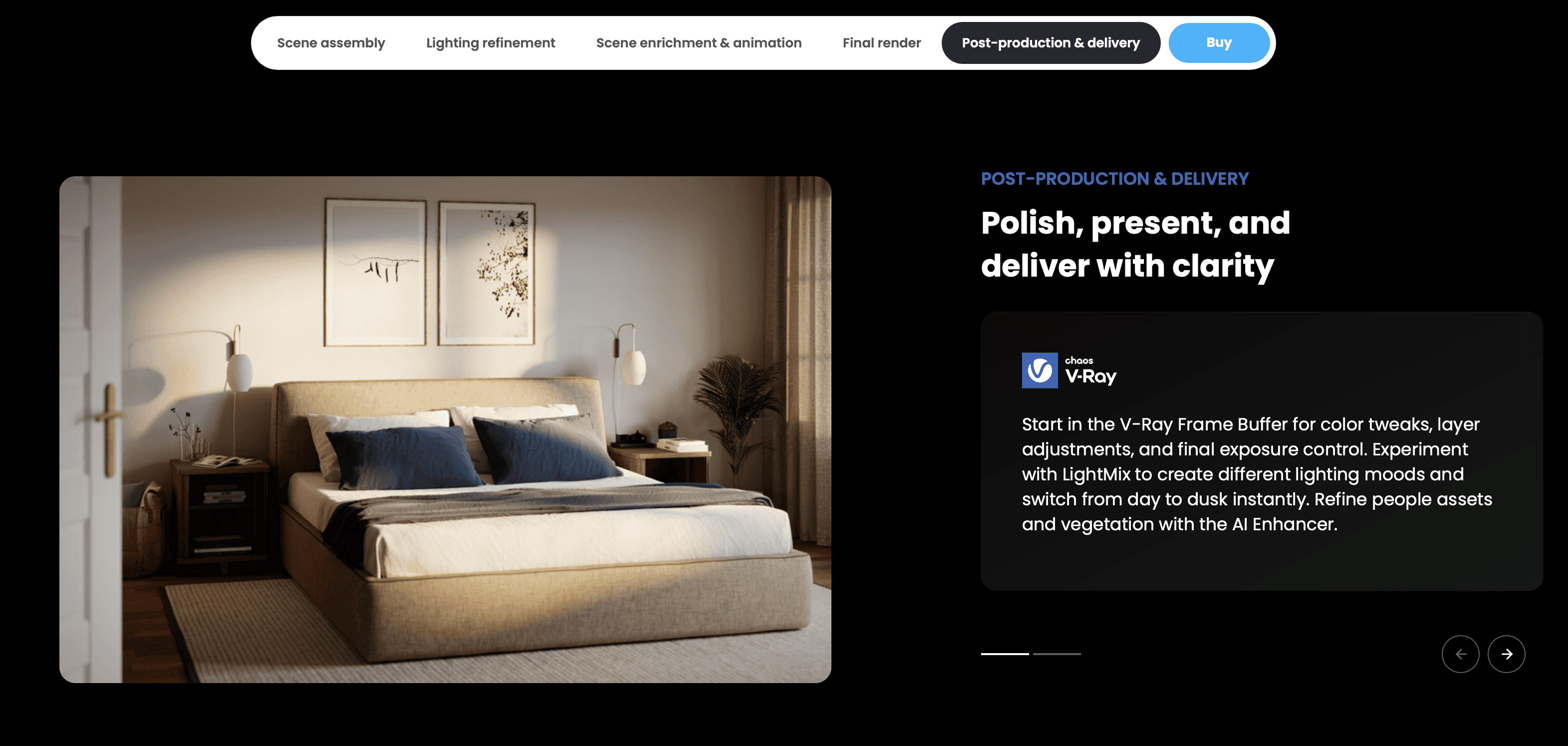
V-Ray wins on pure fidelity. For interior designers needing to show exactly how soft morning light hits a velvet sofa, V-Ray’s light calculation is superior. Redshift can achieve similar results, but it takes more manual setup to remove the "digital" look that biased renderers sometimes produce.
Speed & Performance
Redshift is the clear winner here. If you are rendering an animation with 500 frames, Redshift might finish in a day where V-Ray could take three. However, for a single high-res still image, the speed difference is negligible compared to the setup time.
Features & Capabilities
V-Ray 7 introduces support for Gaussian Splats and improved Chaos Scatter, making it a powerhouse for environment creation. Redshift’s recent updates focus on procedural clouds and better volume rendering, doubling down on its strength in creative visual effects.
Pricing & Value
Both use subscription models. V-Ray’s "Solo" plan is affordable for freelancers, but if you need to render on multiple machines or use Chaos Cloud, you need the "Premium" tier. Redshift is often purchased as part of the Maxon One bundle, which is great value if you also use Cinema 4D and ZBrush, but expensive if you only want the renderer.
Integration & Workflow
This is the deciding factor for many.
V-Ray sits inside Revit, SketchUp, and Rhino. You press "render" in your CAD software, and it works.
Redshift requires you to export your model to a DCC tool like 3ds Max, Cinema 4D, or Blender. It does not have a native plugin for Revit.
Use Case Scenarios
Scenario 1: The High-End Residential Pitch
Winner: V-Ray
You are an interior designer presenting a luxury living room. The client needs to feel the warmth of the lighting and the texture of the fabrics. V-Ray’s material library and physical accuracy will produce a more convincing image with less tweaking.
Scenario 2: Architectural Walkthrough Animation
Winner: Redshift
You need to render a 60-second flythrough of a commercial complex. That is 1,440 frames. V-Ray might take 20 minutes per frame (20 days total). Redshift might take 3 minutes per frame (3 days total). The speed advantage here makes Redshift the only viable option for small teams doing animation.
Scenario 3: Daily Design Iteration
Winner: V-Ray (for Architects) / Redshift (for C4D Artists)
If you are working in Revit, V-Ray allows you to render everyday changes instantly. If you are a concept artist using Cinema 4D to block out shapes, Redshift’s Interactive Preview Region (IPR) provides near real-time feedback that keeps the creative flow moving.
Pros & Cons
Redshift
Pros:
Fastest rendering speeds for animation.
Handles massive scenes efficiently (Out-of-Core).
Deep integration with Cinema 4D (Maxon ecosystem).
Cons:
No native plugin for Revit or BIM tools.
Steeper learning curve to master sampling/bias settings.
Can struggle to match V-Ray’s "effortless" photorealism in interiors.
V-Ray
Pros:
Industry standard for photorealism.
Native plugins for almost every architectural software (Revit, SketchUp, Rhino).
Massive asset library (Chaos Cosmos) included.
Cons:
Slower render times for animation.
CPU rendering can be hardware-intensive.
Hybrid GPU rendering can sometimes have feature limitations compared to CPU mode.
Which Should You Choose?
Choose Redshift if:
You are an animator or motion graphics artist.
You work primarily in Cinema 4D, Maya, or Blender.
Speed is your number one priority.
Choose V-Ray if:
You are an architect or interior designer.
You work in Revit, SketchUp, or Rhino.
You need the highest possible photorealism for still images.
Final Thoughts
In 2026, the gap between these tools has narrowed, but their target audiences remain distinct. If your work involves heavy CAD integration and client presentations where realism is paramount, V-Ray remains the champion. If your focus is creative direction, animation, and speed, Redshift is the modern powerhouse.
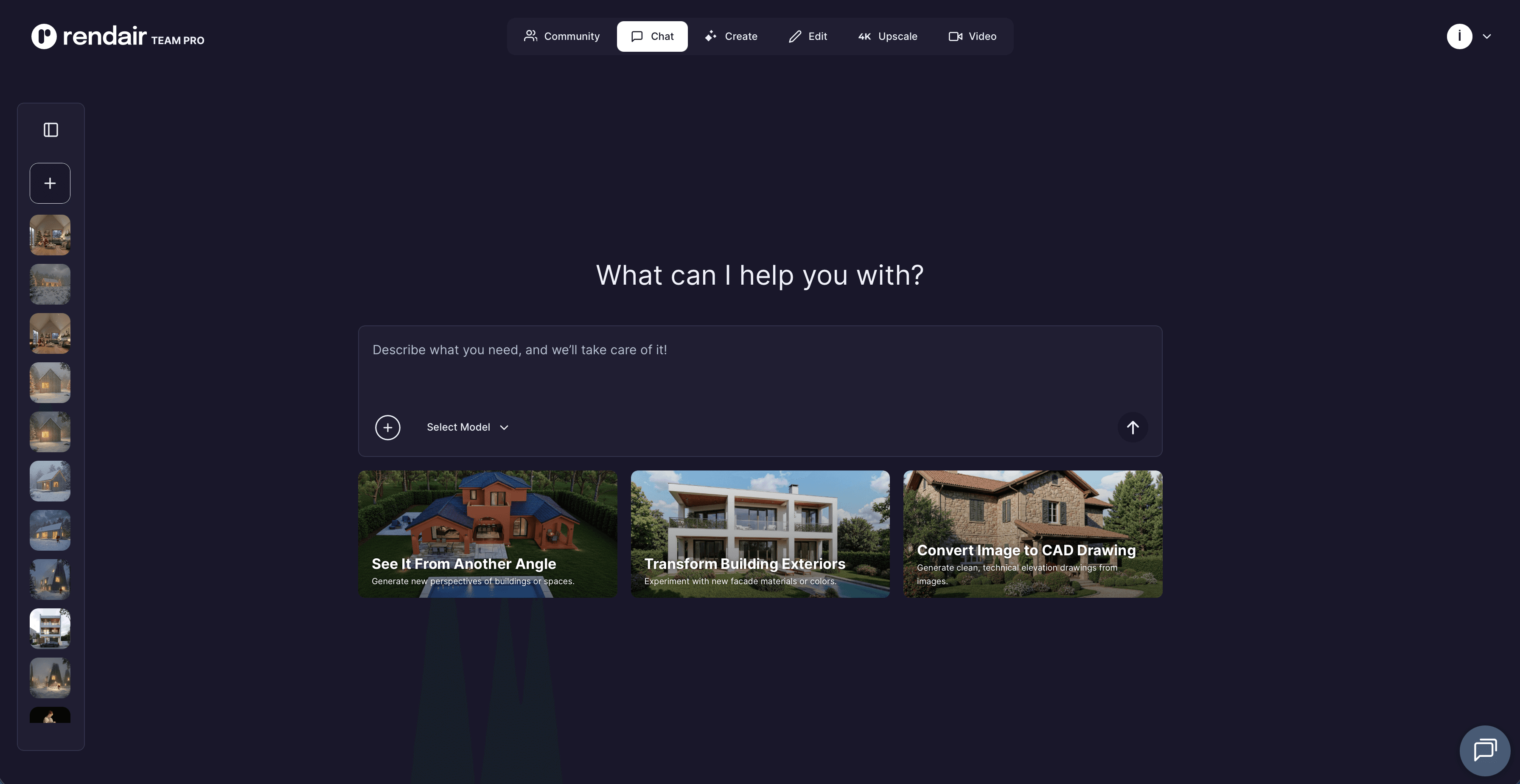
For professionals looking to bypass the hardware limitations of both, cloud-based AI visualization tools like Rendair are becoming a strong alternative, offering speed without the complex setup of traditional engines.
Recent Posts
Tools, Extensions, Plugins
Redshift vs V-Ray: Best Rendering Engine for 2026?
Redshift vs V-Ray: A comprehensive comparison for 2026. Discover which rendering engine fits your architectural or design workflow best.
Tools, Extensions, Plugins
Lumion vs Redshift for Architects (2026)
Redshift vs V-Ray: A comprehensive comparison for 2026. Discover which rendering engine fits your architectural or design workflow best.
Tools, Extensions, Plugins
Octane Render vs Twinmotion (2026): Which Engine Wins?
Redshift vs V-Ray: A comprehensive comparison for 2026. Discover which rendering engine fits your architectural or design workflow best.

Tools, Extensions, Plugins
Top Plugins and Extensions for Nuke
Redshift vs V-Ray: A comprehensive comparison for 2026. Discover which rendering engine fits your architectural or design workflow best.
Tools, Extensions, Plugins
5 Prompts For One 3D Model
Redshift vs V-Ray: A comprehensive comparison for 2026. Discover which rendering engine fits your architectural or design workflow best.

Tools, Extensions, Plugins
Top Plugins and Extensions for TouchDesigner
Redshift vs V-Ray: A comprehensive comparison for 2026. Discover which rendering engine fits your architectural or design workflow best.
Join 500,000+ architects who saved time. No credit card needed for your first 20 credits.