Top 10 Plugins and Extensions for AutoCAD

Jan 6, 2026

If you use AutoCAD regularly, you know the base tools only get you so far. The right plugins change how fast you work and what you can deliver.
Here is what actually makes a difference.
1/ Visualization and Context
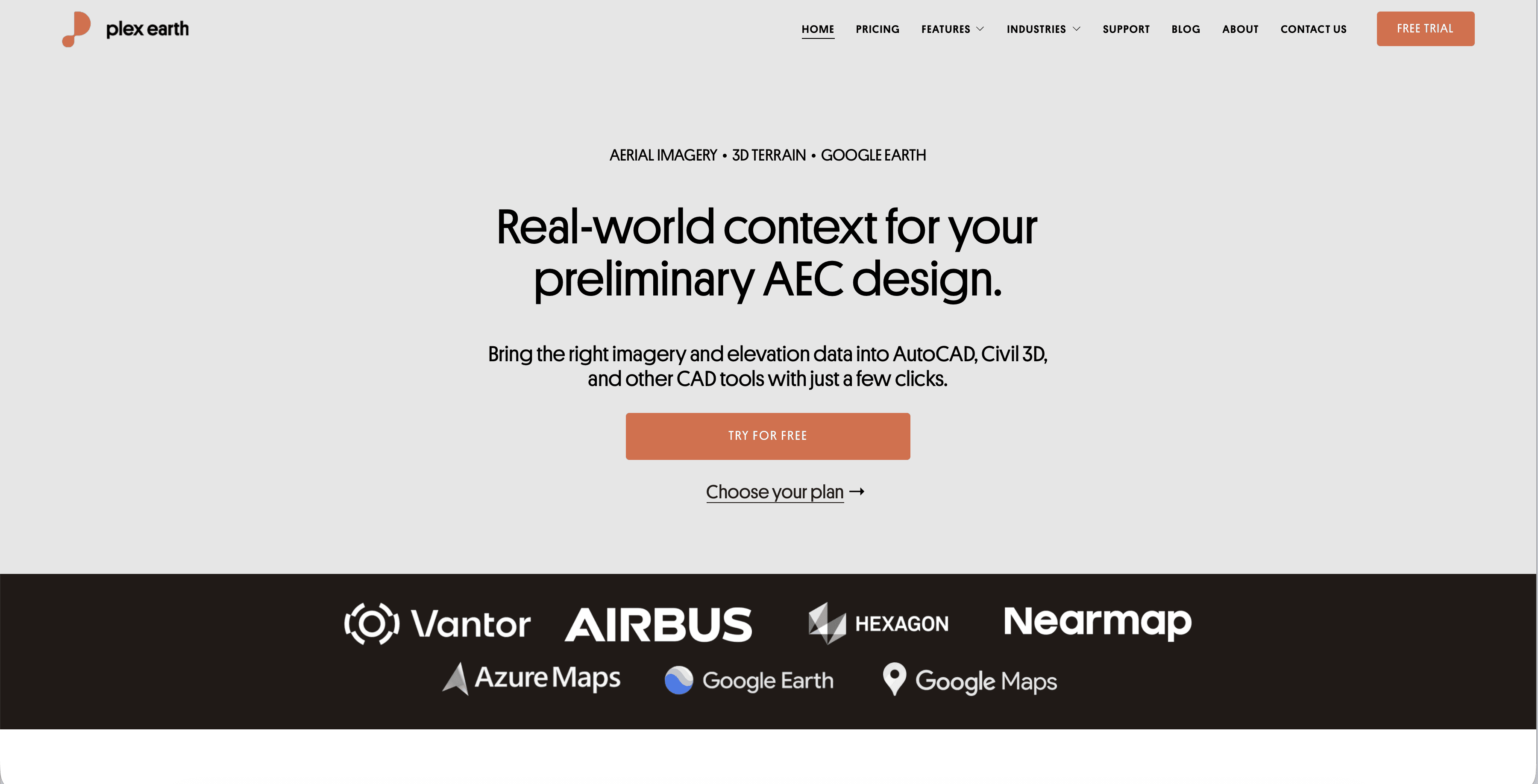
Plex-Earth
Imports high-quality satellite imagery and terrain data directly into AutoCAD from providers like Google Earth, Airbus, and Maxar.
Why it matters: It aligns your drawings with the real world instantly. You no longer need to manually scale screenshots or guess terrain slopes.
Best for: Site analysis, master planning, and early concept stages.
Lumion LiveSync
Creates a real-time link between your AutoCAD model and Lumion’s 3D environment.
Why it matters: As you change the CAD geometry, the beautiful 3D visualization updates instantly on the other screen. It bridges the gap between technical drafting and emotional presentation.
Best for: Client meetings where you need to show changes on the fly.
2/ Speed and Drafting Automation
YQArch
A massive library of free, lightweight tools and shortcuts specifically designed for architectural drafting.
Why it matters: It automates tedious tasks like drawing walls, placing columns, and generating door/window schedules. Experienced users report drafting speeds increasing by 2x or 3x.
Best for: Fast-paced architectural drafting and construction documentation.
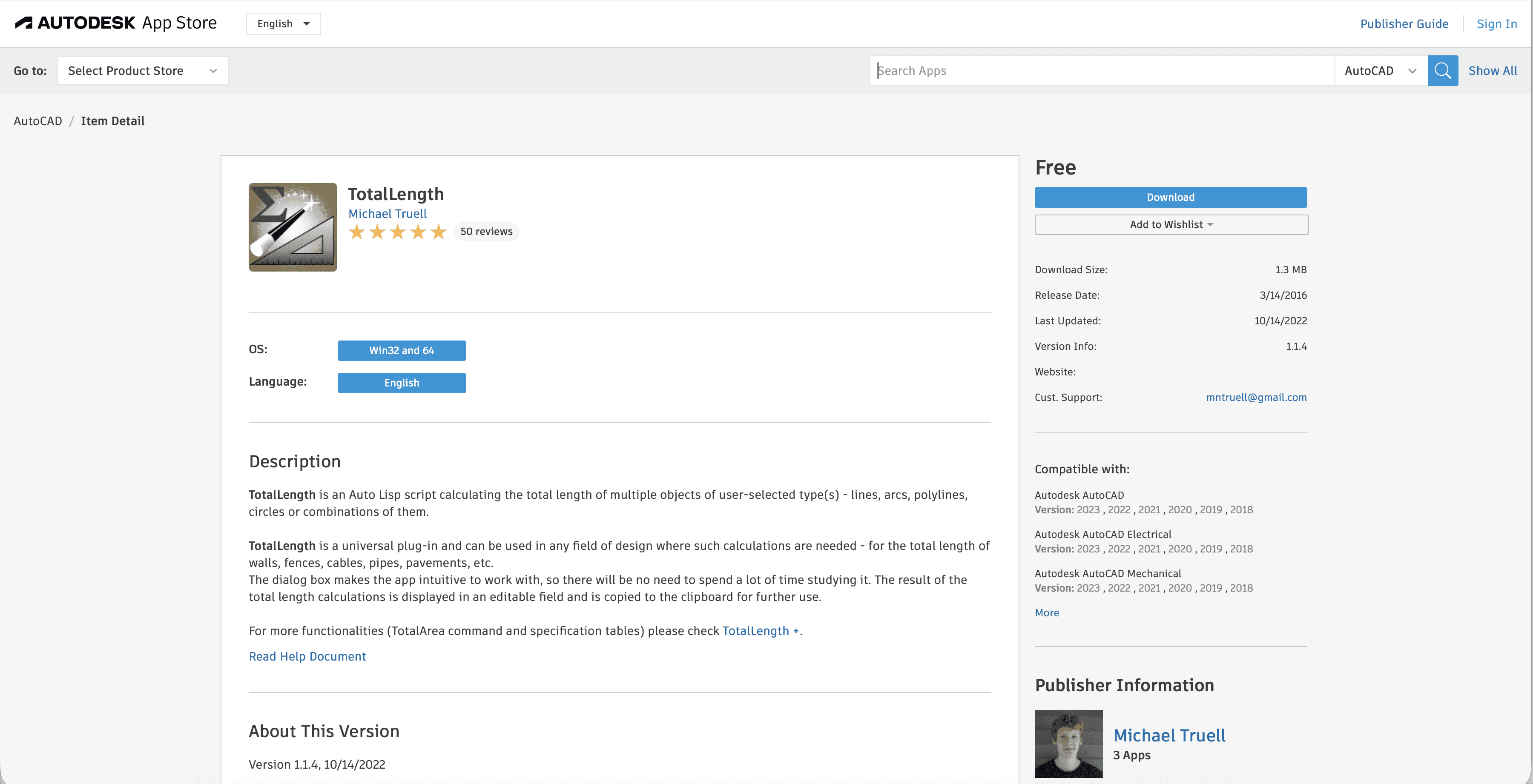
Total Length (LISP/Plugin)
A simple utility that calculates the sum of the lengths of all selected lines, polylines, or arcs.
Why it matters: AutoCAD does not have a native "sum" button for multiple objects. This plugin solves the headache of manually adding up linear meters for cost estimation.
Best for: Quantity take-offs, cost estimation, and material ordering.
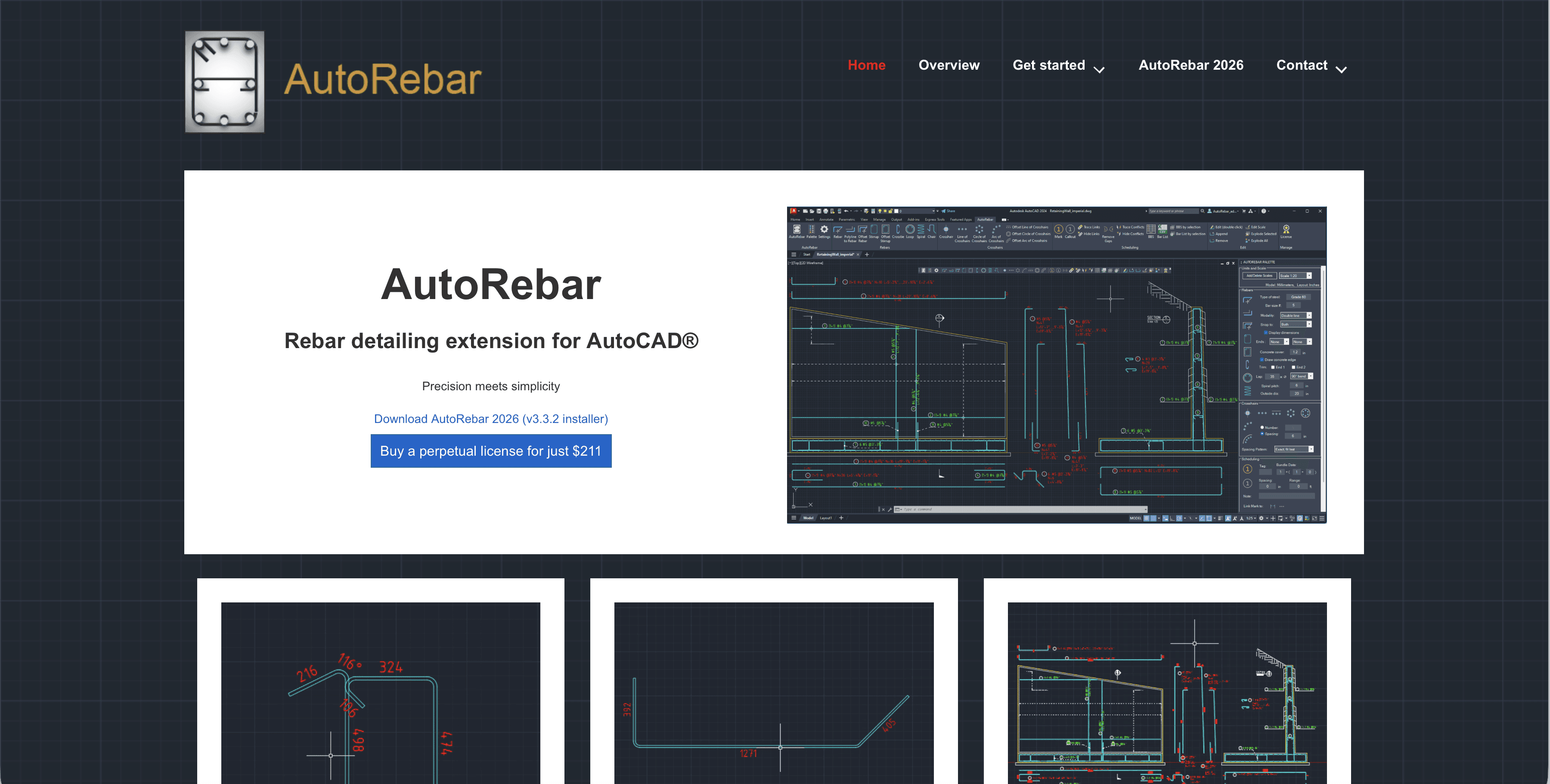
AutoRebar
Parametric reinforcement detailing that generates Rebar Schedules automatically.
Why it matters: It turns standard polylines into intelligent rebar objects that react to changes. If you stretch the concrete outline, the rebar updates and the schedule recalculates.
Best for: Structural detailing and concrete shop drawings.
3/ File Health and Management
Drawing Purge
A powerful cleaning tool that goes deeper than the native AutoCAD "Purge" command.
Why it matters: It removes stubborn "DGN linetypes" and "RegApps" that bloat file size and cause lag. If your file is slow for no reason, this plugin usually fixes it.
Best for: Finalizing files before sharing with consultants or clients.
Spatial Manager
Imports and exports spatial data (Shapefiles, KML, GML) between AutoCAD and geospatial systems.
Why it matters: It preserves the intelligence of data. You are not just importing lines; you are importing objects with attached data tables and attributes.
Best for: Civil engineering, urban planning, and utility mapping.
4/ Team Coordination
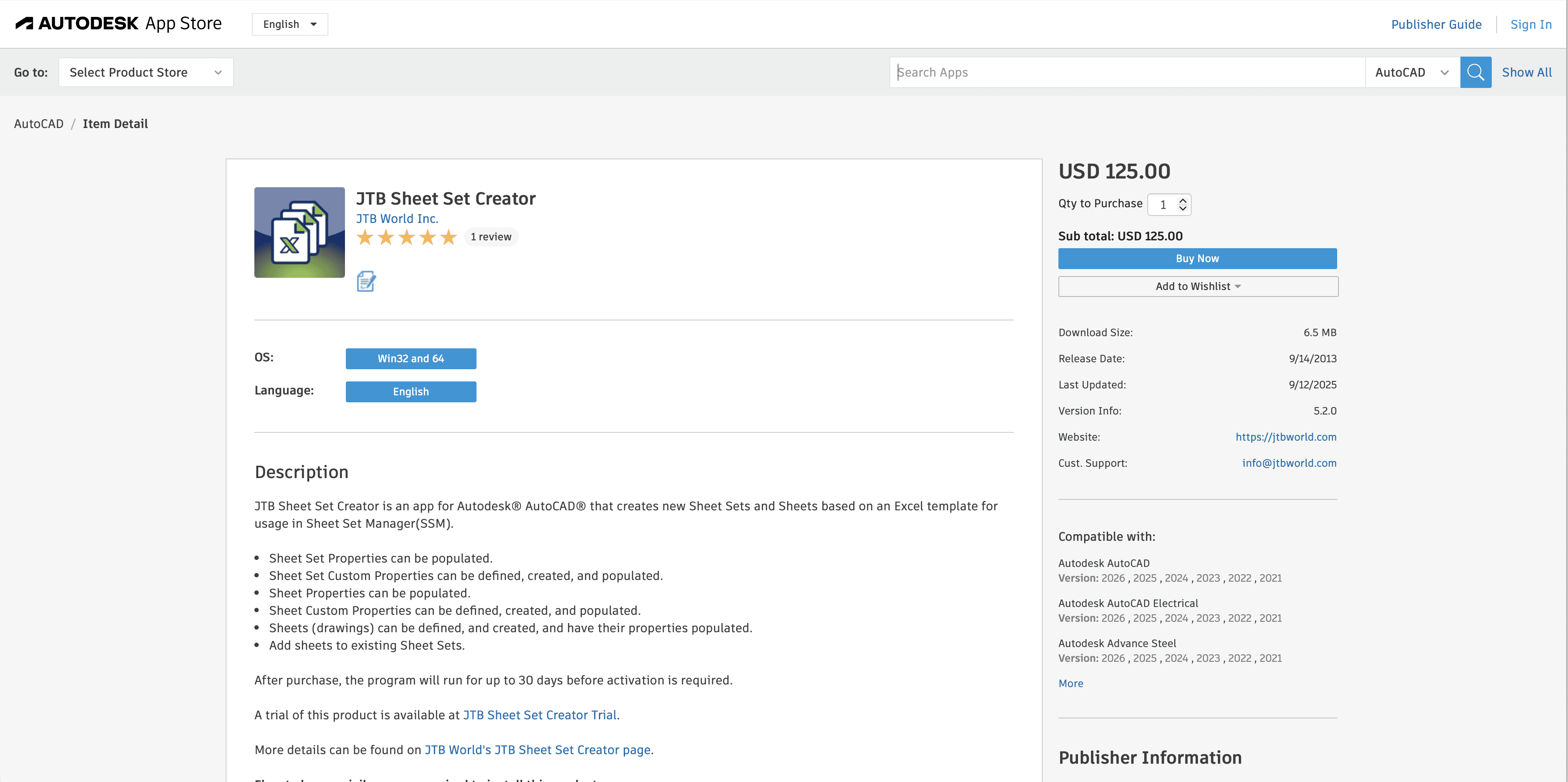
JTB Sheet Set Manager
Extends the native Sheet Set Manager with tools for batch renaming, renumbering, and property editing.
Why it matters: Managing hundreds of sheets in a large project is prone to human error. This tool automates the numbering logic and ensures consistency across the set.
Best for: Large-scale commercial or institutional projects.
Mark
A simple annotation tool that streamlines adding notes, labels, and comments to drawings.
Why it matters: It standardizes how teams leave feedback on files, replacing messy manual text layers with a structured markup system.
Best for: Internal QA/QC reviews and redlining.
Choosing what fits your work
Not every plugin makes sense for every project. Match tools to your actual bottlenecks, not feature lists.
Start with one or two that address your most frequent friction points. Add more as workflows evolve.

Bonus: Speed up rendering without leaving your workflow
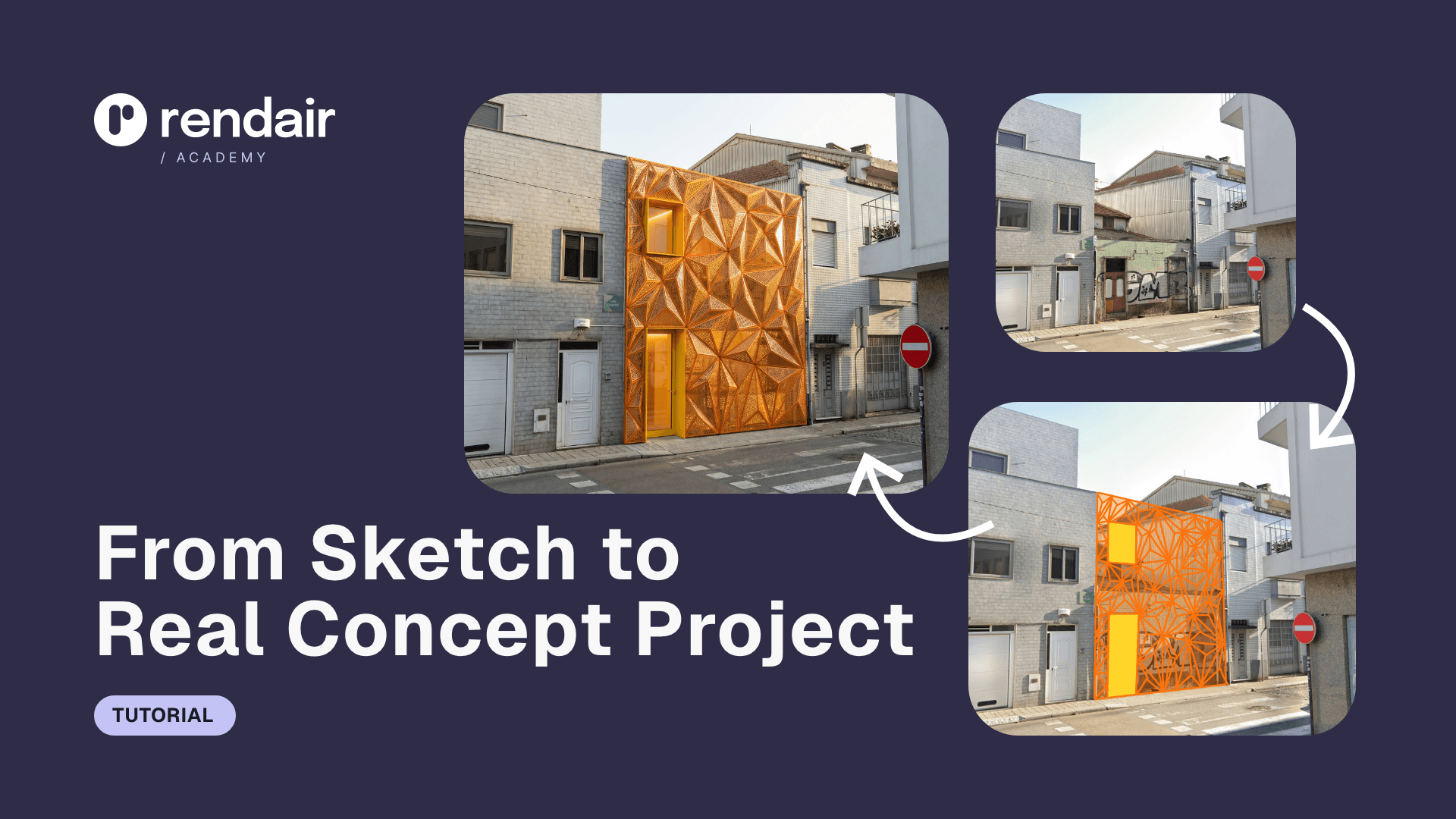
If rendering is your bottleneck, Rendair handles visualization faster than most plugins can process.
Upload your AutoCAD exports (PDF or images), and get presentation-ready renders in minutes. No new software to learn, no render farm setup.
Start creating - Try it free
Recent Posts





Join 500,000+ architects who saved time. No credit card needed for your first 20 credits.