Top 10 Plugins and Extensions for SketchUp

Jan 2, 2026

If you use SketchUp regularly, you know the base tools only get you so far. The right plugins change how fast you work and what you can deliver.
Here’s what actually makes a difference in a professional workflow.
1/ Complex Modeling & Geometry
SketchUp is famous for "push-pull," but organic shapes often break that workflow. These tools fix that.
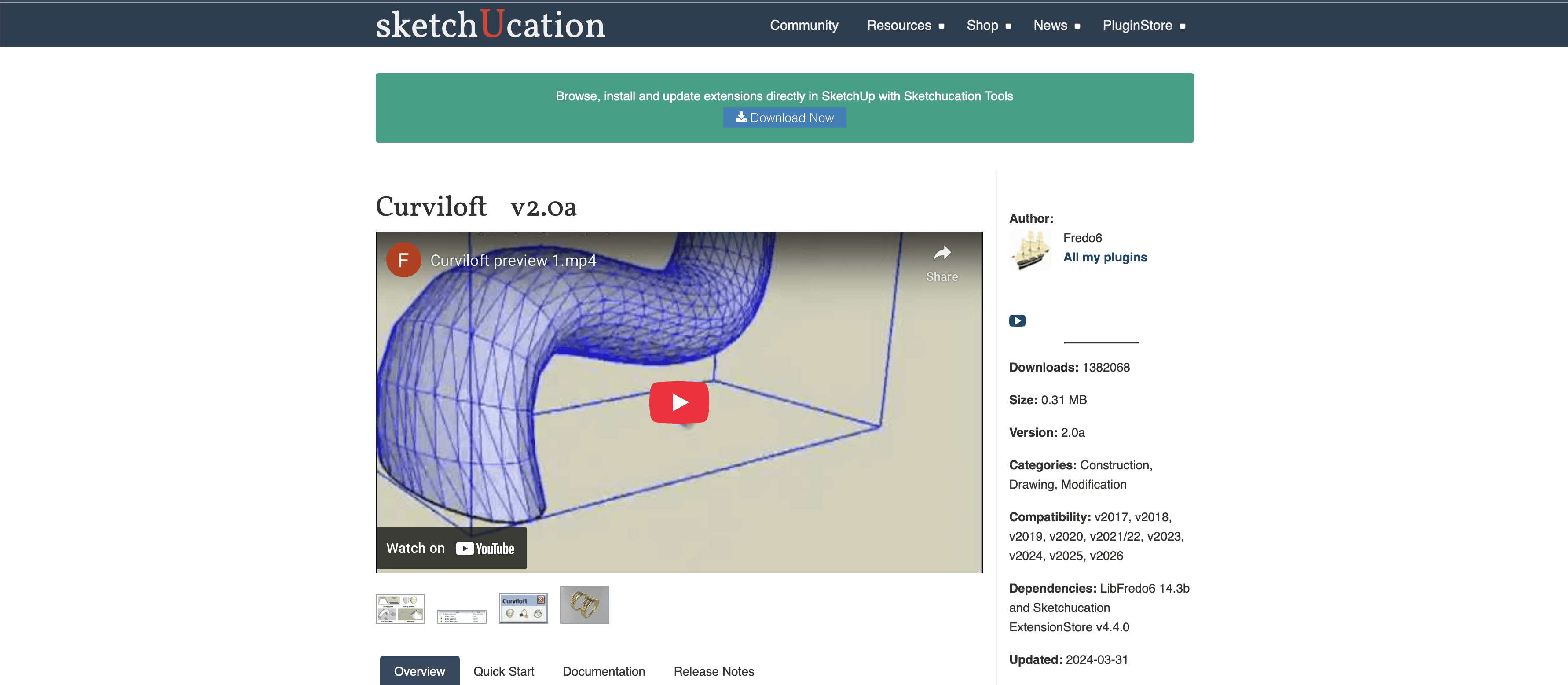
Curviloft (Fredo6)
Generates surfaces from contours, allowing you to loft, skin, and stitch complex curves together.
Why it matters: SketchUp natively struggles with non-planar faces. Curviloft bridges the gap between simple extrusion and complex organic modeling without needing another software like Rhino.
Best for: Tensile structures, custom furniture, and organic roof forms.
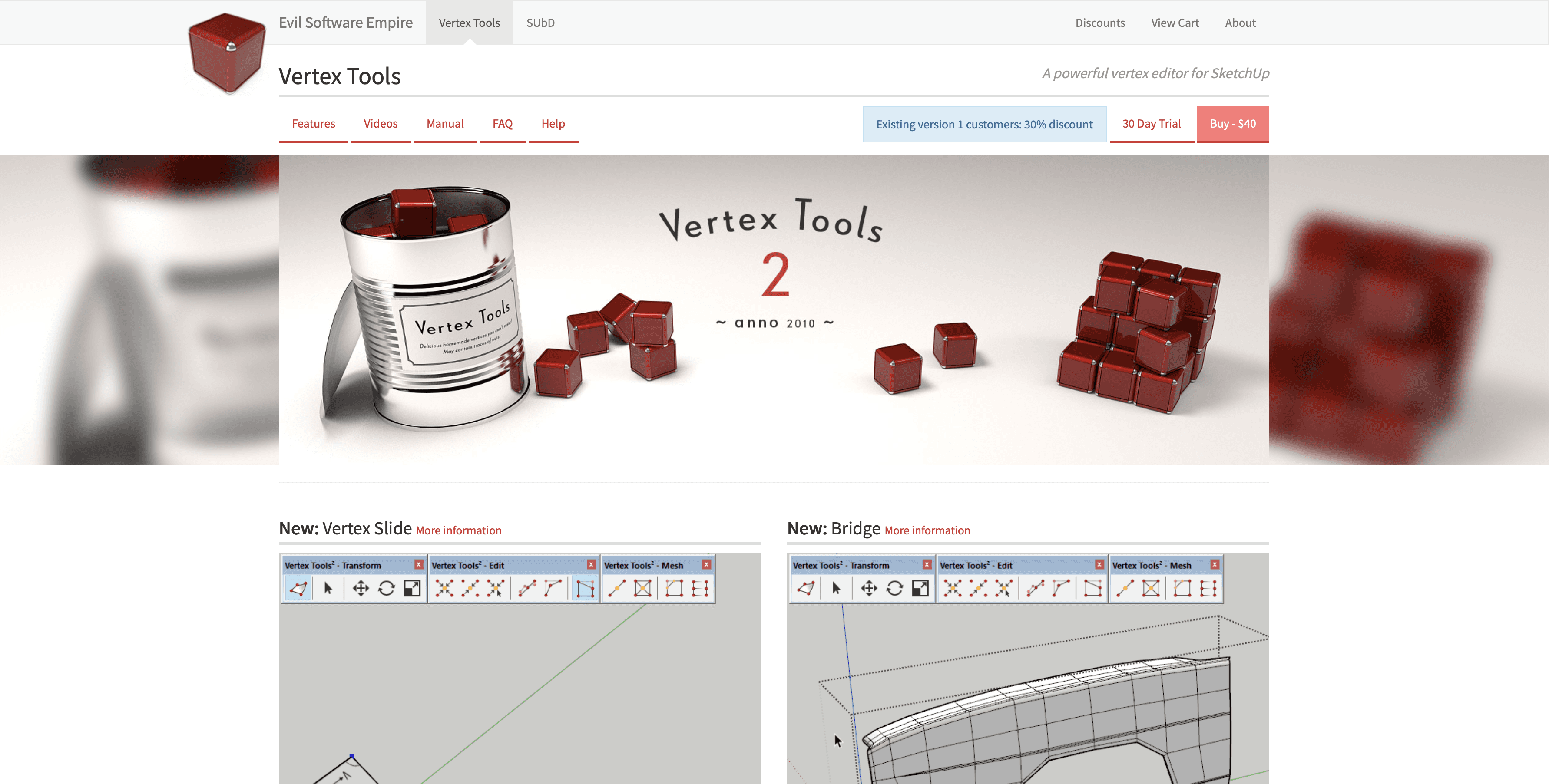
Vertex Tools
Gives you soft-selection and vertex-level control over geometry, similar to 3D modeling in Maya or Blender.
Why it matters: It allows you to manipulate a mesh by pulling points rather than faces, creating smooth deformations that are impossible with the native Move tool.
Best for: Terrain manipulation and softening hard edges on furniture.
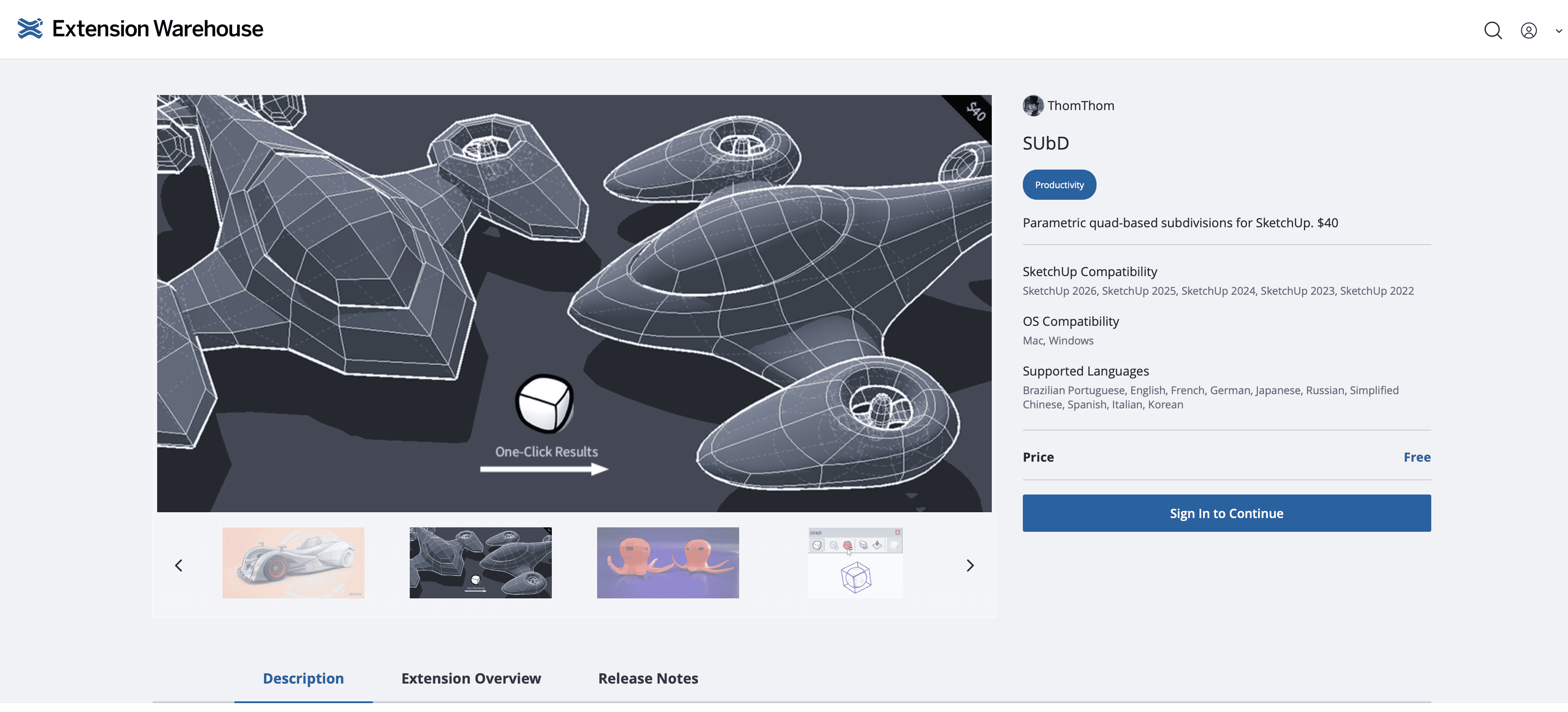
SubD
Adds subdivision tools to SketchUp, allowing you to model low-poly shapes and toggle them into high-poly, smooth organic forms.
Why it matters: It keeps your viewport fast by letting you work on a simple proxy model, then smoothing it only when necessary.
Best for: Detailed organic furniture and consumer products.
2/ Speed & Automation
These plugins automate the tedious parts of architectural detailing.
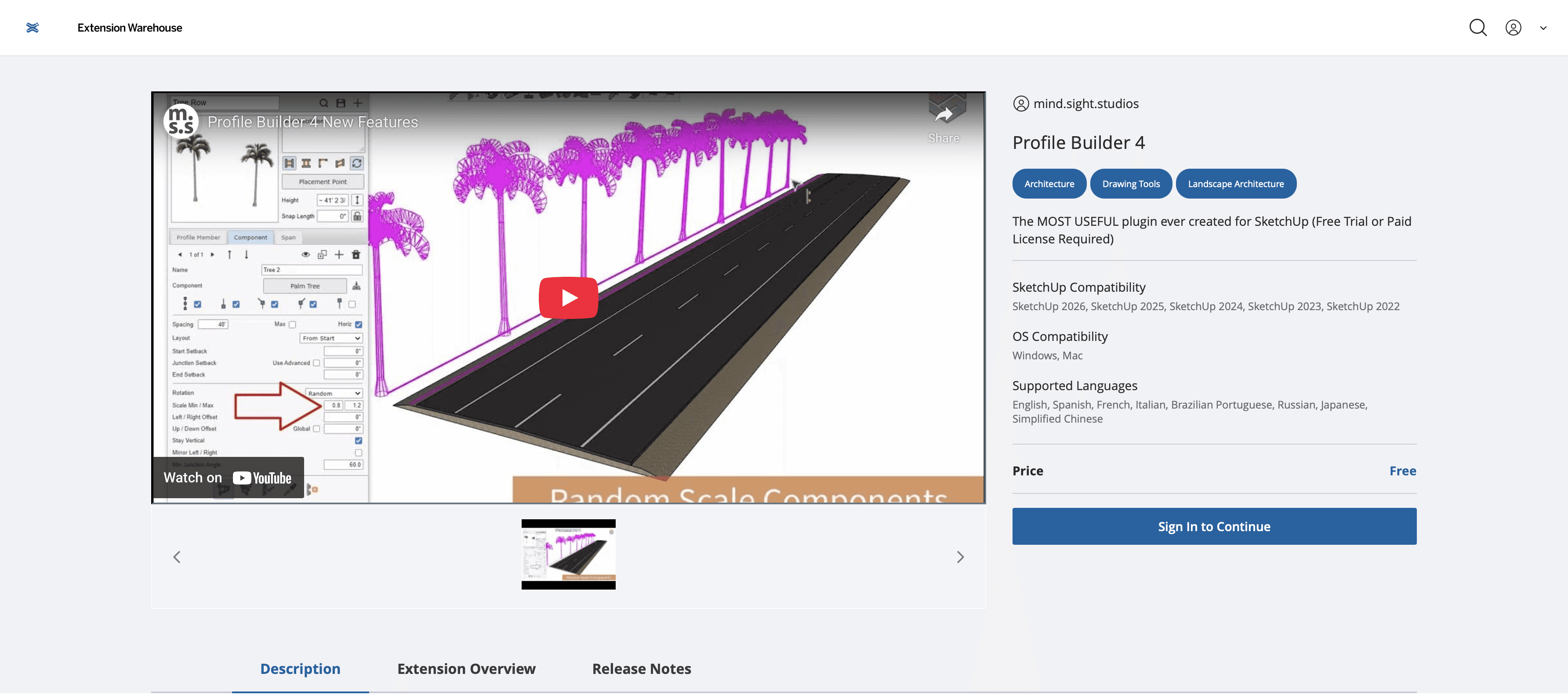
Profile Builder 4
Creates smart, parametric assemblies, think railings, walls, and staircases, that follow a path and update automatically.
Why it matters: Native "Follow Me" is destructive; if you change the path, you have to rebuild the geometry. Profile Builder remains editable. The latest version adds "Trim to Face" and randomization, which breaks the repetitive CGI look.
Best for: Railings, framing, piping, and road curbs.
Skatter 2
Scatters thousands of objects (trees, rocks, grass) across a surface without crashing your model.
Why it matters: It uses a "Render Only" feature that sends data directly to your render engine (like V-Ray or Enscape) without actually creating heavy geometry in the SketchUp viewport. Your file stays light; the render looks dense.
Best for: Landscaping, vegetation, and urban crowds.
PlaceMaker
Imports high-resolution 3D site data, including terrain, roads, paths, and buildings, directly into SketchUp.
Why it matters: Manually modeling site context from a flat map takes hours. PlaceMaker does it in minutes, providing accurate surroundings for shadow studies and context renders.
Best for: Site analysis and urban planning context.
3/ Model Hygiene & Control
Professional models need to be clean. These tools prevent file bloat and errors.
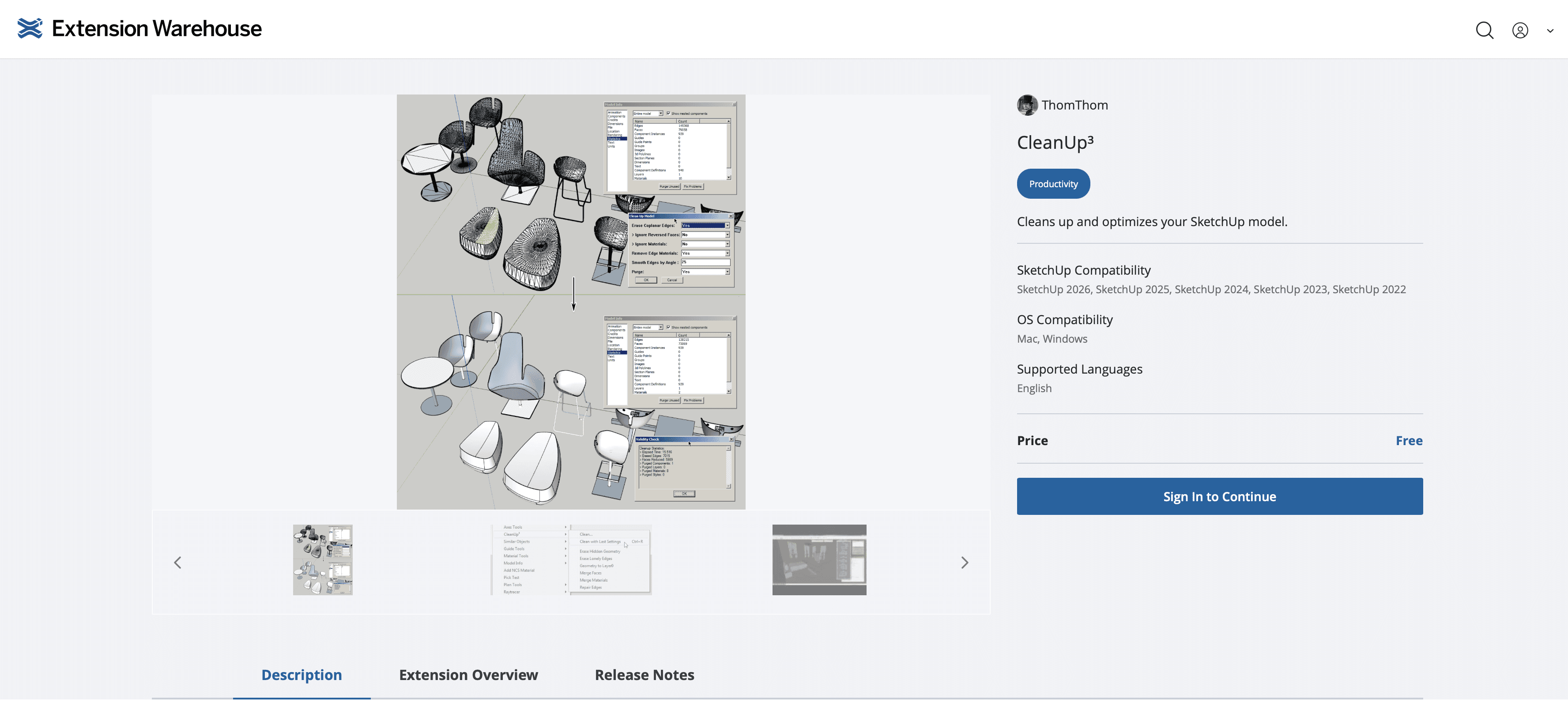
CleanUp3
A maintenance tool that purges unused materials, merges coplanar faces, and fixes geometry errors.
Why it matters: SketchUp files grow large quickly. CleanUp3 reduces file size significantly, which improves auto-save times and viewport performance.
Best for: Optimizing imported models (like furniture from 3D Warehouse) before putting them in your main scene.
Solid Inspector²
Identifies and highlights "leaks" in your geometry that prevent a group from being a solid.
Why it matters: If a model isn't "solid," boolean operations (subtracting one shape from another) won't work, and 3D printing is impossible. This tool points exactly to the stray edge or hole causing the problem.
Best for: 3D printing prep and clean boolean modeling.
4/ Documentation & BIM
SketchUp is often dismissed for documentation, but these tools bridge the gap.
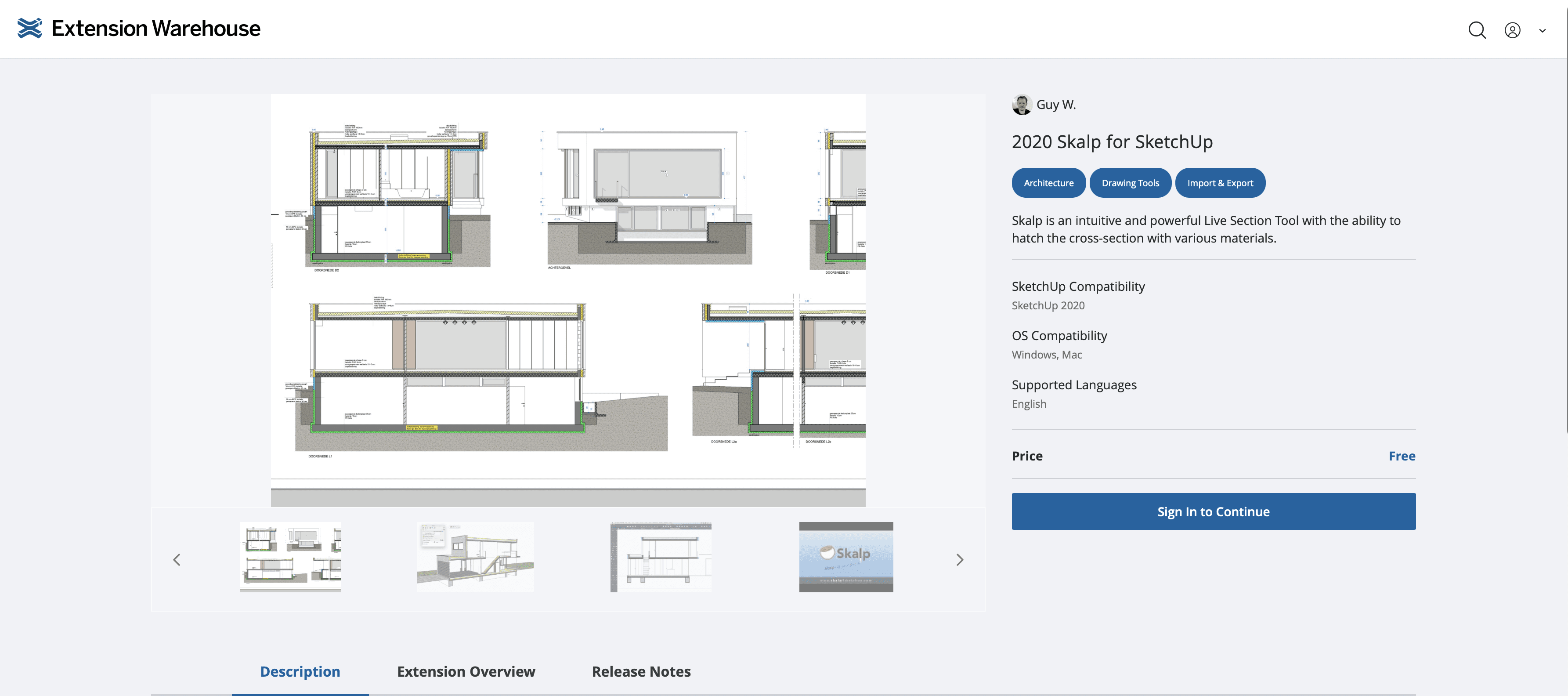
Skalp
Creates live, hatch-filled section cuts that update automatically as you modify the model.
Why it matters: Native SketchUp sections are hollow. Skalp treats them like CAD sections, applying standard hatching patterns that export cleanly to Layout or DXF.
Best for: Construction documents and technical sections.
5/ Visualization Standards
V-Ray / Enscape
The industry heavyweights for rendering inside SketchUp.
Why it matters: They offer deep control over lighting and materials. However, they require significant hardware resources and a steep learning curve to master settings like Global Illumination and caustics.
Best for: Users who need granular control over every photon and have the hardware to support it.
Choosing what fits your work
Not every plugin makes sense for every project. Match tools to your actual bottlenecks, not feature lists.
If your files are slow: Start with CleanUp3.
If you model interiors: Get Profile Builder.
If you do exteriors: Skatter 2 is non-negotiable.
Start with one or two that address your most frequent friction points. Add more as workflows evolve.
Bonus: Speed up rendering without leaving your workflow
If rendering is your bottleneck, you don't always need a heavy plugin that slows down your viewport.
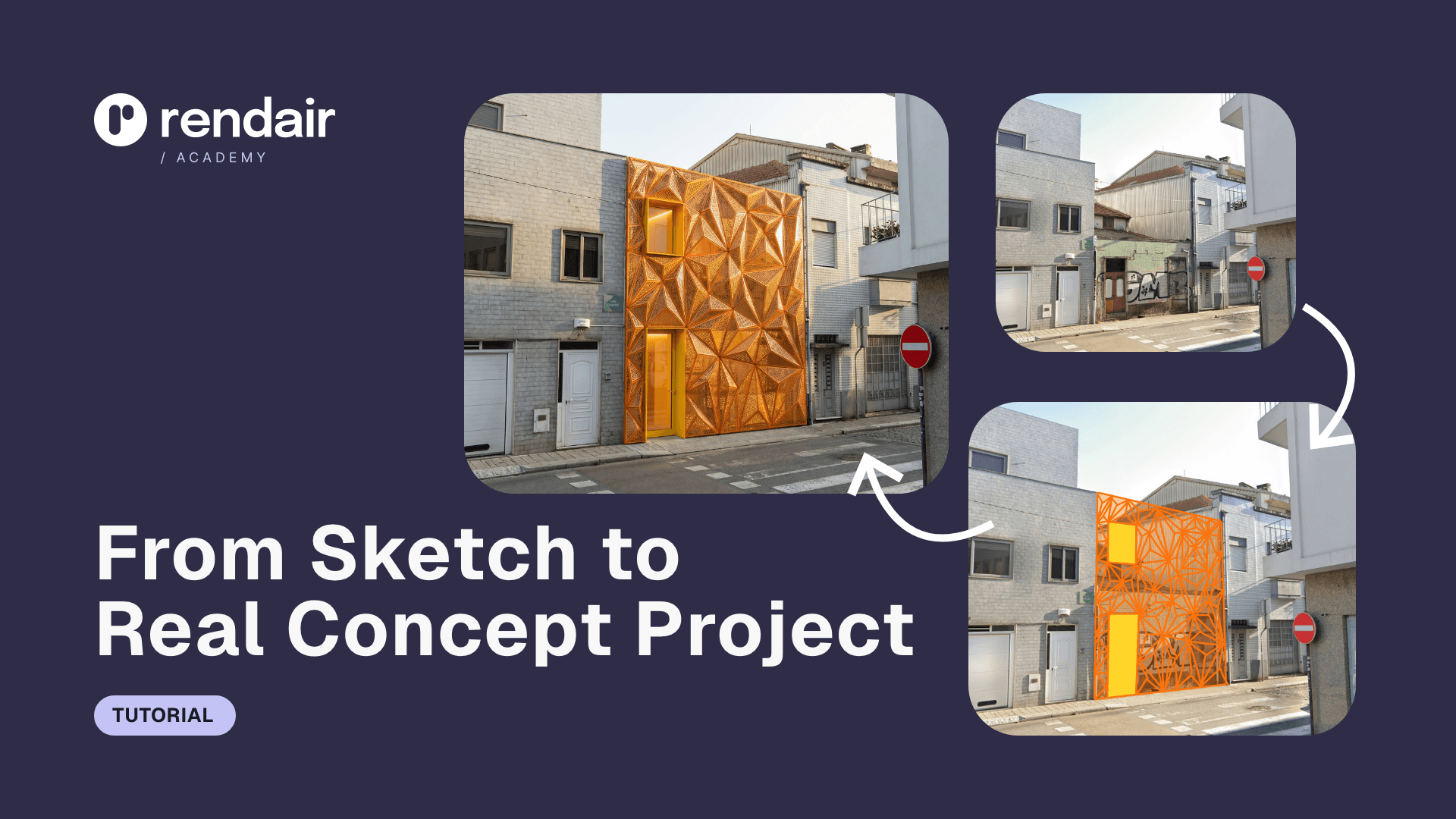
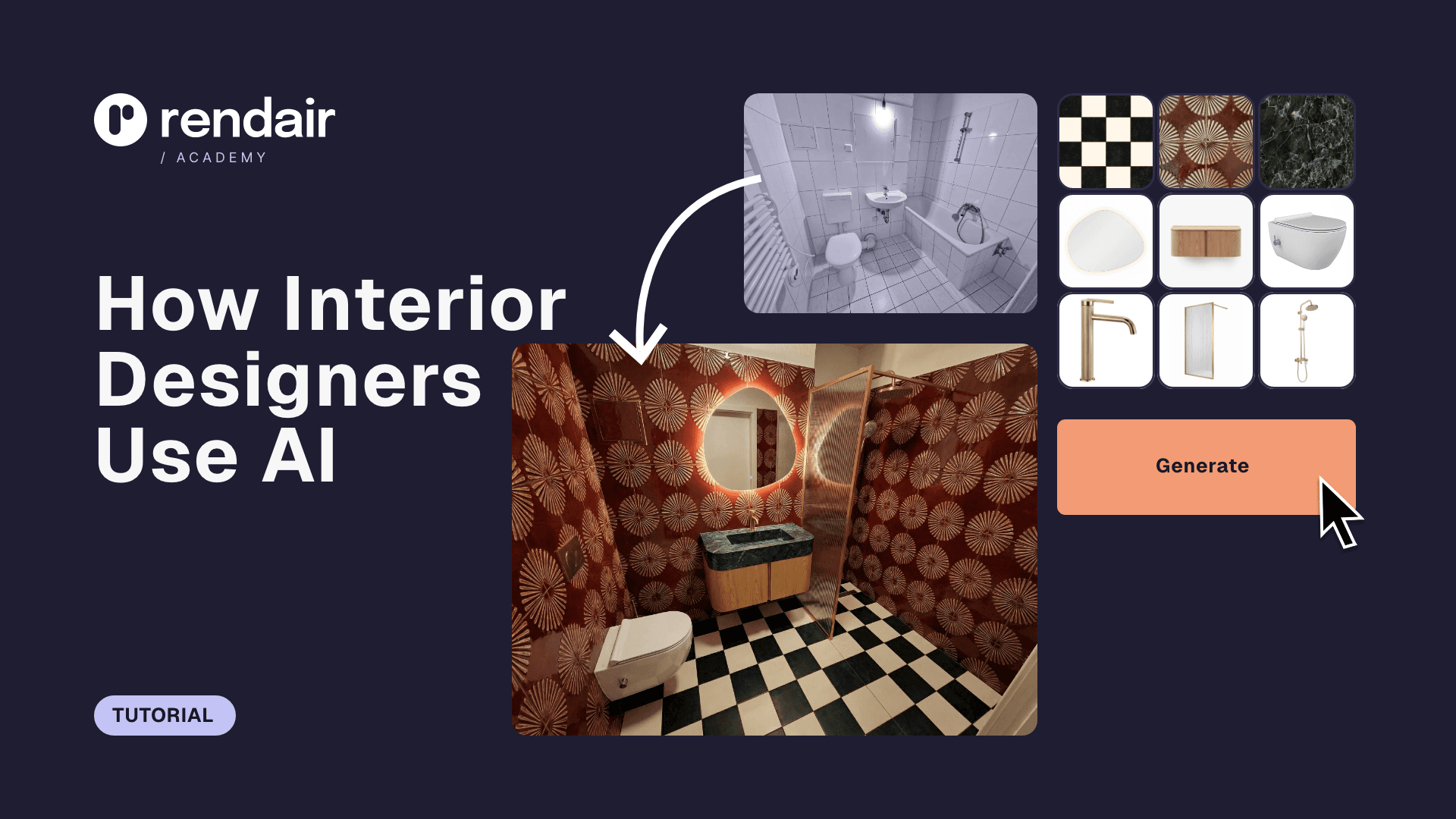
Rendair handles visualization faster than most plugins can process. You upload your SketchUp export (even a simple screenshot), and AI generates the materials, lighting, and atmosphere based on your prompt.
No hardware lock: Runs in the cloud, not your laptop.
No setup time: You don't need to texture every surface manually.
Fast iteration: Get client-ready options in minutes, not hours.
Start creating - Try it free
Recent Posts



Join 500,000+ architects who saved time. No credit card needed for your first 20 credits.