Top 5 Archicad Alternatives for Architects in 2026

Jan 15, 2026
Archicad is a powerhouse for Virtual Building and BIM, particularly for Mac-based studios. But for many professionals, the learning curve, subscription costs, or specific workflow bottlenecks, like slow rendering or rigid documentation, prompt a search for something else.
Finding the right alternative depends on why you are leaving. Are you trying to escape the subscription model? Do you need better engineering collaboration? Or are you simply tired of waiting hours for a render just to show a client a concept?
This guide breaks down the top alternatives based on real-world production needs, not just feature lists.
Quick Comparison
Tool | Best For | Pricing Model | Platform |
|---|---|---|---|
Autodesk Revit | Large-scale BIM collaboration | Subscription | Windows |
Vectorworks | Design-led BIM & Hybrid 2D/3D | Subscription / Perpetual | Mac & Windows |
SketchUp Pro | Rapid conceptual modeling | Subscription | Mac & Windows |
BricsCAD BIM | AutoCAD users moving to BIM | Perpetual / Subscription | Windows, Mac, Linux |
Blender | Complex geometry & free use | Free (Open Source) | Windows, Mac, Linux |
Rendair AI | Instant visualization & concepts | Trial / Subscription | Web-based |
What is Archicad?
Graphisoft’s Archicad was one of the first true BIM (Building Information Modeling) tools, launching the concept of the "Virtual Building" long before it became an industry standard. It is beloved for its intuitive interface, strong Mac performance, and "Teamwork" collaboration features. However, its rendering engine (CineRender) can be slow, and its interoperability with engineering teams using Revit often requires heavy IFC management.
How to choose an Archicad alternative
Don't just swap one expensive subscription for another. Analyze your friction points:
The "Rendering" Friction: If you are happy with the modeling but hate the visualization speed, you don't need a new BIM tool; you need a visualization partner.
The "Standard" Friction: If you are losing bids because you can't share native files with engineers, you likely need Revit.
The "Cost" Friction: If the subscription is bleeding your overhead, look for tools with perpetual licenses like BricsCAD or Vectorworks.
Top Archicad Alternatives
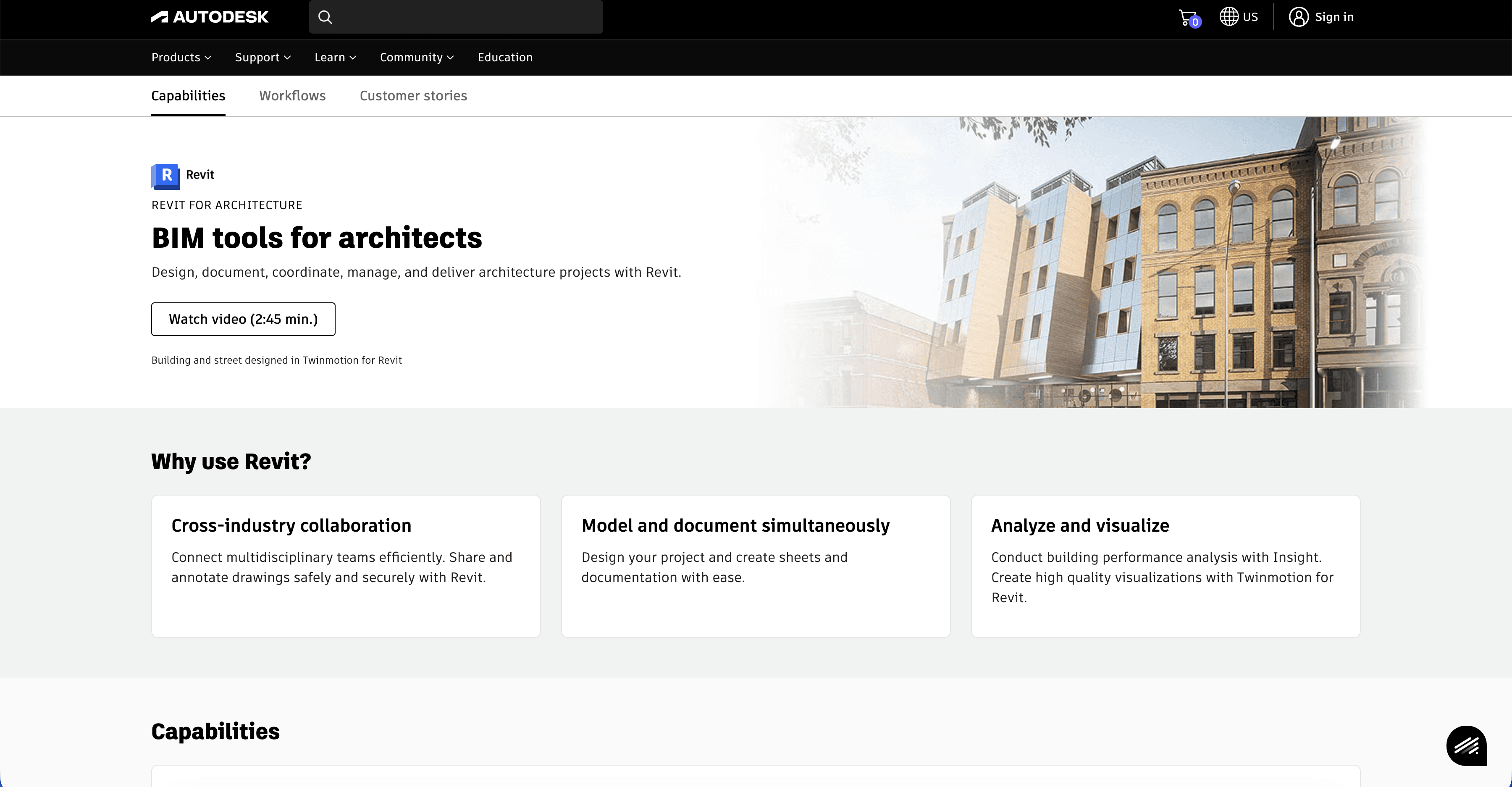
1/ Autodesk Revit
What it does: The global industry standard for multidisciplinary BIM and construction documentation.
Key features:
Single Database: Changes in plans reflect instantly in sections, elevations, and schedules (similar to Archicad but more rigid).
MEP & Structural Integration: The primary reason firms switch; it speaks the same native language as most engineering consultants.
Parametric Families: A robust, albeit complex, system for creating intelligent building components.
Pros:
Collaboration: Unmatched for large teams and cross-discipline coordination.
Market Share: Easier to find staff who already know it.
Ecosystem: Massive library of plugins and manufacturer content.
Cons:
Steep learning curve: Less intuitive than Archicad; requires a "construction" mindset rather than a "design" mindset.
Windows only: Requires Parallels or Boot Camp to run on Mac, which compromises performance.
What users say:
Common feedback highlights that while Revit feels "clunky" for early design compared to Archicad, it is indispensable for avoiding data loss when coordinating with structural and MEP engineers.
Pricing: High-tier subscription model.
Best for: Firms working on large-scale commercial projects or those requiring native collaboration with engineering teams.
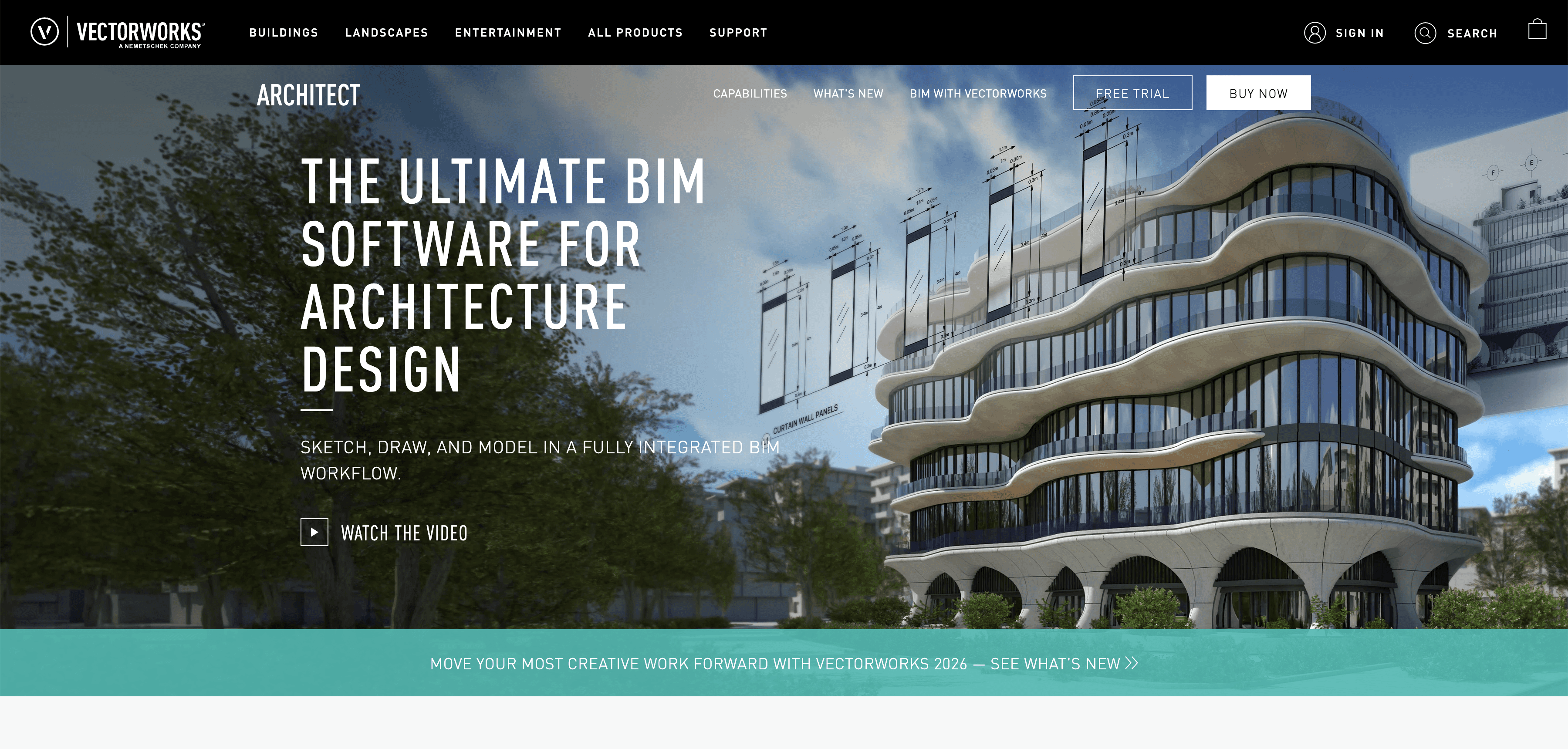
2/ Vectorworks Architect
What it does: A design-focused BIM tool that excels in hybrid 2D/3D workflows and graphical presentation.
Key features:
Hybrid Objects: Objects have 2D and 3D representations that can be edited independently, offering great graphical control.
Marionette: A visual scripting tool (similar to Grasshopper) built directly into the interface.
Landscape & Spotlight: Strong integration with landscape and entertainment design modules.
Pros:
Graphics: Produces beautiful 2D drawings and presentations out of the box, often requiring less Photoshop work than Archicad.
Mac Native: Like Archicad, it runs flawlessly on macOS.
Flexible Licensing: One of the few major players still offering perpetual (one-time purchase) licenses in some regions.
Cons:
Resource Heavy: Can be demanding on hardware for very large, complex files.
Workflow Difference: The "class and layer" structure is different from the "story and view" structure of Archicad, confusing new users.
What users say:
Designers often praise it for allowing "artistic freedom" that feels less rigid than Revit, making it a favorite for high-end residential and landscape architecture.
Pricing: Subscription and Perpetual license options available.
Best for: Design-led studios, landscape architects, and Mac users who want BIM without the rigidity of Revit.
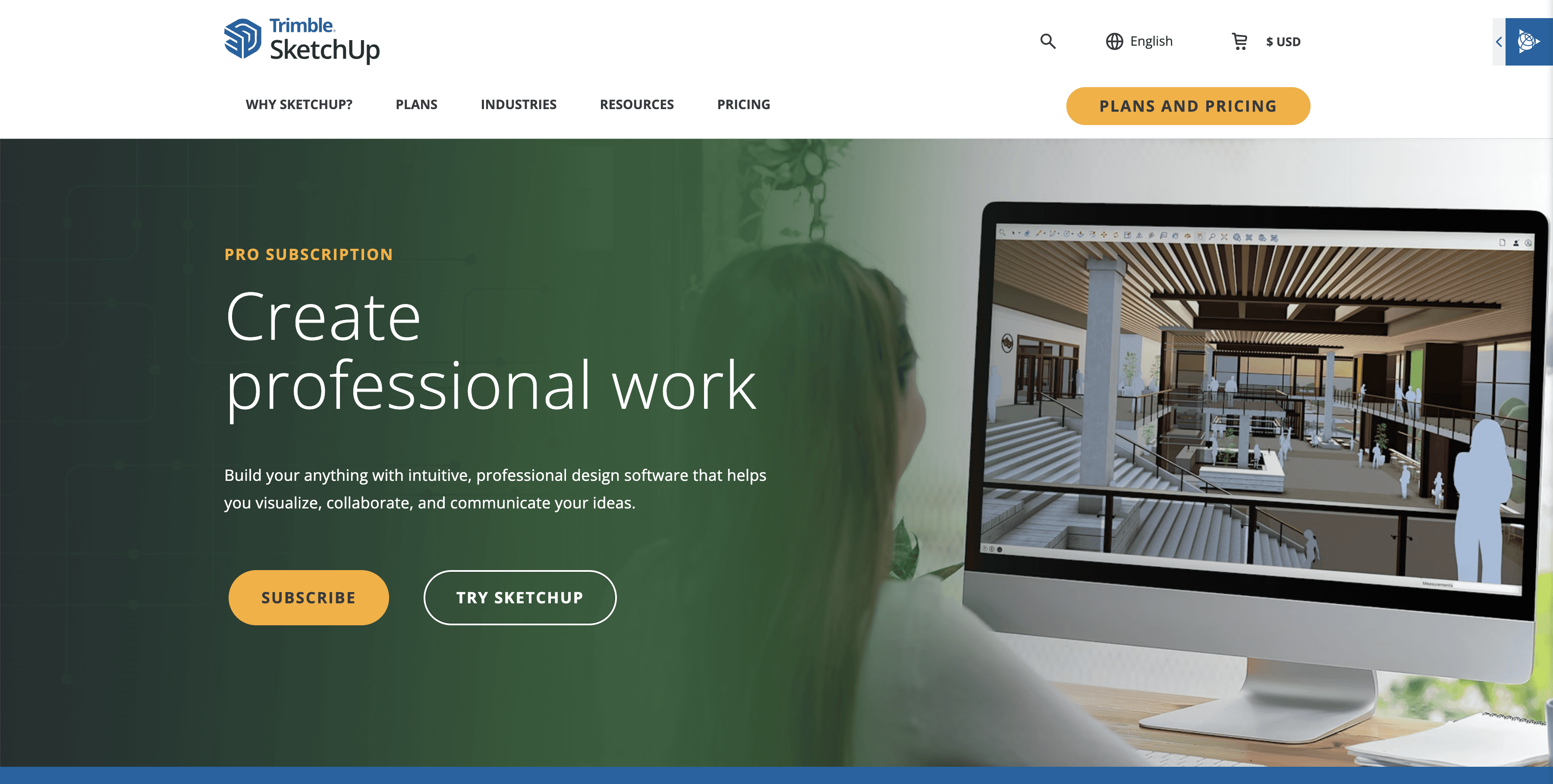
3/ SketchUp Pro
What it does: The world's most intuitive 3D modeler, focused on speed and ease of use during the conceptual phase.
Key features:
Push/Pull Modeling: The industry benchmark for intuitive geometry creation.
LayOut: A companion tool for creating 2D documentation from 3D models.
Extension Warehouse: A massive library of plugins that can add BIM-like functionality or rendering capabilities.
Pros:
Speed: The fastest way to get a 3D idea out of your head and onto the screen.
Low Barrier to Entry: You can learn the basics in an afternoon.
Cost: Significantly cheaper than full BIM suites.
Cons:
Weak BIM Data: While possible, managing IFC classes and data is manual and prone to error compared to Archicad.
Performance: Struggles with high-polygon counts and massive urban scale models.
What users say:
Many architects use SketchUp for the first 30% of a project because Archicad feels "too heavy" for quick iteration, even if they move to BIM later.
Pricing: Affordable annual subscription.
Best for: Small firms, residential designers, and the concept design phase of any project.
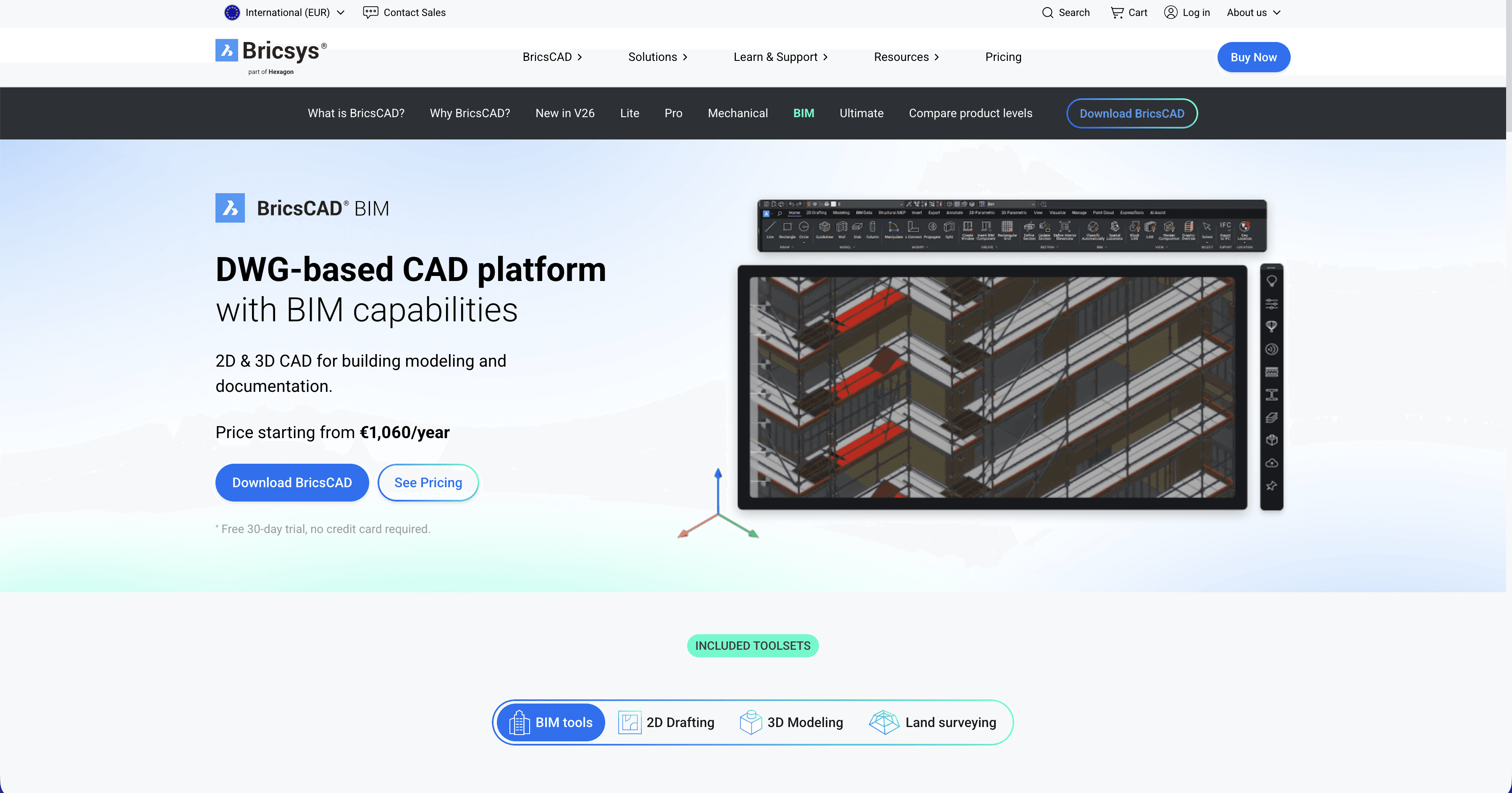
4/ BricsCAD BIM
What it does: A BIM workflow built entirely on the industry-standard .dwg file format, using AI to bridge the gap between modeling and BIM.
Key features:
AI Classification: You model freely with solids, and the AI analyzes geometry to automatically classify them as walls, slabs, or columns.
Quad Cursor: An intelligent contextual cursor that speeds up modeling significantly.
Direct Modeling: Manipulate geometry directly without navigating complex history trees.
Pros:
Familiarity: If you know AutoCAD, you already know 80% of the interface.
Perpetual License: You can buy it once and own it forever.
Single File Format: No need to export to DWG for consultants; you are already working in it.
Cons:
Smaller Community: Fewer tutorials and third-party objects compared to Revit or Archicad.
Visuals: Native rendering is functional but basic compared to high-end visualization tools.
What users say:
Technical documentation suggests it is the "safest" transition for firms moving from 2D CAD to BIM because it doesn't require throwing away existing DWG workflows.
Pricing: Flexible: Subscription or Perpetual (One-time fee).
Best for: AutoCAD-based firms transitioning to BIM who want to own their software.
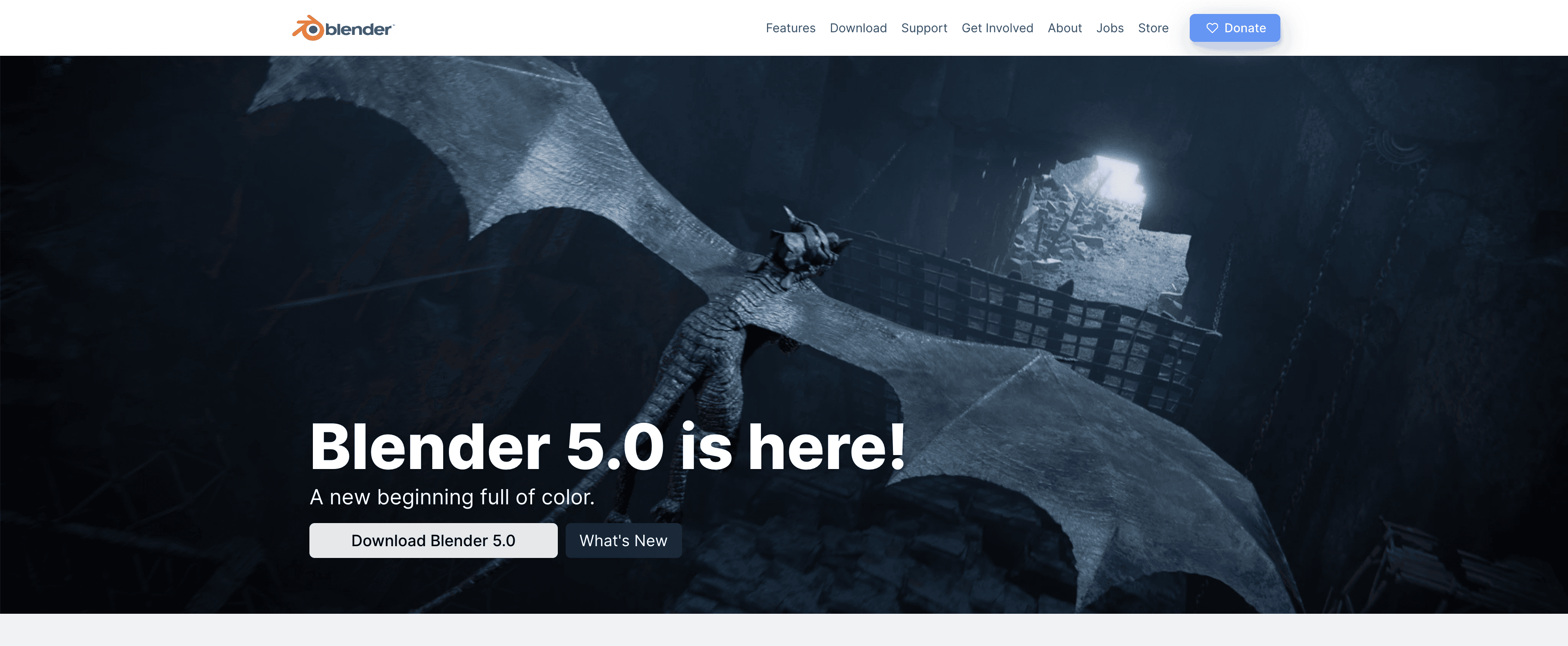
5/ Blender
What it does: A free, open-source 3D creation suite that is increasingly being adopted for architectural geometry and visualization.
Key features:
BlenderBIM Add-on: A community-driven project that brings native IFC authoring to Blender, turning it into a capable BIM tool.
Cycles & Eevee: World-class rendering engines built-in.
Geometry Nodes: Advanced parametric modeling capabilities that rival Grasshopper.
Pros:
Free: No licensing costs, ever.
Geometric Freedom: Can model complex organic shapes that Archicad struggles with.
Community: Massive, active community providing support and free assets.
Cons:
Steep Learning Curve: The interface is dense and different from standard CAD logic.
Documentation: Creating standard construction documents requires significant setup and reliance on the BlenderBIM add-on.
What users say:
Users describe it as "liberating" for geometry and visualization, but admit it requires a dedicated "technologist" in the firm to manage the BIM workflow effectively.
Pricing: Free (Open Source).
Best for: Tech-savvy architects, complex geometry modeling, and visualization specialists.

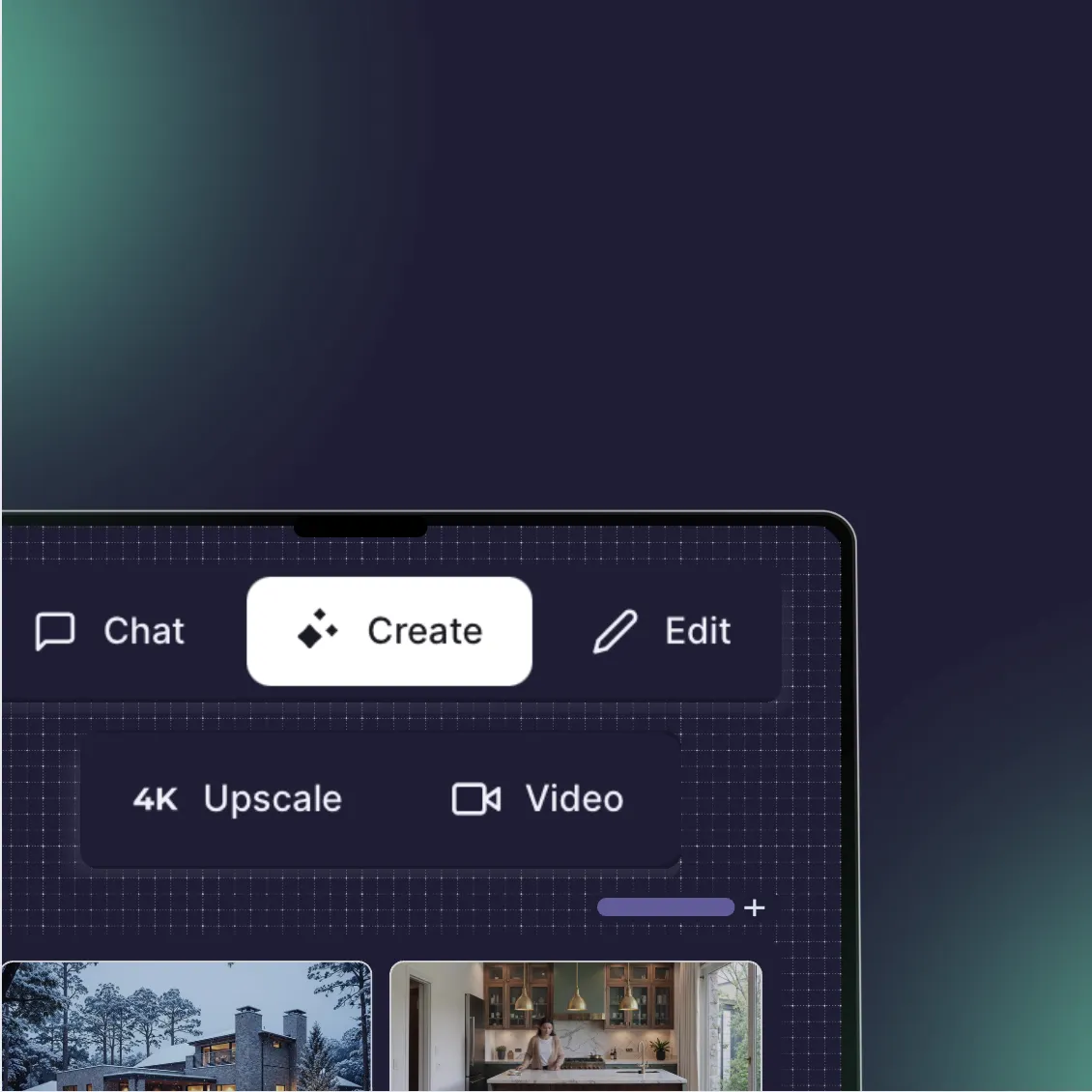
Bonus/ Rendair AI
What it does: A specialized AI platform that replaces the visualization and rendering workload of traditional BIM software.
Key features:
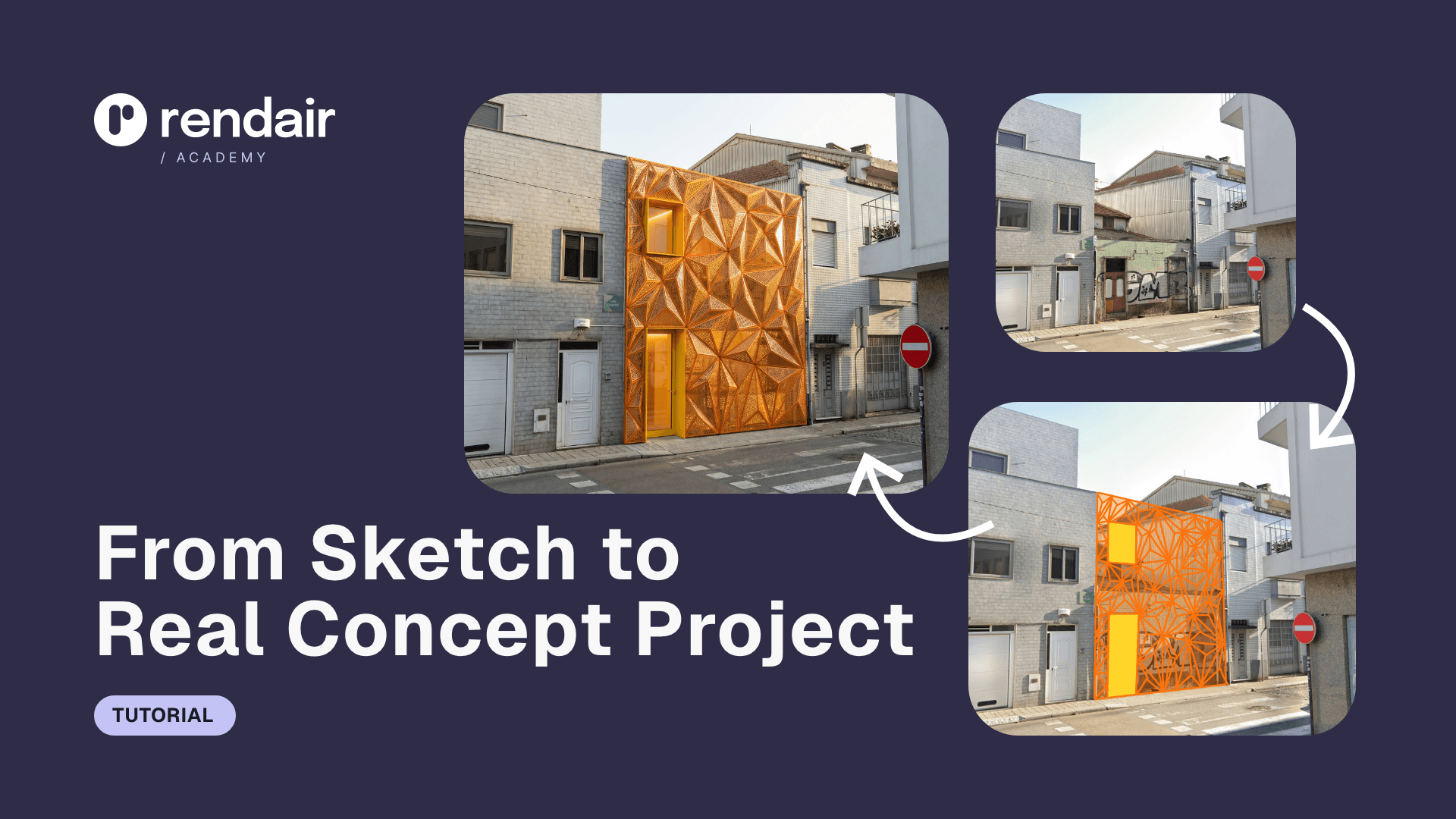
Sketch-to-Render: Turns rough Archicad screenshots or hand sketches into photorealistic visuals in seconds.
Text-to-Image: Generates mood boards and material studies without any 3D modeling.
Consistent Editing: Allows you to change materials, lighting, or seasons in an existing render without re-rendering the whole model.
Pros:
Zero learning curve: You do not need to learn render settings, lighting nodes, or texture mapping.
Speed: Produces client-ready visuals in under two minutes, compared to hours in Archicad’s CineRender.
Workflow agnostic: Works alongside Archicad, Revit, or SketchUp seamlessly.
Cons:
Not for documentation: It creates images, not construction drawings or BIM data.
Web-based: Requires an internet connection (though this offloads processing from your computer).
What users say:
Architects frequently note that it "unblocks" the client approval process by allowing them to show high-quality options early, without investing days in modeling details that might get rejected.
Pricing: Flexible monthly or yearly plans; significantly lower than full BIM licenses.
Best for: Architects who are happy with their CAD tools but frustrated by the slowness of rendering and presentation.
Bottom line:
Choose Revit if you need to collaborate with big engineering firms.
Choose Vectorworks if you want a Mac-friendly, design-first BIM tool.
Choose Rendair if you want to keep your current workflow but drastically speed up visualization.
Choose BricsCAD if you want to own your license and stick to DWG.
Choosing what fits your workflow
Not every tool makes sense for every project. Match software to your actual bottlenecks:
Speed vs. quality: Do you need client previews or portfolio finals?
Team size: Solo workflows have different needs than studios.
Technical comfort: Some tools require more setup or technical knowledge.
Budget reality: Factor in learning time, not just subscription cost.
Start with one that addresses your most frequent friction point. You can always expand your toolkit as projects demand it.
Why visualization is often the real bottleneck
Many architects stick with Archicad for the documentation but suffer through the visualization process. This is where Rendair fits in. Instead of switching your entire BIM authoring tool, which disrupts your whole office, you can simply integrate Rendair to handle the visual output. You get the precision of Archicad for plans and the speed of AI for renders, giving you the best of both worlds without a steep learning curve.
Recent Posts





Join 500,000+ architects who saved time. No credit card needed for your first 20 credits.