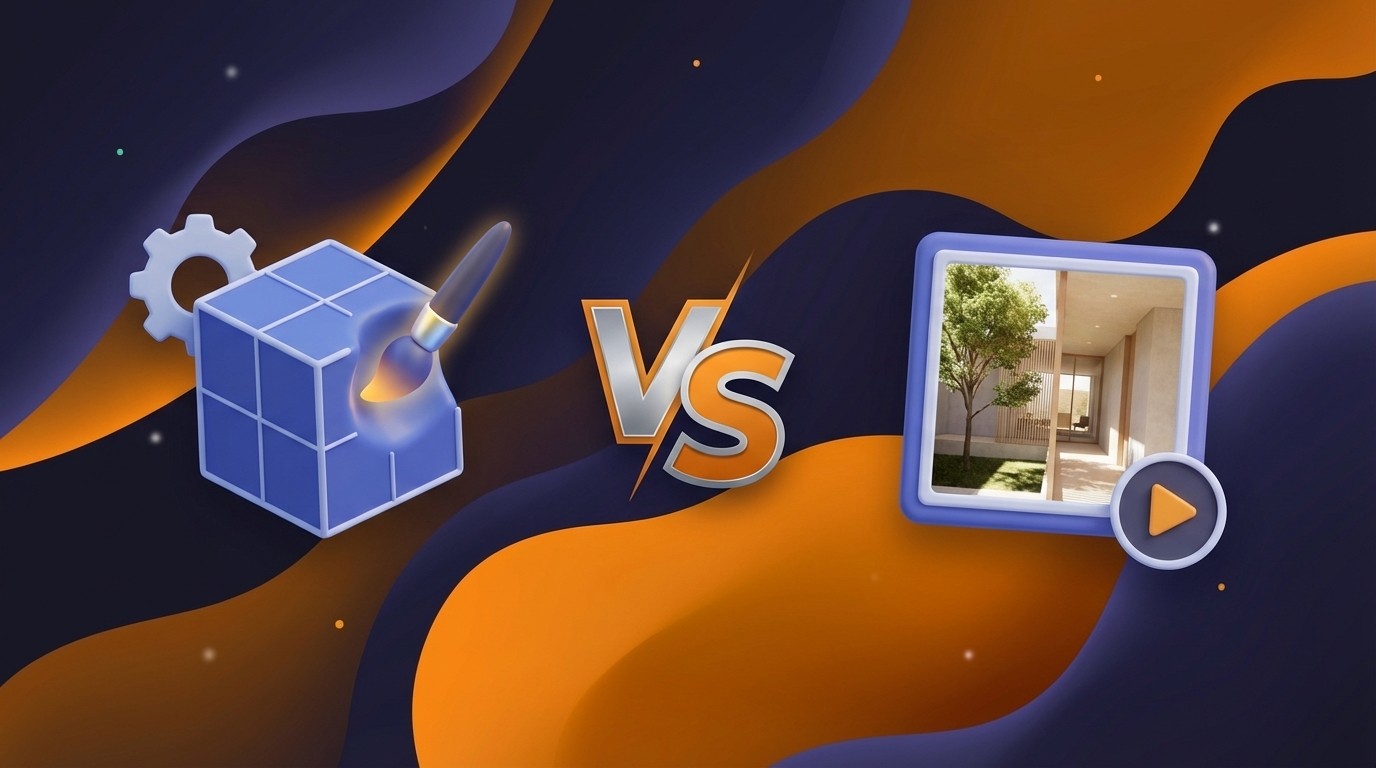
V-Ray vs. Octane Render: Which Engine is Right for You in 2026?

Feb 26, 2026

Choosing a render engine is no longer just about picking the one with the most realistic output, both V-Ray and Octane Render can achieve photorealism. The decision now hinges on your specific workflow, hardware ecosystem, and the scale of your projects. V-Ray, developed by Chaos, has long been the industry standard for architectural visualization and high-end VFX, known for its versatility and ability to handle massive scenes. Octane Render by Otoy, widely recognized as the pioneer of GPU rendering, offers blazing-fast speeds and an unbiased rendering approach that has made it a favorite for motion graphics and look development.
This guide breaks down the technical differences, performance benchmarks, and feature sets of V-Ray 6 and Octane 2024+ to help you decide which tool fits your production pipeline.
Quick Comparison Overview
V-Ray is the "Swiss Army Knife" of rendering. It excels in versatility, offering both CPU and GPU rendering engines. It is the go-to choice for complex architectural scenes, large-scale environments, and studios that need absolute control over every render element. Its integration with the Chaos ecosystem (Cosmos, Vantage, Cloud) makes it a complete production platform.
Octane Render is a speed demon built for immediate feedback. As a purely GPU-based unbiased engine, it delivers physically accurate results with minimal tweaking. It is ideal for artists who prioritize speed, such as motion designers and concept artists, and those who want "what you see is what you get" results instantly in the viewport.
Comparison Table
Feature | V-Ray (Chaos) | Octane Render (Otoy) |
|---|---|---|
Ease of Use | 4/5 – Steeper learning curve due to vast settings, but "Chaos Cosmos" and presets simplify the start. | 4.5/5 – Intuitive node-based workflow with instant visual feedback; fewer settings to tweak for realism. |
Quality & Output | 5/5 – Industry standard for photorealism; highly controllable biased and unbiased modes. | 5/5 – Exceptional unbiased spectral rendering; produces film-like quality with accurate light falloff naturally. |
Speed & Performance | 4/5 – Fast, but heavily dependent on optimization. Hybrid (CPU+GPU) allows flexibility. | 5/5 – Extremely fast on modern NVIDIA RTX cards; "RT Core" mode significantly boosts ray tracing speed. |
Key Features | Hybrid Rendering, LightMix, Chaos Scatter, Decals, Enmesh, extensive material library. | Spectral Rendering, AI Denoiser, Vectron (procedural geometry), Photon Tracing, Octane render network. |
Pricing | Subscription (~€38/mo Solo). Higher cost but includes vast asset library. | Subscription (~€16–€24/mo). Very affordable, often bundled with Greyscalegorilla or other tools. |
Best For | ArchViz, VFX studios, heavy production scenes (CPU memory is vast). | Motion Graphics, Product Viz, Concept Art, Look Dev (limited by VRAM). |
Integration | Deep integration with 3ds Max, SketchUp, Maya, Rhino, Revit, C4D, Houdini. | Excellent C4D integration; plugins for Blender, Maya, 3ds Max, Houdini, Unreal, Unity. |
V-Ray: Overview
V-Ray is a complete visualization suite rather than just a render engine. It allows users to switch between V-Ray CPU (for massive scenes limited only by system RAM) and V-Ray GPU (for speed). Its "biased" nature means it uses smart approximations to calculate light, giving artists granular control to optimize render times without sacrificing perceived quality.
Key Strengths:
Hybrid Rendering: Uniquely utilizes both CPU and GPU hardware simultaneously to maximize rendering power.
Memory Management: The CPU engine can handle scene geometry that far exceeds the VRAM limits of graphics cards, making it essential for complex cityscapes or high-poly vegetation.
Post-Processing Control: The V-Ray Frame Buffer (VFB) is a powerful tool in itself, allowing for LightMix (changing light colors/intensities after rendering) and compositing directly within the render window.
Best For:
Architectural Visualization: The standard for interior and exterior renders due to its robust library and stability.
Visual Effects (VFX): Used in film pipelines where flexibility and compositing layers (Render Elements) are critical.
Large-Scale Environments: Scenes with billions of polygons that would crash a purely GPU-based engine.
Octane Render: Overview
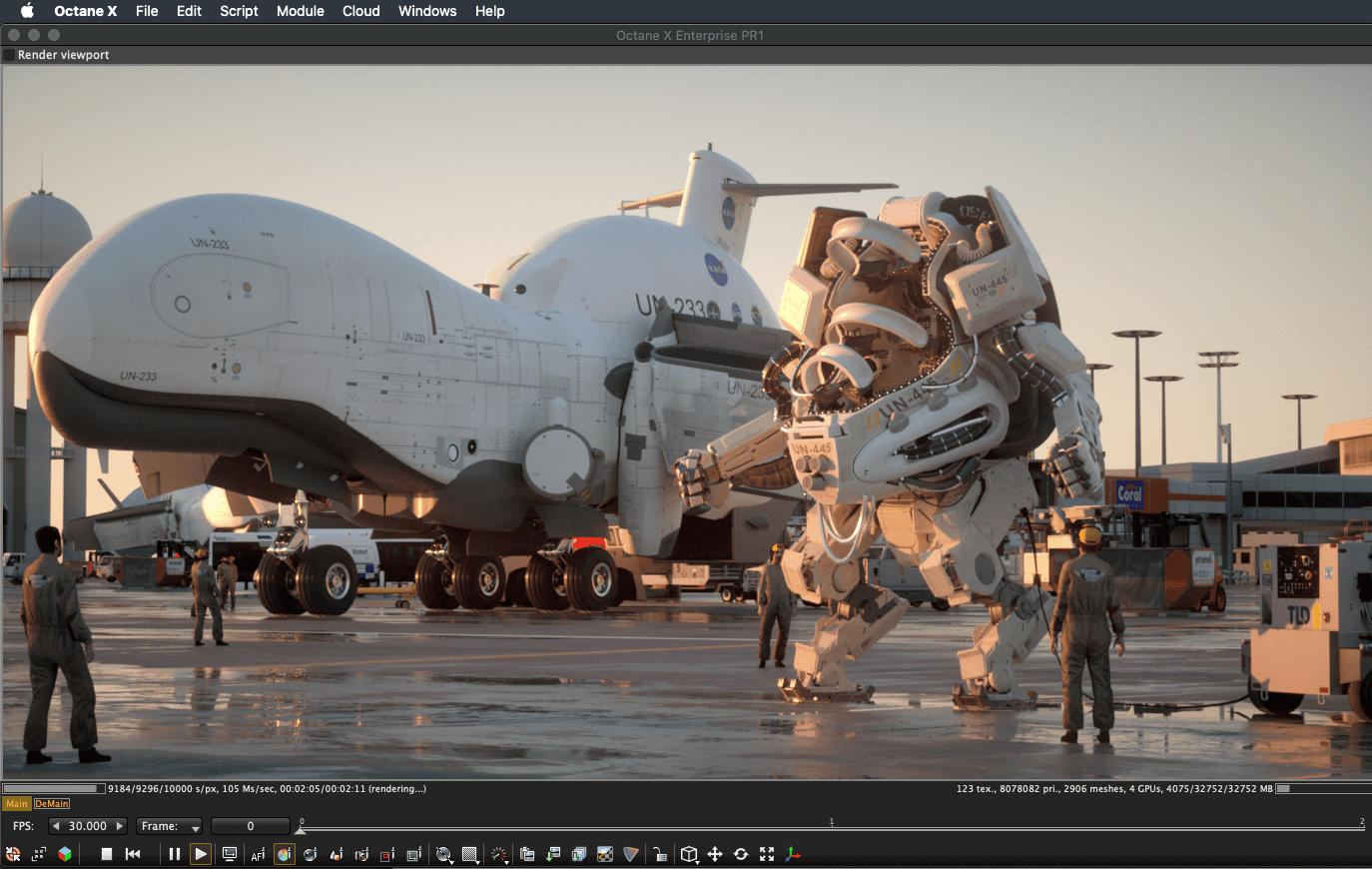
Octane Render was the first commercially available GPU-based renderer and remains a leader in unbiased rendering. "Unbiased" means it models light physics as accurately as possible without shortcuts, resulting in highly realistic images by default. It relies entirely on the GPU, making it incredibly fast but constrained by the video card's VRAM.
Key Strengths:
Spectral Rendering: Unlike most engines that use RGB colors, Octane calculates light using electromagnetic wavelengths, resulting in more accurate dispersion, complex IORs, and "analogue" film looks.
Speed & Interactivity: The Live Viewer is arguably the best in the industry, updating near-instantly as you move objects or change lights, which keeps the creative "flow" uninterrupted.
AI Denoising: Octane’s AI denoiser is exceptionally fast, allowing artists to get clean preview images in seconds.
Best For:
Motion Graphics: The speed of iteration makes it the top choice for Cinema 4D users and mograph artists.
Product Visualization: The spectral rendering engine makes metals, glass, and liquids look stunningly realistic with minimal setup.
Concept Art: Fast render speeds allow artists to paint with light and geometry in real-time.
Feature-by-Feature Comparison
Ease of Use
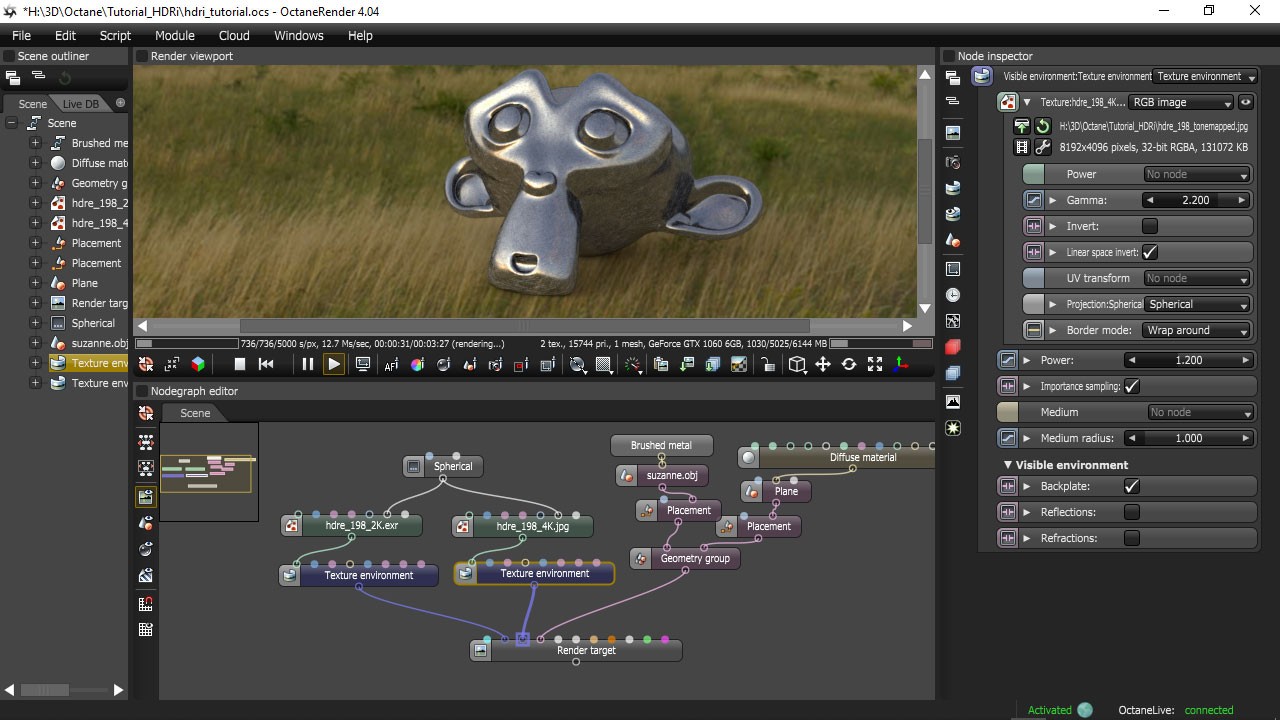
Octane shines here for individual artists. Its "it just looks good" philosophy means you don't need to tweak sampling rates or GI subdivisions deeply. The node editor (especially in Cinema 4D) is visual and logical.
V-Ray has a steeper curve because it exposes everything. However, the introduction of the "Unified Lister" and simplified UI modes in V-Ray 6 has made it much more approachable.
Quality & Output
Both engines are capable of Hollywood-level output.
V-Ray offers "biased" rendering, which is cleaner and faster for interiors where light bounces are difficult to calculate.
Octane is "unbiased," meaning it solves the lighting equation perfectly over time. This gives Octane renders a distinct, rich contrast and depth that many artists prefer for artistic shots, though it can take longer to clear noise in dark interiors.
Speed & Performance
Octane is generally faster for raw ray-tracing tasks on modern NVIDIA RTX cards (3090/4090/5090). Its "RT Core" mode leverages hardware acceleration aggressively.
V-Ray GPU is catching up, but V-Ray's true power is scalability. If you have a render farm of CPUs, V-Ray can scale linearly. Octane is limited to the GPUs you have available (though Otoy's RNDR network provides a cloud solution).
Features & Capabilities
V-Ray wins on ecosystem. A subscription includes Chaos Cosmos (3D asset library), Chaos Phoenix (fluid sim), and Vantage (real-time ray tracing).
Octane wins on unique tech. Features like Vectron allow for infinite procedural fractal geometry without memory penalties, and its Spectron lights offer procedural volumetric lighting control that is unmatched.
Pricing & Value
Octane is the budget-friendly winner. The "Studio+" subscription is aggressively priced (often under €20/mo annually) and frequently bundles high-value tools like Greyscalegorilla Plus.
V-Ray is a premium investment (~€38-€55/mo). However, for that price, you get a massive library of assets (furniture, trees, cars) that would cost hundreds of dollars to buy separately, adding significant value for commercial work.
Integration & Workflow
V-Ray is deeply integrated into the Autodesk ecosystem (3ds Max, Maya, Revit) and SketchUp. It feels like a native part of these tools.
Octane has a cult following in the Cinema 4D community because its plugin integration is superb. Its Blender integration is also strong, though it requires a custom Blender build (Octane Blender).
Use Case Scenarios
Scenario 1: High-End Architectural Interior
Winner: V-Ray.
Interiors require calculating light bouncing many times (Global Illumination). V-Ray's "Light Cache" and biased GI methods can resolve a noise-free interior image significantly faster than an unbiased engine like Octane. Plus, the Chaos Cosmos library provides instant furniture and vegetation assets.
Scenario 2: Abstract Motion Graphics Loop
Winner: Octane Render.
For a 10-second abstract loop with dispersive glass and glowing neon lights, Octane is superior. The spectral rendering makes the glass look better instantly, and the GPU speed allows you to render the animation frames overnight on a single machine.
Scenario 3: Massive Cityscape Environment
Winner: V-Ray.
If you are rendering a city with thousands of buildings, millions of trees, and volumetric fog, you will likely exceed the 24GB VRAM limit of a consumer GPU. V-Ray can offload this to 64GB or 128GB of system RAM, rendering a scene that Octane simply would not be able to load without complex "out-of-core" penalties.
Pros & Cons
V-Ray
Pros:
Industry-standard integration and stability.
Hybrid rendering (CPU + GPU) for hardware flexibility.
Massive asset library (Chaos Cosmos) included.
Unmatched memory management for huge scenes.
Cons:
Slower interactive feedback compared to Octane.
More settings to manage; steeper learning curve.
Higher monthly subscription cost.

Octane Render
Pros:
Incredible render speed on RTX GPUs.
Unbiased spectral rendering looks "photoreal" by default.
Best-in-class interactive preview (Live Viewer).
Very affordable pricing model.
Cons:
Limited by GPU VRAM (rendering fails or slows if scene is too big).
Not as efficient for interior GI as V-Ray (biased vs. unbiased).
"Out-of-core" memory features can be slow and unstable.
Which Should You Choose?
Choose V-Ray if:
You work in architectural visualization and need a reliable, standard industry pipeline.
Your scenes are geometry-heavy (forests, cities) and require more memory than a GPU can provide.
You want a "complete" package with assets, fluid sims, and real-time tools included.
Choose Octane Render if:
You are a motion designer or concept artist who values speed and flow over technical tweaking.
You have powerful NVIDIA GPUs (RTX 3090/4090) and want to maximize their potential.
You prefer the "unbiased" look and want cinematic results with minimal setup.

Final Thoughts
The "V-Ray vs. Octane" debate ultimately settles on where you sit in the production pipeline. V-Ray is the reliable workhorse for precision and scale, while Octane is the racecar for speed and artistic exploration. For 2026, the gap is narrowing, V-Ray is getting faster on the GPU, and Octane is getting smarter with memory, but their core philosophies remain distinct. We recommend downloading the trial versions of both; seeing how they handle your specific scenes is the only true benchmark.
Recent Posts

Join 500,000+ architects who saved time. No credit card needed for your first 20 credits.