Top AI Tools for Landscape Designers in 2026

Dec 31, 2025

The landscape design profession is currently undergoing a quiet but significant shift. In 2026, the question is no longer if artificial intelligence fits into the workflow, but where it creates the most leverage. For landscape architects and garden designers, the value of AI isn't in replacing the human eye for nature; it is in removing the friction of site analysis, grading calculations, and the often-tedious visualization process.
This guide evaluates the top AI tools available today that are mature enough for professional practice. We focus on established, legitimate platforms that solve specific problems, from site surveying to photorealistic rendering, helping you move from concept to client approval faster.
Evaluating AI for Landscape Architecture
Before adopting new software, landscape professionals should evaluate tools based on four specific criteria relevant to the trade:
Site Specificity: Does the tool understand outdoor environments, topography, and vegetation, or is it trained primarily on indoor architecture?
Workflow Integration: Can it import/export standard formats like DWG, SKP, or IFC?
Control vs. Chaos: Does the AI respect your hardscape lines and planting plans, or does it hallucinate geometry?
Learning Curve: Can a designer pick it up in an afternoon, or does it require a BIM manager to operate?
Quick Comparison: The 2026 Landscape Toolkit
Tool | Primary Function | Best For | Pricing Model |
|---|---|---|---|
Autodesk Forma | Site Analysis & Climate | Wind, sun, and microclimate analysis | Part of AEC Collection / Enterprise |
Rendair AI | Visualization & Rendering | Rapid rendering from sketches or basic 3D models | Freemium / Subscription |
TestFit | Generative Site Planning | Parking layouts and feasibility studies | Subscription |
Polycam | 3D Scanning (LiDAR) | Creating 3D site surveys with a smartphone | Free / Pro Subscription |
Detailed Reviews
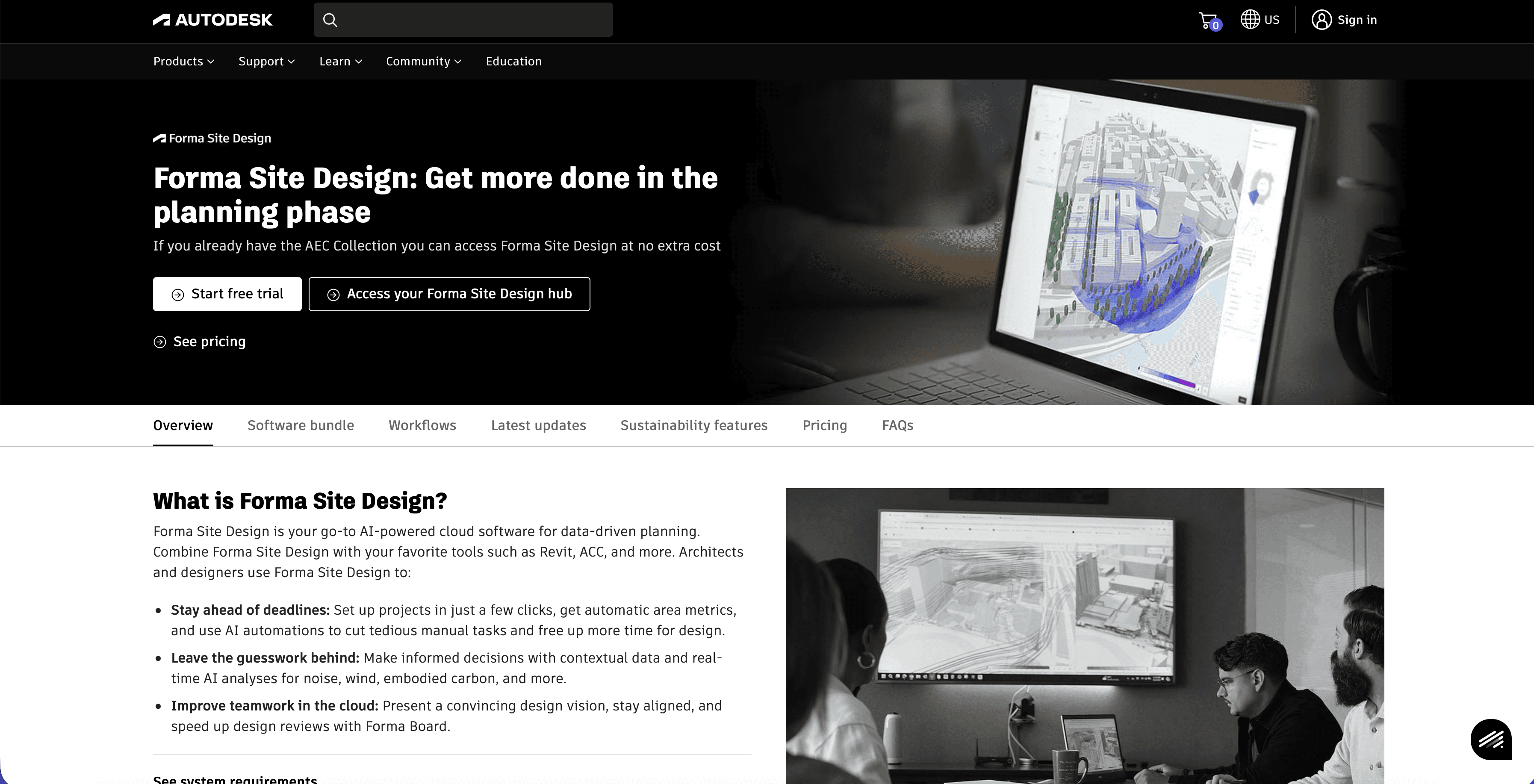
1. Autodesk Forma (formerly Spacemaker)
Autodesk Forma is a powerhouse for the pre-design and analysis phase. While it is often associated with building massing, its value to landscape architecture in 2026 is undeniable. It uses AI to analyze environmental factors that dictate planting success and human comfort.
Key Features:
Microclimate Analysis: Simulates wind patterns, sun hours, and daylight potential to help designers place seating areas and select appropriate plant species.
Noise Analysis: AI predicts noise pollution levels, aiding in the placement of berms or acoustic buffers.
Rapid Operational Energy: Estimates the environmental impact of design choices early in the process.
Best For: Large-scale master planning, public parks, and urban design projects where environmental data is critical.
Consideration: It is a high-end professional tool. The cost and complexity are justified for firms working on urban developments but may be overkill for single-family residential garden design.
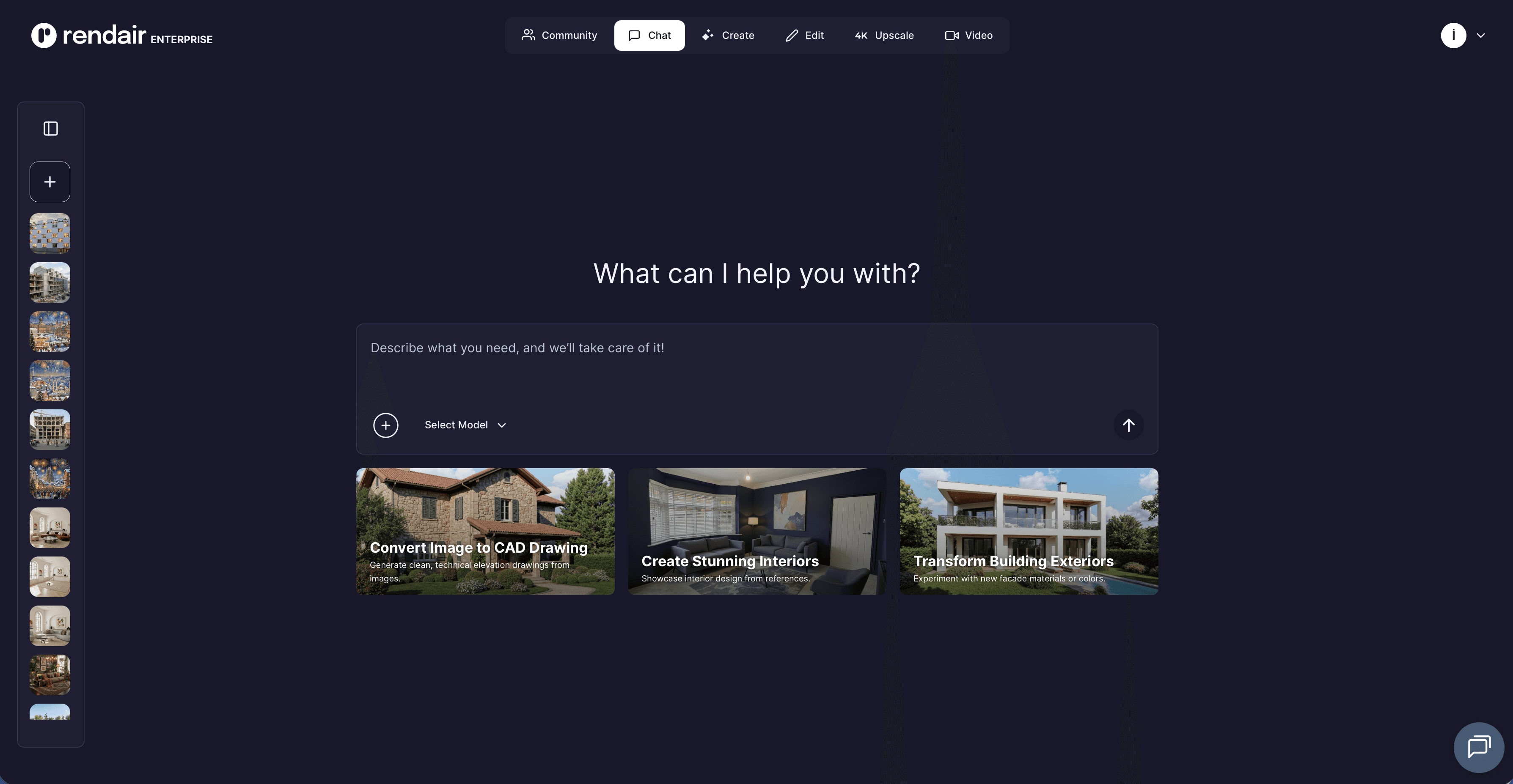
2. Rendair AI
Rendair AI has established itself as a critical tool for landscape designers who need high-quality visuals without the steep learning curve of traditional rendering engines like Lumion or V-Ray. Unlike generic image generators, Rendair is built for professionals: it respects the structural integrity of your input, whether that is a napkin sketch, a screenshot from SketchUp, or a Vectorworks viewport.
Key Features:
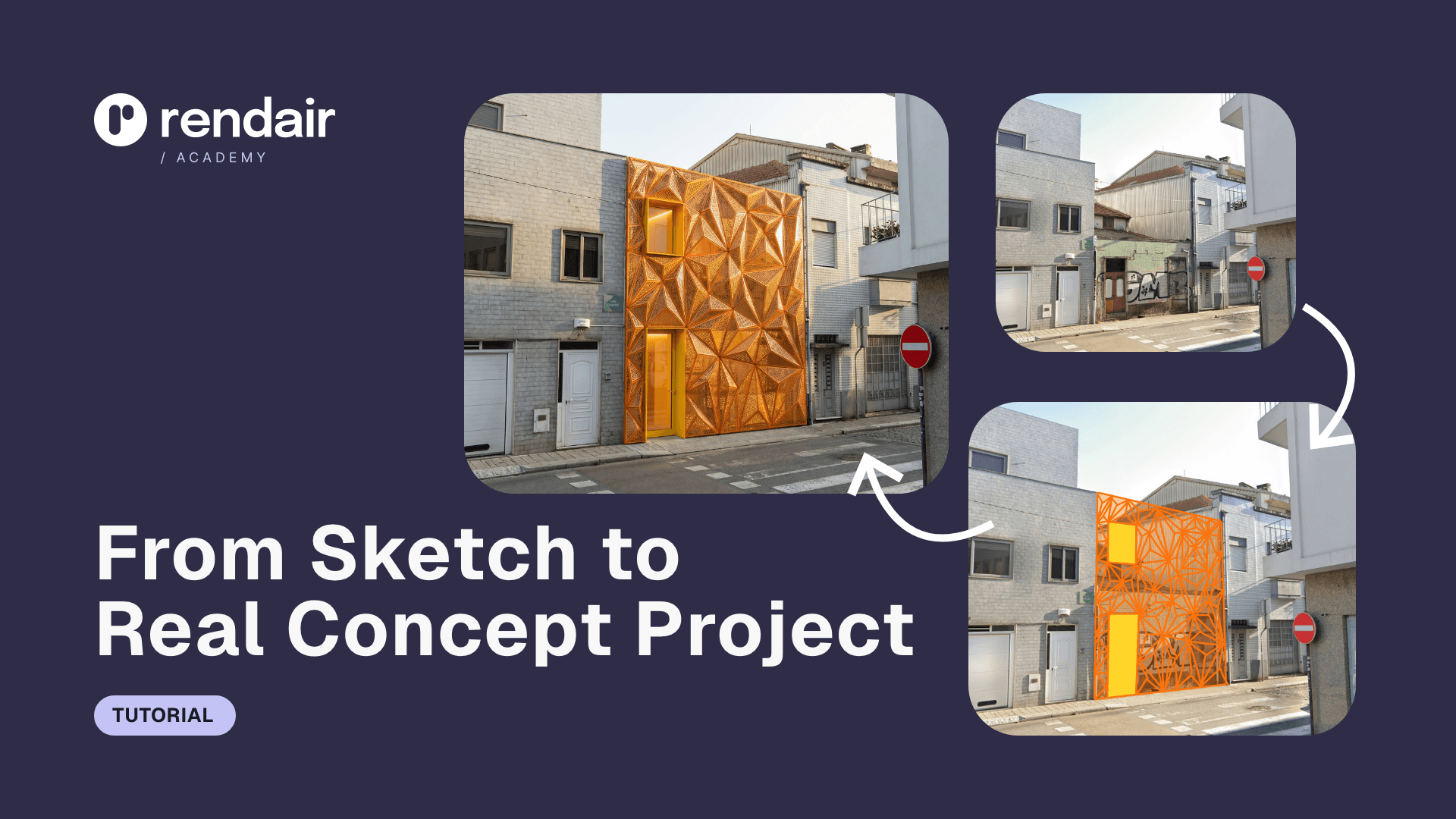
Sketch-to-Render: Upload a hand-drawn planting plan or perspective sketch, and the AI generates a photorealistic interpretation in seconds.
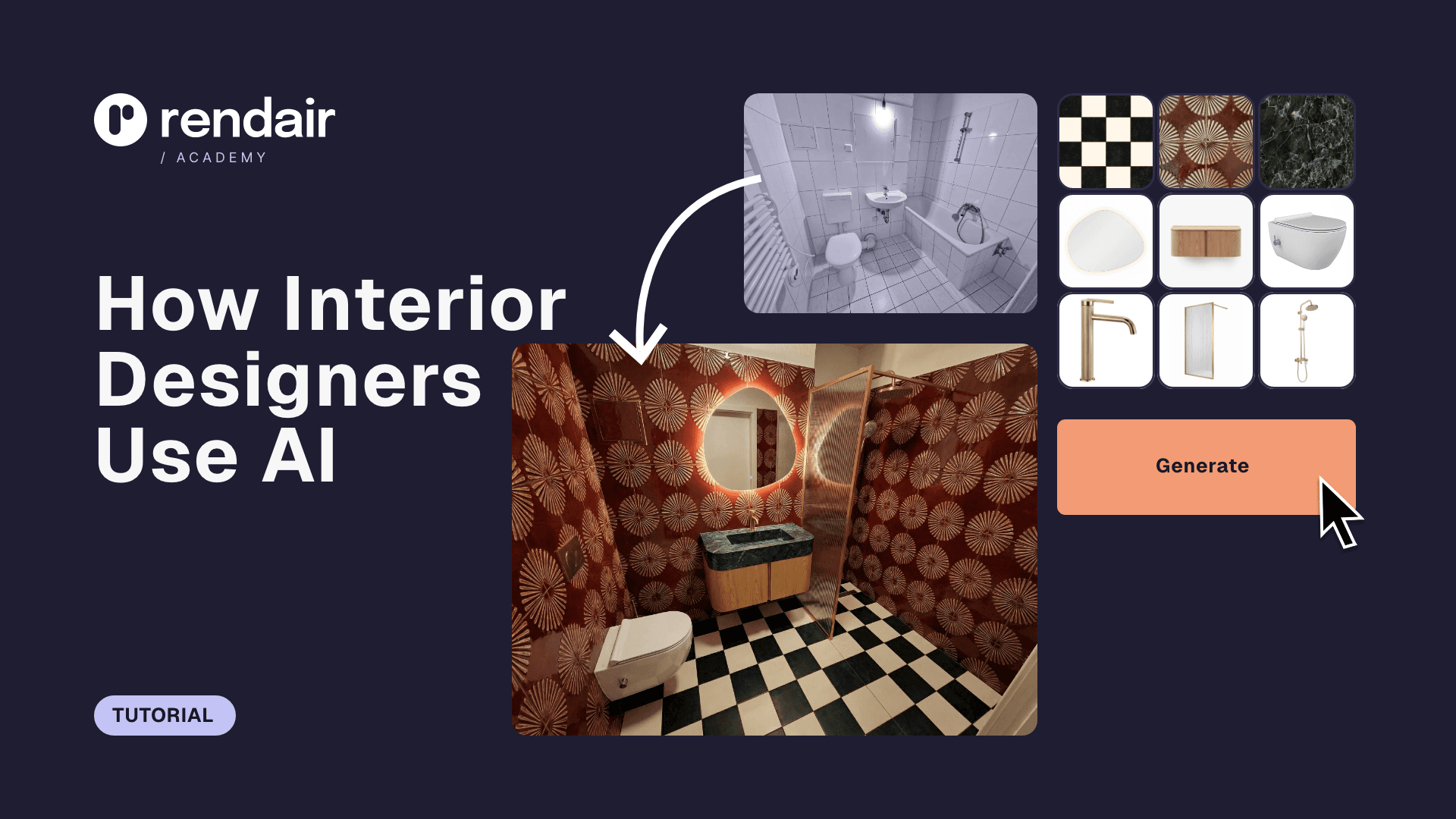
Editing: Easily add specific vegetation, change hardscape materials (e.g., "replace concrete pavers with flagstone"), or adjust seasons (summer to autumn) using simple text prompts.
Upscaling: Enhances low-resolution client photos or rough drafts into 4K presentation-ready images.
Video Generation: Creates subtle, animated fly-throughs from static images to bring presentation boards to life.
Best For: Landscape architects who need to visualize planting concepts and hardscapes quickly for client presentations.
The Highlight: The "Control" factor. Rendair allows you to dictate the "Creativity Strength." Low strength keeps the render strictly adherent to your CAD lines (perfect for construction docs), while high strength allows for conceptual exploration.
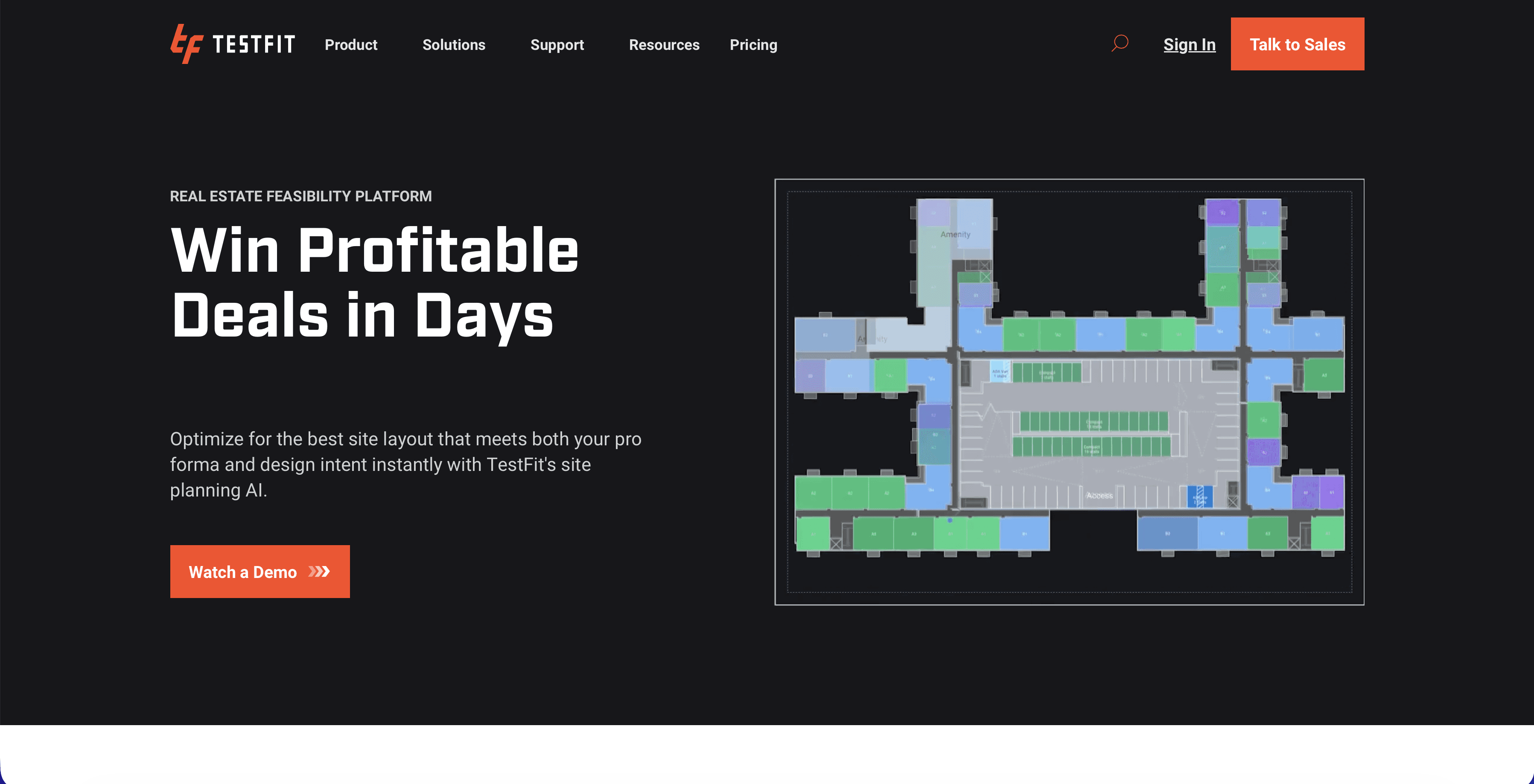
3. TestFit
TestFit is a generative design tool that solves the "math" of site planning. For landscape architects working on commercial or multi-family residential projects, TestFit automates the tedious layout of parking, roads, and building footprints, allowing the designer to focus on the green spaces in between.
Key Features:
Real-Time Solving: Instantly recalculates parking counts, green space ratios, and retention pond requirements as you adjust property lines.
Zoning Compliance: Checks designs against setbacks and zoning rules automatically.
Integration: Exports 3D geometry directly to SketchUp, Revit, or CAD for detailed landscape design.
Best For: Feasibility studies and site planning where maximizing yield (while maintaining code compliance) is the priority.
Consideration: It is less about "pretty pictures" and more about "feasible layouts." It creates the canvas upon which the landscape architect designs.
4. Polycam
Polycam utilizes the LiDAR sensor found in modern iPhones and iPads to turn the physical world into 3D data. For landscape designers, this replaces the need for expensive survey teams during the initial consultation phase for smaller projects.
Key Features:
LiDAR Scanning: Captures accurate 3D meshes of existing terrain, trees, and structures in minutes.
Drone Integration: Processes drone photography into orthomosaics and 3D site models.
Measurement Tools: Allows you to measure distances and changes in elevation directly within the captured 3D model.
Best For: Site surveys, documenting existing conditions, and "bringing the site home" to design against accurate context.
Consideration: While highly accurate for concept work, it does not replace a licensed surveyor for legal boundary or construction documentation.
Recommended AI Workflows
The true power of these tools emerges when they are connected. Here are three common workflows for the modern landscape office:
1. The "Site Survey to Concept" Workflow
Goal: Quickly document a client's backyard and propose a new design.
Tools: Polycam → SketchUp → Rendair AI.
Process: Scan the yard with Polycam to get the terrain and house context. Import the mesh into SketchUp to model the new hardscape and trees. Take a screenshot of the raw model and upload it to Rendair AI to generate a lush, photorealistic render for the client meeting.
2. The "Master Plan Feasibility" Workflow
Goal: Determine the layout for a new community park or housing development.
Tools: TestFit → Autodesk Forma.
Process: Use TestFit to solve the parking and road layout to meet code. Export the massing to Autodesk Forma to analyze wind tunnels and sun exposure, ensuring the proposed playgrounds and seating areas have optimal microclimates.
3. The "Hand-Sketch Visualization" Workflow
Goal: Turn a loose concept sketch into a convincing visual.
Tools: Pen & Paper → Rendair AI.
Process: Draw the design plan or perspective by hand. Upload a photo of the sketch to Rendair AI. Use the "Sketch-to-Image" feature with a prompt like "Modern landscape garden, flagstone path, ornamental grasses, sunset lighting" to create a polished visual without ever opening 3D software.
Choosing the Right Tool
If you need client-ready visuals today: Start with Rendair AI. It offers the highest return on time invested for visualization.
If you are doing large-scale urban planning: Invest in Autodesk Forma. The environmental data is invaluable for justifying design decisions.
If you hate counting parking spots: TestFit will save you hours of manual calculation.
If you need to measure a site quickly: Download Polycam on your iPad Pro.
FAQ
Will AI replace landscape architects?
No. AI cannot walk a site, feel the soil, or understand the emotional needs of a client. Tools like Rendair and Forma replace the drudgery of drafting and rendering, allowing designers to spend more time on actual design and horticulture.
Are these tools compatible with CAD and Vectorworks?
Most of these tools work with standard file formats. Rendair works with images (JPG/PNG), so it is compatible with any software that can export a screenshot. TestFit and Forma export DXF and IFC files, which import cleanly into Vectorworks, Revit, and AutoCAD.
Do I need a powerful computer?
For cloud-based tools like Rendair and Autodesk Forma, the heavy lifting is done on remote servers. You can run them on a standard laptop. However, SketchUp and large Polycam scans still benefit from a machine with a decent graphics card.
Is the learning curve steep?
Visualization tools like Rendair are designed for "zero-learning-curve" usage, you can get results in minutes. Analytical tools like Forma and TestFit require a few days of training to master their full capabilities.
The Future of Landscape Design
As we move toward 2026, the landscape designers who succeed will not be the ones who can draw the fastest, but the ones who can iterate the fastest. By offloading site analysis, calculation, and rendering to AI, professionals can reclaim the time needed for creativity and client relationships.
The barrier to entry is low. We recommend starting with a visualization tool to see immediate benefits in your client presentations, and gradually adopting analytical tools as your workflow evolves.
To experience how AI can transform your sketches into professional renders in minutes,
Recent Posts



Join 500,000+ architects who saved time. No credit card needed for your first 20 credits.