Enscape vs Twinmotion: Which Real-Time Render Engine Wins in 2026?
Feb 18, 2026

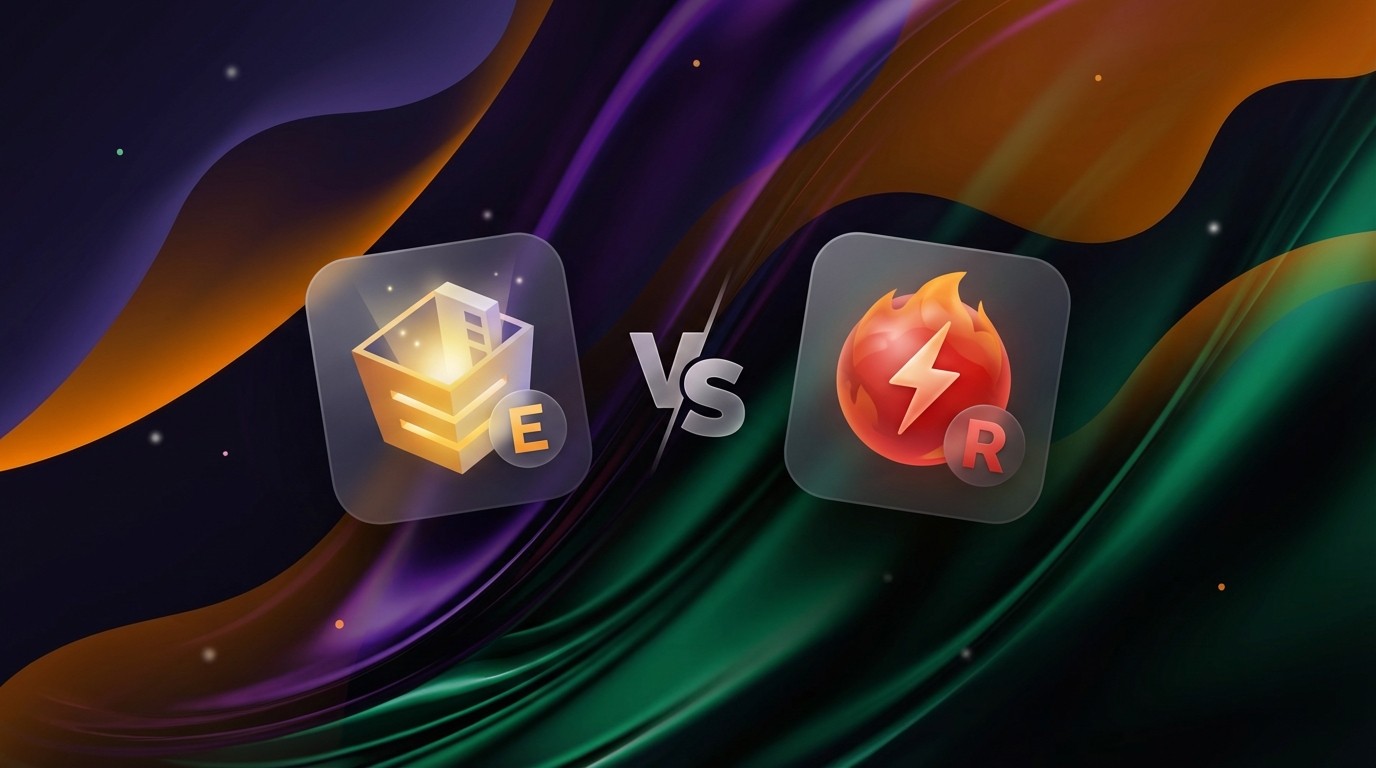
Architects and designers today are no longer choosing between "fast" or "good." The expectation is now both. In the world of real-time rendering, Enscape and Twinmotion have emerged as the two dominant players, yet they approach the problem from completely different angles. Enscape integrates directly into your BIM workflow for instant feedback, while Twinmotion operates as a standalone powerhouse built on Unreal Engine for cinematic storytelling.
Choosing the right one isn't about which software is "better" in a vacuum; it is about where your bottleneck lies. Do you need to visualize design decisions instantly while you model, or do you need to produce high-end marketing deliverables that rival dedicated visualization studios?
Quick Comparison Overview
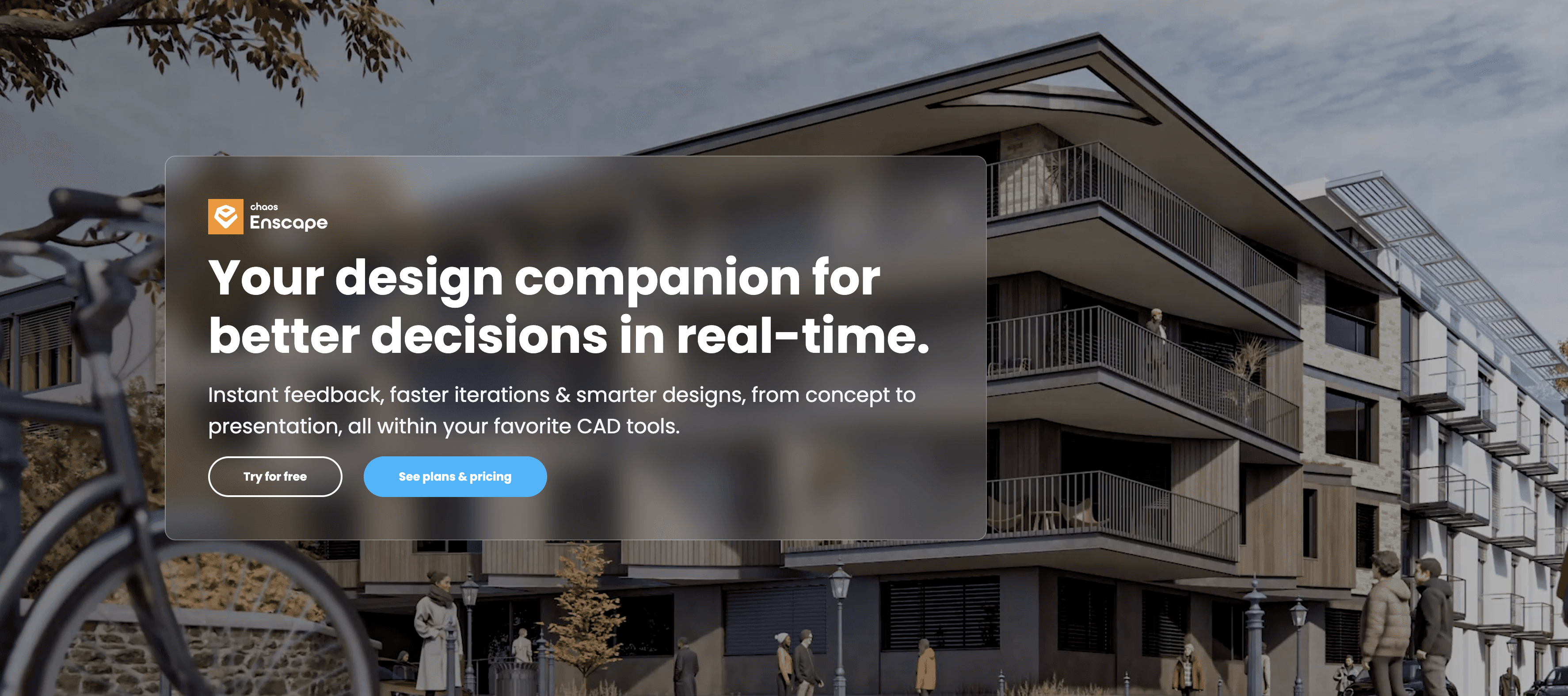
Enscape is a plugin that lives inside your modeling software (Revit, SketchUp, Rhino, Archicad). Its primary philosophy is friction reduction. You do not "export" to Enscape; you simply open a window, and your model is there, rendered in real-time. It is the industry standard for daily design iteration and internal reviews.
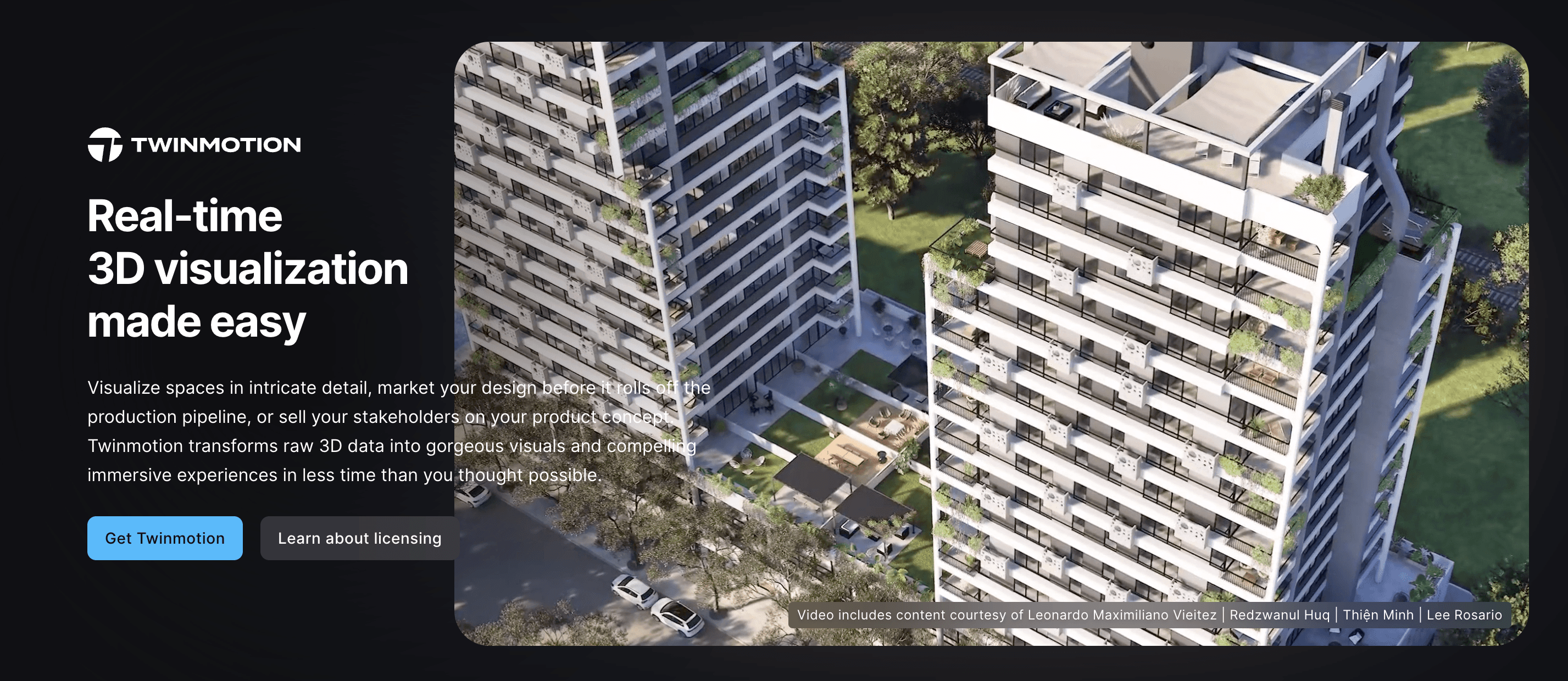
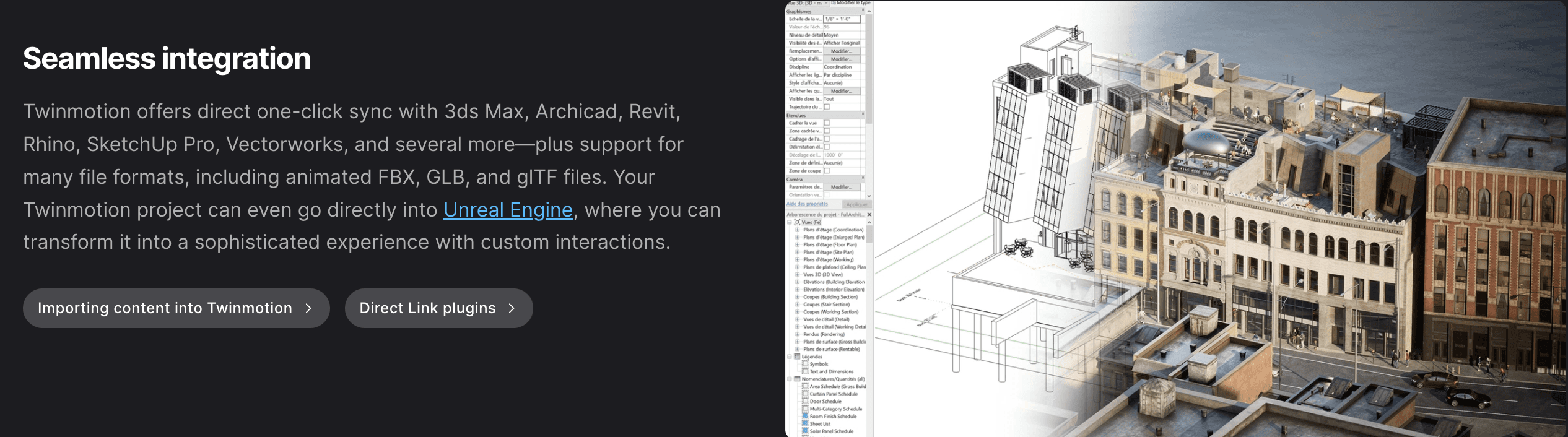
Twinmotion is a standalone application owned by Epic Games. While it connects to your model via a "Direct Link," it functions as a separate environment where you import geometry to dress it up with high-fidelity materials, animated crowds, weather systems, and advanced lighting. It is the go-to choice for polished client presentations and marketing materials that require a cinematic touch.
Comparison Table
Feature | Enscape | Twinmotion |
|---|---|---|
Ease of Use | High. Plug-and-play. Very few settings to tweak; looks good instantly. | Medium. Intuitive interface, but requires managing a separate file and more complex settings. |
Quality & Output | Clean & Sharp. Excellent for architectural clarity. slightly less "atmospheric" depth. | Cinematic. Powered by Unreal Engine. Superior lighting, weather effects, and vegetation. |
Speed & Performance | Fast. Optimized for quick renders. Lighter on hardware resources. | Variable. Real-time is fast, but Path Tracing (highest quality) requires heavy GPU power. |
Key Features | Live-sync plugin, instant VR, asset library, site context, BIM data visibility. | Path tracing, Quixel Megascans library, animated characters/vehicles, weather/season control. |
Pricing | Subscription based (approx. $500/yr). | Perpetual license (approx. $499) or free with certain Autodesk/BIM subscriptions. |
Best For | Architects needing rapid iteration and integrated workflows. | Visualizers and designers creating high-end marketing assets or storytelling. |
Integration | Native Plugin (Revit, SketchUp, Rhino, Archicad, Vectorworks). | Direct Link (Datasmith) + Import (supports almost all 3D formats). |
Enscape: Overview
Enscape is designed to be invisible. It removes the barrier between designing and visualizing by allowing you to walk through your project as you build it. Because it runs directly inside your host software, there is no file management overhead, your render settings live within your CAD file.
Key Strengths:
Live Workflow: Changes in geometry, materials, or lighting in your model update instantly in the Enscape window.
Zero Learning Curve: A new user can produce a professional looking render within 30 minutes of installation.
BIM Integration: You can click on an element in the render window and see its BIM data, making it a powerful tool for coordination meetings, not just pretty pictures.
Best For:
Daily design validation and internal reviews.
VR walkthroughs during client meetings (instant setup).
Architects who want great visuals without becoming "visualization specialists."
Twinmotion: Overview
Twinmotion brings the power of the gaming industry (Unreal Engine) to architecture. It focuses on "world-building." Once you bring your model into Twinmotion, you are entering a studio environment where you can paint vegetation, drag and drop animated people, and change the season from summer to winter with a slider.
Key Strengths:
Atmosphere & Storytelling: Advanced weather systems (rain, snow, wind) and animated assets bring scenes to life in a way static renders cannot.
Path Tracing: Offers a rendering mode that simulates accurate light behavior (global illumination, reflections) for photorealistic results close to offline renderers like V-Ray.
Asset Library: Access to the massive Quixel Megascans library provides thousands of ultra-realistic materials and 3D objects.
Best For:
High-stakes client presentations and marketing videos.
Projects requiring complex landscaping, urban context, or animated environments.
Designers who enjoy "crafting" a scene and have time to tweak lighting and composition.
Feature-by-Feature Comparison
Ease of Use
Enscape wins here for pure simplicity. It utilizes the materials and camera views you have already set up in Revit or SketchUp. Twinmotion is also user-friendly (drag-and-drop), but it introduces a second layer of file management. You must ensure your model updates correctly and manage materials inside Twinmotion separate from your CAD file.
Quality & Output
For pure architectural clarity, Enscape is fantastic. It produces crisp, clean images that communicate space effectively. However, Twinmotion has a higher ceiling for realism. With Path Tracing enabled, Twinmotion can produce soft shadows, accurate reflections, and ambient lighting that Enscape’s real-time engine struggles to match.
Speed & Performance
Enscape is generally lighter and faster. It is optimized to run alongside your CAD software without bringing your computer to a halt. Twinmotion is a heavier application. While its standard real-time mode is fast, turning on Path Tracing for final renders significantly increases processing time and requires a powerful GPU (RTX 30-series or higher recommended).
Features & Capabilities
Twinmotion’s "Paint Vegetation" and "Path" tools (for animating cars and people) are superior for exterior shots and urban planning. It allows you to sculpt terrain and create dense forests easily. Enscape relies more on the host software for asset placement, which can be tedious for large-scale landscaping, though its scattered asset features are improving.
Pricing & Value
Enscape operates on a subscription model (fixed operational cost). Twinmotion has aggressively targeted the market with perpetual licensing and bundles. For many Revit users, Twinmotion is now included, making it effectively "free." This value proposition is hard to ignore for firms watching their software budget.
Integration & Workflow
Enscape is the gold standard for integration. It feels like a view mode within your CAD software. Twinmotion uses a "Direct Link" plugin to sync geometry. While effective, it is still a bridge between two separate programs. If your workflow involves making hundreds of small micro-changes to geometry, Enscape’s integration is less friction.
Use Case Scenarios
Scenario 1: The Design Charrette
Winner: Enscape.
You are in a meeting with a project manager, testing different facade options. You need to see how a change in window mullion depth affects the shadow line immediately. Enscape allows you to model and see the result simultaneously on a second monitor. Twinmotion’s sync process, while fast, would break the flow of a live editing session.
Scenario 2: The Developer Pitch
Winner: Twinmotion.
You need to sell a vision of a luxury residential complex. The client wants to see the building in the rain, with leaves blowing in the wind, and people walking their dogs. Twinmotion’s ability to add these atmospheric "emotive" elements quickly allows you to create a video that sells a lifestyle, not just a building.
Scenario 3: The VR Walkthrough
Winner: Tie (Context Dependent).
For a quick "check this out" moment at a desk, Enscape is better because it launches instantly. However, for a dedicated VR presentation where you want the client to be immersed in a polished environment with high-quality textures and lighting, Twinmotion offers a more curated and impressive VR experience.
Pros & Cons
Enscape
Pros:
Seamless plugin integration; no file export needed.
Extremely fast rendering times for stills.
Low hardware requirement compared to competitors.
Cons:
Limited video editing and animation capabilities.
Harder to achieve "emotional" lighting or complex weather effects.
Subscription only (recurring cost).
Twinmotion
Pros:
High-fidelity Path Tracing for photorealism.
Massive library of high-quality assets (Megascans).
Perpetual license options and free bundles available.
Cons:
Heavier system requirements (needs strong GPU).
Separate file management can lead to version control issues.
Steeper learning curve to master lighting and material overrides.
Which Should You Choose?
Choose Enscape if:
You are an architect who wants to visualize while you design.
You need speed and efficiency over cinematic perfection.
Your team uses Revit or SketchUp and wants a "one-click" render solution.
Choose Twinmotion if:
You are a visualizer or designer focused on the final presentation.
You need advanced video animation, weather effects, or path tracing.
You want a perpetual license or have access to it via your CAD subscription.
Final Thoughts
The gap between Enscape and Twinmotion is narrowing, but their core purposes remain distinct. Enscape is a productivity tool; Twinmotion is a presentation tool. For many firms, the answer is not "or" but "and." Using Enscape for the daily grind of design iteration and Twinmotion for the final marketing push is a powerful workflow that leverages the strengths of both.
If you are forced to pick just one, ask yourself: Do I need to save time (Enscape), or do I need to sell a dream (Twinmotion)?
Recent Posts
Join 500,000+ architects who saved time. No credit card needed for your first 20 credits.