The Top 5 AI Tools for Architecture Students in 2026

Jan 2, 2026

By 2026, the debate over whether to use AI in architecture school has largely settled. It is no longer a question of if you should use it, but how you integrate it without losing your own design voice. The most successful students today are not those who let AI design for them, but those who use AI to accelerate iteration, analyze complex site data, and communicate their intent more clearly.
For architecture students, the goal is to reduce the friction between a sketch and a presentation. You have limited time, tight deadlines, and a need to produce professional-grade visuals and data-driven concepts. The tools listed below are chosen because they fit into a real architectural workflow—helping you move from massing to rendering to post-production with speed and precision.
Evaluating AI Tools for the Studio Workflow
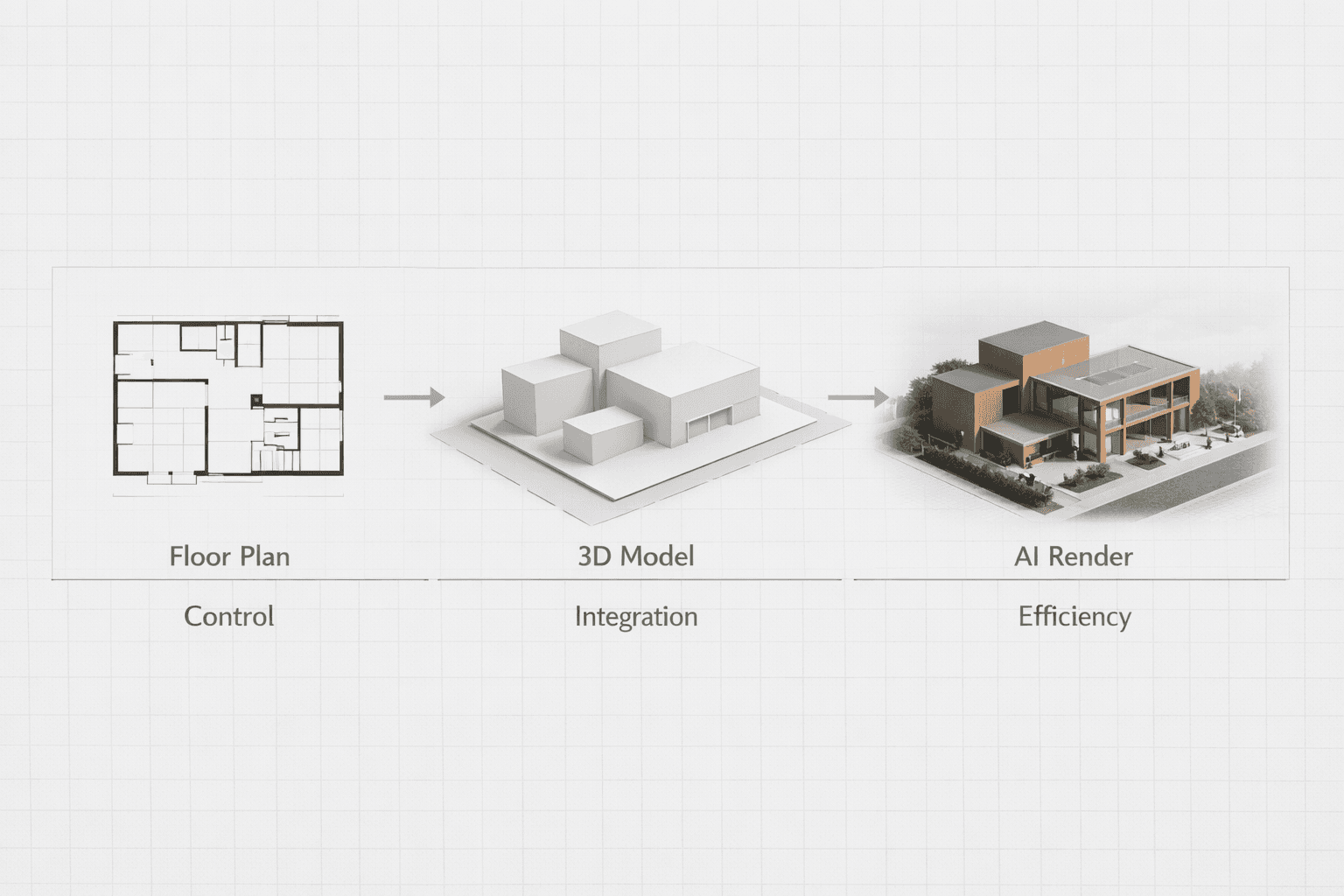
When choosing software for your design projects, "cool factor" is less important than utility. A tool that generates beautiful images but ignores your floor plan is useless for a final crit. We evaluated these tools based on three criteria essential for students:
Control: Does the tool respect your geometry and design intent?
Integration: Does it fit into workflows with Rhino, Revit, or SketchUp?
Efficiency: Does it save time on repetitive tasks like rendering or compliance checking?
Quick Comparison: Top AI Tools for 2026
Tool | Best For | Student Accessibility | Primary Function |
|---|---|---|---|
1. Rendair AI | Realistic Visualization | High (Affordable) | Rendering & Animation |
2. Autodesk Forma | Site Analysis | High (Free for Students) | Environmental Data |
3. Midjourney | Conceptual Ideation | Medium (Subscription) | Mood & Style |
4. Finch 3D | Plan Optimization | Low (Professional Pricing) | Layout & Compliance |
5. Adobe Firefly | Post-Production | High (Included in CC) | Texture & Retouching |
Detailed Reviews
1. Rendair AI
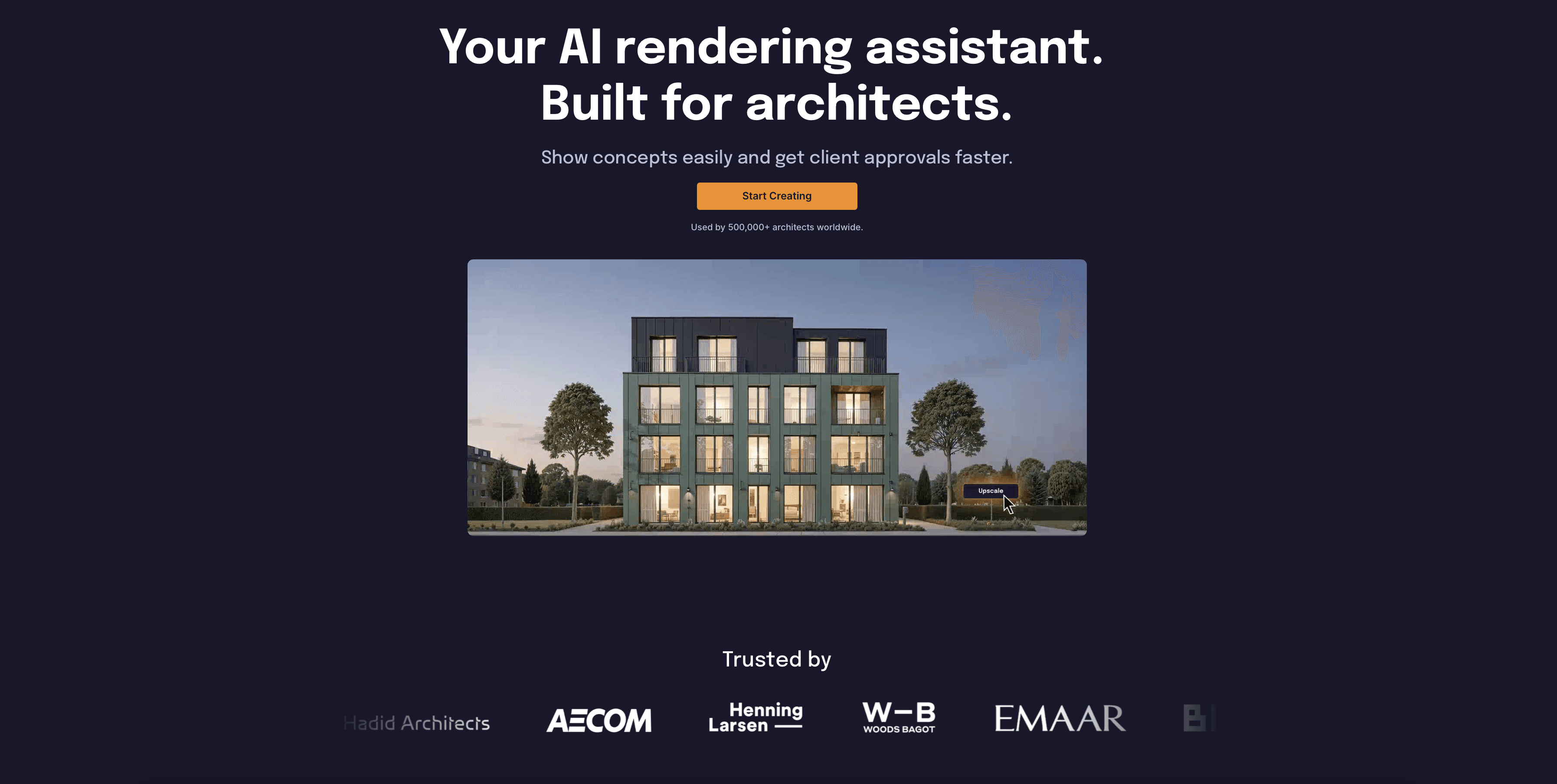
Rendair AI has established itself as a critical tool for students who need high-quality visuals without the steep learning curve of traditional rendering engines like V-Ray or Lumion. Unlike generic image generators, Rendair is built specifically for architects. It understands that a floor plan is a set of instructions, not just a drawing, and it respects the specific geometry of your 3D models.
Key Features:
Sketch-to-Render: Upload a rough hand sketch or a white card model photo and turn it into a realistic visualization in seconds.
Consistent Style: Use the "Style Reference" feature to ensure all your presentation boards have a unified visual language.
Image-to-Video: Generate walkthrough animations from static renders, adding movement to your final presentation without days of rendering time.
Virtual Staging: Quickly populate empty interior renders with furniture and lighting that matches your design aesthetic.
Best For: Visualizing designs quickly for crits and creating final presentation panels that look professional.
Highlight: The "Control" factor is high. You can adjust the "Creativity Strength" to ensure the AI sticks strictly to your massing or allow it to hallucinate new details for inspiration.
2. Autodesk Forma (formerly Spacemaker)
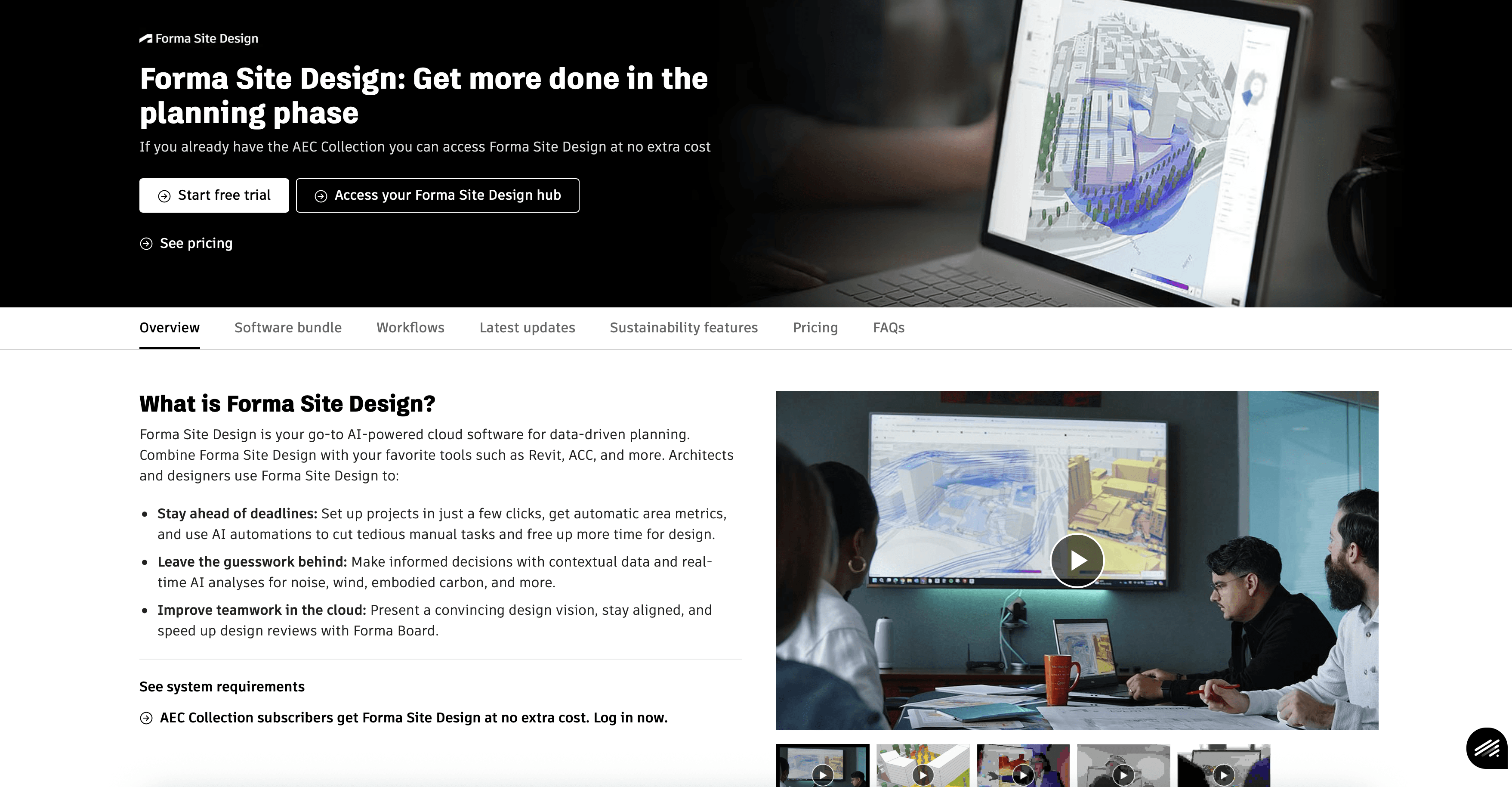
Autodesk Forma is the industry standard for early-stage site analysis. For students, it is an invaluable resource for the "Site Analysis" phase of a project. Instead of guessing about wind tunnels or sun paths, Forma provides real-time, predictive data. It allows you to test massing options against environmental factors instantly.
Key Features:
Real-time Analysis: Instant feedback on sun hours, daylight potential, wind comfort, and noise impact.
Context Import: Automatically pulls in 3D terrain, roads, and surrounding buildings for your site location.
Revit Integration: Seamlessly send your optimized massing model directly to Revit for further development.
Best For: The first three weeks of studio. It provides the data to justify your massing decisions to your tutors.
Consideration: It is a massing and analysis tool, not a detailing tool. You will move out of Forma once you start designing the building specifics.
3. Midjourney
While Midjourney is not specific to architecture, it remains the most powerful engine for pure conceptual exploration. In 2026, its ability to understand texture, atmosphere, and abstract form is unmatched. Students use it primarily in the "ideation" phase to generate mood boards, explore material combinations, or visualize abstract concepts that are hard to model.
Key Features:
High Stylization: Creates emotionally resonant images that are great for selling a "vibe" or narrative.
Texture Generation: Can be used to create unique seamless textures for use in other 3D software.
Retexturing: Newer versions allow for applying materials to simple blocky forms, though control remains looser than dedicated tools.
Best For: Mood boards, competition entries, and "blue sky" thinking where exact geometry matters less than the feeling of the space.
Consideration: It operates largely through text and image prompting. Getting it to follow a specific floor plan accurately is difficult compared to tools like Rendair.

4. Finch 3D
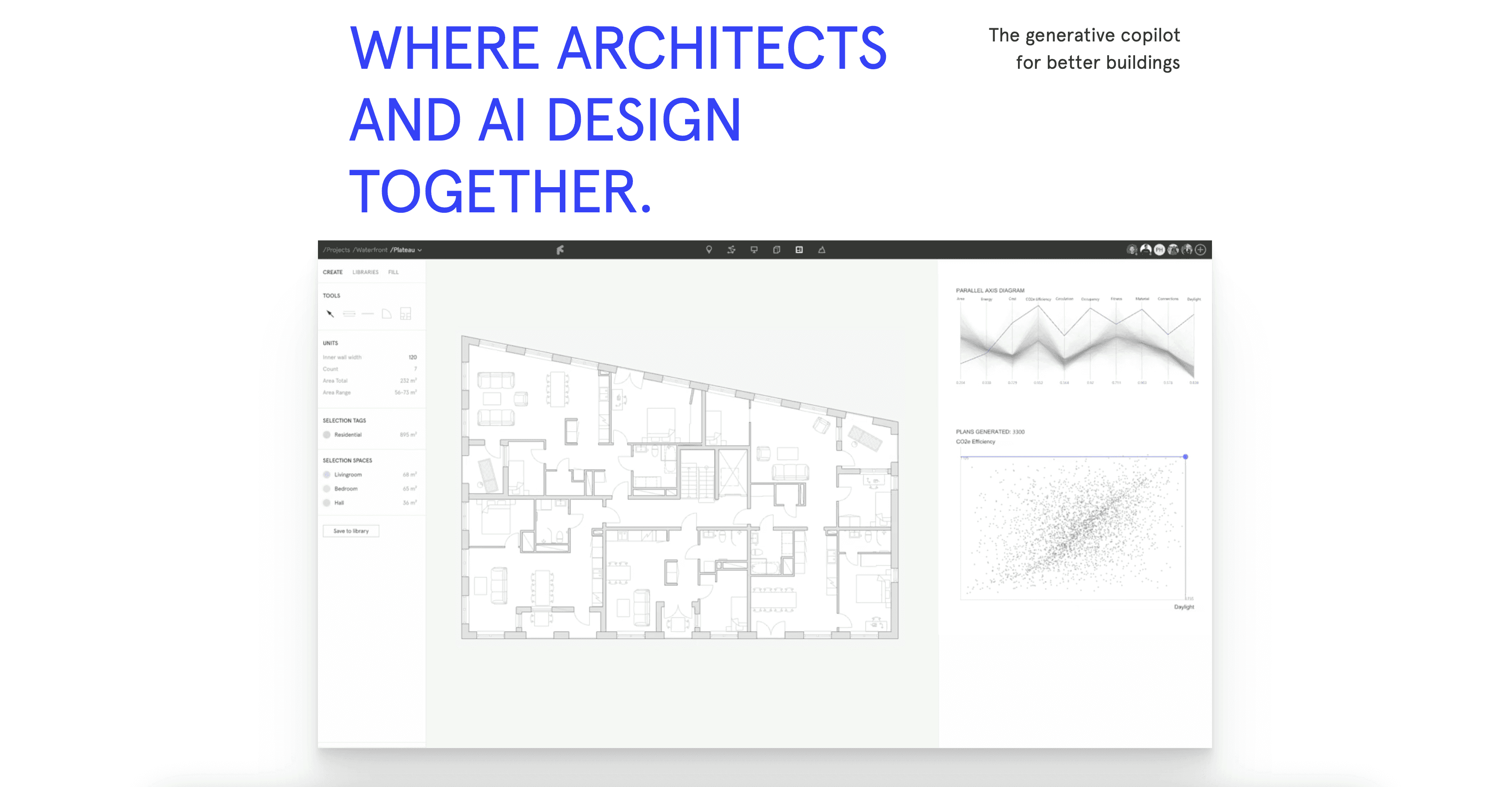
Finch 3D focuses on the logical side of architecture: floor plans and compliance. It uses graph technology to optimize layouts automatically. For students struggling to fit a complex program (like housing units or office layouts) into a weirdly shaped site, Finch acts as a co-pilot that solves the puzzle for you.
Key Features:
Generative Layouts: Automatically generates multiple floor plan variations that fit within your boundary lines.
Error Prevention: Checks your plans against basic rules (like corridor widths or room areas) in real-time.
Feedback Loops: Gives instant data on carbon footprint and efficiency ratios as you design.
Best For: Housing studios or complex program arrangements where efficiency is graded alongside aesthetics.
Consideration: It is a professional-grade tool with pricing to match. While powerful, it may be overkill for simple conceptual projects.
5. Adobe Firefly
Adobe Firefly has become essential because it lives inside the software you already use: Photoshop. For architecture students, the "Generative Fill" and "Text to Image" features are lifesavers during post-production. It allows you to fix bad renders, add entourage (people, trees), or extend the canvas of a rendering without needing to re-render the 3D model.
Key Features:
Generative Fill: Select an area of your render and type "add oak tree" or "remove car," and it blends the new element perfectly with the lighting and perspective.
Commercial Safety: Trained on Adobe Stock, making it safe to use without worrying about copyright issues in your portfolio.
Material Creation: Generate custom vector patterns or bitmap textures directly in Illustrator and Photoshop.
Best For: Post-production. It turns a "good" render into a "great" one by adding life, context, and atmosphere in seconds.
Consideration: It is best used as a finishing tool. It relies on existing pixels to work well, so you still need a base render or photo.

Recommended Workflows for Studio
The "Fast Crit" Workflow
Goal: Get from a rough idea to a convincing image for a desk crit in under an hour.
Tools: Rhino (Massing) + Rendair AI.
Process: Model a simple white block in Rhino. Screenshot it. Upload to Rendair AI using "Sketch-to-Render." Use a prompt like "concrete brutalist museum, overcast lighting." Print the result.
The "Site Analysis" Workflow
Goal: Understand the environmental forces on your site.
Tools: Autodesk Forma.
Process: Select your site in Forma. Run wind and sun analysis. Adjust your building massing until the data shows improved comfort levels. Export diagrams for your presentation.
The "Final Presentation" Workflow
Goal: Create a polished, atmospheric hero shot.
Tools: Revit/Rhino + Rendair AI + Adobe Firefly.
Process: Create your detailed model. Render the base image in Rendair for realistic lighting and materials. Open in Photoshop and use Firefly to add specific people, adjust the sky, and blend in local vegetation.
Choosing the Right Tool
If you need realistic renders fast: Start with Rendair AI. It offers the best balance of speed, control, and quality for architectural subjects.
If you need to analyze site data: Use Autodesk Forma. It is the only tool on this list that gives you engineering-grade environmental data.
If you are stuck on a concept: Use Midjourney. It will help you break out of a creative block with unexpected forms and atmospheres.
If you are fixing a final image: Use Adobe Firefly. It is the standard for seamless post-production edits.
FAQ
Will using AI be considered "cheating" by my professors?
Most universities in 2026 have policies regarding AI. Generally, using AI for visualization and iteration is accepted, provided you acknowledge it. Using AI to generate the design itself without understanding the logic is usually where the line is drawn.
Do I need a powerful computer to use these tools?
Most of these tools (Rendair, Forma, Midjourney) are cloud-based. This means the heavy processing happens on a remote server, not your laptop. You can run them on a standard student laptop without issues.
Is Rendair free for students?
Rendair offers a specific plan tailored for students that is significantly cheaper than the professional license. It provides enough credits to get you through a semester of studio projects.
Can I use these tools for my portfolio?
Yes. However, it is best practice to label which images were AI-generated or AI-assisted. Employers value honesty and want to see that you know how to control these tools, not just that you can press a button.
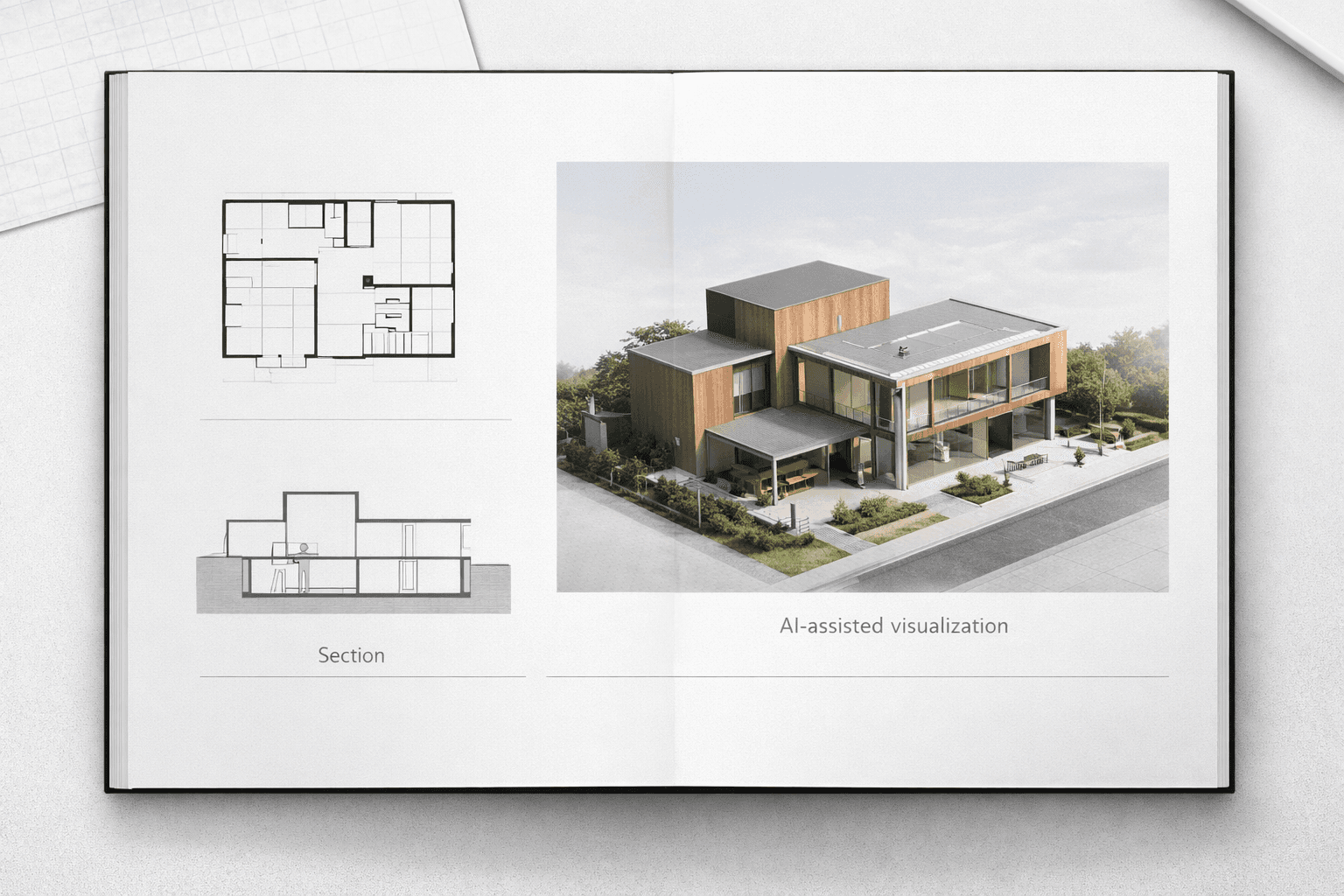
Final Thoughts
The architecture studio of 2026 is faster and more data-rich than ever before. The tools listed above are not meant to replace your design intuition but to amplify it. By automating the tedious parts of visualization and analysis, you free up more time to focus on what actually matters: the spatial experience and the architectural concept.
We encourage you to try these tools early in the semester. Experiment with them when the pressure is low so that when final deadlines arrive, you have a reliable workflow ready to go.
Recent Posts



Join 500,000+ architects who saved time. No credit card needed for your first 20 credits.