Top Plugins and Extensions for TouchDesigner
Feb 13, 2026

If you use TouchDesigner regularly, you know the base tools only get you so far. While it is a powerhouse for real-time content, the "blank canvas" nature of the node graph can be paralyzing when you need specific results fast.
In TouchDesigner, you don't always install "plugins" in the traditional sense. Instead, you often rely on .tox components, Palette tools, and C++ extensions. The right ones change how fast you work and what you can deliver to clients.
Here is what actually makes a difference for architectural visualization and interactive design.
1/ Advanced Visuals & Rendering
RayTK (Raymarching Toolkit)
A massive library of components that lets you build complex, SDF-based 3D geometry and lighting without writing a single line of GLSL code.
Why it matters: It allows you to create organic, mathematical, and infinite-resolution forms that are nearly impossible to model in standard CAD software.
Best for: Abstract architectural concepts, immersive environments, and complex texture generation.
DepthAnything
A newer AI-based component that generates real-time depth maps from any standard 2D video feed or webcam.
Why it matters: You can turn flat video footage or client references into 3D point clouds or reactive geometry instantly, without needing expensive depth sensors.
Best for: Quick spatial analysis and creating 3D effects from stock footage.
2/ Interoperability & Workflow Bridges
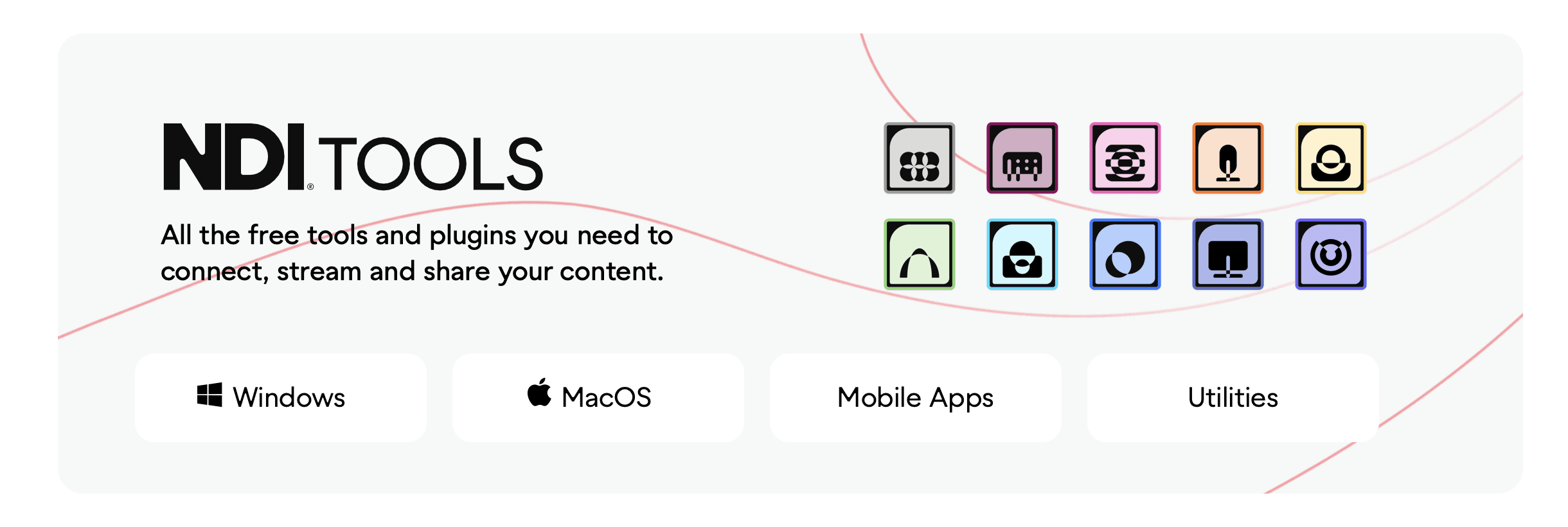
NDI (Network Device Interface)
The industry standard for sending high-quality video over a local network with minimal latency.
Why it matters: It lets you pipe the output from Revit, Rhino, or SketchUp directly into TouchDesigner for processing, or send TouchDesigner visuals into presentation tools like OBS or Zoom.
Best for: Live client presentations where you want to overlay data or effects on your CAD model.
gh-td (Grasshopper to TouchDesigner Bridge)
A set of components that enables real-time data exchange between Rhino’s Grasshopper and TouchDesigner.
Why it matters: You can keep your parametric logic in Grasshopper (where it belongs) while using TouchDesigner to visualize the data or control LED installations based on that geometry.
Best for: Parametric architecture and kinetic facade prototyping.
Unreal Engine Plugin
A robust plugin that links TouchDesigner’s data handling with Unreal Engine 5’s rendering power.
Why it matters: You get the best of both worlds—TouchDesigner handles the sensors and logic, while Unreal Engine handles the photorealistic lighting and physics.
Best for: High-fidelity interactive installations and virtual production.
3/ Projection & Real-World Mapping
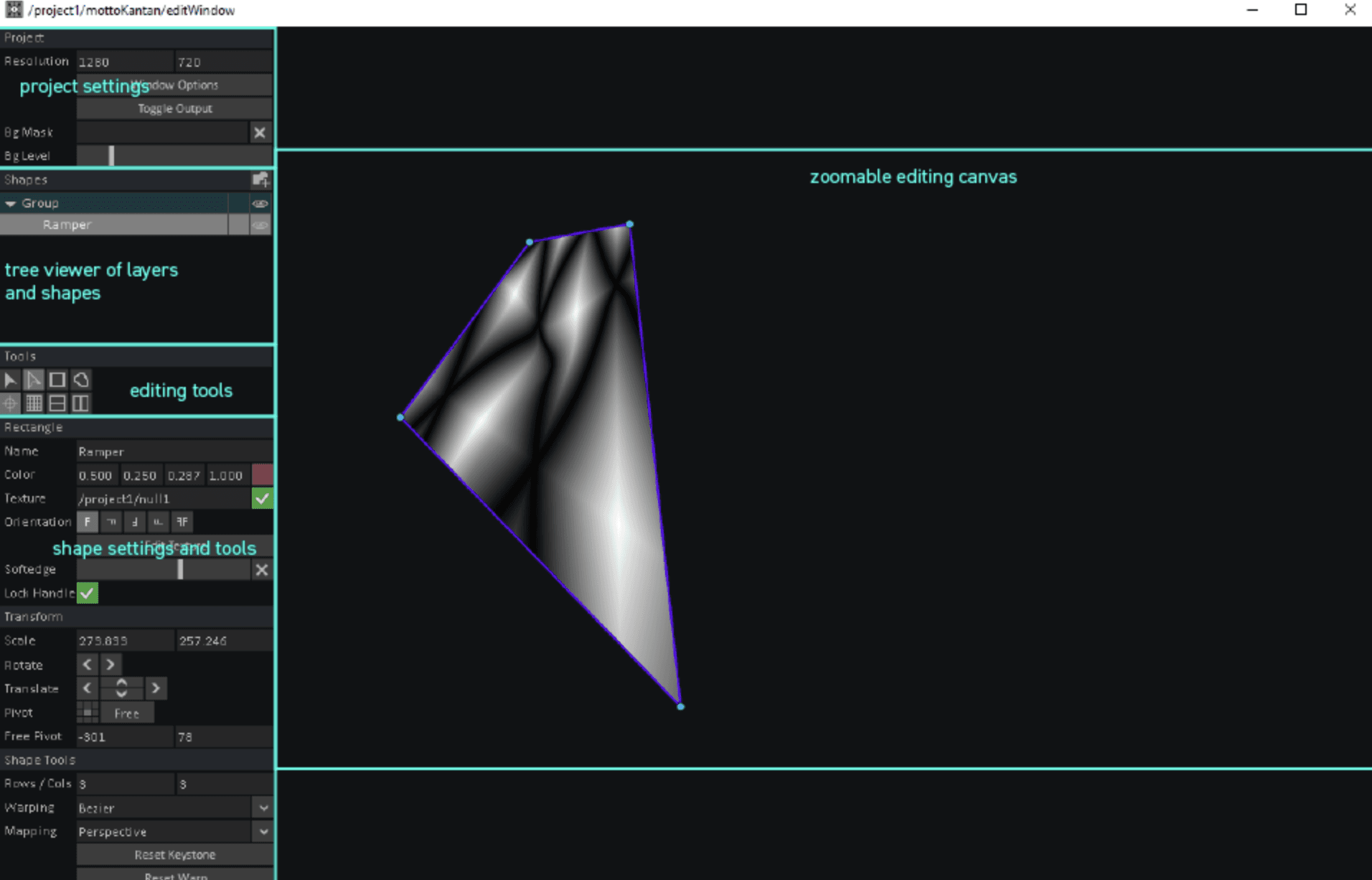
KantanMapper
A built-in Palette tool designed specifically for 2D projection mapping and masking.
Why it matters: It simplifies the tedious process of aligning projected visuals onto physical architectural models or irregular wall shapes.
Best for: Architectural staging, gallery installations, and quick masking tasks.
CamSchnappr
A calibration tool that aligns a virtual 3D camera with a real-world projector using a few known points on a physical object.
Why it matters: It automates the complex math of projection mapping, ensuring your digital content fits your physical model perfectly from the audience's perspective.
Best for: Complex 3D projection mapping on building facades or detailed scale models.
4/ Sensing & Interaction
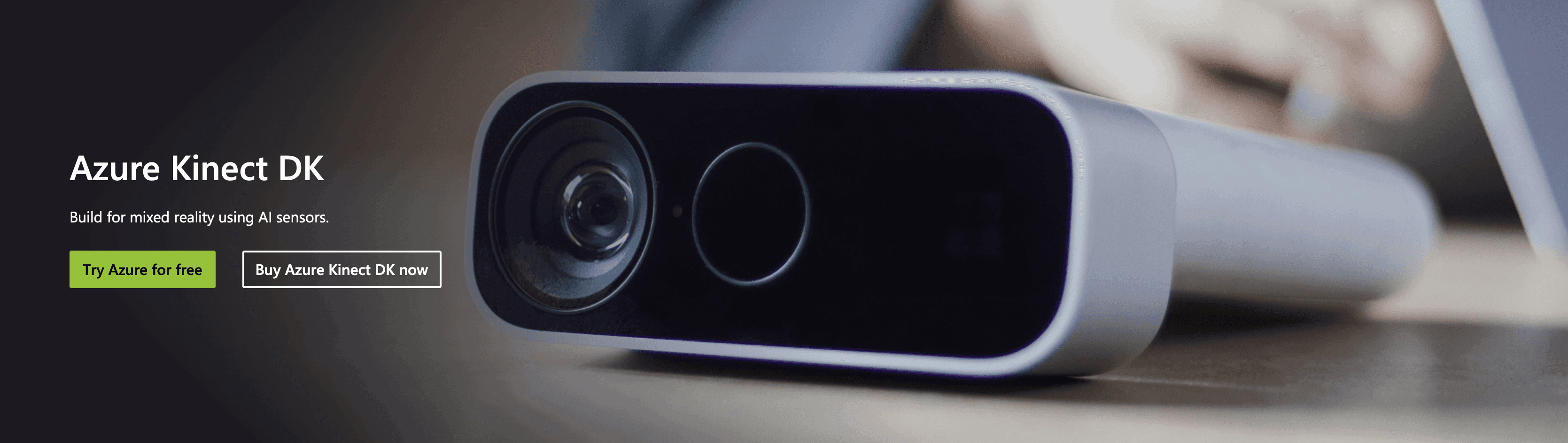
Kinect Azure / RealSense Nodes
Native operators that integrate depth cameras for skeletal tracking and point cloud data.
Why it matters: These are the eyes of any interactive space, allowing architecture to respond to human presence, gesture, or movement.
Best for: Interactive lobbies, responsive art installations, and crowd flow visualization.
TDAbleton
A deeply integrated package that syncs Ableton Live sets with TouchDesigner networks.
Why it matters: Sound is often an afterthought in architectural visualization, but for immersive spaces, syncing lighting and visuals to audio cues is essential for the "mood."
Best for: Audio-reactive lighting installations and event stage design.
5/ UI & Client Control
Widgets (Palette)
A collection of pre-made UI components (sliders, buttons, menus) designed for building custom control panels.
Why it matters: Clients cannot navigate a node graph. Widgets let you build a clean, professional "app" interface so they can adjust lights, colors, or options themselves.
Best for: delivering a finished interactive kiosk or a control tablet for a showroom.
Choosing what fits your work
Not every component makes sense for every project. Match tools to your actual bottlenecks, not feature lists.
If you are building physical installations, CamSchnappr and Kinect nodes are non-negotiable. If you are strictly doing digital visualization, RayTK and NDI will likely offer the highest return on your time.
Start with one that addresses your current friction point.
Bonus: Speed up rendering without leaving your workflow
If rendering is your bottleneck, Rendair handles visualization faster than most real-time engines can be configured.
Upload your TouchDesigner screenshots or rough block-outs, and get presentation-ready renders in minutes. No complex lighting setups, no UV unwrapping.
Start creating – try it free
Recent Posts
Tools, Extensions, Plugins
Top Plugins and Extensions for TouchDesigner
Unlock the full potential of TouchDesigner with these essential plugins and components for architecture and design.

Tools, Extensions, Plugins
Top 5 Plugins and Extensions for Matterport
Unlock the full potential of TouchDesigner with these essential plugins and components for architecture and design.
Tools, Extensions, Plugins
Enscape vs Lumion: Which Rendering Software Is Best in 2026?
Unlock the full potential of TouchDesigner with these essential plugins and components for architecture and design.
Tools, Extensions, Plugins
Top Plugins and Extensions for DaVinci Resolve Fusion
Unlock the full potential of TouchDesigner with these essential plugins and components for architecture and design.
Tools, Extensions, Plugins
Top Plugins and Integrations for Bluebeam Revu
Unlock the full potential of TouchDesigner with these essential plugins and components for architecture and design.
Tools, Extensions, Plugins
Top Plugins and Extensions for Affinity Photo
Unlock the full potential of TouchDesigner with these essential plugins and components for architecture and design.
Join 500,000+ architects who saved time. No credit card needed for your first 20 credits.