Cómo los freelancers pueden comenzar a utilizar la IA en 2026: Una guía práctica
10 ene 2026

Para 2026, la IA ha pasado de ser una "ventaja competitiva" a infraestructura esencial. Los datos recientes de la industria sugieren que más del 80% de los freelancers exitosos ahora integran alguna forma de automatización en su capacidad diaria. La pregunta ya no es si debe usar IA, sino dónde realmente protege su tiempo y rentabilidad.
Esta guía ignora el bombo sobre "reemplazar arquitectos" y se enfoca en la realidad del trabajo freelance: eres el departamento de TI, el equipo de marketing y el diseñador principal. Las herramientas a continuación se eligen porque reducen la fricción en estos roles específicos, permitiéndote mantenerte solvente y enfocado en el diseño.
1/ Concepto y Visualización
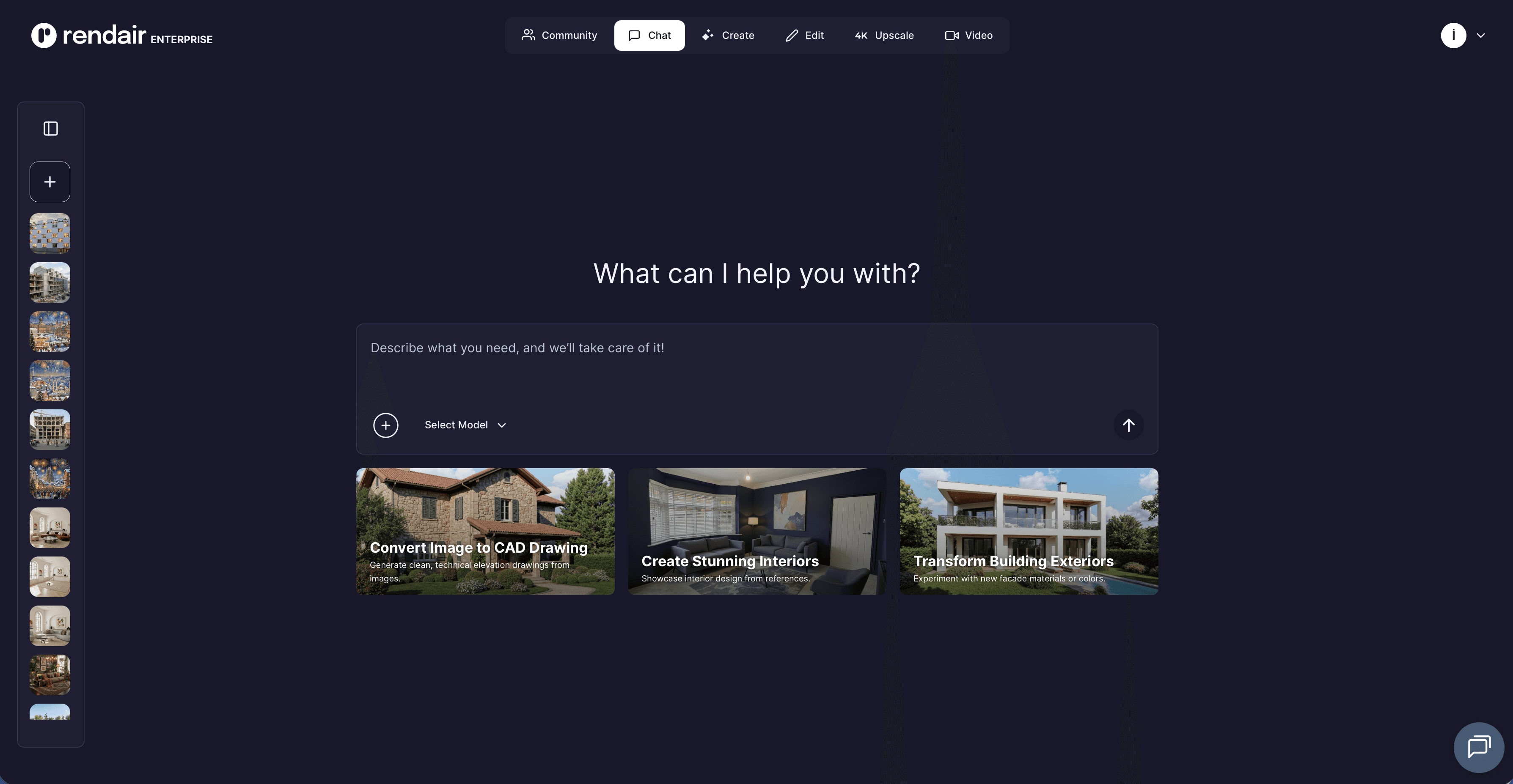
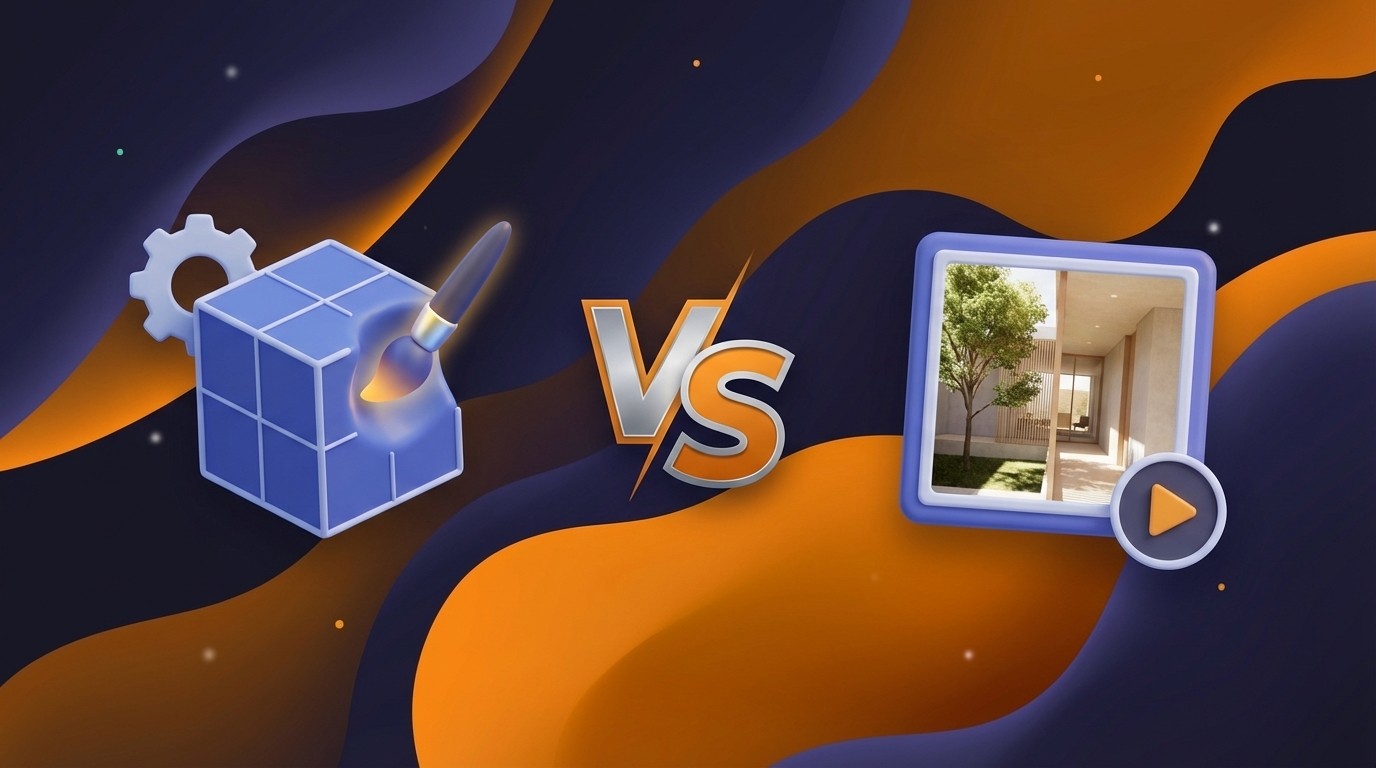
Boceto a Render (Rendair AI)
Convierte dibujos a mano alzada o modelos 3D de caja blanca en visualizaciones fotorrealistas en segundos.
Por qué es importante: Elimina el cuello de botella de configurar iluminación y texturas complejas para ideas iniciales. Puede mostrarle a un cliente tres opciones de material distintas en una reunión, en lugar de tres días después.
Mejor para: Reuniones de revisión con el cliente e iteración rápida durante la fase de concepto.
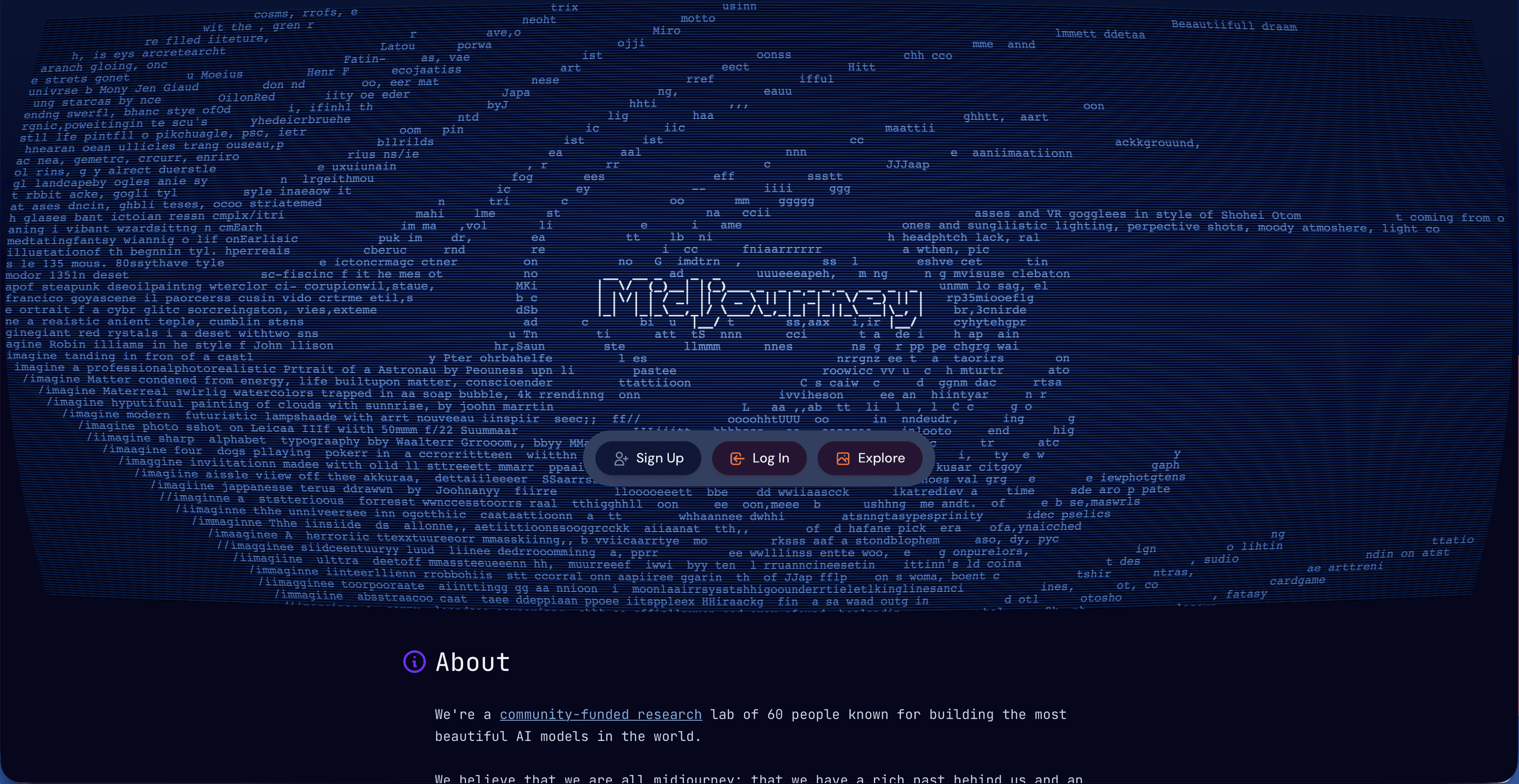
Ideación Generativa (Midjourney / D5 Render)
Genera imágenes atmosféricas de alta fidelidad a partir de indicaciones de texto para establecer el ambiente.
Por qué es importante: Actúa como un tablero de humor infinito. En lugar de buscar en Pinterest durante horas, genera referencias específicas de iluminación o estilísticas para alinearse con la visión del cliente antes de dibujar una sola línea.
Mejor para: Tablero de humor previo al diseño y ganar la propuesta inicial.
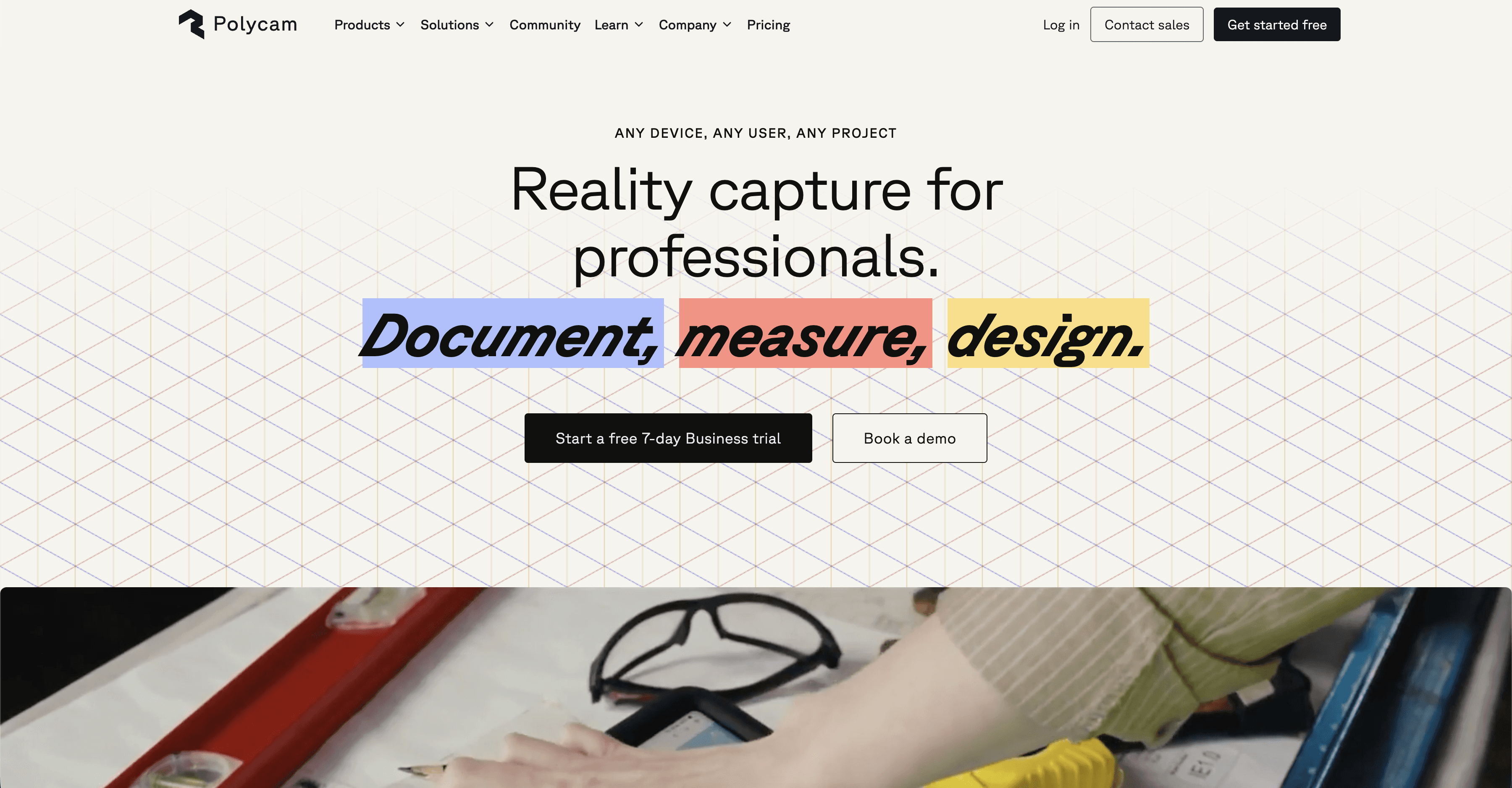
Captura de Realidad (Apps Lidar-a-3D)
Convierte escaneos telefónicos de espacios existentes en malla 3D utilizable o datos BIM.
Por qué es importante: Los freelancers a menudo carecen del presupuesto para equipos de encuesta. Las herramientas modernas de escaneo móvil le permiten capturar el contexto del sitio con precisión sin errores de medición manual.
Mejor para: Proyectos de renovación y documentar condiciones existentes.
2/ Administración y Operaciones
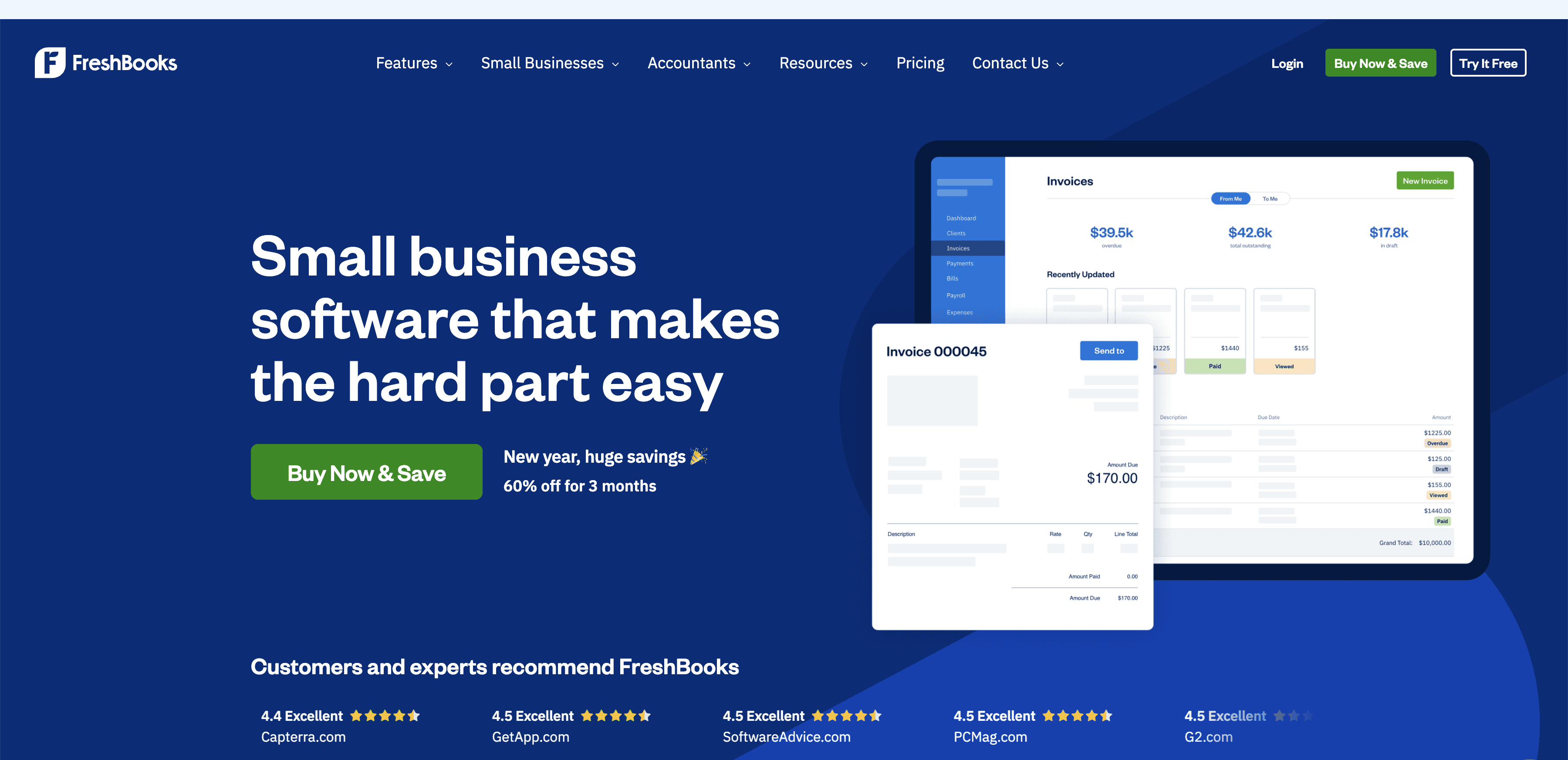
Facturación Automatizada (QuickBooks Online / FreshBooks con IA)
Predice ciclos de facturación de proyectos y automatiza correos electrónicos de seguimiento para facturas impagas.
Por qué es importante: Las horas no facturables matan la rentabilidad freelance. Automatizar la "solicitud" de dinero asegura que el flujo de caja se mantenga constante sin que necesites jugar al "poli malo."
Mejor para: Retenedores mensuales y facturación basada en hitos.
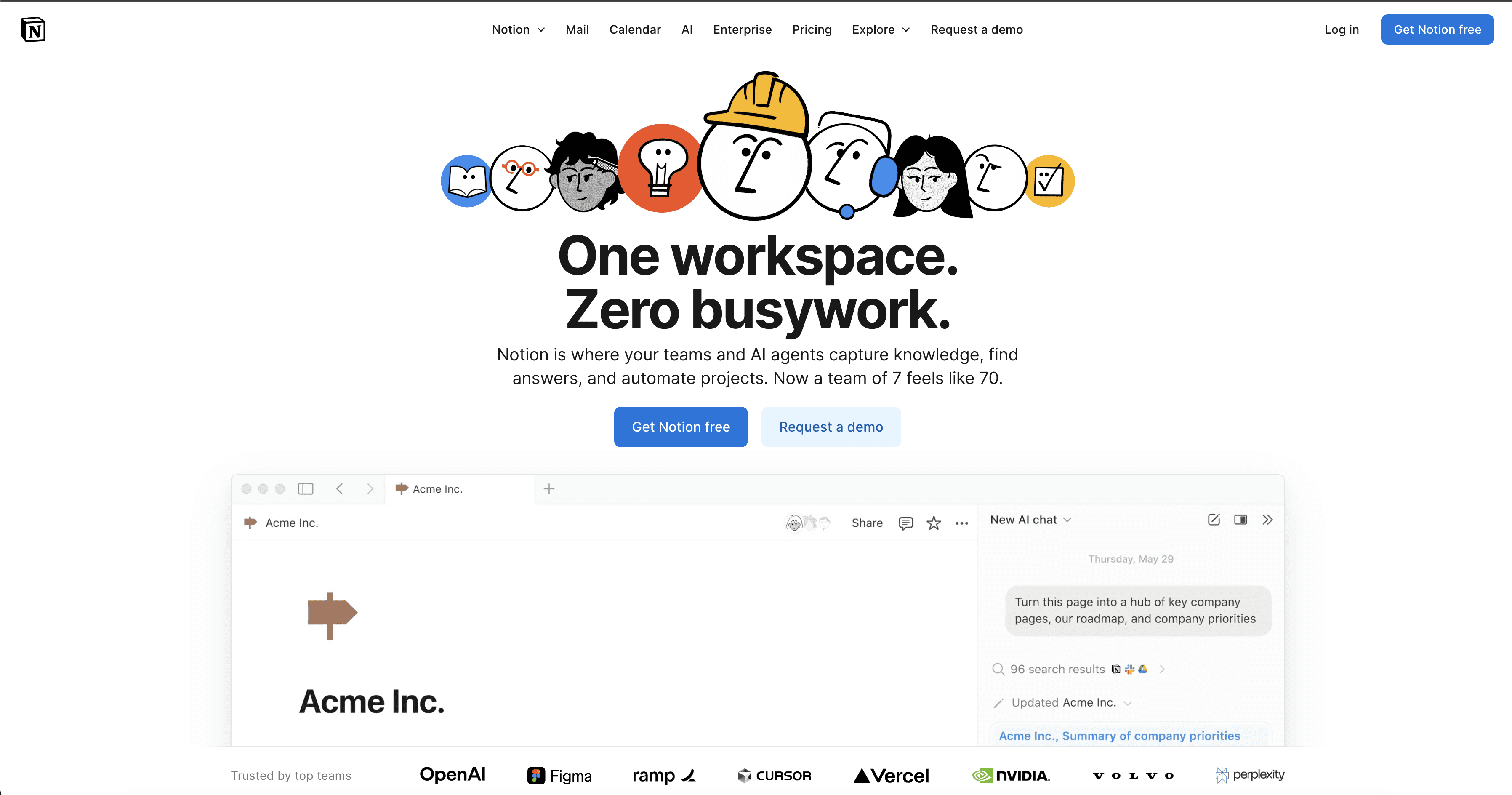
Gestión del Conocimiento (Notion AI)
Organiza notas dispersas, transcripciones de reuniones y resúmenes de proyectos en una base de datos accesible.
Por qué es importante: Los freelancers rara vez tienen un gerente de proyectos. La IA puede revelar el requisito específico de HVAC que un cliente mencionó hace tres meses sin que tengas que buscar entre cuarenta correos electrónicos.
Mejor para: Organizar especificaciones de proyectos y preferencias de clientes.
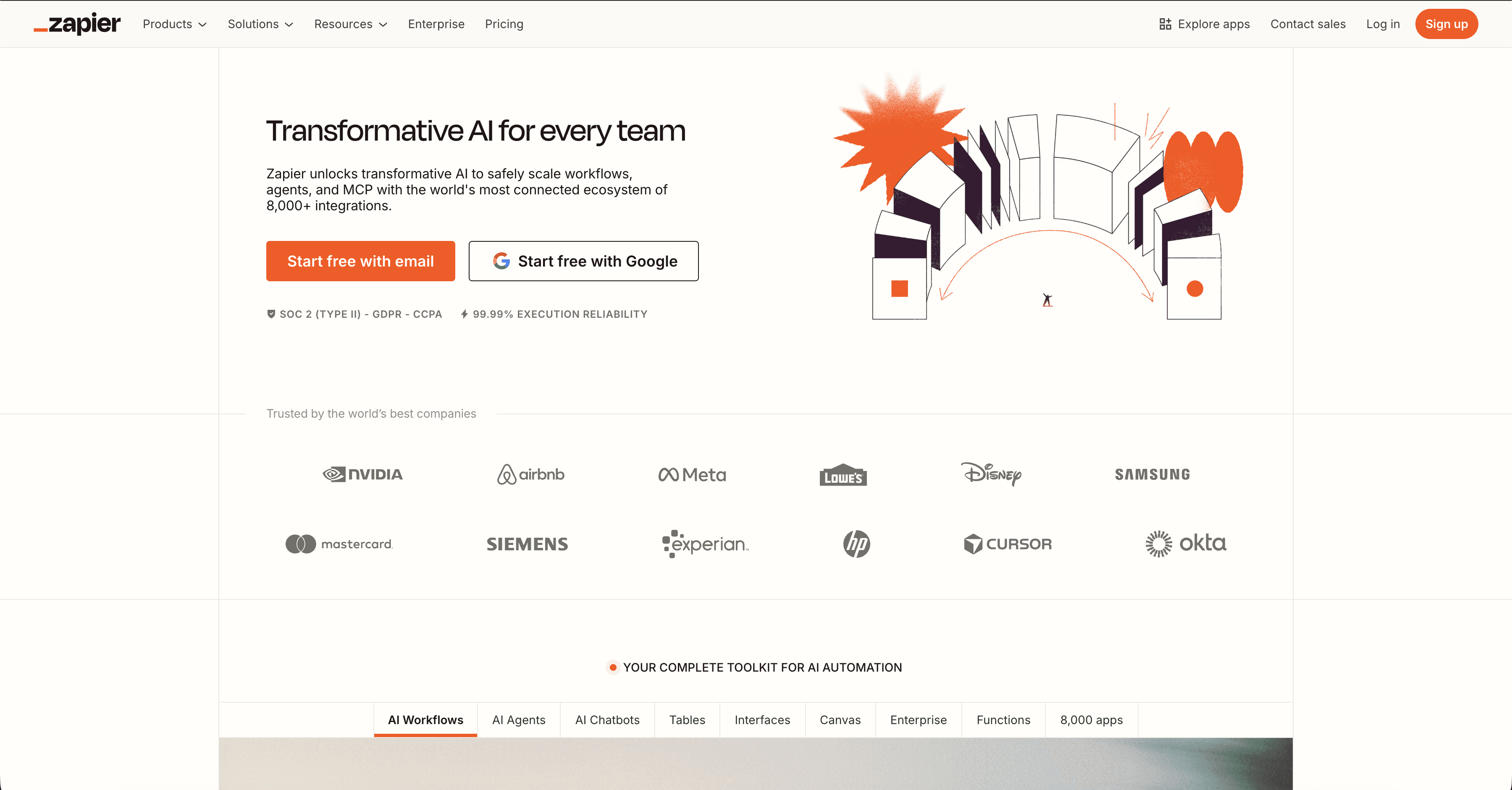
Automatización de Flujos de Trabajo (Zapier / Make)
Conecta aplicaciones desconectadas (por ejemplo, "Cuando un cliente firma un contrato, crea una carpeta de Google Drive").
Por qué es importante: Maneja el trabajo invisible de pegamento. Al automatizar la configuración de archivos y la incorporación, pareces una firma más grande y organizada desde el primer día.
Mejor para: Incorporación de clientes y configuración de proyectos.
3/ Comunicación con el Cliente
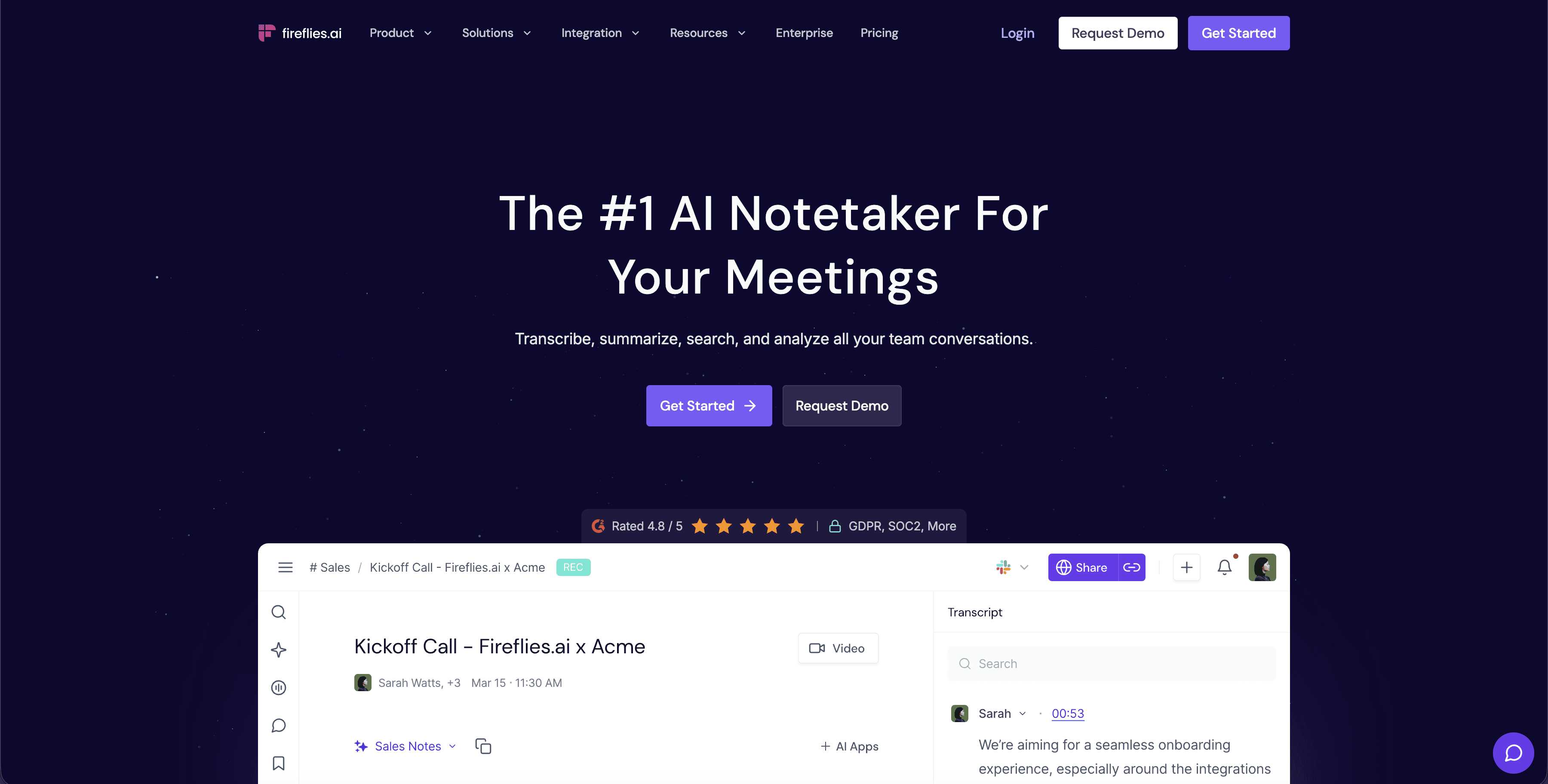
Inteligencia de Reuniones (Otter.ai / Fireflies)
Graba, transcribe y resume reuniones con clientes, extrayendo automáticamente elementos de acción.
Por qué es importante: No puedes hacer bocetos y tomar notas detalladas al mismo tiempo. Esto asegura que nunca te pierdas un cambio de alcance solicitado verbalmente durante una visita al sitio o una llamada por Zoom.
Mejor para: Visitas al sitio, revisiones de diseño y sesiones informativas.
Asistentes para Redacción de Propuestas (Claude / ChatGPT)
Redacta documentos de alcance de trabajo y propuestas de tarifas basadas en tus puntos básicos.
Por qué es importante: Reduce la ansiedad de la página en blanco. Puedes proporcionarle una propuesta previa exitosa y los detalles del nuevo proyecto para generar un primer borrador en minutos, no horas.
Mejor para: Propuestas de tarifas y declaraciones de capacidades.
4/ Técnico y Legal
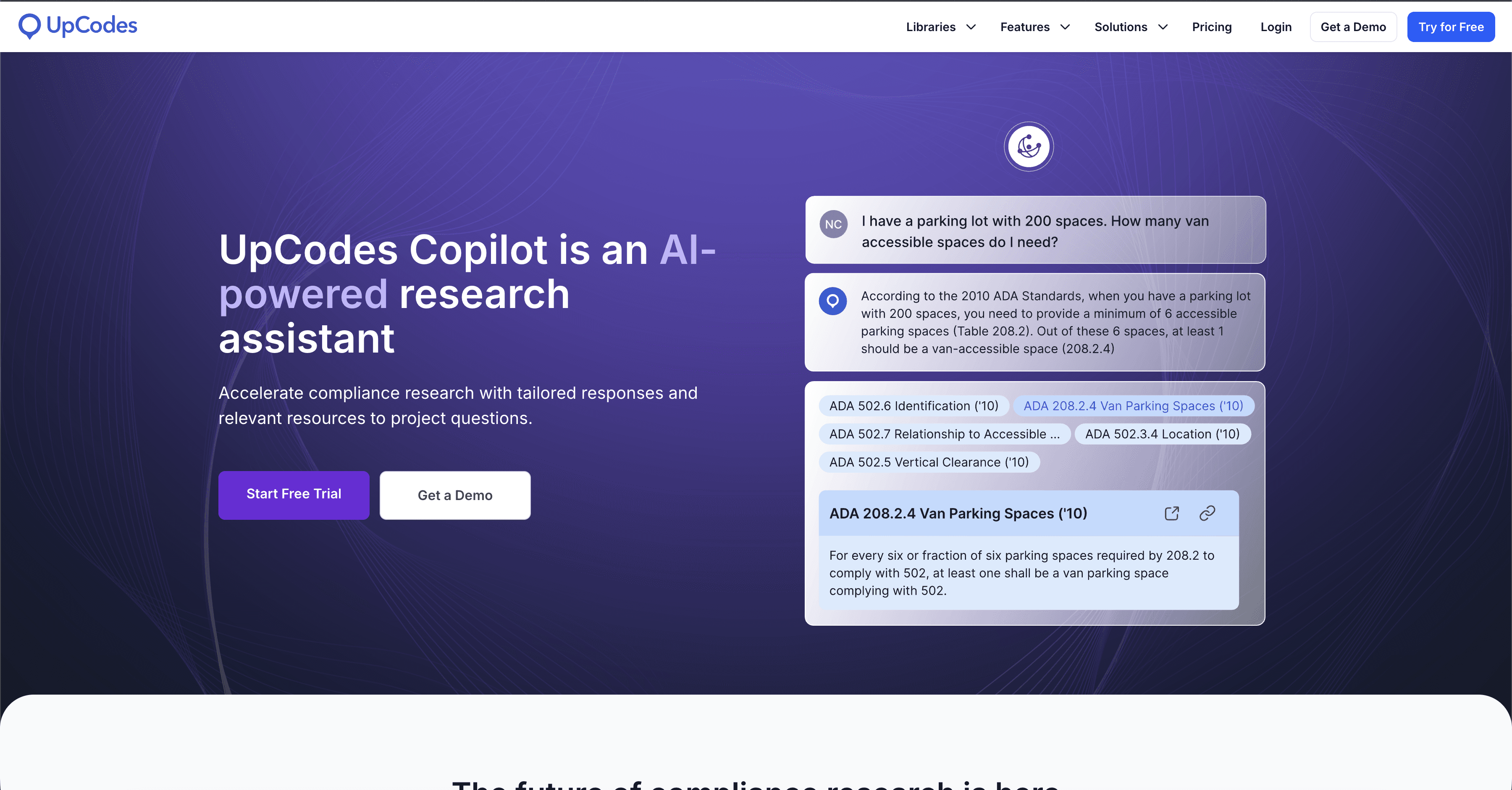
Comprobadores de Cumplimiento de Códigos (UpCodes Copilot)
Escanea descripciones de proyectos o restricciones contra códigos de construcción locales para detectar posibles problemas.
Por qué es importante: Actúa como un segundo par de ojos. Para un profesional independiente, perderse una actualización de código puede ser una responsabilidad costosa; la IA ayuda a verificar sus suposiciones temprano.
Mejor para: Estudios de viabilidad y diseño esquemático.
Revisión de Contratos (Asistentes Legales de IA)
Resume contratos largos para resaltar cláusulas no estándar o riesgos de responsabilidad.
Por qué es importante: Los grandes clientes a menudo envían acuerdos de 50 páginas. La IA puede rápidamente identificar cláusulas de indemnización que podrían ser asegurable, incitándote a consultar un abogado real solo cuando sea necesario.
Mejor para: Revisar acuerdos de subconsultores o contratos de desarrolladores.
5/ Control de Calidad
Escalado de Imágenes (Rendair AI)
Mejora la resolución y nitidez de renders para impresión en gran formato o marketing.
Por qué es importante: Un render que se ve bien en Instagram puede verse pixelado en un cartel de construcción. El escalado asegura que tus activos de portafolio estén listos para imprimir sin tener que volver a renderizar en 8K.
Mejor para: Entregables finales de marketing y señalización del sitio.
Correctores de Gramática y Tono (Grammarly Pro)
Revisa correos electrónicos e informes en busca de claridad, tono y profesionalismo.Por qué es importante: La mala comunicación causa retrasos. Asegurar que su correo "fuerte" a un contratista suene profesional en lugar de emocional protege sus relaciones.
Mejor para: Correos electrónicos sensibles al cliente e informes técnicos.
Comienza con la fricción, no con la herramienta
Lo que los equipos experimentados aprenden temprano:
No revises todo. Elige la tarea que más odias (por ejemplo, renderizar o facturar) y resuélvela primero.
La consistencia genera confianza. Usa IA para hacer que tu producción sea predecible, no solo "creativa".
Tú eres el editor. La IA genera el material crudo; tu valor está en curarlo y aprobarlo.
El objetivo de usar IA en 2026 no es producir más trabajo, sino producir mejor trabajo con menos ansiedad. Comienza reemplazando las tareas que te impiden diseñar.
Bonus: El problema de "¿Podemos verlo en ladrillo?"
Uno de los momentos más dolorosos para un freelancer es una solicitud de cambio de material en una etapa avanzada. Usualmente, esto significa re-texturizar un modelo, re-iluminar y re-renderizar: un proceso de medio día.
La Solución: Usa Edición de Rendair. Puedes enmascarar solo la fachada de tu render existente y solicitar "textura de ladrillo rojo" para generar una alternativa realista en segundos. Mantienes el ángulo de la cámara y la iluminación perfectamente, manteniendo al cliente enfocado en la decisión, no en la demora.
Publicaciones Recientes

Únete a más de 500,000 arquitectos que ahorraron tiempo. No se necesita tarjeta de crédito para tus primeros 20 créditos.