Top 10 Plugins and Extensions for Krita

9 févr. 2026
If you use Krita regularly, you know the base tools only get you so far. The right plugins change how fast you work and what you can deliver.
Here's what actually makes a difference.
1/ Workflow and Speed
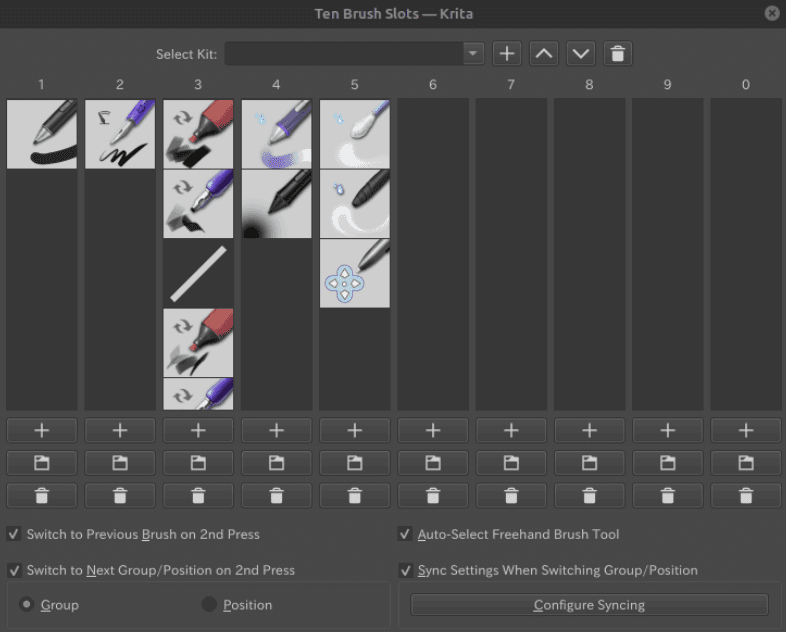
Ten Brushes
It allows you to assign specific brush presets to keyboard shortcuts (0-9).
Why it matters: Architects and designers switch between specific tools constantly (e.g., a technical pen for lines, a marker for shading, an eraser). This removes the friction of hunting through menus.
Best for: Fast sketching and drafting sessions where flow is critical.
Docker Under Cursor
A utility that lets you toggle dockers (panels) on and off right where your mouse is, rather than keeping them permanently open.
Why it matters: Maximizes screen real estate for the actual drawing while keeping tools accessible instantly.
Best for: Laptop users or detailed work where you need a clean, distraction-free canvas.
2/ Color and Concepting
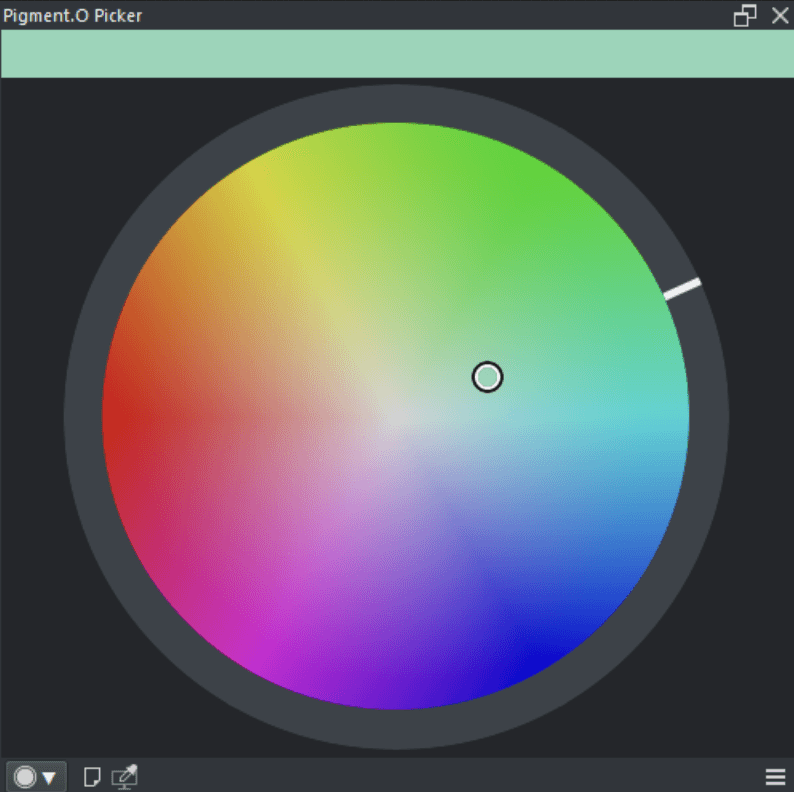
Pigment.O
A sophisticated color mixing picker that simulates how real pigments blend, rather than using digital RGB math.
Why it matters: Standard digital color pickers often result in "muddy" transitions. Pigment.O helps designers maintain vibrant, realistic material palettes (like wood or brick tones) without manual color theory calculations.
Best for: Material studies and rendering realistic textures.
Gamut Mask
Allows you to limit your color wheel to a specific shape or range.
Why it matters: Prevents "clown vomit" designs by forcing you to stick to a harmonious color scheme defined at the start of the project.
Best for: Early mood boards and atmospheric concept art.
3/ Asset Management and Export
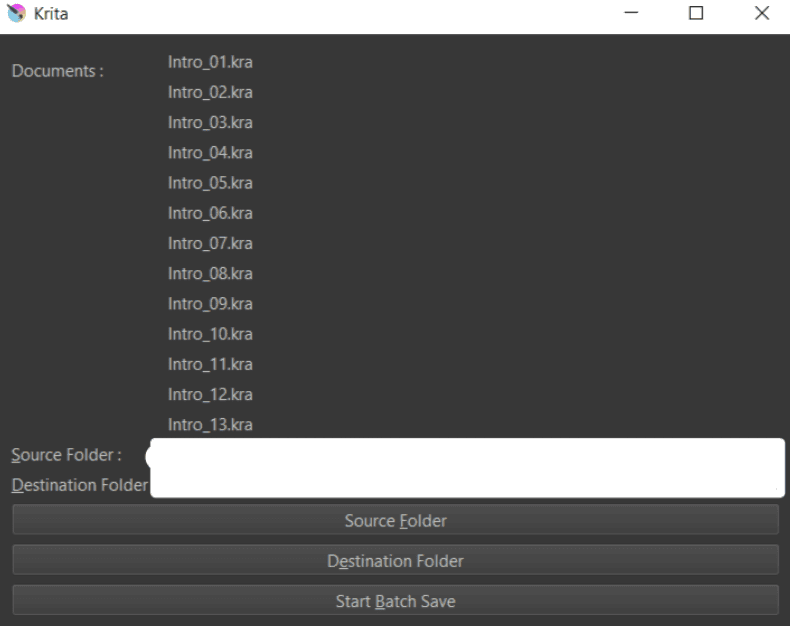
Krita Batch Exporter
A powerful tool that auto-exports layers and groups into different file formats and sizes based on layer naming conventions.
Why it matters: You can export a floor plan, an elevation, and a detail shot simultaneously from one master file. It saves hours of manual "Save As" work.
Best for: Final client delivery packages and separating elements for presentations.
Reference Image Docker (Built-in but essential)
While technically built-in, it is often disabled. It lets you pin reference images around your canvas that stay visible but don't interfere with the drawing.
Why it matters: Architects never draw from memory. You need site photos and material references visible at all times without switching windows.
Best for: Site analysis and drawing from specific inspiration sources.
4/ Image Manipulation and Filters
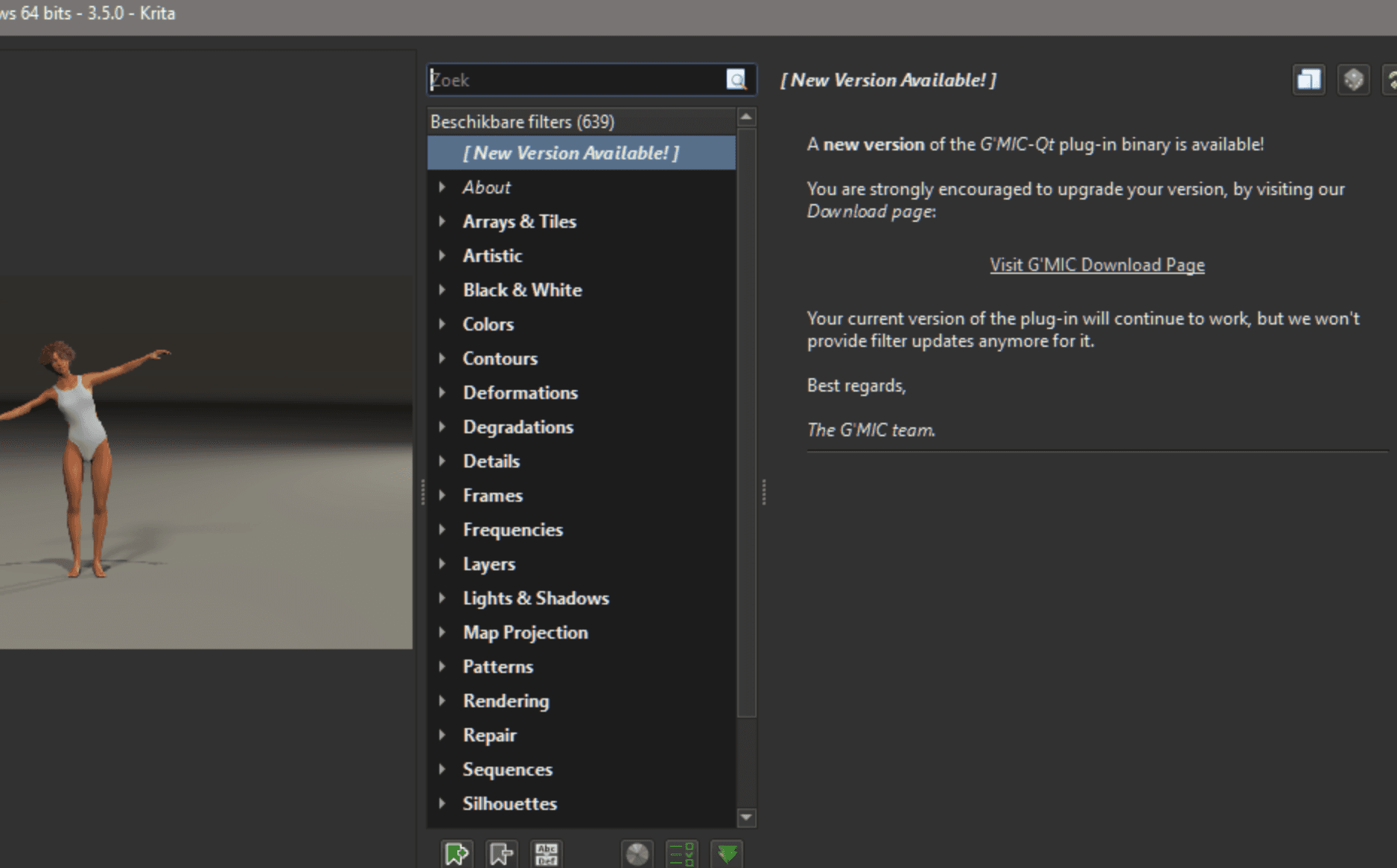
G’MIC-Qt
A massive framework containing hundreds of filters, including noise reduction, seamless texture generation, and artistic stylization.
Why it matters: It can instantly turn a flat drawing into a "blueprint" style, generate seamless concrete or grass textures, or clean up scanned sketches.
Best for: Post-processing renders and creating custom texture assets.
Perspective Ellipse Assistant
A specific tool for drawing circles in perspective.
Why it matters: Drawing columns, arches, or circular furniture in perspective is notoriously difficult. This tool locks your stroke to the correct vanishing geometry.
Best for: Interior design sketches and classical architectural details.
5/ AI and Automation
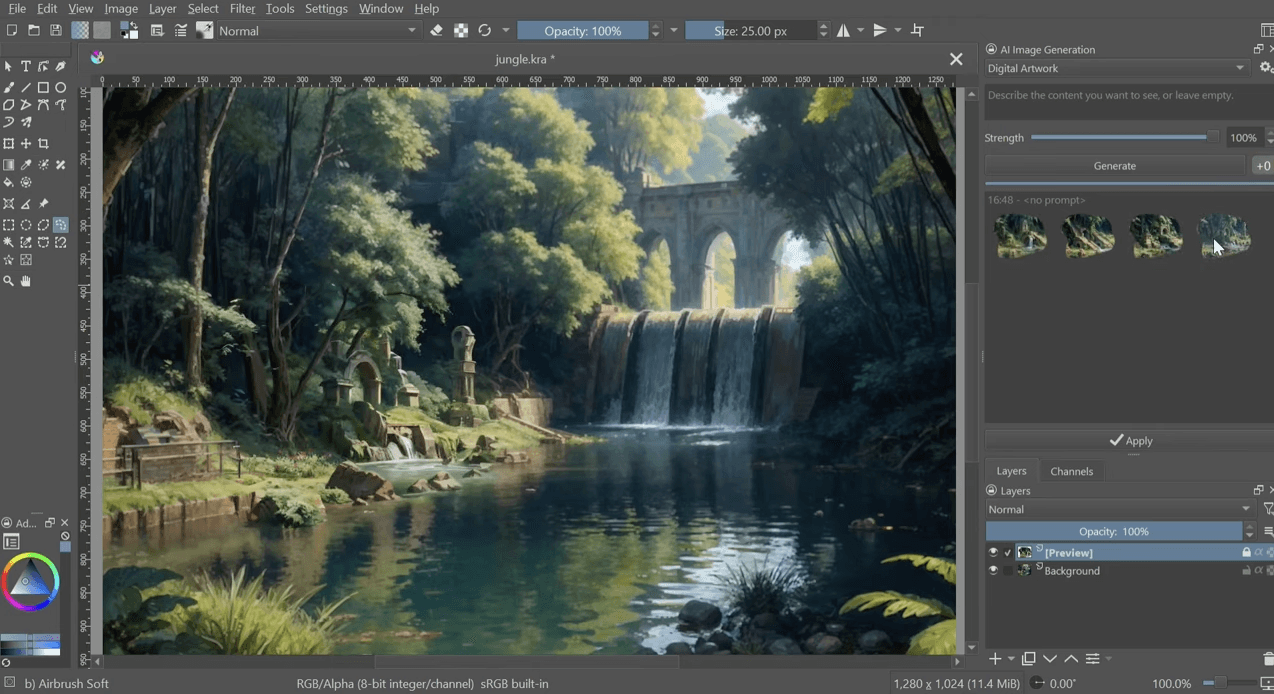
Krita AI Diffusion
A plugin that integrates Stable Diffusion directly into Krita, allowing for inpainting, outpainting, and generation on your local machine.
Why it matters: It allows you to "paint" with AI—sketching a rough block and letting the model fill in the realistic details, or extending a canvas beyond its original borders.
Best for: Rapid ideation and fixing specific details (like adding trees or people) without redrawing.
UI Redesign
A plugin that modernizes Krita’s interface to be more minimal and efficient.
Why it matters: Reduces visual clutter, making the software feel more like a dedicated drafting table and less like a complex cockpit.
Best for: Users migrating from other minimal apps like Procreate who find Krita’s default UI overwhelming.
Choosing what fits your work
Not every plugin makes sense for every project. Match tools to your actual bottlenecks, not feature lists.
Start with one or two that address your most frequent friction points. Add more as workflows evolve.
Bonus: Speed up rendering without leaving your workflow
If rendering is your bottleneck, Rendair handles visualization faster than most plugins can process.
Upload your Krita exports, get presentation-ready renders in minutes. No new software to learn, no render farm setup.
Start creating – try it free
Articles récents

Tools, Extensions, Plugins
Top 5 Plugins and Extensions for FreeCAD
Unlock Krita's full potential for architecture and design with these top 10 essential plugins.

Tools, Extensions, Plugins
Top Plugins and Extensions for Allplan
Unlock Krita's full potential for architecture and design with these top 10 essential plugins.

Tools, Extensions, Plugins
Top 5 GIMP Plugins for Architects and Designers
Unlock Krita's full potential for architecture and design with these top 10 essential plugins.
Tools, Extensions, Plugins
Top 10 Plugins and Extensions for Krita
Unlock Krita's full potential for architecture and design with these top 10 essential plugins.

Tools, Extensions, Plugins
Top 5 Plugins and Extensions for MicroStation
Unlock Krita's full potential for architecture and design with these top 10 essential plugins.

Tools, Extensions, Plugins
Top Plugins and Extensions for Tekla Structures
Unlock Krita's full potential for architecture and design with these top 10 essential plugins.
Questions Fréquemment Posées