Top 5 Plugins and Extensions for FreeCAD

09/02/2026
If you use FreeCAD regularly, you know the base tools only get you so far. The right plugins (called "Workbenches" in the FreeCAD ecosystem) change how fast you work and what you can deliver.
With the release of FreeCAD 1.0, some features have moved to the core, but the most powerful capabilities still live in the Addon Manager.
Here is what actually makes a difference for architectural and design workflows.
1/ The Architectural Core
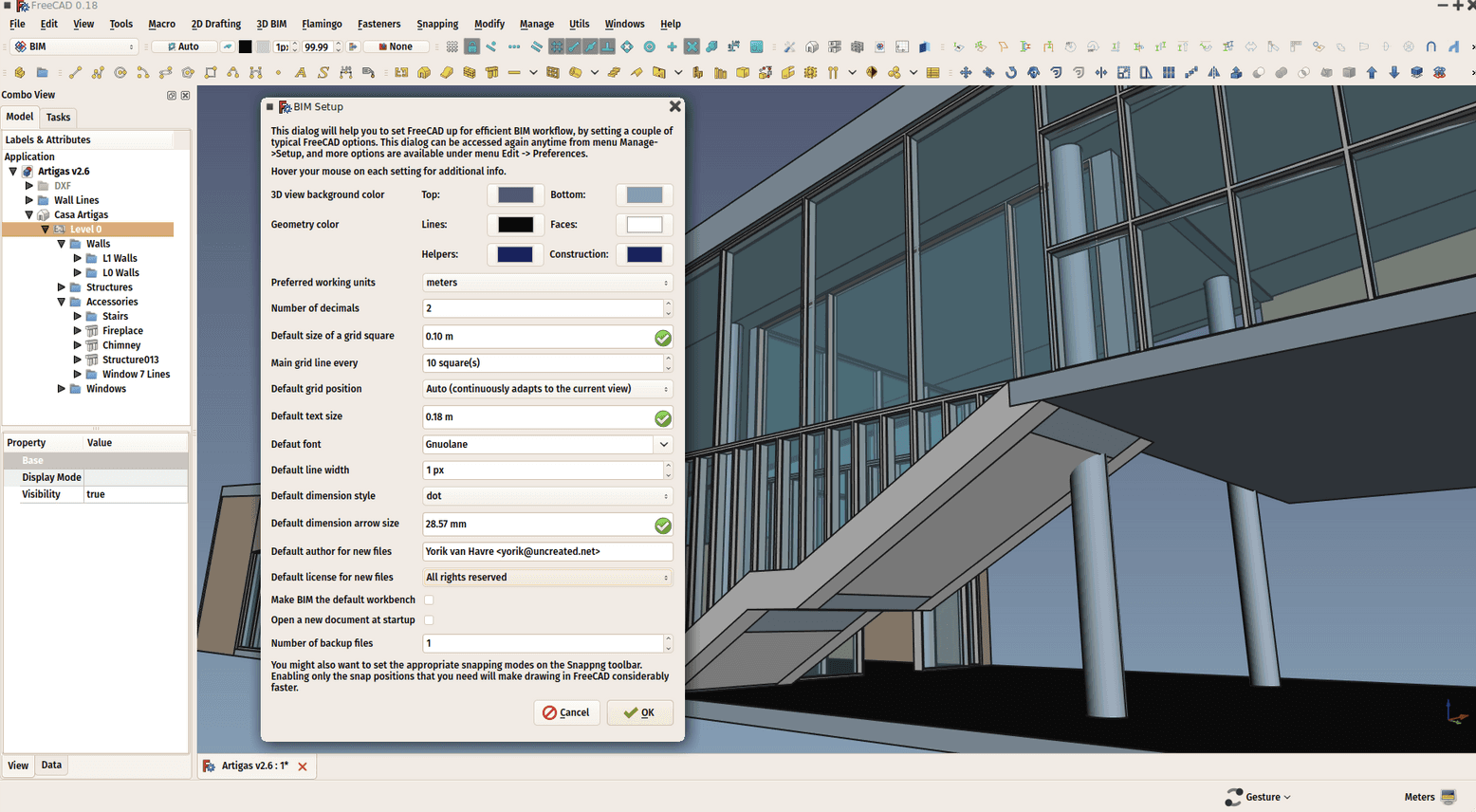
BIM Workbench
This is the definitive workspace for architecture in FreeCAD. While the older "Arch" workbench provided the foundation, the BIM workbench (developed largely by Yorik van Havre) adds the interface layer that makes it usable for professionals.
Why it matters: It handles native IFC import/export reliably, which is non-negotiable for working with Revit or ArchiCAD consultants. It also manages parametric building components like complex windows, stairs, and roofs better than the default tools.
Best for: Full architectural documentation and BIM coordination.
NativeIFC
A critical utility often used alongside the BIM workbench. It allows you to load IFC files without converting them into FreeCAD geometry immediately, keeping files light and referenceable.
Why it matters: It prevents your model from crashing when you load a 500MB consultant file.
Best for: Coordination models and checking consultant work.
2/ Complex Assembly and Organization
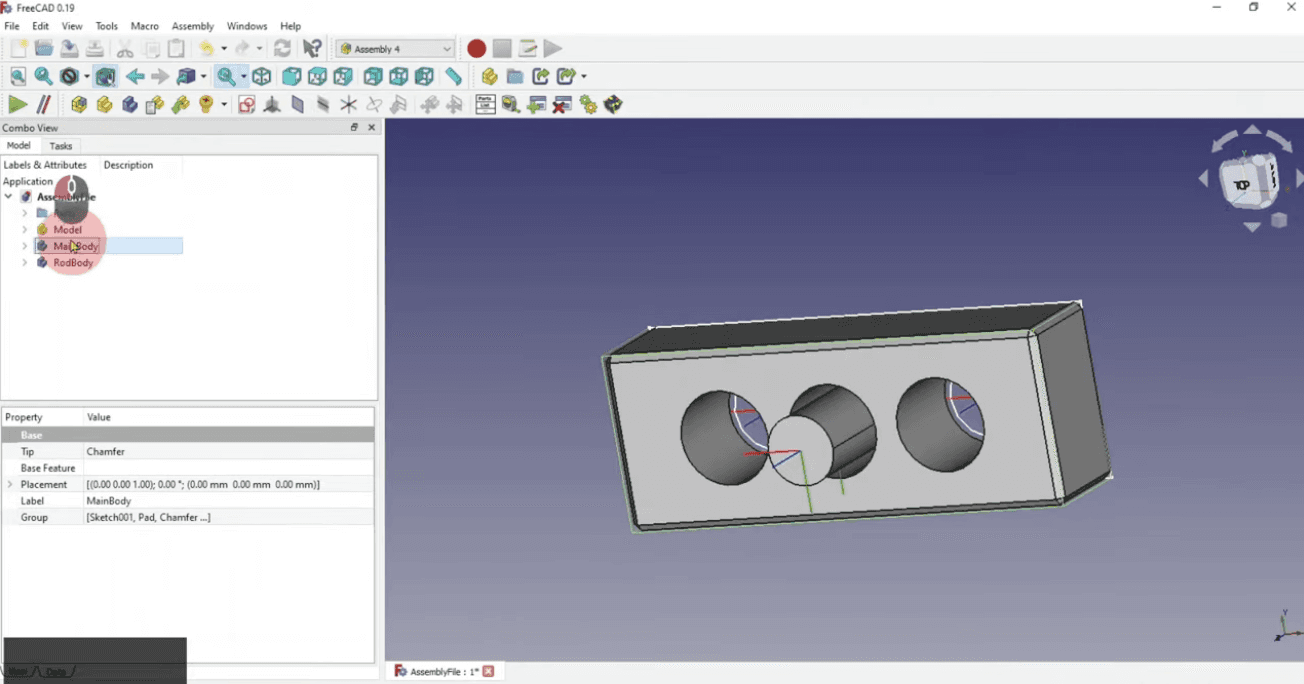
Assembly4
FreeCAD 1.0 introduced a built-in Assembly workbench, but Assembly4 remains the choice for power users who need robust parametric control. Unlike other solvers that break when you modify a face (the "topological naming problem"), Assembly4 uses a master sketch and coordinate systems (LCS) to drive parts.
Why it matters: Your assembly does not "explode" when you change a dimension in a single part. It requires more setup but offers stability for complex parametric definitions.
Best for: Parametric furniture design and complex joinery systems.
A2plus
If Assembly4 is for stability, A2plus is for speed. It uses a simple constraint-based approach (face-to-face, axis-to-axis) that feels familiar to SolidWorks or Fusion 360 users.
Why it matters: It is the fastest way to check if parts fit together during early concept phases.
Best for: Quick mockups and checking spatial relationships.
3/ Organic and Complex Geometry
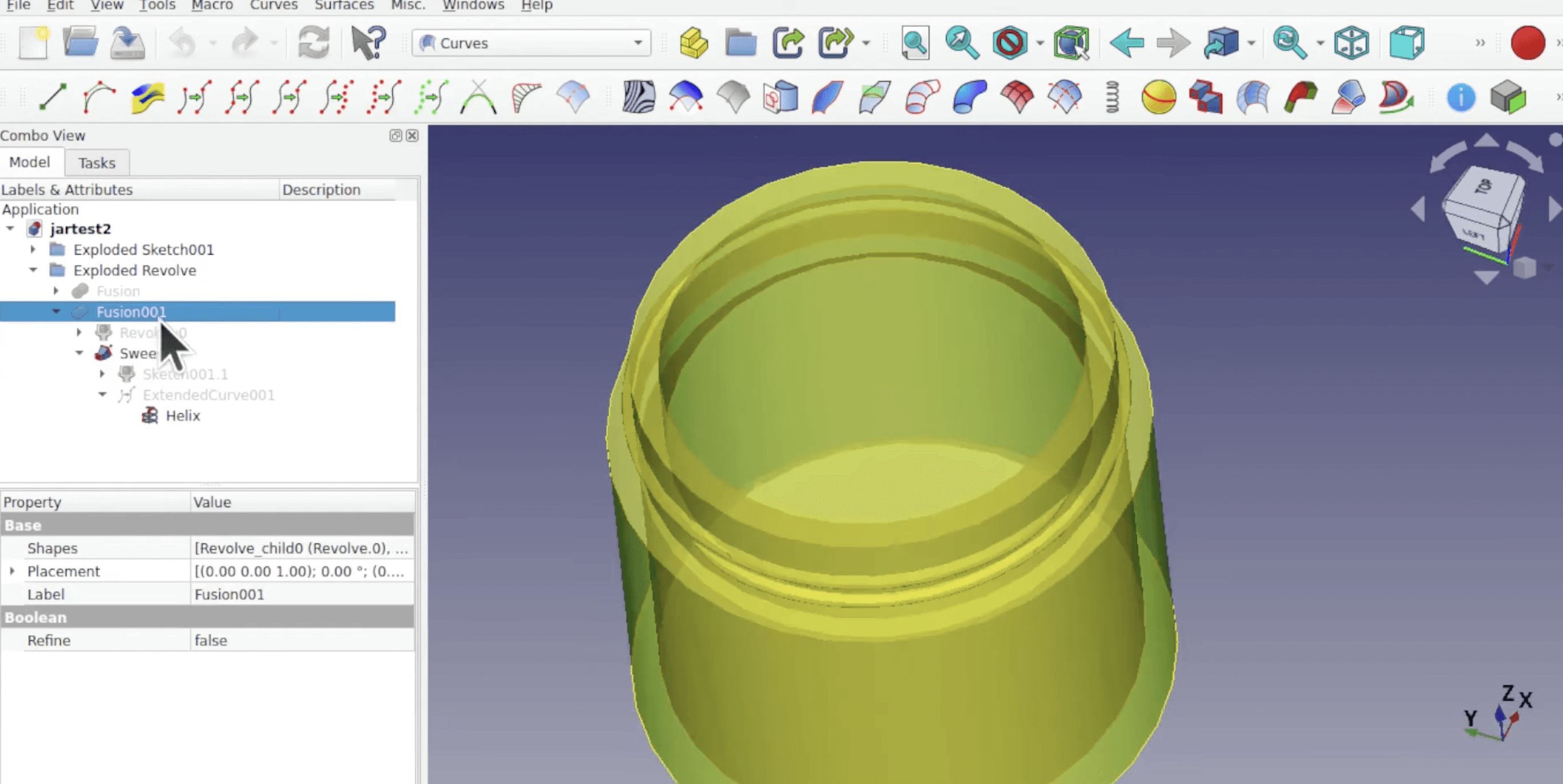
Curves Workbench
FreeCAD is traditionally strong at "boxy" mechanical shapes but struggles with organic forms. The Curves workbench bridges this gap, adding tools for NURBS surfaces, continuous blending, and complex sweeps that the standard Part Design workbench cannot handle.
Why it matters: It allows architects to model tensile structures, organic facades, or custom furniture that requires G2 continuity.
Best for: Custom furniture, fabric structures, and organic facade details.
4/ Structural Detailing
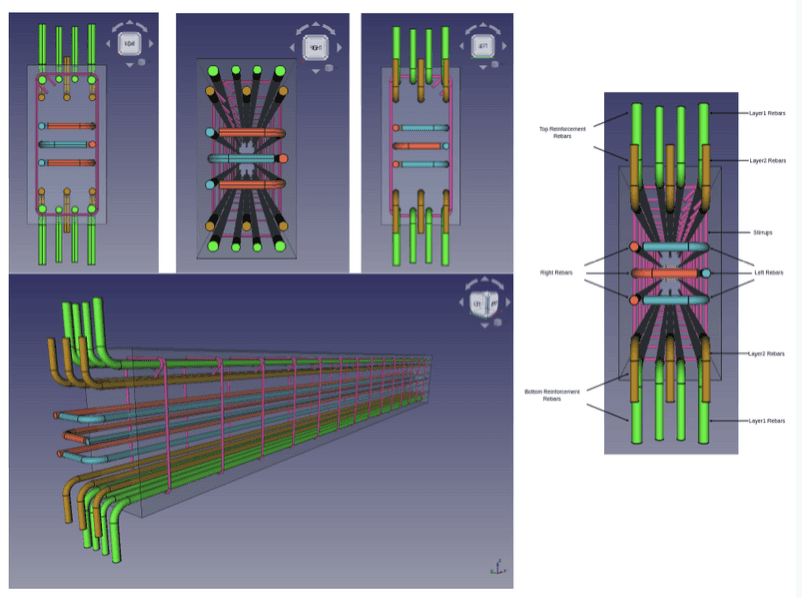
Reinforcement Workbench
This is a specialized expansion of the Arch/BIM tools specifically for structural engineering. It provides parametric tools to generate straight, U-shape, L-shape, and bent rebar configurations automatically inside concrete elements.
Why it matters: It automates the tedious task of modeling reinforcement for section details or Bill of Materials (BOM) calculations.
Best for: Structural detailing and construction documentation.
5/ Visualization and Rendering
Render Workbench
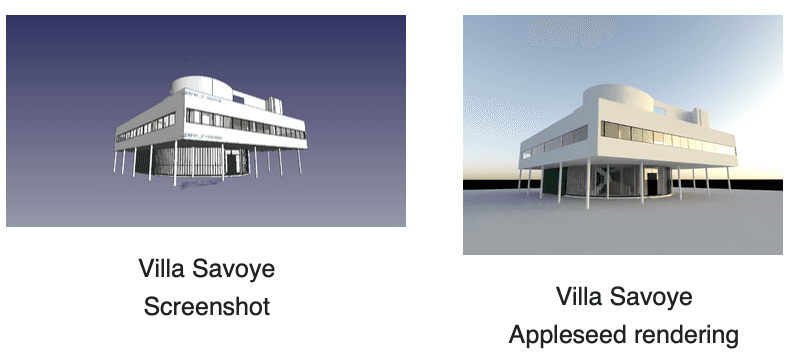
This workbench replaces the older "Raytracing" tools. It acts as a bridge, allowing you to export your FreeCAD scene directly to open-source rendering engines like LuxCoreRender, Cycles, or Appleseed without leaving the interface.
Why it matters: It gives you access to ray-traced lighting and materials, provided you have the hardware and patience to configure the external engines.
Best for: Users who want to keep the entire pipeline open-source and local.
Choosing what fits your work
Not every workbench makes sense for every project. Match tools to your actual bottlenecks, not feature lists.
Doing BIM? Install the BIM Workbench immediately.
Designing Furniture? Learn Assembly4 and Curves.
Detailing Concrete? Get Reinforcement.
Start with the one that addresses your current friction point.
Bonus: Speed up rendering without leaving your workflow
The Render Workbench is powerful, but configuring LuxCore or Cycles takes hours of technical setup.
If your goal is a client presentation, Rendair handles the visualization faster than your local machine can process a ray-trace.
Upload your FreeCAD viewport screenshots or simple exports, and get presentation-ready renders in minutes. You keep control of the geometry; we handle the lighting, materials, and realism.
Start creating – try it free
Publicações Recentes
Tools, Extensions, Plugins
Top 5 Plugins and Extensions for FreeCAD
Maximize FreeCAD 1.0 with these essential workbenches for architecture and design.

Tools, Extensions, Plugins
Top Plugins and Extensions for Allplan
Maximize FreeCAD 1.0 with these essential workbenches for architecture and design.

Tools, Extensions, Plugins
Top 5 GIMP Plugins for Architects and Designers
Maximize FreeCAD 1.0 with these essential workbenches for architecture and design.

Tools, Extensions, Plugins
Top 10 Plugins and Extensions for Krita
Maximize FreeCAD 1.0 with these essential workbenches for architecture and design.

Tools, Extensions, Plugins
Top 5 Plugins and Extensions for MicroStation
Maximize FreeCAD 1.0 with these essential workbenches for architecture and design.

Tools, Extensions, Plugins
Top Plugins and Extensions for Tekla Structures
Maximize FreeCAD 1.0 with these essential workbenches for architecture and design.
Perguntas Frequentes