Top 5 GIMP Plugins for Architects and Designers

9 feb 2026
If you use GIMP for professional design work, you know the base installation is capable but raw. It lacks the specific, automated tools that make paid software fast.
The right plugins bridge that gap. They turn GIMP from a simple image editor into a workflow-ready tool for architectural visualization, site analysis, and texture preparation.
Here are the extensions that actually matter for design professionals.
1/ The "Content-Aware" Standard
Resynthesizer
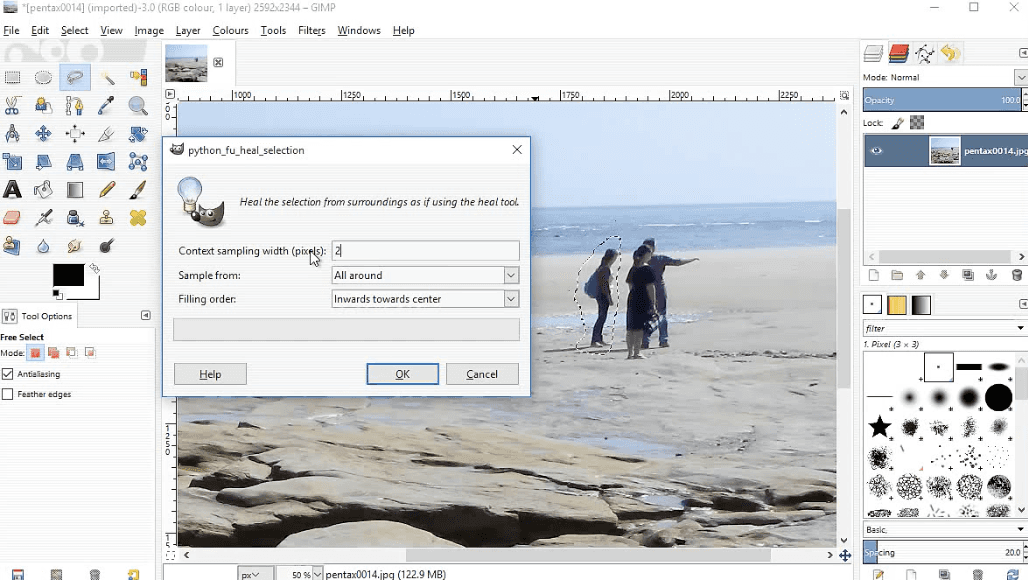
This plugin adds the "Heal Selection" tool, which intelligently fills a selected area using textures from the surrounding image.
Why it matters: It is the only reliable way to remove cars, pedestrians, or construction debris from site photos in GIMP. It effectively replicates the "Content-Aware Fill" found in paid software.
Best for: Cleaning up site photography and removing distractions from early render drafts.
Seamless Texture Generator
Included with Resynthesizer, this filter takes a standard photo of a material (brick, concrete, grass) and makes it tileable.
Why it matters: It automates the tedious process of cloning and blending edges to create textures for 3D models.
Best for: Preparing custom materials for SketchUp, Rhino, or Revit.
2/ The All-in-One Processing Suite
G’MIC (GREYC's Magic for Image Computing)
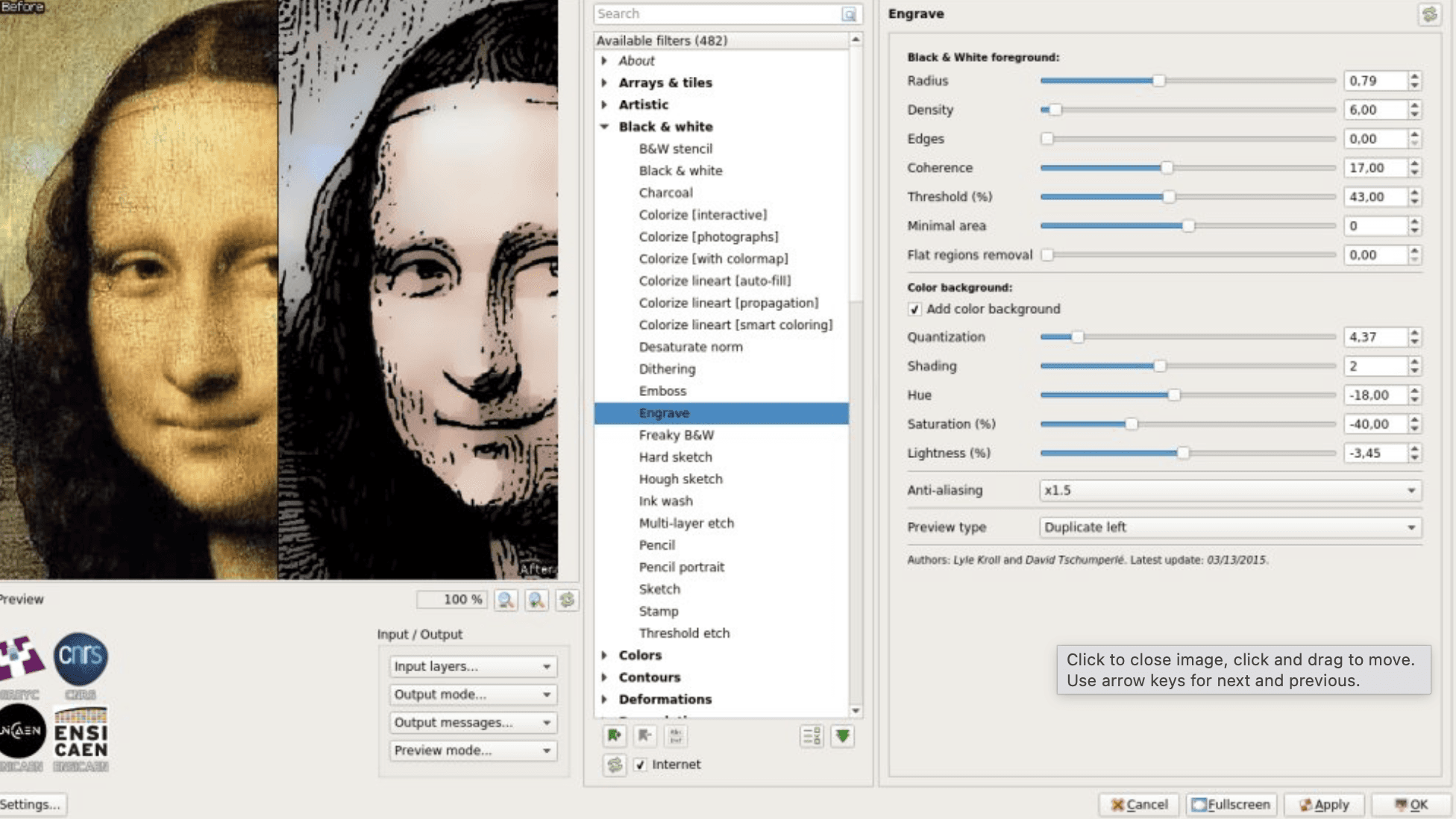
A massive framework containing over 500 filters, but you only need a few specific ones: Repair, Upscale [CNN], and Montage.
Why it matters: The "Upscale [CNN]" filter uses neural networks to enlarge low-resolution client images or grainy site photos without losing edge sharpness—critical when you are sent low-quality assets but need to print a presentation board.
Best for: Upscaling low-res inputs and quickly generating stylized "sketch" versions of renders for concept phases.
3/ The Batch Automator
BIMP (Batch Image Manipulation Plugin)
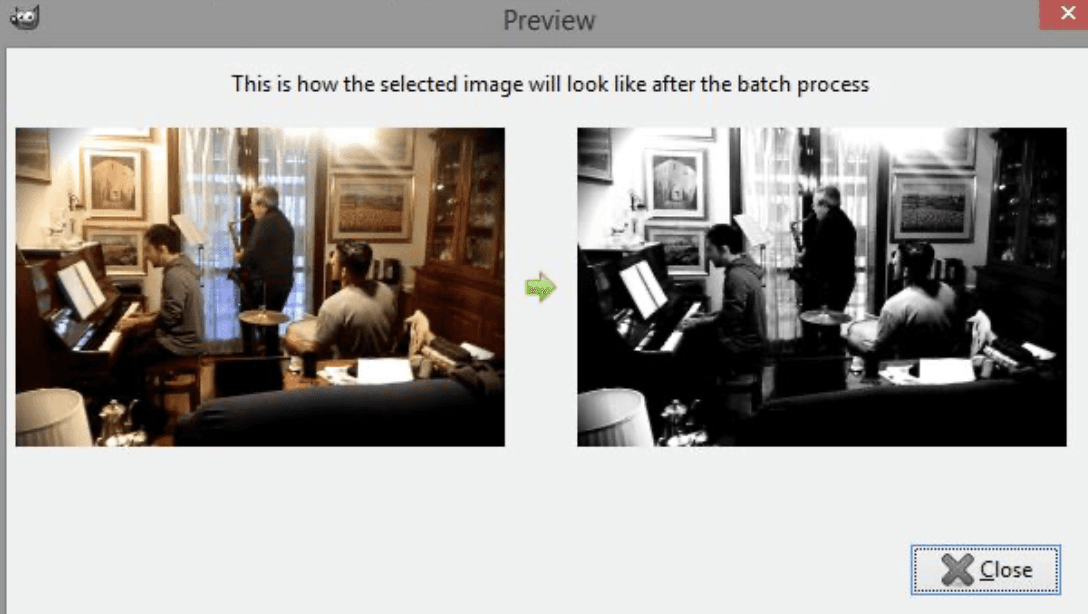
A utility that allows you to apply a set of edits—resize, watermark, crop, color correct—to hundreds of images at once.
Why it matters: Architects often return from a site visit with 200+ photos that are too large to email or include in a report. BIMP processes them all in seconds.
Best for: Compressing site photos, adding company watermarks to draft renders, and formatting project archives.
4/ The RAW Developer
Darktable (Integration)
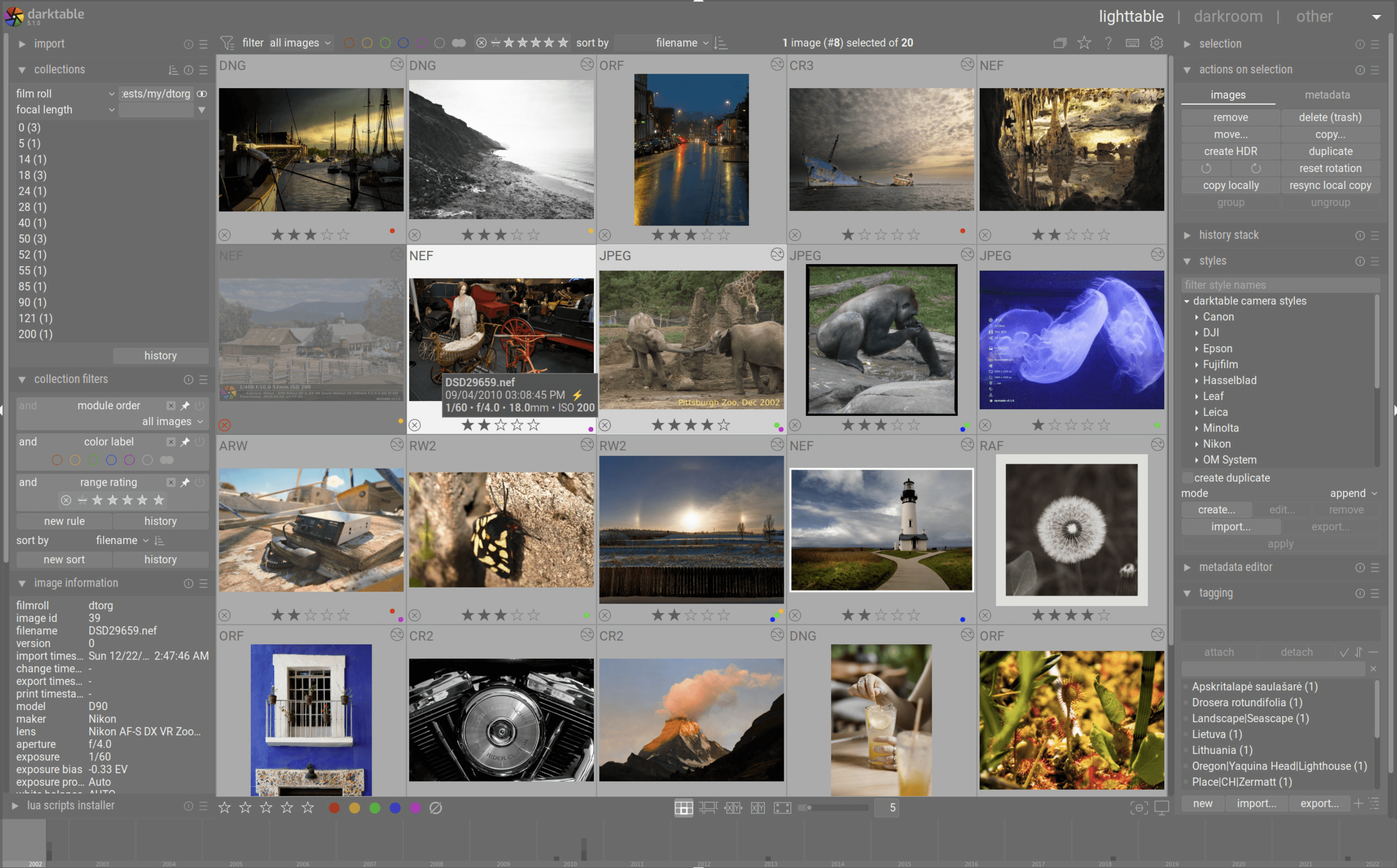
While technically standalone software, Darktable functions as a plugin within GIMP. When you open a RAW file in GIMP, it automatically launches Darktable for processing before importing the pixel data.
Why it matters: Standard JPEGs lose detail in shadows and highlights. Shooting in RAW allows you to recover overexposed windows or underexposed interiors, but GIMP cannot open RAW files natively.
Best for: High-end interior photography and correcting lighting in site surveys.
5/ The Layout Saver
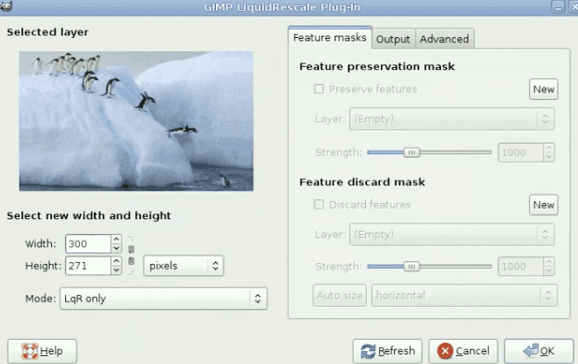
Liquid Rescale
A plugin that implements "seam carving," allowing you to resize an image’s aspect ratio without distorting the subjects inside it.
Why it matters: When a horizontal rendering needs to fit a vertical layout on a presentation board, standard scaling squashes the building. Liquid Rescale removes "unimportant" space (sky, pavement) while keeping the architecture intact.
Best for: Fitting wide renders into vertical project sheets or marketing brochures.
Choosing what fits your work
“Can we just clean this up and send it today?”
Most design delays happen in the gap between "concept" and "presentable."
You do not need every plugin on this list. Start with Resynthesizer for cleaning up images and G’MIC for upscaling. These two alone resolve 80% of the friction in a free-software design workflow.
Bonus: Speed up rendering without leaving your workflow
Plugins help you edit, but they cannot fix a slow rendering engine.
Rendair handles the heavy lifting of visualization. Instead of spending hours tweaking lighting settings or waiting for a local render to finish, you can upload your GIMP block-outs or basic exports and get professional visuals in minutes.
It fits into the workflow you already have.
Start creating – try it free
Publicaciones Recientes

Tools, Extensions, Plugins
Top 5 Plugins and Extensions for FreeCAD
Upgrade your GIMP workflow with these 5 essential plugins for architects and designers.

Tools, Extensions, Plugins
Top Plugins and Extensions for Allplan
Upgrade your GIMP workflow with these 5 essential plugins for architects and designers.
Tools, Extensions, Plugins
Top 5 GIMP Plugins for Architects and Designers
Upgrade your GIMP workflow with these 5 essential plugins for architects and designers.

Tools, Extensions, Plugins
Top 10 Plugins and Extensions for Krita
Upgrade your GIMP workflow with these 5 essential plugins for architects and designers.

Tools, Extensions, Plugins
Top 5 Plugins and Extensions for MicroStation
Upgrade your GIMP workflow with these 5 essential plugins for architects and designers.

Tools, Extensions, Plugins
Top Plugins and Extensions for Tekla Structures
Upgrade your GIMP workflow with these 5 essential plugins for architects and designers.
Preguntas Frecuentes